
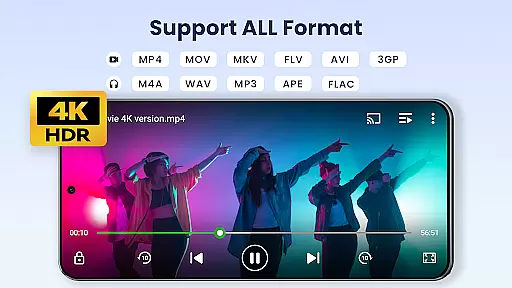

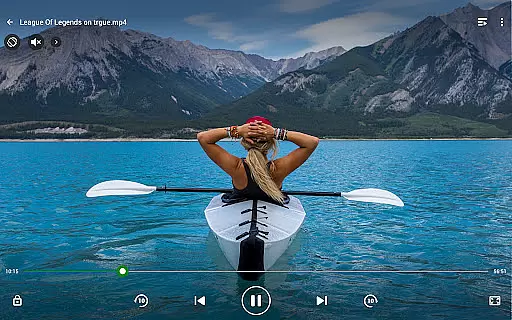
Video Player All Format is a versatile video playback tool designed for Android users. This professional-grade player supports all video formats, including 4K and ultra HD resolutions, ensuring high-definition playback on both tablets and smartphones. The app features advanced functionalities such as hardware acceleration, Chromecast support, and subtitle downloader, making it one of the best choices for media enthusiasts.
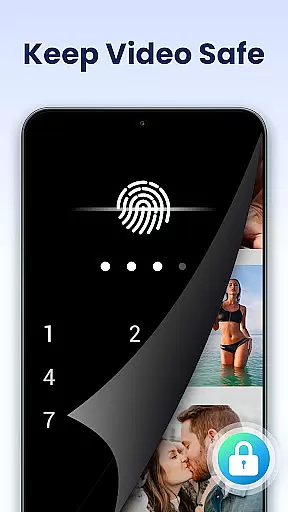
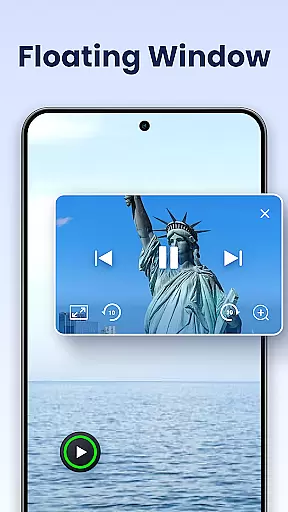
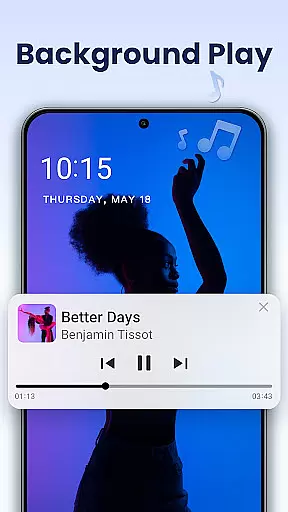
One of the standout features of this video player is its ability to safeguard user privacy through a private folder option. Users can password-protect their private albums, ensuring that sensitive videos remain secure. Additionally, the app offers innovative viewing modes like pop-up windows, split-screen, and background play, allowing for multitasking and flexible media consumption.
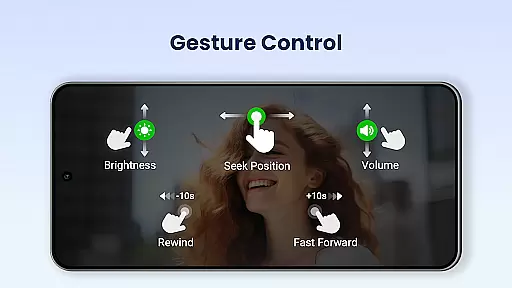
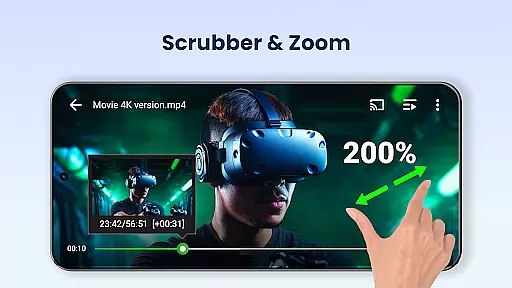
Whether you're managing your video library or streaming content to a larger screen, Video Player All Format provides an intuitive interface with easy controls for volume, brightness, and playback progress. Its comprehensive format compatibility and advanced playback options make it an essential tool for anyone looking to enjoy their video content to the fullest.
Video Player All Format stands out with its extensive feature set tailored for diverse user needs. The app supports all major video formats such as MKV, MP4, AVI, and more, while providing seamless 4K and ultra HD playback. With hardware acceleration, users can enjoy smooth video rendering even with high-resolution files, ensuring an optimal viewing experience across devices.
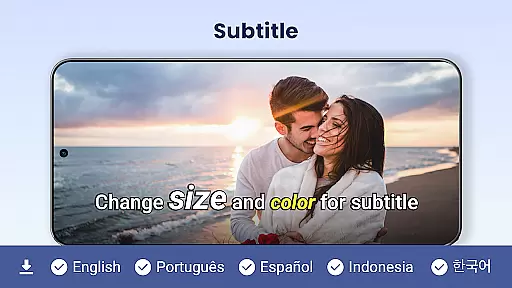
Beyond basic playback, the app includes several innovative features. Users can cast videos to their TV using Chromecast, download subtitles directly within the app, and control playback speed with precision. The pop-up video player allows for multitasking by overlaying video on other apps, while background play enables audio-only mode similar to music players. These features provide flexibility and convenience for various use cases.
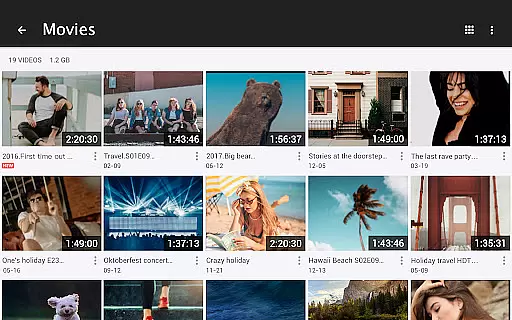
Additional functionalities include automatic identification of video files on both internal storage and SD cards, easy management and sharing options, and customizable playback settings like auto-rotation and aspect ratio adjustment. The night mode, quick mute, and multi-playback options further enhance user comfort and control. These comprehensive features make Video Player All Format a powerful all-in-one solution for video playback and management.
Video Player All Format stands out as a versatile video playback tool that supports an extensive range of video formats, making it adaptable to various user needs.
The application is designed to handle ALL video formats including MKV, MP4, AVI, and more, ensuring that users are not limited by file type. Whether you're dealing with 4K or ultra HD video files, this player provides high-definition playback without compromising quality.
For users who value flexibility in their media players, the app's comprehensive format support means they can enjoy content from different sources without the need for conversion. This feature alone significantly enhances user convenience and widens the scope of media consumption possibilities.
Moreover, the inclusion of hardware acceleration ensures smooth performance even with demanding video files, offering a seamless viewing experience across both Android tablets and phones.
Beyond its core functionality as a video player, Video Player All Format incorporates AI-powered features that elevate the user experience to new heights.
One notable feature is the automatic identification of all video files on your device and SD Card, streamlining the management and sharing process. This smart detection saves time and effort, allowing users to focus on enjoying their content rather than organizing it.
In addition to simplifying file management, the app offers advanced playback options such as speed control, night mode, quick mute, and pop-up video capabilities. These intuitive controls are enhanced by AI to adapt to individual preferences, providing a personalized touch to each viewing session.
Furthermore, the floating video player and background play option exemplify how AI integration facilitates multitasking, letting users enjoy videos while performing other tasks seamlessly. Such innovations underscore the app's commitment to delivering a cutting-edge multimedia experience.
User-friendly interface
Comprehensive format support
Advanced privacy protection
Seamless Chromecast integration
Flexible multitasking options
Occasional playback glitches
Ads in free version
Limited advanced features
Heavy on system resources
Complex for beginners

The smartest M3U IPTV Player your playlists have ever seen.
 4.0
4.0
HD Video player all format, HD Videos, Cast & Subtitle. No annoying ads.
4.60
Create & edit videos with AI
4.30
KineMaster, Your Ultimate Video Editor!
4.40
Stream high quality video from your camera over NDI protocol
4.2
Download videos easily & play them all in one smart, powerful video manager.
3.40
Mix with Virtual DJ directly from your phone or tablet !
3.10
All in one multi protocols stream receiver for AirPlay, Cast and DLNA.
3.60
Browser for Samsung TV to stream webvideos, online movies and livestreams in HD
4.10
?100% FREE! Download & save videos? safely in this app. All formats supported.
4.60
Create photo video with music & template. AI video maker for stunning slideshow.
4.60
Watch IPTV on your Android device
4.60
HD video maker with no watermark, no ads & vlog maker with music, PIP, text
4.50
Download website videos fast&privacy
4.40
Fast & Private Video Downloader App. Save all videos easily from the Internet.
4.40
KMPlayer Plus (Divx Codec) officially support Divx codec.
4.30
Turn your phone into a wireless camera!
4.20
Live TV, anywhere in your home
3.80
Livestream, news, & gaming content. Watch, chat, and upload. Join Rumble today!
3.80


User Reviews