
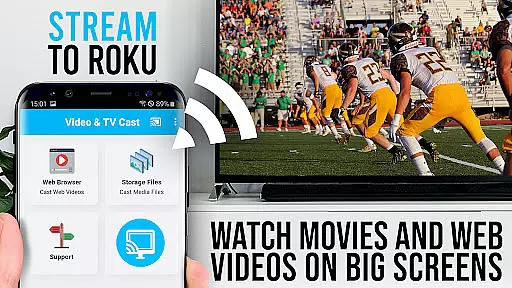
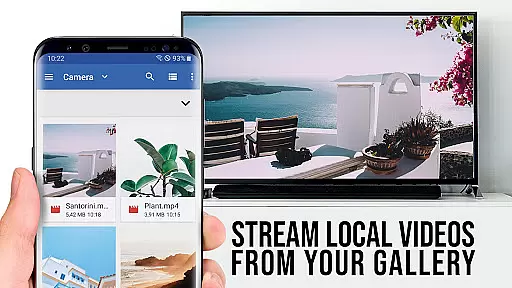
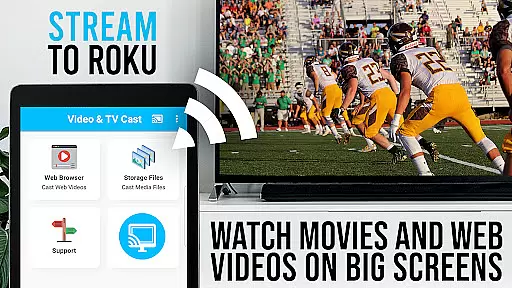
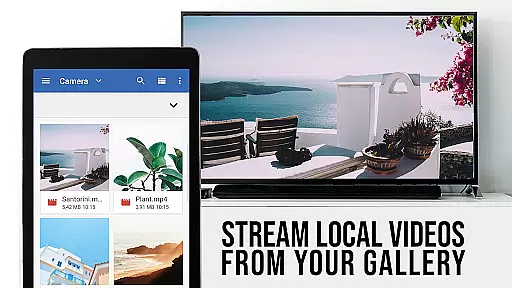
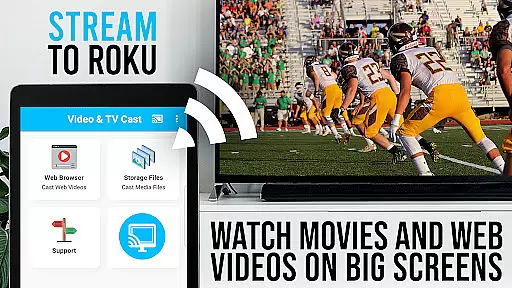
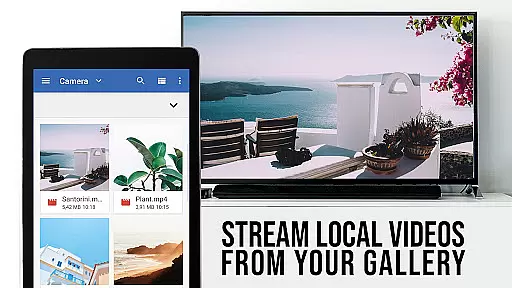
TV Cast Pro for Roku is the premier solution for streaming web videos, online movies, livestreams, and live TV shows directly to your Roku device. Supporting formats like MP4, M3U8, HLS, and Full HD, this app transforms your Roku into a versatile media hub. Integrated with a Roku Remote, it offers seamless control over your viewing experience.
This PRO edition unlocks all premium features including an Ad-Blocker, bookmarks, desktop mode, and more. It's important to note that while it supports many Roku models and video formats, it doesn't support DRM-protected content or screen mirroring from Android devices. With its user-first approach to privacy and functionality, TV Cast Pro enhances how you enjoy digital content on the big screen.
TV Cast Pro for Roku stands out with its specialized features tailored for avid streamers. The integrated Roku Remote allows users to manage video playback effortlessly, providing options to forward, rewind, pause, and switch channels without needing a separate remote.
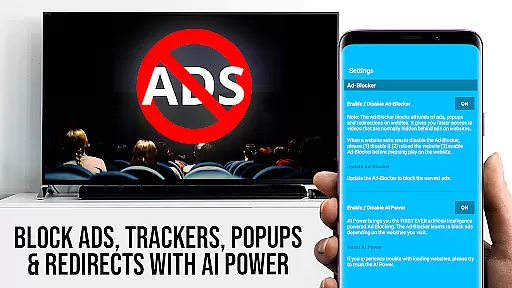
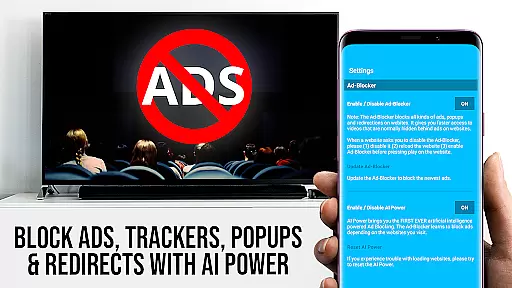
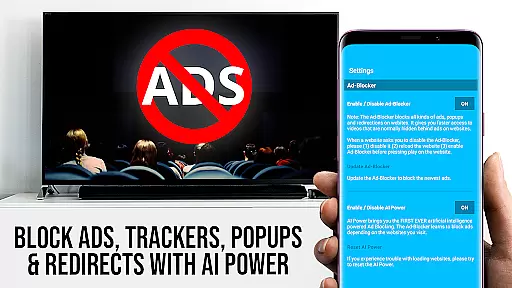
Advanced functionalities such as the Ad-Blocker ensure uninterrupted streaming by blocking ads and popups on most websites. The Desktop Mode feature enables access to desktop versions of websites, broadening the range of castable content. Additionally, personalized settings like custom homepages and unlimited bookmarks make navigation intuitive and user-friendly, enhancing overall accessibility and convenience.
These features collectively deliver a superior streaming experience, making it easy to browse, cast, and enjoy a wide array of online videos directly on your Roku-connected TV.
TV Cast Pro for Roku stands out with its robust video format compatibility, ensuring users can stream a wide variety of content without technical hindrances. The app supports popular formats such as Mp4, m3u8, and HLS livestreams, making it versatile for different types of media.
This compatibility is crucial for users who want to enjoy web videos, online movies, livestreams, and live-TV shows directly on their Roku devices. By supporting video over https and Full HD, the app guarantees high-quality playback that enhances the viewing experience on the biggest screen in your home.
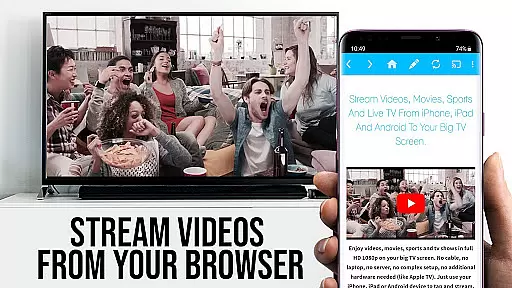
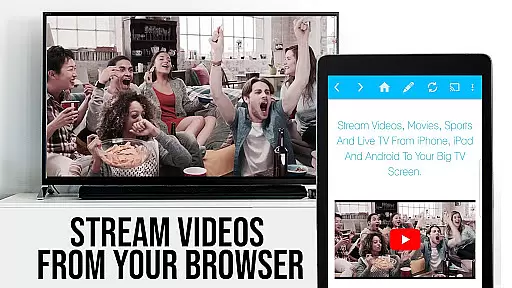
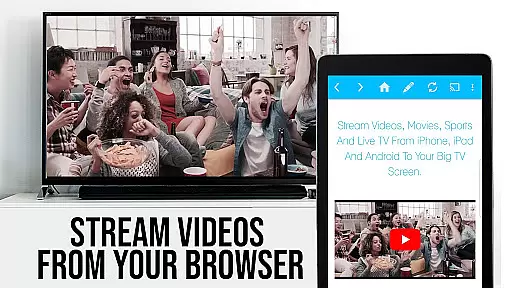
The integrated browser simplifies the process of discovering and casting videos. When browsing your favorite websites, the app detects embedded videos and allows you to send them to your Roku with a single tap. This seamless interaction ensures that users can enjoy their desired content without worrying about format restrictions.
For those looking to play specific video files directly on Roku, entering or pasting the full video URL in the browser address bar initiates playback effortlessly. This feature highlights the app's commitment to providing comprehensive video format support, catering to diverse user needs and preferences.
While TV Cast Pro for Roku focuses primarily on streaming capabilities, it also incorporates AI-powered editing features that enhance user control and convenience. These features are designed to streamline the video selection and casting process, offering a more intuitive and efficient user experience.
The app includes an integrated Roku Remote, allowing users to manage video playback directly within the app. With this remote, you can forward, rewind, pause, or play videos, and even switch between Roku channels effortlessly. This level of control mirrors the functionality of traditional remotes but with added precision and ease.
Additionally, the Ad-Blocker feature exemplifies the app's use of AI to improve usability. By blocking ads and popups on most websites, the app ensures uninterrupted browsing and video discovery. Users can toggle this feature at any time in the settings, giving them flexibility based on their browsing habits.
Other notable features include Desktop Mode, which changes the browser user-agent to mimic a desktop PC, loading desktop versions of websites. Although this doesn't enable casting for Flash videos, it broadens access to content typically optimized for larger screens. Such innovations underscore the app's dedication to leveraging technology for an enhanced user experience.
User-friendly interface
Comprehensive format support
Integrated Roku Remote
Effective Ad-Blocker
Customizable homepage
No DRM content support
Limited Roku model compatibility
Device mirroring unavailable
Additional cost for PRO features
Occasional connectivity issues

You can play SWF format file!
 2.50
2.50
Play ALL formats in 4K & HD. Video downloader, MP3 player, Chromecast & more.
4.80
HD video maker with no watermark, no ads & vlog maker with music, PIP, text
4.50
VLC Remote lets you control your VLC Media Player on Mac, PC or Linux.
4.60
Download website videos fast&privacy
4.40
AI Video Editor:AI Music, Text to Video,Text to Speech,Auto Caption,Video Effect
4.00
LumaFusion: The Ultimate Storytelling Experience for Video Editing
4.10
Livestream, news, & gaming content. Watch, chat, and upload. Join Rumble today!
3.80
Screen recorder with audio to take live videos & Screenshot in high quality!
4.70
Tik & Story Saver-Download ALL social media videos, photos & reels no watermark.
4.80
Download Hub, easy and private way to download and enjoy your videos offline
4.80
Watch a large amount of high-definition short drama content
4.60
Search & download videos from net with all video downloader, auto-detect & safe.
4.60
Auto video maker with music & exclusive filters. Video editing made simple.
4.50
Full HD Video mp3 Player, MP4 player play 1080p, File manager, Video Downloader
4.40
AirMirror Receiver - Screen mirroring/cast web videos to Android TV by AirPlay.
4.40
IPTV-Smarters Player Pro M3U - Watch Live Stream TV Channels with Chromecast
4.00
Cast to Smart TV, Fire TV. Cast video, photo - Fast & Stable!
3.90
Live TV, anywhere in your home
3.80


User Reviews