
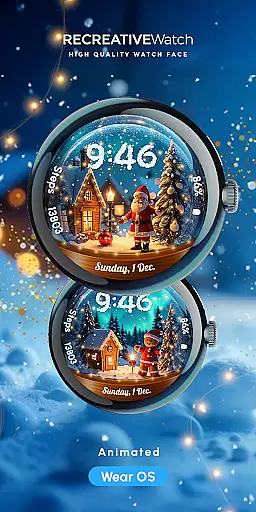
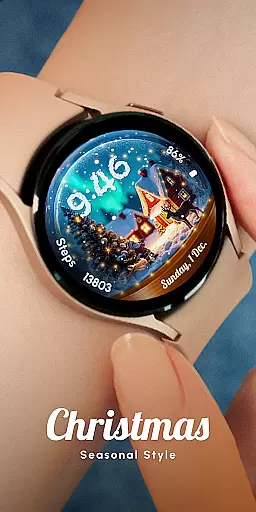
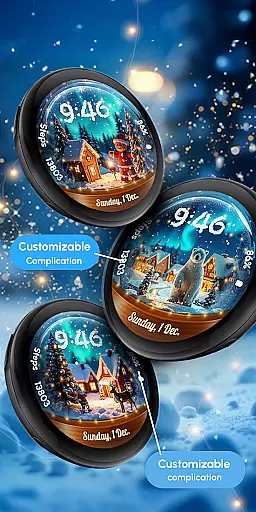
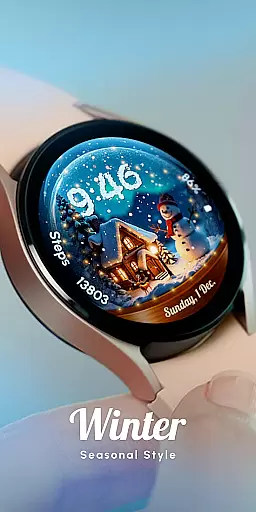
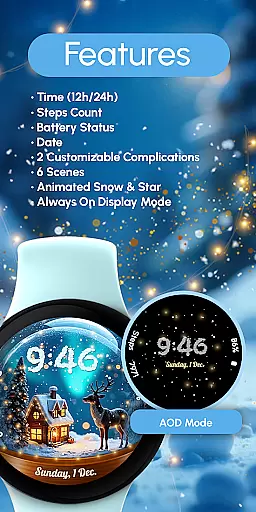
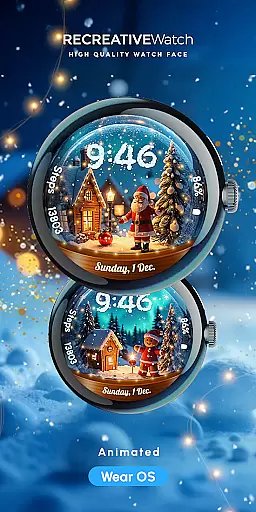
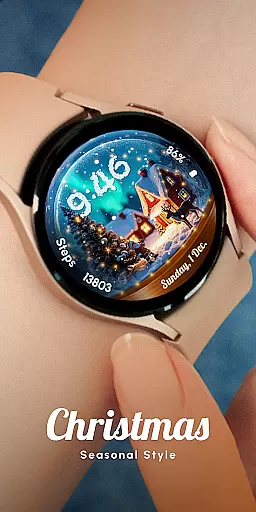
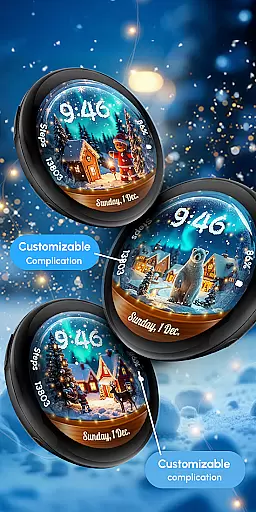
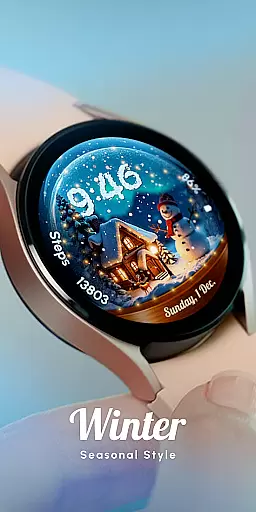
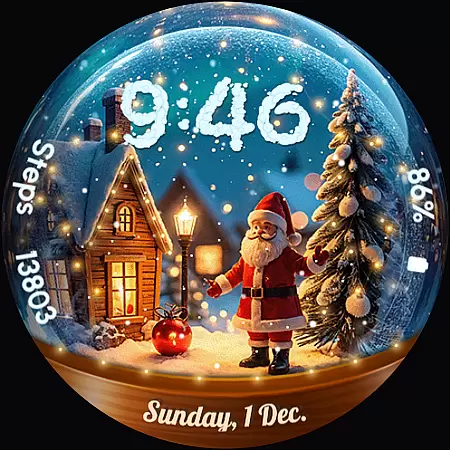
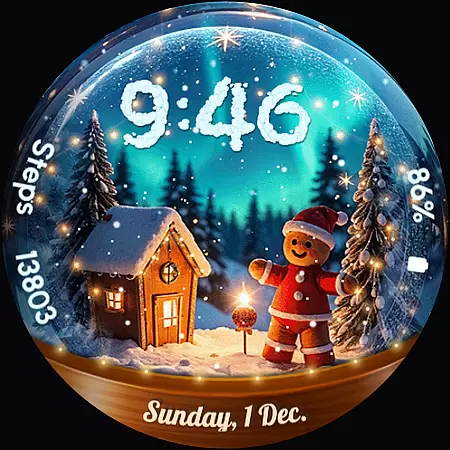
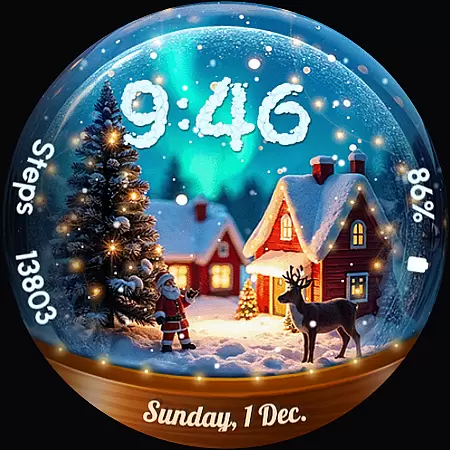
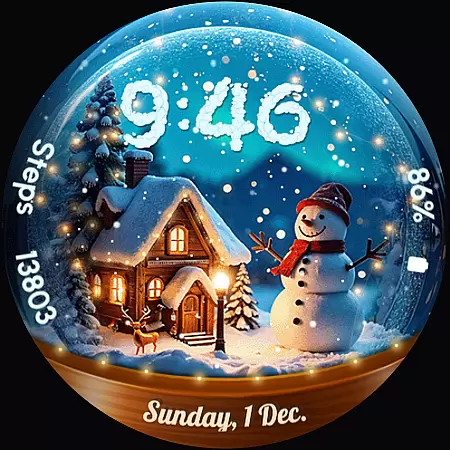
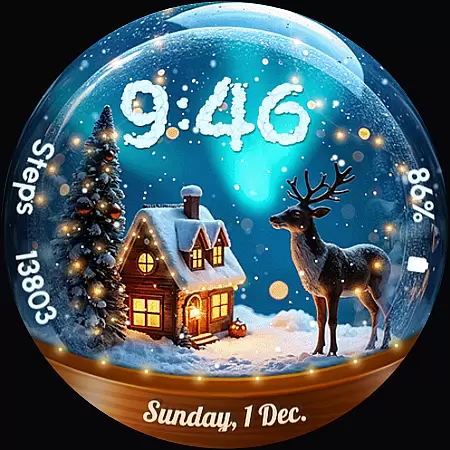
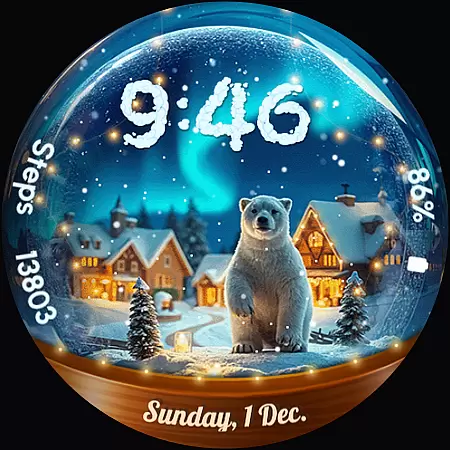
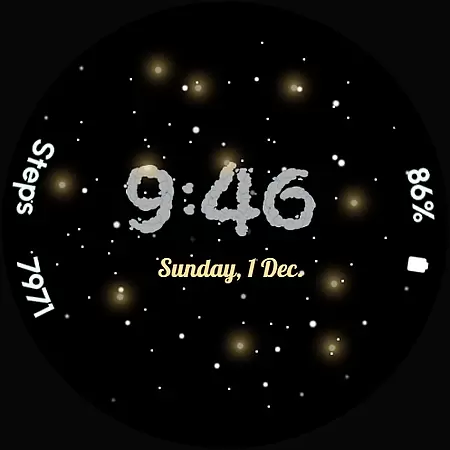
ReS56 is a festive watch face app designed to bring holiday cheer directly to your smartwatch. Featuring animated falling snow and magical spark effects, it creates an enchanting snow globe scene on your wrist. The app showcases various festive characters such as Santa Claus, a reindeer, polar bear, gingerbread man, and snowman, making it perfect for the holiday season.
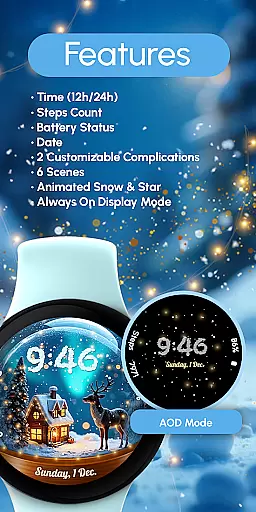
Beyond its charming aesthetics, ReS56 offers practical functionalities including digital time display in 12/24hr format, date, battery status, step count, and two customizable complications. With six unique scenes and an always-on display option, this app provides both style and utility. Compatible with API level 33+ devices like Google Pixel and Galaxy Watch series, it ensures broad device support while maintaining optimal performance.
ReS56 stands out with its rich feature set tailored for smartwatch users. The app includes a digital clock that supports both 12 and 24-hour formats, ensuring universal usability. It also displays essential information such as the current date, battery level, and step count, keeping users informed at a glance.
One of the key highlights is the ability to customize the watch face with two user-selectable complications, allowing personalization according to individual preferences. The inclusion of six distinct scenes, coupled with animated snow and magic spark effects, adds a touch of festivity. Additionally, the always-on display feature ensures that critical information remains accessible without needing to wake the device, although users are advised to disable this mode for improved battery life.
Companion app integration is essential for wearable devices as it ensures seamless synchronization between the watch face and the main application. ReS56 excels in this area by providing users with a cohesive experience across their devices.
The app supports key features like animated falling snow and magic spark, synchronized directly from the companion app. Users can customize complications and switch between six different festive scenes, all controlled through the main app interface.
This integration allows for real-time updates of battery status, step counts, and time displays, ensuring that your wearable device always shows accurate information. The ability to customize fields with any data you want adds another layer of personalization.
By maintaining strong companion app integration, ReS56 enhances user engagement and satisfaction, making it easier than ever to bring holiday cheer right to your wrist.
Device compatibility is crucial for ensuring that a watch face works seamlessly across various Wear OS models. ReS56 is designed to be compatible with API level 33+ devices, including popular models like Google Pixel and Galaxy Watch series.
The app's compatibility extends to multiple devices, ensuring that users with different watches can enjoy the magical snow globe scene. This broad support includes Galaxy Watch 4, 5, 6, 7, and other Wear OS models, providing a consistent experience regardless of the device.
For optimal performance, especially concerning battery life, it's recommended to disable the 'Always ON Display' mode. This feature helps in conserving battery while still enjoying the animated snow and magic spark effects.
With such comprehensive Wear OS/device compatibility, ReS56 guarantees that every user can access its delightful features without worrying about technical limitations.
User-friendly interface
Highly customizable
Vibrant animations
Holiday-themed designs
Wide device compatibility
Limited to festive seasons
Battery consumption concerns
Fewer features than competitors
No automatic application
Requires manual setup

Gym Log & Workout Tracker | Fitness Journal, Training & Weight Lifting Planner
 4.90
4.90
Christmas watch face. For Wear OS devices.
4.30
Rose gold watch face with festive lights & customizable features.
4.60
Analog watch face with 8 complications and expedition styling
4.5
The Chevron App allows you to pay for fuel from the comfort of your car!
4.80
Hyper-Realistic Airplane Dashboard Watch Face With 10 Skins and Custom AOD
4.00
Premium hybrid watch face with many customizations for Wear OS devices.
4.40
Track your active life in one place and share the journey with friends.
4.40
Start and succeed with PAP
4.10
Your second brain for organizing your life: to-do, calendar, reminder.
4.70
The most customizable hybrid watch face. For Wear OS 5.0, API 34+ and later
4.70
Hybrid watch face for Wear OS with customizable complications by Matteo Dini MD
4.70
Monitor health with the stress test and pulse checker in the heart rate app.
4.60
Retro digital watch face with customizable colors and a unique lighting effect
4.60
MyNISSAN® lets you remotely control your car from your phone.*
4.50
Your music, your playlists, and more—offline and unlimited.
4.20
The #1 source of faces for your smartwatch!
4.00
Your local weather forecast, storm tracker, radar maps & live weather news
3.40
Precision analog watch face with 7 complications and style options
4.5


User Reviews