
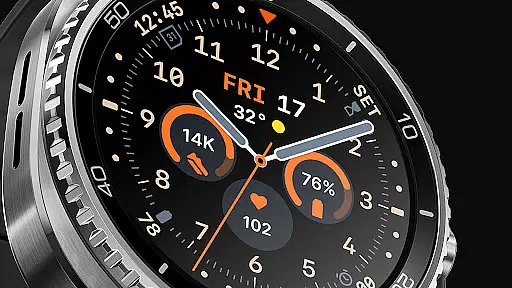
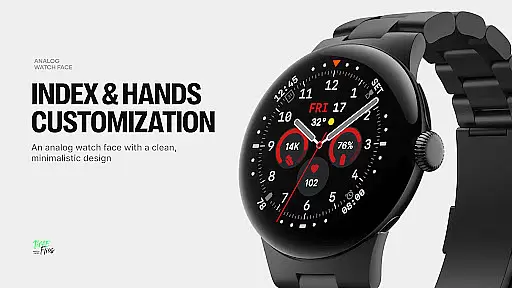
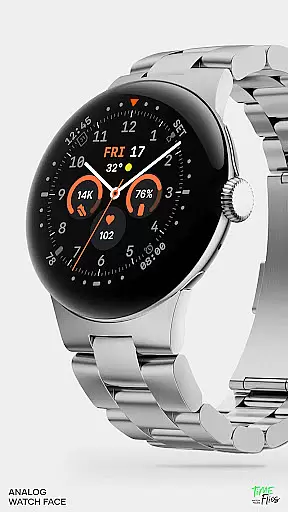
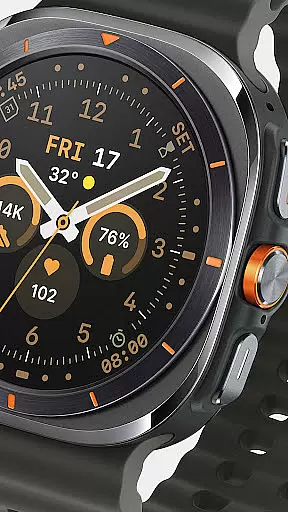
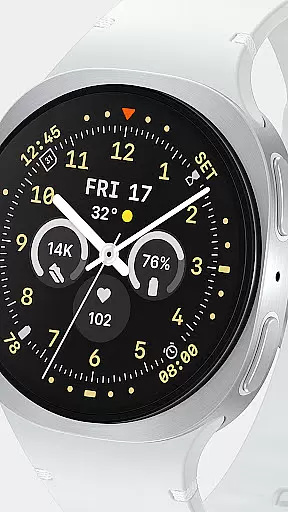
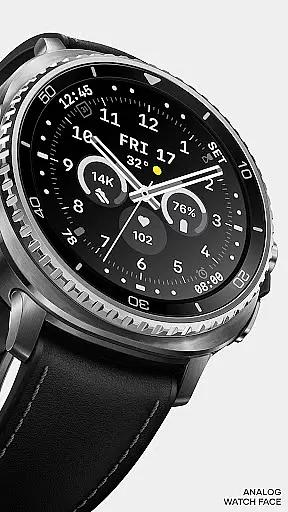
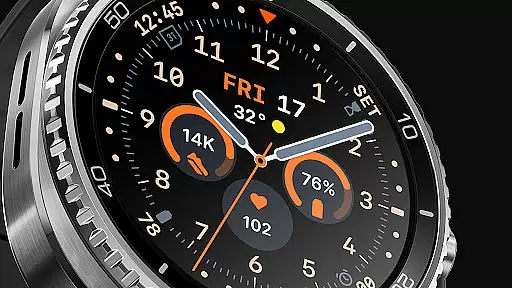
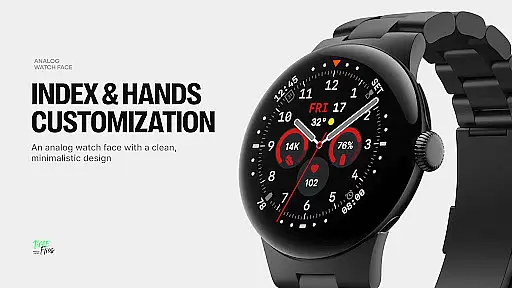
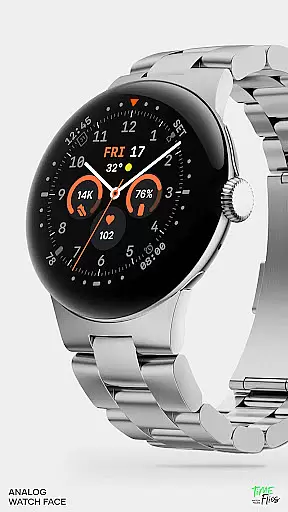
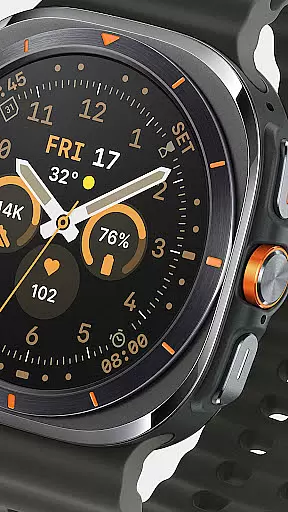
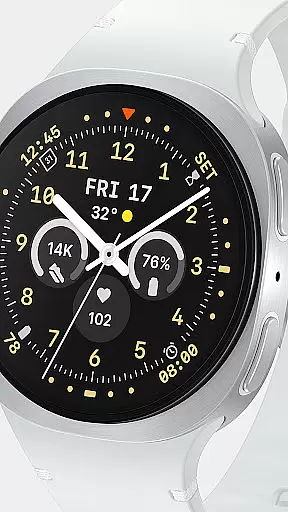
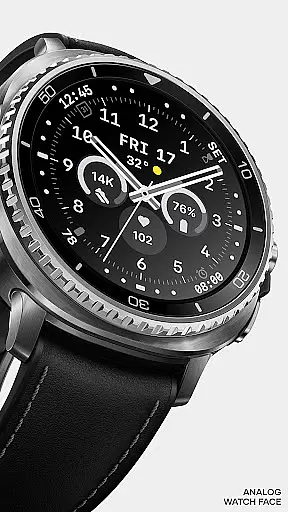
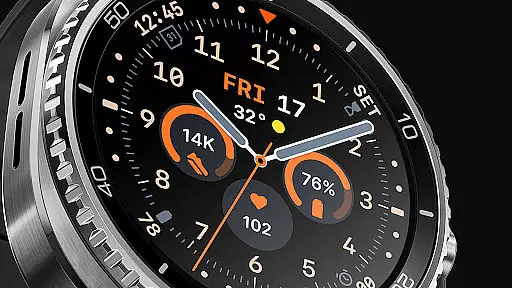
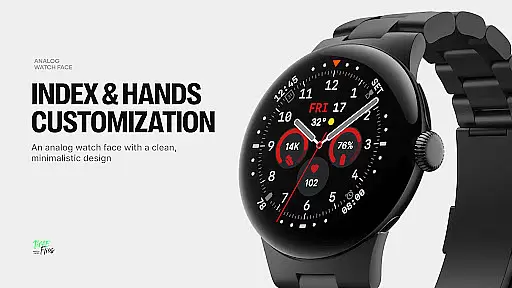
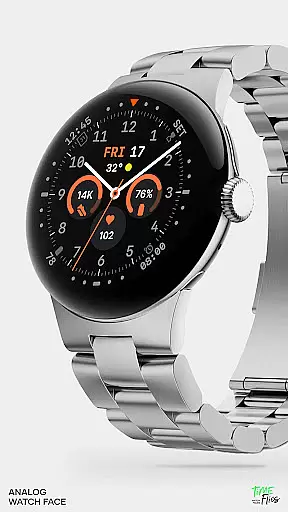
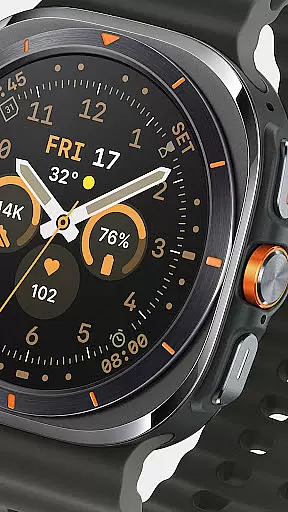
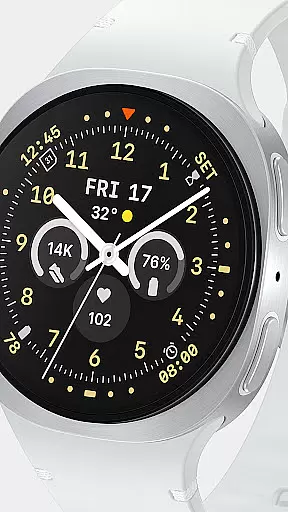
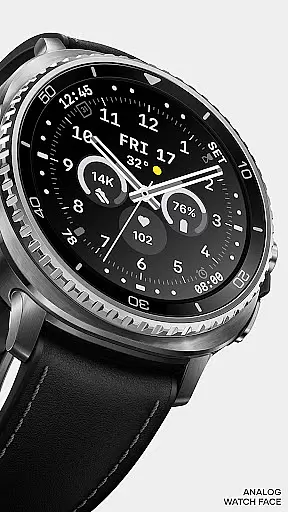
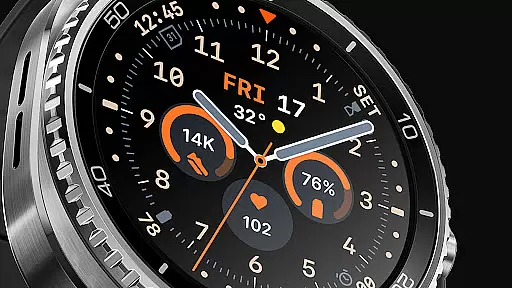
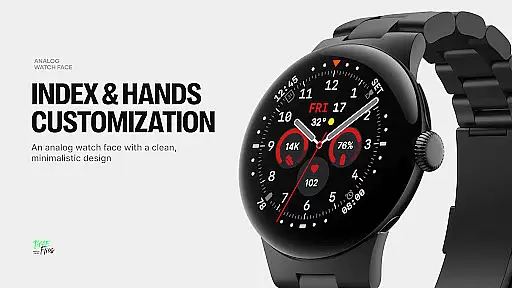
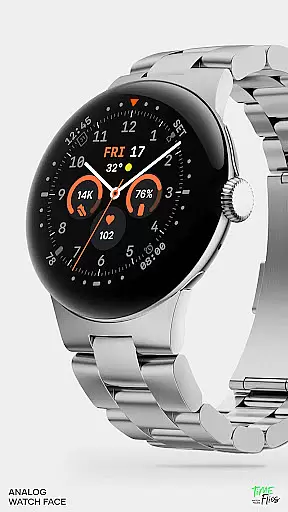
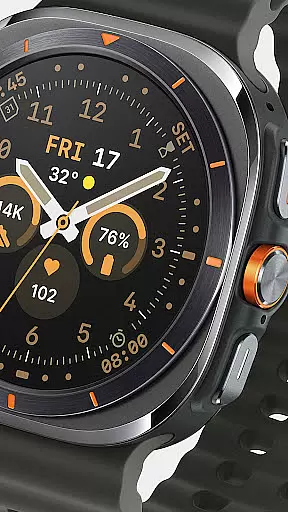
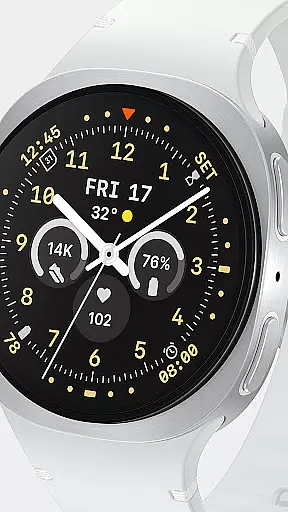
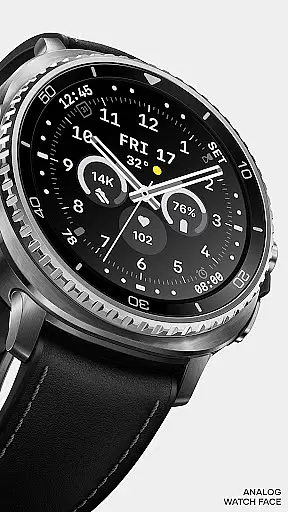
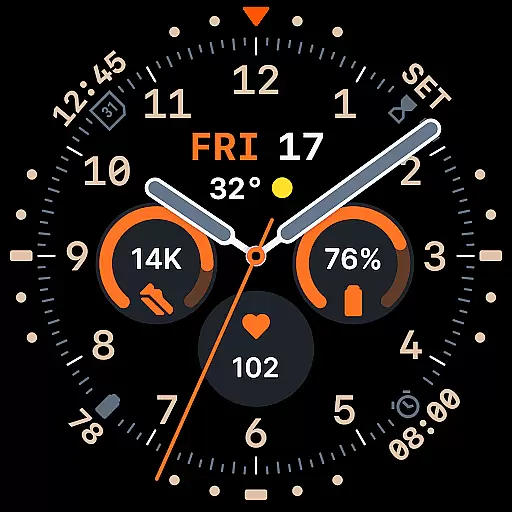
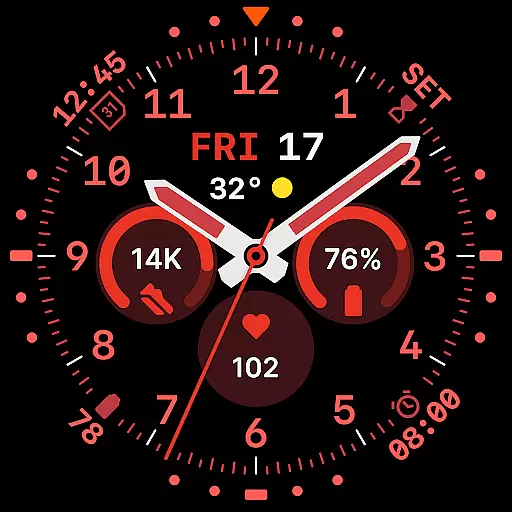
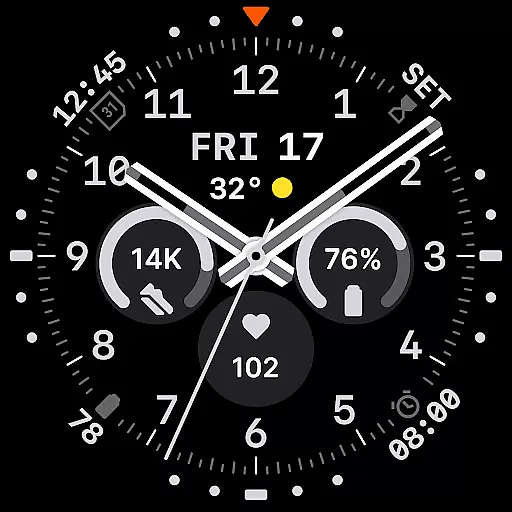
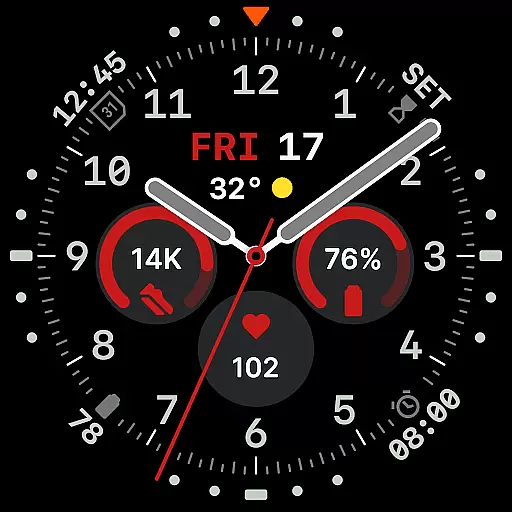
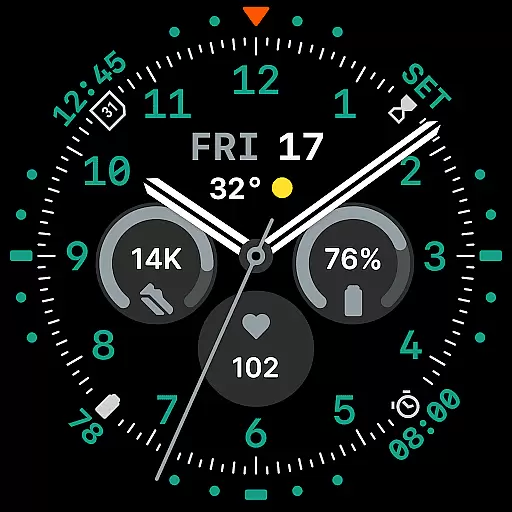
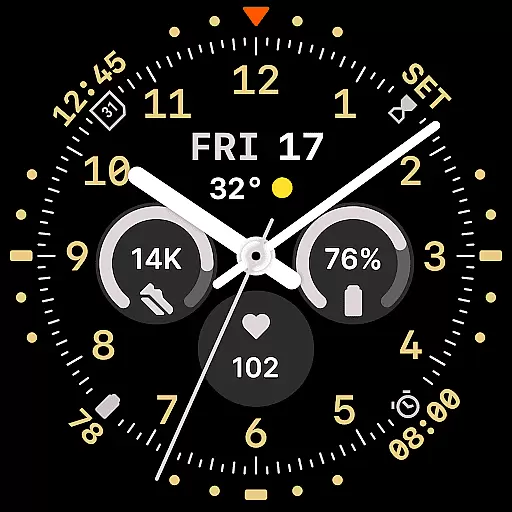
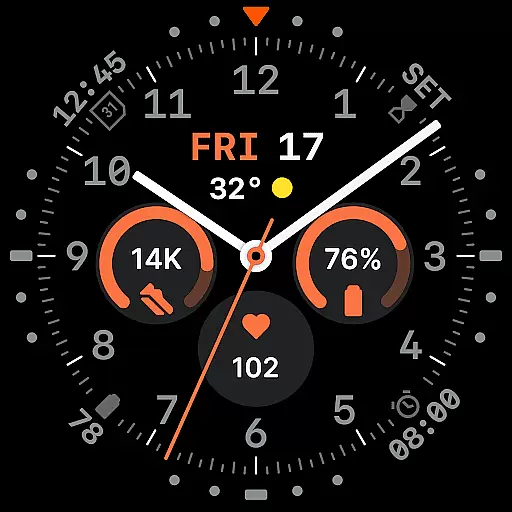
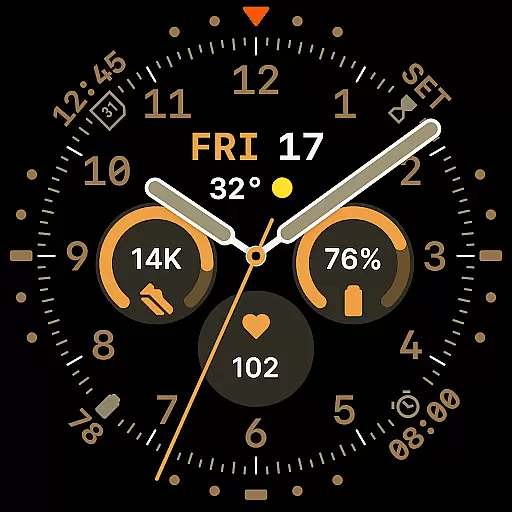
Way To Go Analog is a meticulously crafted Wear OS watch face that combines the charm of traditional field tools with modern digital functionality. Designed for adventurers and explorers, it offers a unique blend of utility and clarity.
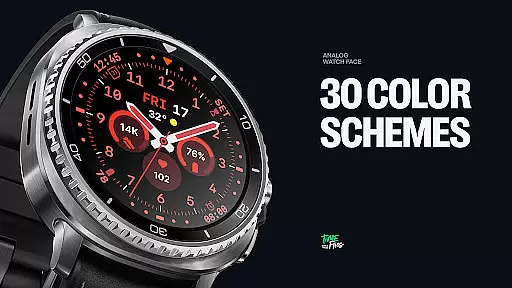
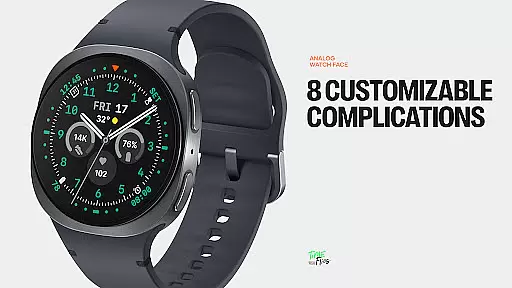
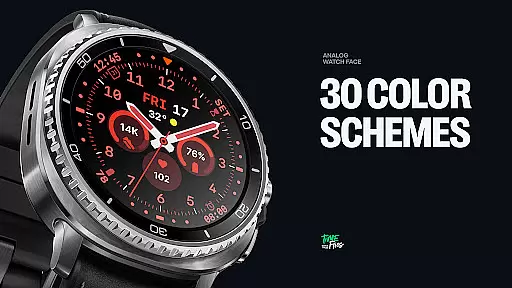
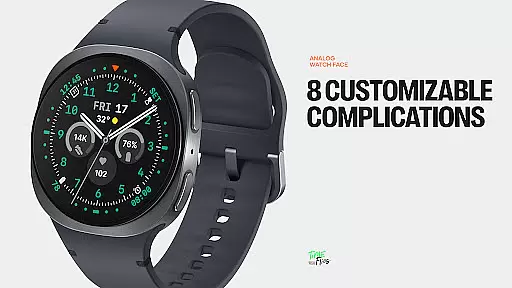
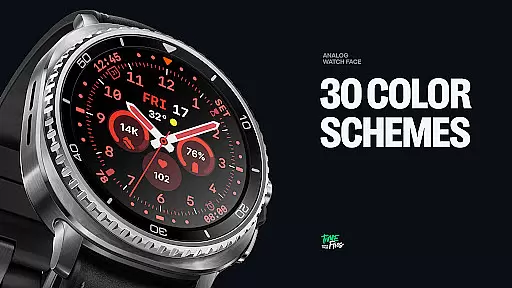
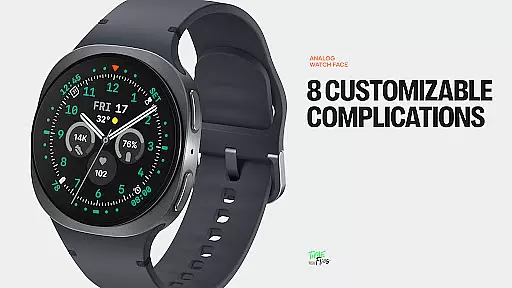
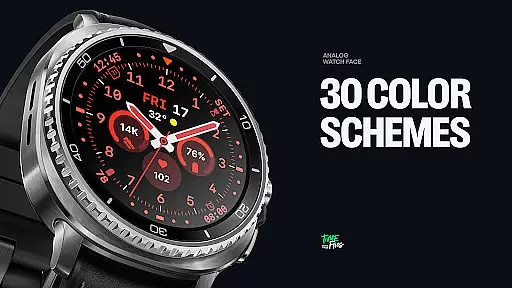
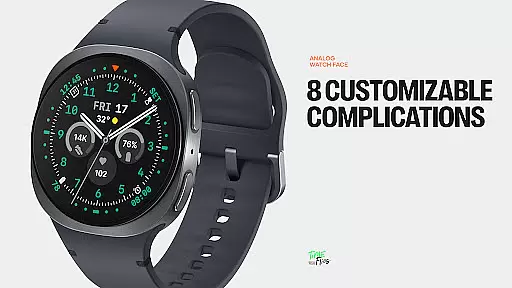
The watch face features a versatile layout with 8 customizable complications, 10 hand styles, and 30 color schemes. Its built-in day and date display, along with six Always-on Display (AoD) modes, ensures both practicality and energy efficiency.
Perfect for those seeking a balance between aesthetics and performance, Way To Go Analog is ideal for outdoor enthusiasts who value precision and customization in their wearable devices.
Way To Go Analog stands out with its thoughtfully designed interface that integrates 8 customizable complications seamlessly across the dial. These include three central circular slots, a short-text complication below the hands, and four additional ones discreetly placed around the dial.
The time display incorporates a day and date window, while offering 10 distinct hand styles for optimal visibility in various conditions. With 30 color schemes ranging from utilitarian to monochromatic, users can personalize their experience extensively.
Six Always-on Display (AoD) modes provide flexibility in ambient settings, ensuring readability while conserving battery life. Built using the energy-efficient Watch Face File Format, this watch face guarantees both visual precision and high performance.
Companion app integration is crucial for enhancing the functionality of Wear OS applications. Way To Go Analog offers an optional Android companion app that allows users to conveniently access customization features.
This companion app enables quick adjustments to color schemes and complications directly from your phone. Such seamless integration ensures that users can personalize their watch face without needing to interact with the wearable device directly.
The ability to manage watch face settings from a smartphone enhances user experience by providing greater flexibility and ease of use. This feature is particularly beneficial when making detailed customizations that may be cumbersome on a smaller screen.
By offering this companion app, Way To Go Analog demonstrates its commitment to delivering a comprehensive and user-friendly product that extends beyond the limitations of the watch interface itself.
Ensuring compatibility with Wear OS and various devices is essential for any successful smartwatch application. Way To Go Analog is designed specifically for Wear OS, guaranteeing smooth performance across compatible devices.
The watch face supports 30 color schemes and 10 hand styles, all optimized for different viewing preferences and conditions. This level of customization is made possible through careful consideration of Wear OS capabilities and limitations.
Six Always-on Display (AoD) modes are available, allowing users to control how the face behaves in ambient mode. These modes include minimalist and dimmed settings for extended battery life, demonstrating thoughtful adaptation to device constraints.
Built with the energy-efficient Watch Face File Format, Way To Go Analog ensures both visual precision and optimal performance on Wear OS devices. This technical foundation guarantees that users enjoy a consistently high-quality experience regardless of their specific hardware configuration.
Highly customizable
Energy efficient
Versatile design
Clear readability
Modern aesthetics
Complex setup
Limited smart features
Premium cost
Requires companion app
Battery intensive

Diet tracker for weight loss - track calories, food and macros. Simple and easy!
 4.70
4.70
Current temperature, weather hourly, weather radar by the weather forecast app
4.40
Be an elegant and classy secret agent, with this carefully detailed watch face
4.70
Bold, Modern Hybrid Watch Face for Wear OS. 10 Colors, Rich Info Display.
4.30
Authentic military-tactical design with ZULU time! Realistic and functional!
3.80
Fitness interactive virtual pet super fighter boy watch face
4.3
Retro digital watch face with customizable colors and a unique lighting effect
4.60
Your local weather forecast, storm tracker, radar maps & live weather news
3.40
Download full tracks, listen to music offline, make unlimited playlists.
4.80
To-Do List: daily schedule planner, task organizer, to do reminder app, calendar
4.60
Fast and smart typing with Emojis, GIFs, and more
4.50
Find EV charging stations
4.30
Your music, your playlists, and more—offline and unlimited.
4.20
sleep, alarm, snoring, stress, healing, focus, sound therapy, circadian rhythm
4.10
The #1 source of faces for your smartwatch!
4.00
A full-featured Amazon Alexa voice assistant that can show you things.
3.70
Wear Os Watch Face - Animated Snow Effect & Christmas Lights
4.3
Christmas is near, let's count together the days left until Santa comes
4.2
Hybrid Vibrant Health Watch Face for Wear OS
4.2


User Reviews