
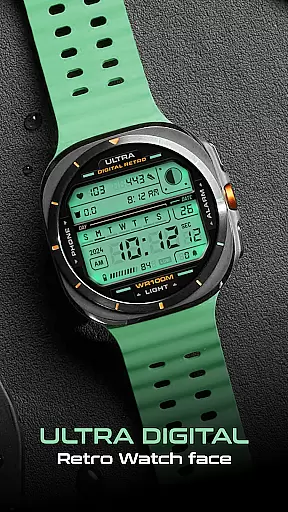
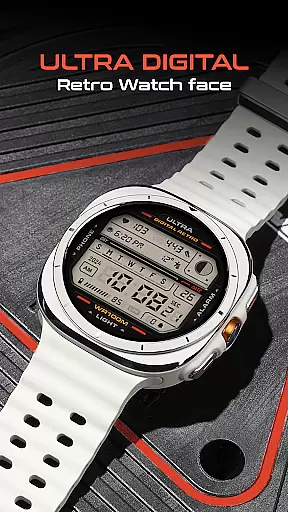
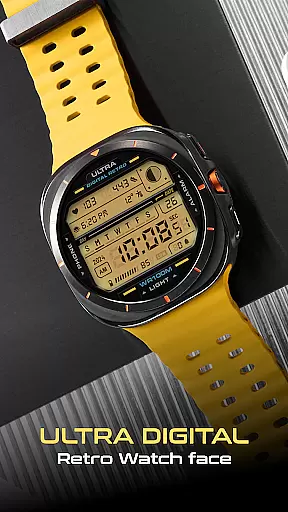
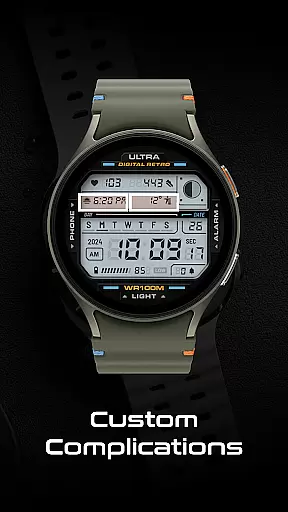
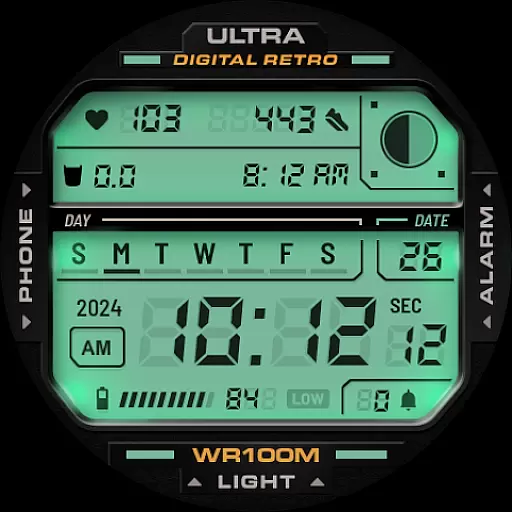
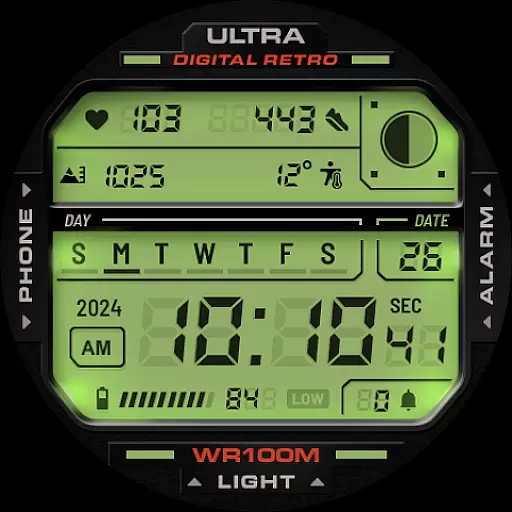
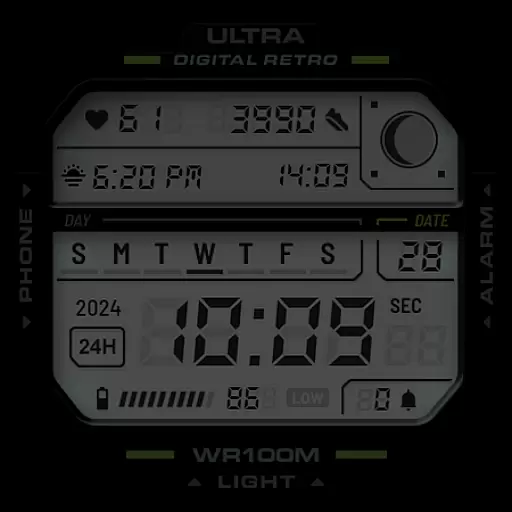
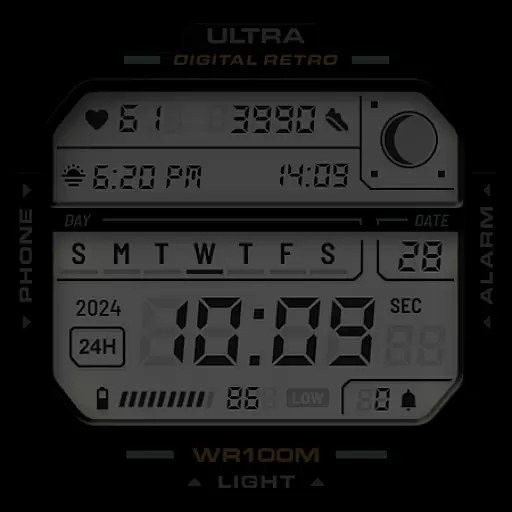
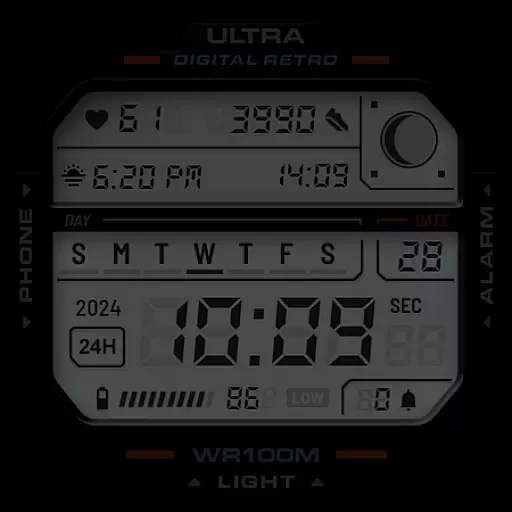
ULTRA Digital Retro watch face brings a stylish and functional digital interface to your Wear OS smartwatch. This retro-inspired design combines multiple color options, unique lighting effects, and practical features like a 12h/24h clock, heart rate monitor, and customizable complications.
The watch face is compatible with popular models including Samsung Galaxy Watch7, Ultra, and Pixel Watch 3. Its intuitive shortcuts allow quick access to essential functions like Phone and Alarm, while the detailed display includes battery level, step counter, and moon phases for comprehensive timekeeping.
Perfect for users seeking both aesthetics and utility, this watch face lets you personalize your smartwatch experience through various customization options, making it ideal for daily wear or special occasions.
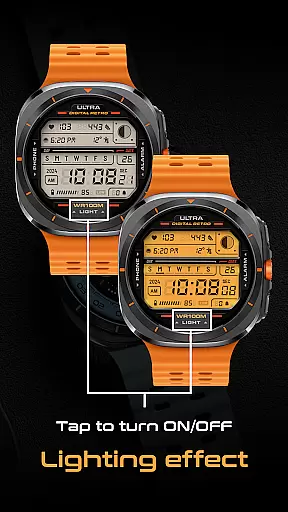
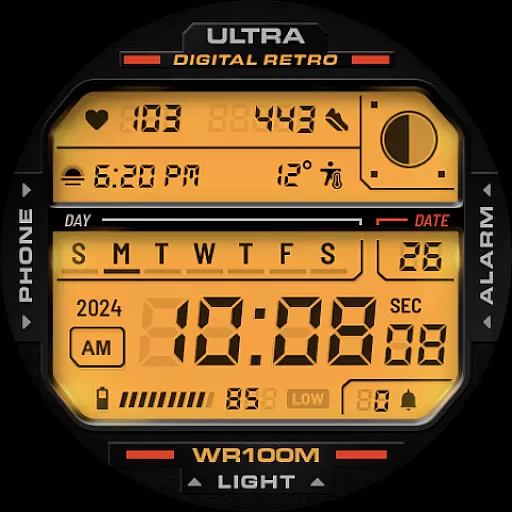
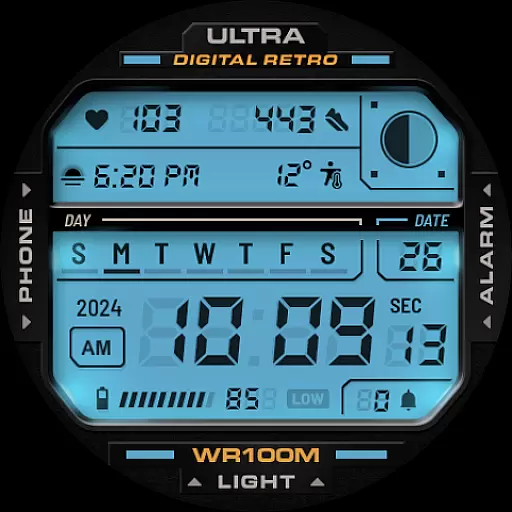
ULTRA Digital Retro watch face stands out with its versatile feature set designed to enhance your smartwatch experience. The unique lighting mode can be toggled on and off by tapping the bottom of the screen, offering an interactive element that complements the multiple LCD lighting colors available for selection.
Customization is key with this app, allowing users to personalize detail colors, choose between 12h/24h clock formats, and utilize two customizable complications. Additional functionalities include displaying day, date, year, battery level, step count, heart rate, moon phases, and notification counters - all contributing to a highly informative and visually appealing interface.
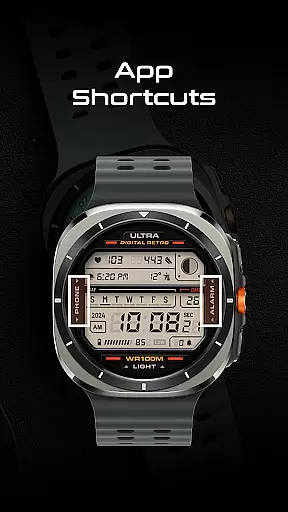
For added convenience, app shortcuts enable direct access to frequently used apps such as Phone and Alarm, streamlining your interaction with the smartwatch. These thoughtful design elements ensure both style and practicality are maintained throughout your daily activities.
Companion app integration is essential for a seamless smartwatch experience. ULTRA Digital Retro watch face offers robust companion app support through the Facer platform, ensuring that users can easily customize and manage their watch faces directly from their smartphone.
This integration allows for real-time synchronization of settings between the phone app and the watch face. Users can modify color schemes, toggle lighting effects, and configure complications through an intuitive interface on their mobile device. This ensures that personal preferences are instantly reflected on the wearable device without any hassle.
The companion app also provides access to detailed customization options not available directly on the watch. Through the Facer app, users can fine-tune every aspect of the retro digital display, from choosing specific LCD colors to setting up app shortcuts. This level of control enhances user satisfaction and enables truly personalized timepieces.
Furthermore, the integration facilitates automatic updates and feature enhancements. When new functionalities or improvements are released, users receive them seamlessly through the companion app, maintaining the watch face's relevance and optimal performance over time.
Device compatibility is crucial for ensuring that a watch face works optimally across various Wear OS devices. ULTRA Digital Retro boasts extensive compatibility with popular models like Samsung Galaxy Watch7, Ultra, Pixel Watch 3, and other Wear OS watches supporting Google's Watch Face Format.
This broad compatibility stems from adherence to Google's standardized development guidelines. The watch face is designed to automatically adjust its layout and features based on the device's screen size and resolution. This adaptive capability ensures that users experience consistent quality and functionality regardless of their specific Wear OS device.
Moreover, the watch face maintains full feature functionality across supported devices. Whether it's displaying battery levels, step counts, heart rate monitors, or moon phases, all elements render accurately on different screens. The two customizable complications and multiple app shortcuts work uniformly across devices, providing a standardized user experience.
The compatibility extends beyond hardware to include software features as well. The watch face integrates smoothly with Wear OS system functions, including notification counters and health tracking metrics. This comprehensive compatibility approach ensures that users can enjoy the full range of features without worrying about device limitations.
Stylish retro design
Highly customizable
Interactive lighting mode
Comprehensive health tracking
Wide device compatibility
Limited analog options
No weather integration
Premium cost for full features
Complex setup for beginners
Battery usage may increase

Rose gold watch face with festive lights & customizable features.
 4.60
4.60
Christmas is near, let's count together the days left until Santa comes
4.1
Artistic Digital Watchface
4.0
Be an elegant and classy secret agent, with this carefully detailed watch face
4.70
Ideal for surviving in the wasteland left after nuclear fallout
4.50
Minimalistic design modern digital watch face.
4.2
A realistic hybrid watch face with many customization options.
4.60
Your local weather forecast, storm tracker, radar maps & live weather news
3.40
Back up your contacts & access them anywhere
4.30
Period, ovulation & pregnancy tracker. Fertility insights & menstrual calendar.
4.90
A modern hybrid informative watch face for Wear OS designed by BALLOZI
4.80
WTW M17 is a premium and luxurious hybrid watch face
4.70
The most customizable minimal watch face. For Wear OS 5.0, API 34+ and later
4.70
Fast and smart typing with Emojis, GIFs, and more
4.50
Embrace the holiday spirit with this magical animated watch face!
4.40
Bold, Modern Hybrid Watch Face for Wear OS. 10 Colors, Rich Info Display.
4.30
Daily Weather forecast with 15 weather images for Day & Night plus Big Bold time
4.10
Professional weather radar and more
3.90
Christmas and New Year - Themed Watchface
4.2


User Reviews