

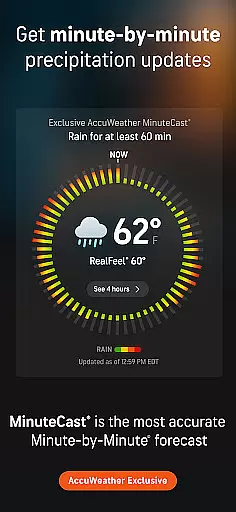
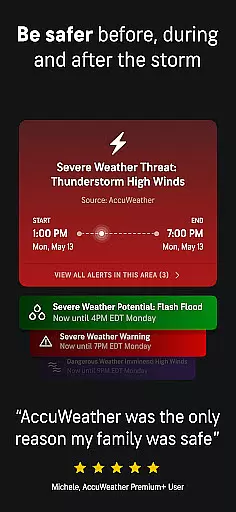
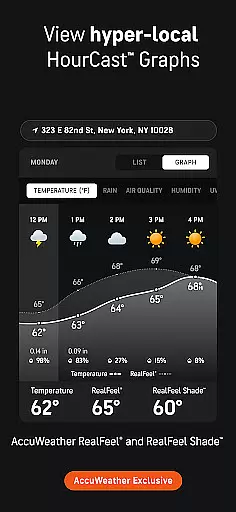
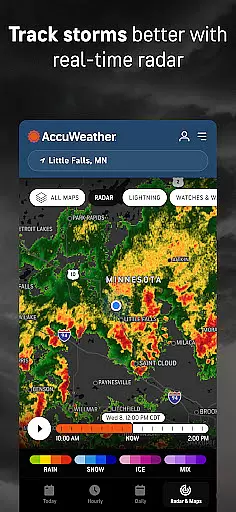
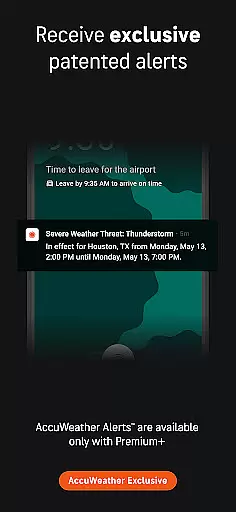
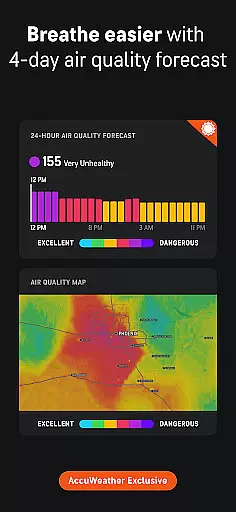
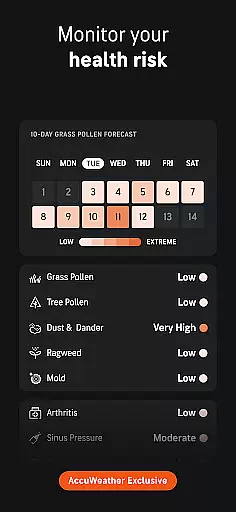
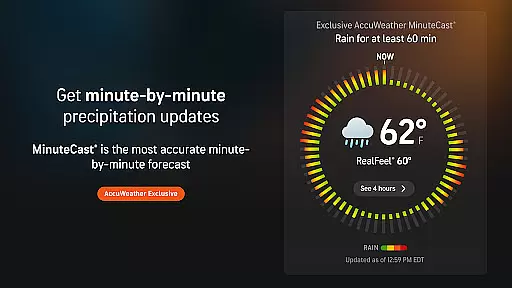
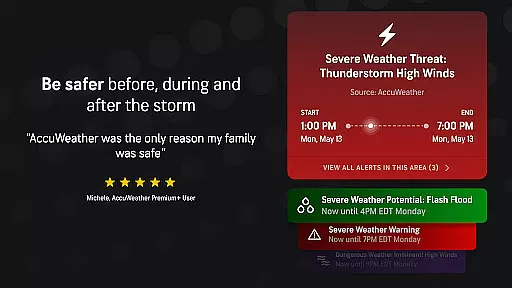
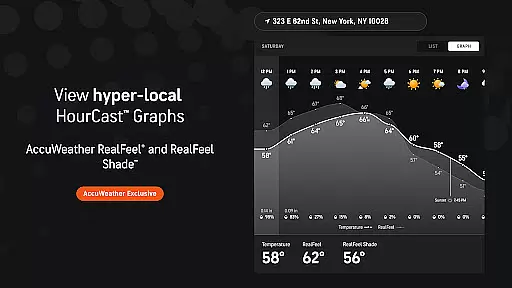
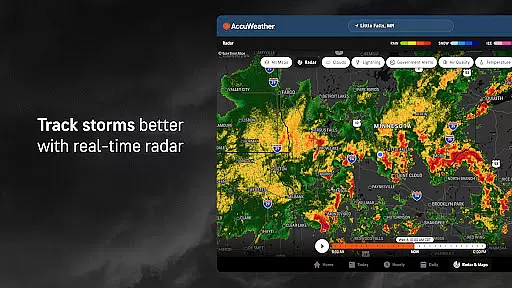
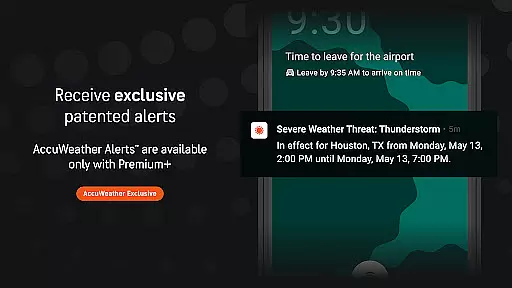
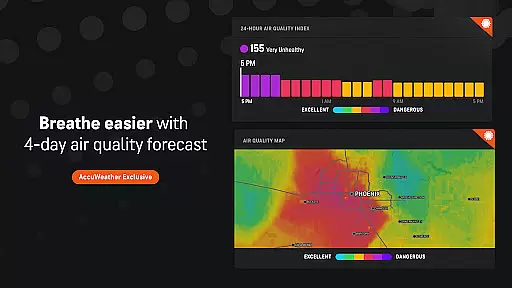
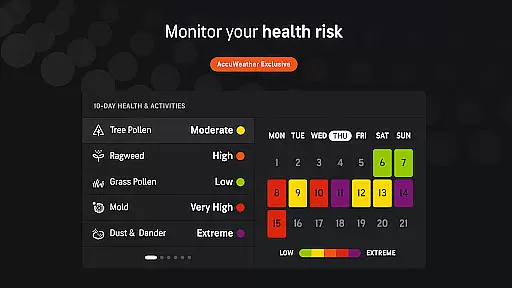
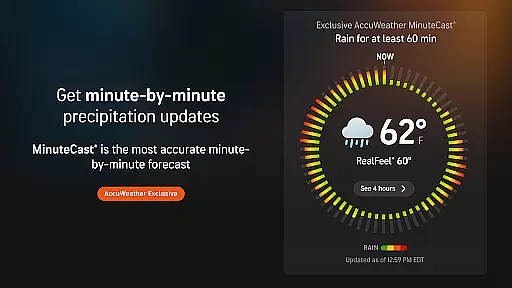
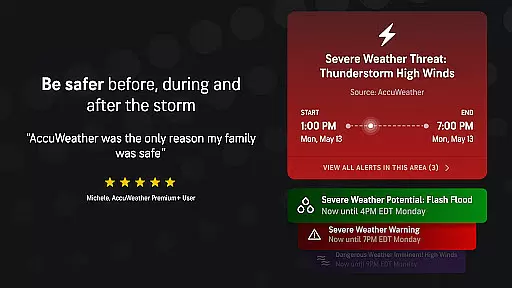
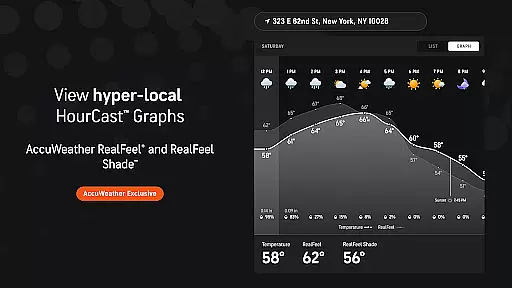
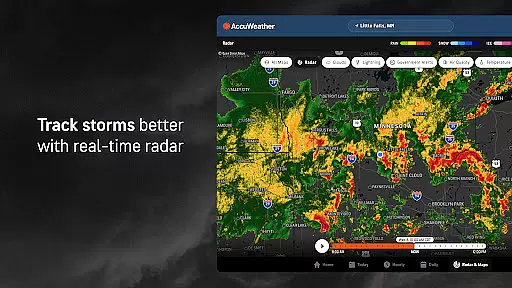
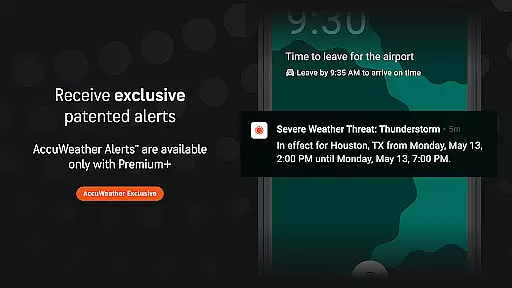
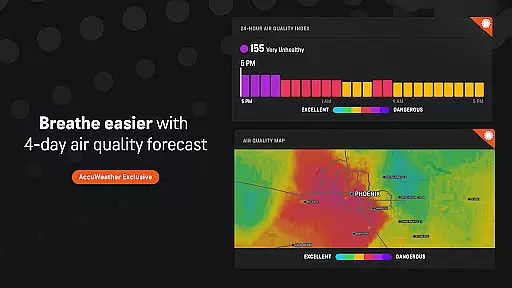
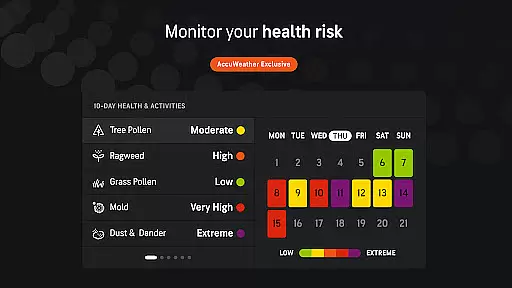
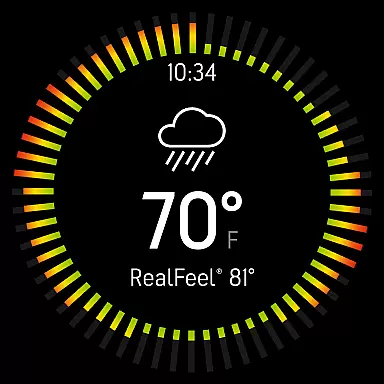
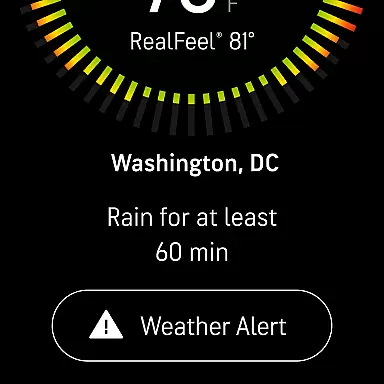
AccuWeather is the most trusted weather app, providing real-time weather alerts and hyperlocal updates with proven Superior Accuracy™. The app helps users make informed decisions by delivering accurate forecasts tailored to specific locations. Whether it's hurricanes, tornadoes, snow, or flooding, AccuWeather offers advanced warnings and detailed information to keep users safe.
With features like MinuteCast®, RealFeel® Temperature, and exclusive lightning tracking, this app goes beyond basic weather reporting. It provides minute-by-minute precipitation forecasts, wind speed, temperature updates, and animated radar for severe weather tracking. Available on Android Wear devices, AccuWeather ensures you stay informed wherever you go.
AccuWeather stands out with its innovative features designed to provide the most accurate weather information. The app's exclusive MinuteCast® delivers hyperlocal forecasts for precipitation type and intensity, pinpointed to exact street addresses. Its RealFeel® Temperature technology considers over ten factors to describe how the temperature actually feels, offering a more realistic sense of weather conditions.
Additionally, AccuWeather's live radar and Lightning Network™ allow users to track storms in real time while monitoring lightning proximity. WinterCast® provides detailed snow and ice predictions, helping users prepare for winter weather events. These advanced tools, combined with an intuitive interface, ensure users have access to critical weather data when they need it most.
For AccuWeather, companion app integration represents the seamless connection between its primary mobile application and Wear OS devices. This ensures that users receive consistent and synchronized weather updates across all their devices.
The app achieves this through a robust synchronization framework that maintains real-time data exchange. Whether it's the latest weather alerts or detailed forecasts, users can expect identical information on both their smartphones and wearables.
This integration provides significant value to users who rely on quick access to weather information. With Wear OS compatibility, critical updates are delivered directly to their wrists, ensuring they stay informed without needing to reach for their phones.
Furthermore, the ability to customize notifications across devices enhances user experience. Users can tailor the type and frequency of alerts they receive, making their weather monitoring both efficient and personalized.
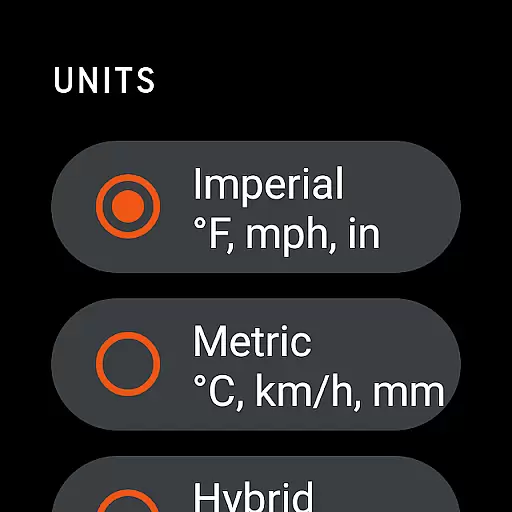
AccuWeather demonstrates exceptional Wear OS and device compatibility by offering a version specifically optimized for wearable technology. This compatibility ensures that users enjoy the full feature set of the main application in a format suitable for smaller screens.
The design takes into account the unique interaction patterns of wearable devices. It presents information in easily digestible chunks, perfect for quick glances during busy schedules or outdoor activities.
Device compatibility extends beyond just smartwatches. The app is engineered to work harmoniously across various Android devices including tablets and TVs, providing a unified weather monitoring solution for homes and offices.
This broad compatibility range significantly enhances accessibility. Regardless of the device being used, users can trust they're receiving the same superior accuracy and comprehensive weather data that AccuWeather is known for.
Superior Accuracy™
Real-time Alerts
Hyperlocal Updates
Advanced Storm Tracking
User-friendly Interface
Premium Subscription Required
Ad-heavy Free Version
Limited Customization
Occasional Data Delays
High Battery Usage

an Analog Watch Face for winter season with freeze winter background for Wear OS
 4.5
4.5
A heartwarming Christmas scene featuring a cute image of Santa and Rudolf
4.4
Beautiful artistic animated digital watch face, with a customizable layout!
4.40
Watch face for Wear OS.
4.20
Kia Access makes getting your vehicle information easier than ever
4.60
Bold weather Digital watchface with forecast & optional animated background
4.40
A modern hybrid informative watch face for Wear OS designed by BALLOZI
4.80
Track airplanes and follow flights with our real-time flight tracker
4.50
Download full tracks, listen to music offline, make unlimited playlists.
4.80
Real-time weather radar with temperatures, warnings, hurricanes, and widgets
4.80
WTW M17 is a premium and luxurious hybrid watch face
4.70
Gym & home workout plans with strength training, exercise tracking, HIIT & more.
4.60
The ultimate destination for kids ages 3-8 to explore the Marvel Universe!
4.30
Animated video-game inspired “secret agent” simulation, right on your wrist!
4.20
Get helpful reminders, take progress photos and find answers to your questions.
3.90
Professional weather radar and more
3.90
Watch face designed for Thanksgiving Day. 7 Background Styles included.
3.20
Precision analog watch face with 7 complications and style options
4.2
Fitness interactive virtual pet super fighter boy watch face
4.2


User Reviews