
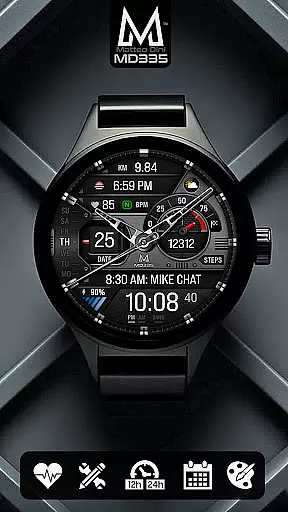
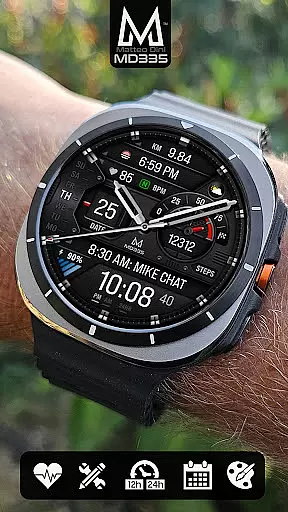
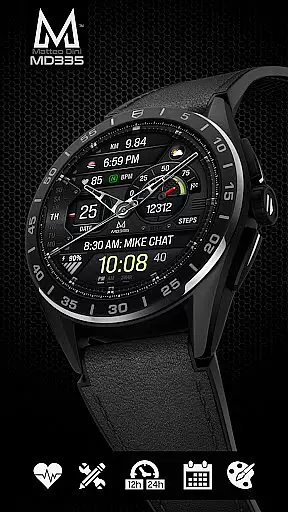
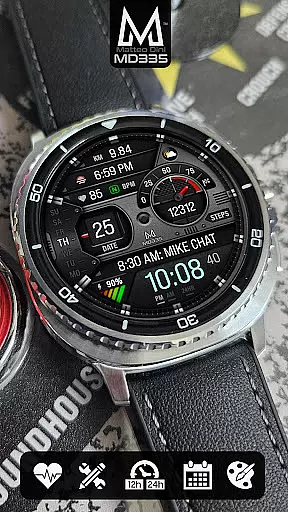
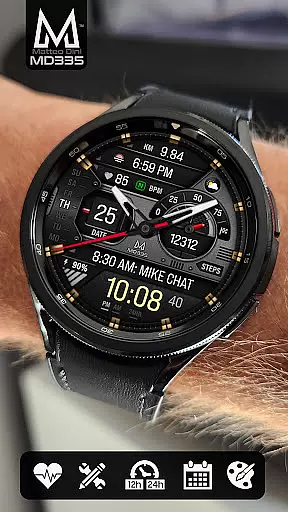
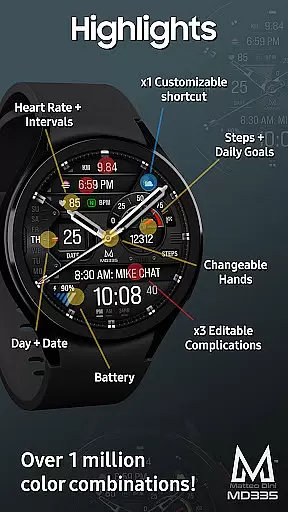
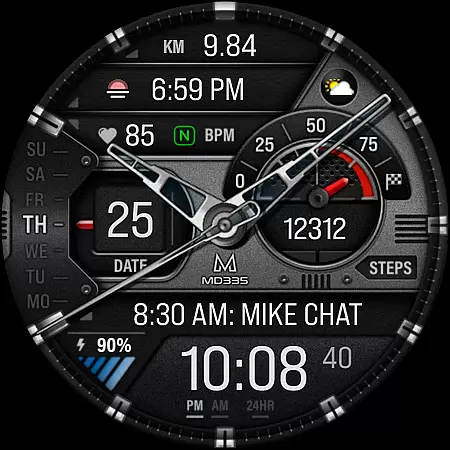
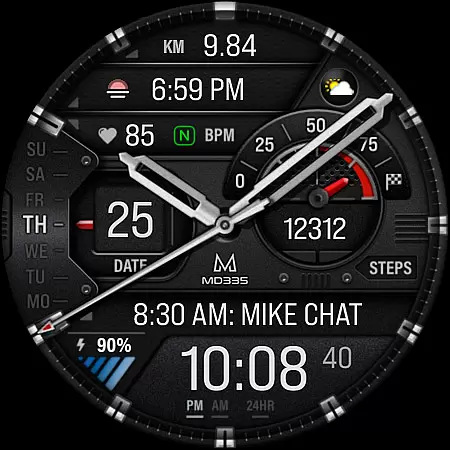
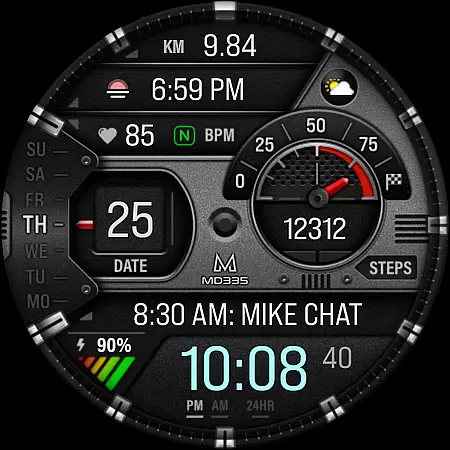
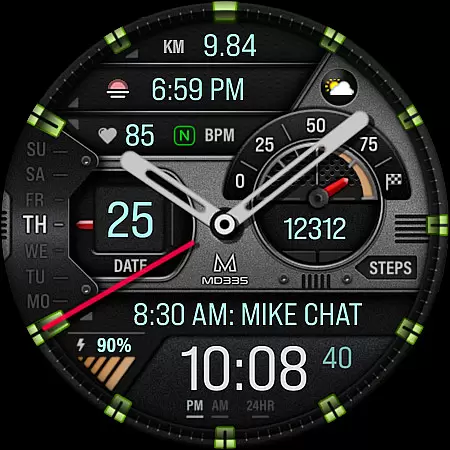
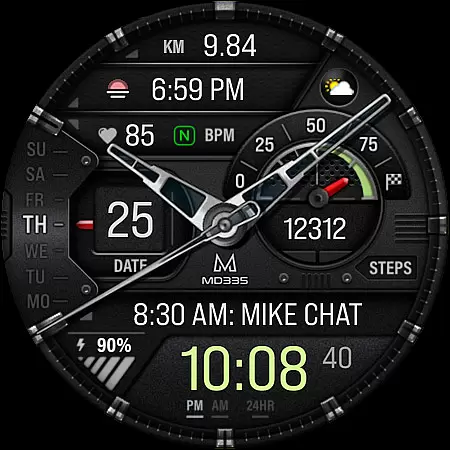
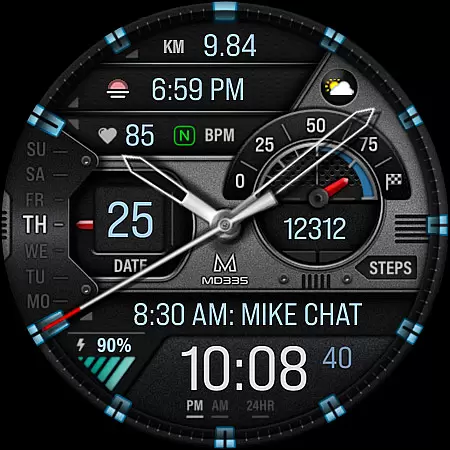
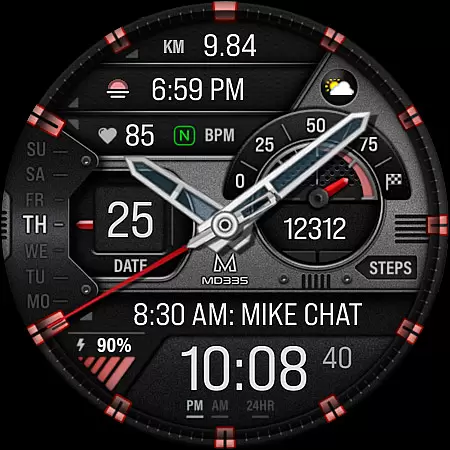
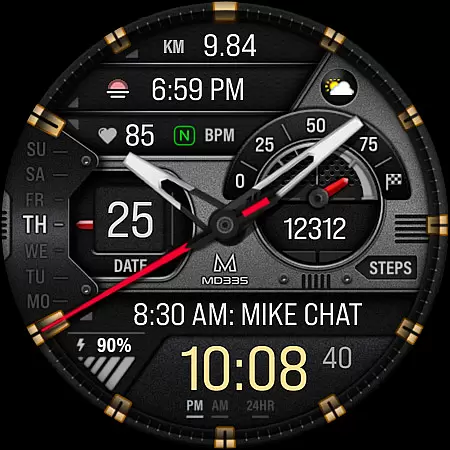
MD335 Hybrid watch face offers a versatile and customizable experience for Wear OS users. This sophisticated watch face features a hybrid design with hideable hands, supporting all Wear OS devices with API Level 33+ including Samsung Galaxy Watch 4-8, Ultra, and Pixel Watch. It displays essential information such as time in 12/24hr format based on phone settings, date, day, battery level, heart rate, and more.
The watch face includes 4 preset app shortcuts like Calendar and Battery, along with 1 customizable shortcut. Users can also personalize the watch face with 3 customizable complications, choosing from data options like weather, barometer readings, distance walked, calories burned, UV index, and chance of rain. With changeable themes, colors, and hands, MD335 ensures a tailored user experience that adapts to individual preferences while maintaining an elegant aesthetic.
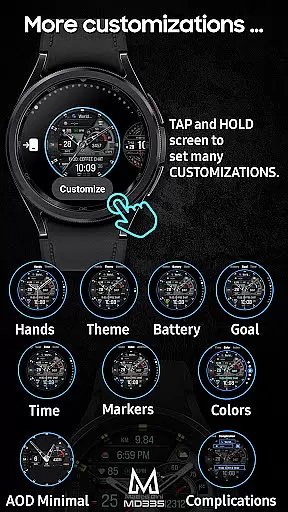
One of the standout features of MD335 Hybrid watch face is its extensive customization capabilities. Users can modify the appearance by changing hand styles, selecting between dark or light themes, and adjusting colors for various elements including time display, battery level indicator, goal progress bars, markers, and general interface hues. The Minimal and Full Always-On Display (AOD) modes provide flexibility in conserving battery life without sacrificing functionality.
In addition to visual personalization, MD335 supports practical functionalities through its complications system. These allow integration of external data sources into your watch interface—such as health metrics (calories burned, steps taken), environmental data (weather forecasts, UV levels), and productivity tools (world clocks). Note that some advanced complication features may require installation of additional apps if not pre-installed on your device. For optimal performance and troubleshooting advice, users are encouraged to consult the provided installation guide.
Companion app integration is crucial for hybrid watch faces like MD335, as it allows users to customize and manage their watch face directly from their smartphone. This seamless connection enhances the overall user experience by providing quick access to settings and features.
The MD335 Hybrid watch face offers a direct customization option on the watch itself, bypassing potential issues with the Samsung Wearable app's editor. Users can tap and hold the screen on their watch and select 'Customize' to personalize shortcuts and complications, ensuring that their watch face meets their specific needs.
This level of integration supports a wide range of functionalities including health data tracking, weather updates, and app shortcuts. By enabling users to tailor these elements directly on their device, MD335 ensures that the most relevant information is always at their fingertips.
With companion app integration, users benefit from a streamlined customization process that maintains functionality across all Wear OS devices with API Level 33+. This compatibility ensures that whether you're using a Samsung Galaxy Watch or a Pixel Watch, your experience remains consistent and optimized.
Ensuring broad device compatibility is essential for any Wear OS application, and MD335 Hybrid watch face excels in this area. Supporting all Wear OS devices with API Level 33+ such as Samsung Galaxy Watches and Pixel Watches, it guarantees that a wide audience can enjoy its features.
Device compatibility impacts how well an application performs across different hardware. For MD335, compatibility means users can take advantage of advanced features like customizable complications, heart rate monitoring, and various app shortcuts regardless of their specific Wear OS device model.
By supporting both dark and light themes along with changeable colors and hands, MD335 provides a personalized experience tailored to individual preferences while maintaining optimal performance. These customization options ensure that aesthetic and functional aspects align perfectly with user expectations.
Ultimately, robust Wear OS and device compatibility results in higher user satisfaction. With MD335, users are assured of a reliable, feature-rich experience that adapts seamlessly to their chosen smartwatch, enhancing both utility and style.
Highly Customizable
Versatile Complications
Sleek Hybrid Design
Wide Device Compatibility
Comprehensive Support Resources
Complex Setup Process
Limited Preset Shortcuts
Potential App Conflicts
Battery Consumption Concerns
Occasional Loading Issues

Christmas Theme Watch Face for Wear Os
 5.00
5.00
Christmas is near, let's count together the days left until Santa comes
4.4
MyNISSAN® lets you remotely control your car from your phone.*
4.50
Hyperlocal rain alerts by MyRadar using patent-pending technology, radar & more
4.80
Minimalistic design modern digital watch face.
4.2
Stylish, Energizing and Modern Watch Face crafted by Dominus Mathias.
4.50
Retro digital watch face with customizable colors and a unique lighting effect
4.60
Viewer for Wyze/Yi/Eufy/Arlo/ONVIF/RTSP/P2P IP cams w/ adv. features & DIY DVR
4.00
Daily Weather forecast with 15 weather images for Day & Night plus Big Bold time
4.10
The most customizable hybrid watch face. For Wear OS 5.0, API 34+ and later
4.70
Rose gold watch face with festive lights & customizable features.
4.60
Simple, helpful messaging by Google
4.60
Deck out your Wear OS Watch face with a beautifully decorated pine wreath!
4.50
Wear Os Watch Face - Animated Snow Effect & Magic Spark - 6 Scenes
4.10
A digital watch face that celebrates Christmas.
4.00
Authentic military-tactical design with ZULU time! Realistic and functional!
3.80
A watch face that fuses motorsport precision with contemporary smartwatch design
4.5
Simple Analog-Digital Watchface For Wear OS 3.0 and Up Smartwatches
4.1
Sleek, highly customizable watch face inspired by Galaxy Watch Circle Dashboard.
4.5


User Reviews