
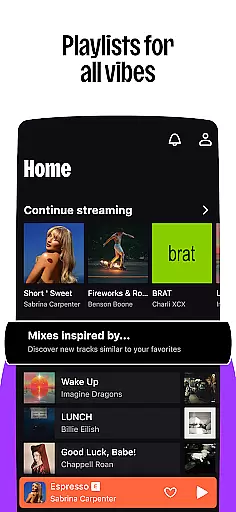

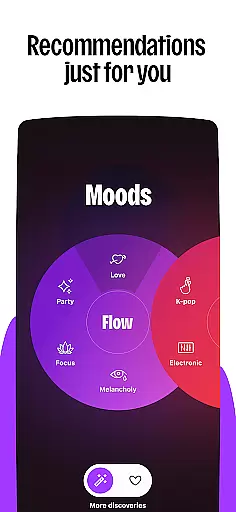
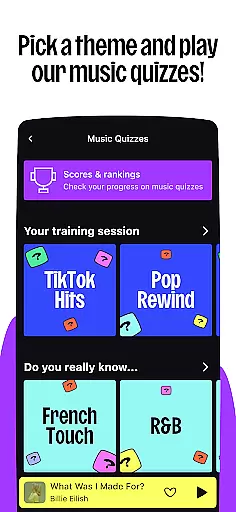

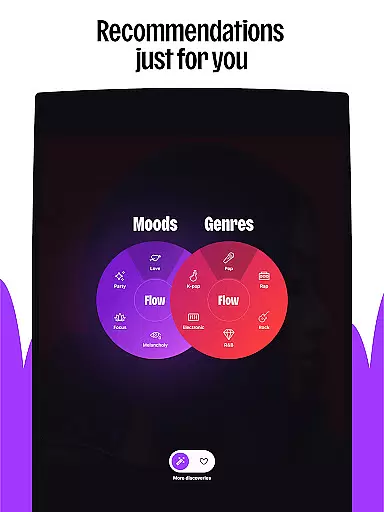
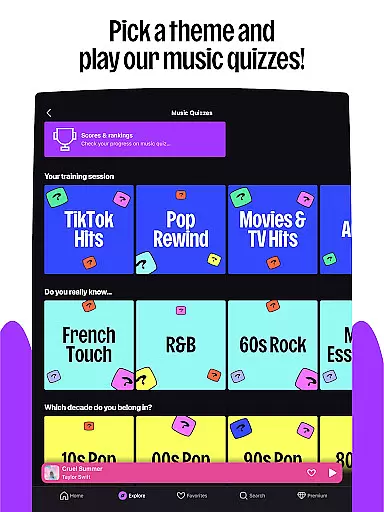
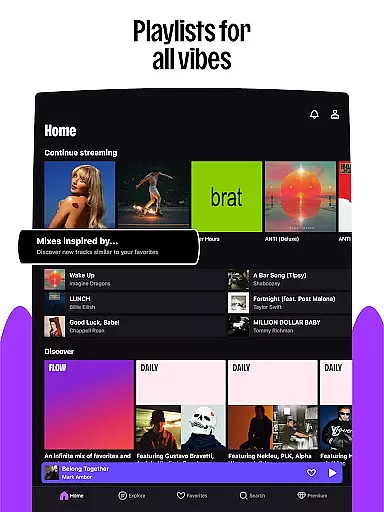

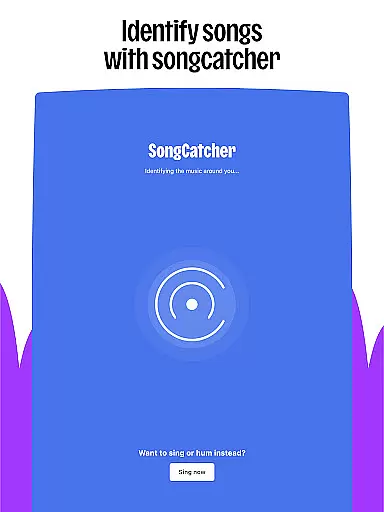
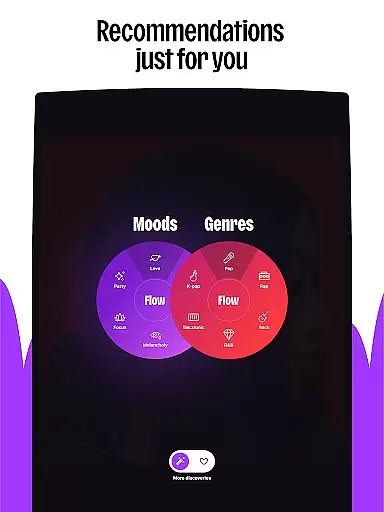
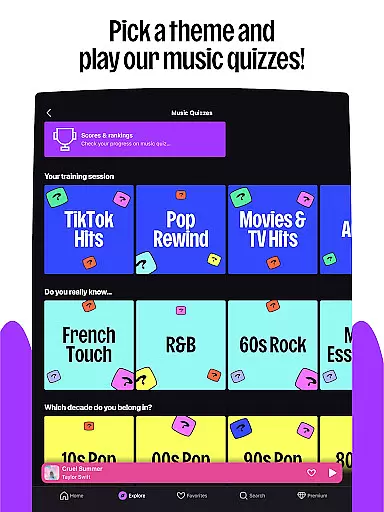
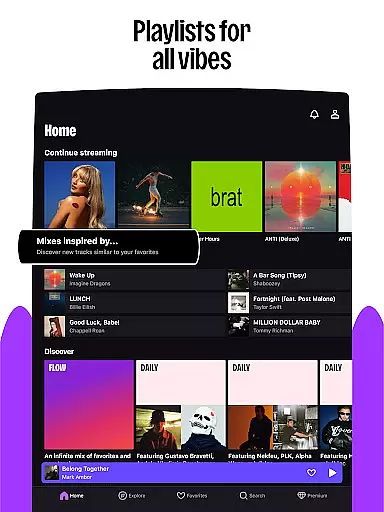

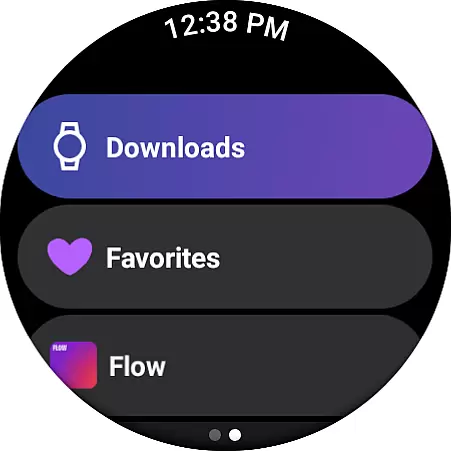
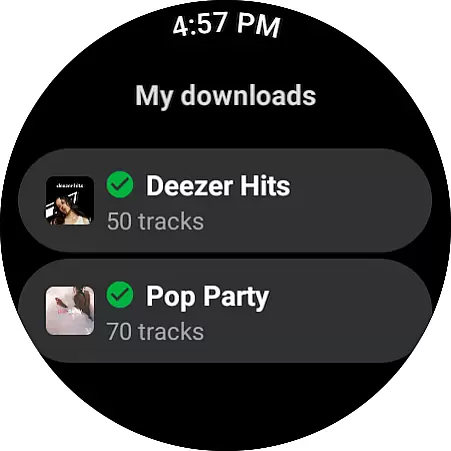
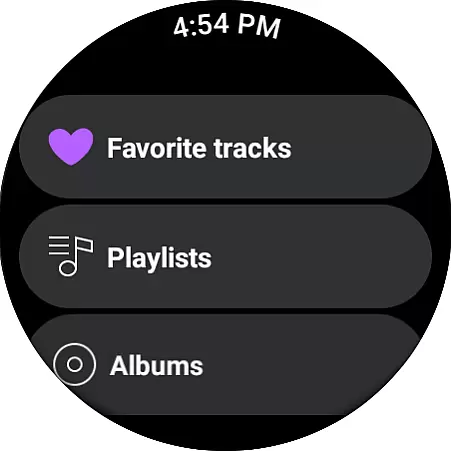
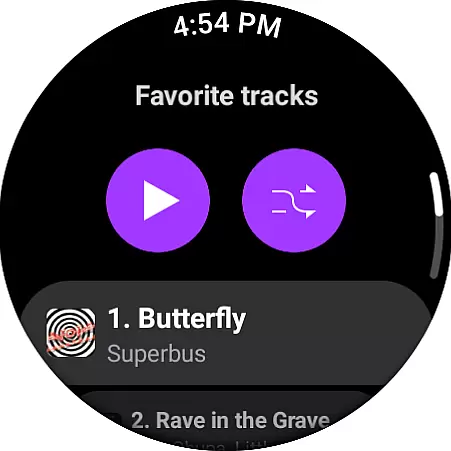
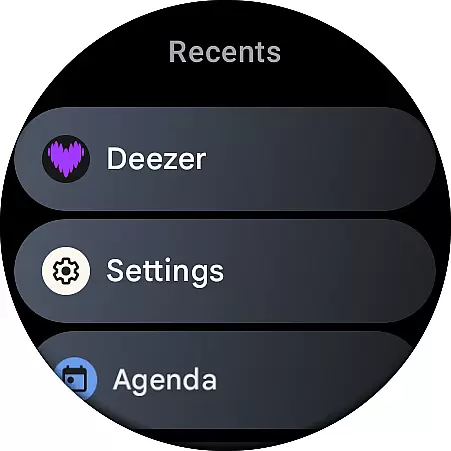
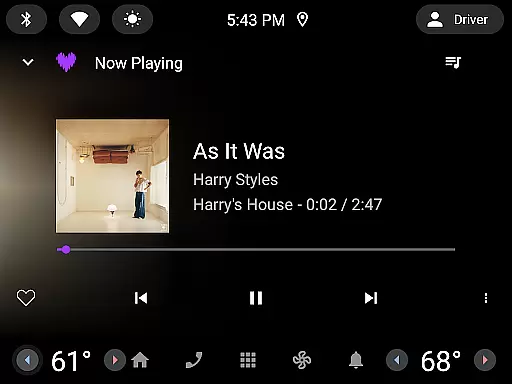
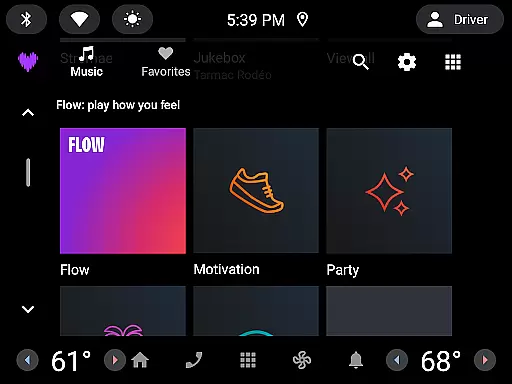
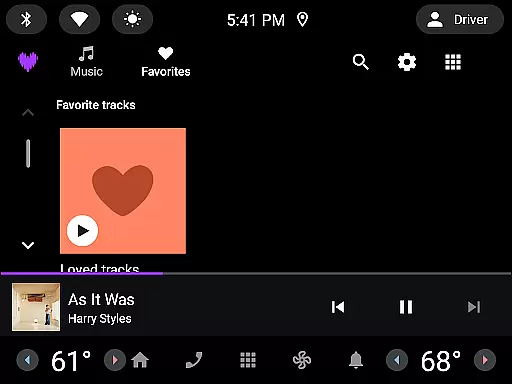
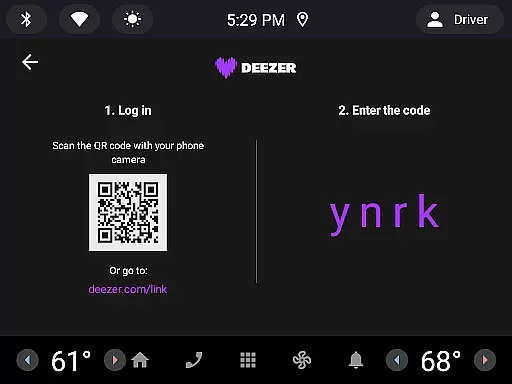

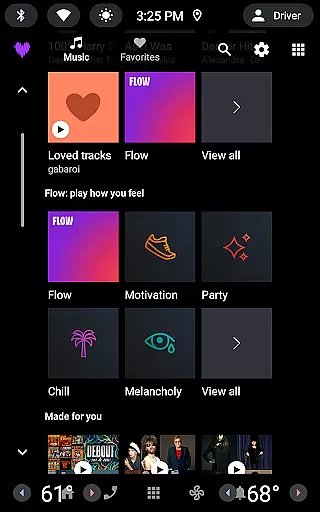
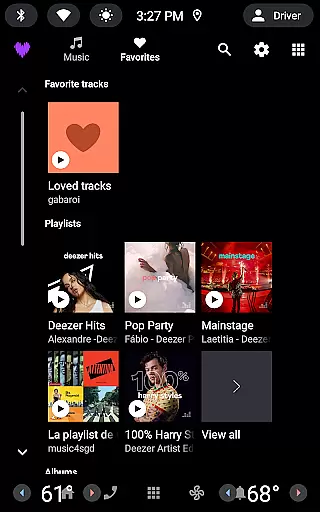
Deezer is a comprehensive music streaming platform designed for Android Wear users, offering a personalized listening experience. The app provides an extensive music catalog with features like Flow, which creates an infinite, customized mix of your favorite tracks and new discoveries. It also includes curated playlists for every mood and genre, ensuring you always have the perfect soundtrack for any occasion.
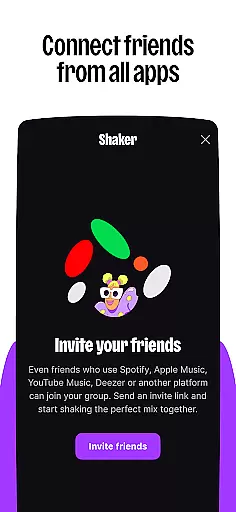
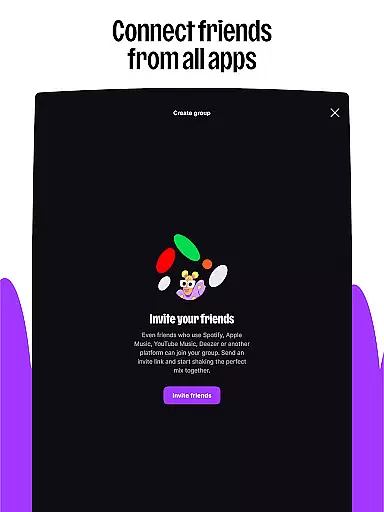
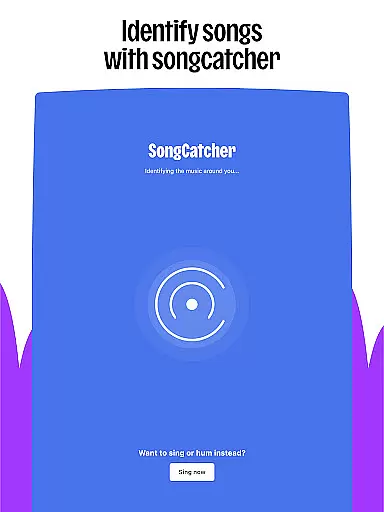
Beyond music, Deezer supports podcasts and audiobooks, making it a versatile entertainment hub. With interactive features such as Shaker for collaborative playlists and SongCatcher for identifying songs, Deezer enhances user engagement. Available on various devices including smart speakers and wearables, Deezer ensures you can enjoy high-quality, ad-free music wherever you go.
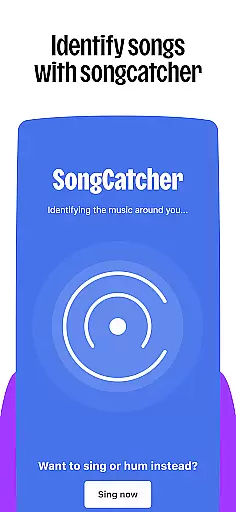
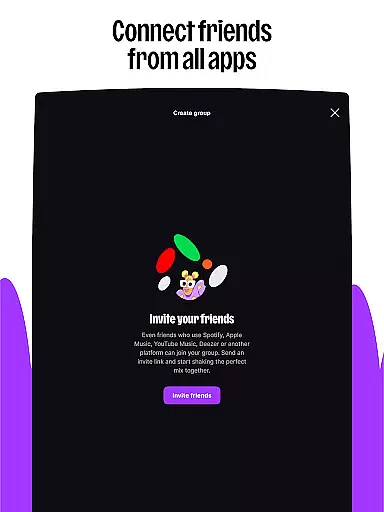
Deezer stands out with its innovative features tailored for Android Wear. The Flow feature offers a personalized music mix that adapts to your preferences, while curated playlists provide selections for every mood and activity. Interactive tools like Shaker allow users to create shared playlists, and SongCatcher helps identify any playing track or hummed melody.
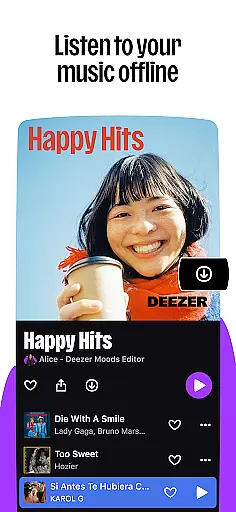
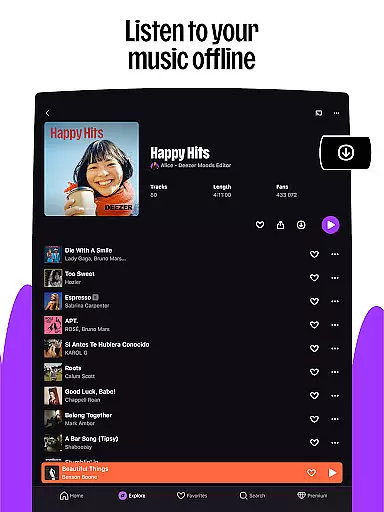
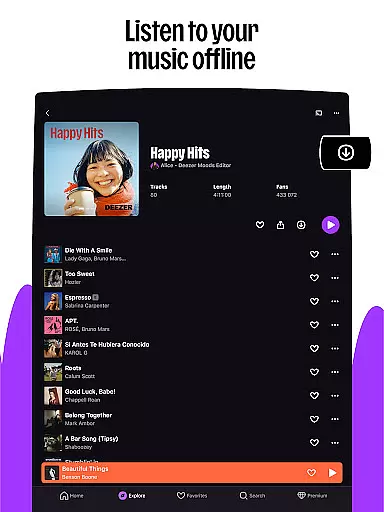
Customization options are abundant, enabling users to tailor their homepage, organize favorites, and design custom playlist covers. Additionally, Deezer supports high-fidelity audio quality and offline mode, ensuring uninterrupted listening. Integration with smart devices like Google Nest, Alexa, and Galaxy Watch extends Deezer's accessibility, allowing users to enjoy their music seamlessly across different platforms.
For an Android Wear application like Deezer, companion app integration is crucial for a seamless user experience. This feature ensures that the wearable app works in harmony with its smartphone counterpart, allowing users to access their music and playlists directly from their wrist.
Deezer's integration with smartphones enables users to control playback, browse playlists, and receive notifications without needing to take their phone out. The synchronization between devices is automatic and real-time, ensuring that any changes made on one device are instantly reflected on the other.
This level of integration provides users with the convenience of leaving their phones untouched while still enjoying full control over their music. Whether jogging, commuting, or simply relaxing, users can manage their listening experience effortlessly.
The value of companion app integration extends beyond mere convenience. It enhances the overall utility of Deezer by making it accessible in situations where handling a phone might be impractical or unsafe, such as during workouts or while driving.
Device compatibility is a key aspect of any Android Wear application. For Deezer, this means ensuring that the app functions optimally across a wide range of Wear OS devices, including smartwatches from different manufacturers and various models within those brands.
Deezer's compatibility spans popular devices such as Galaxy Watches, Fitbits, and other Wear OS-enabled gadgets. This broad support allows users to enjoy their favorite tracks regardless of their chosen wearable technology, providing flexibility and choice.
The app's ability to adapt to different screen sizes, resolutions, and hardware capabilities ensures a consistent user experience. Users can expect smooth navigation, clear audio playback, and reliable performance whether they're using a high-end model or a more budget-friendly option.
By prioritizing Wear OS and device compatibility, Deezer not only expands its potential user base but also reinforces its commitment to delivering a versatile and accessible music streaming service. This dedication to compatibility highlights Deezer's focus on meeting users where they are, enhancing both convenience and enjoyment.
User-friendly interface
Extensive music library
Personalized recommendations
High-quality audio streaming
Cross-device compatibility
Limited free version
Occasional connectivity issues
Subscription cost
Feature availability varies by region
Ads in free tier

A customizable Christmas watch face for Wear OS with a countdown.
 4.20
4.20
Wear Os Watch Face - Animated Snow - Sesonal for Christmas & Winter
4.5
Christmas is near, let's count together the days left until Santa comes
4.1
MyNISSAN® lets you remotely control your car from your phone.*
4.50
Digital, flexibly customizable watch face. For Wear OS 5.0, API 34+ and later.
5.00
Ideal for surviving in the wasteland left after nuclear fallout
4.50
Viewer for Wyze/Yi/Eufy/Arlo/ONVIF/RTSP/P2P IP cams w/ adv. features & DIY DVR
4.00
Hybrid watch face for Wear OS with customizable complications by Matteo Dini MD
4.70
Want to take charge of your health? Let Google Fit help you reach your goals.
3.50
Real-time weather radar with temperatures, warnings, hurricanes, and widgets
4.80
The Chevron App allows you to pay for fuel from the comfort of your car!
4.80
Easy Voice Recorder is your everyday companion to record important moments.
4.70
Real-time results, stats, schedules and player profiles for all leagues
4.60
Stylish, Energizing and Modern Watch Face crafted by Dominus Mathias.
4.50
Current temperature, weather hourly, weather radar by the weather forecast app
4.40
Calming & relaxing sounds for sleeping and stress relief. Stay focused all day!
4.20
"PER27 Galaxy Digital" is a digital Wear OS watch face designed by PERSONA
4.10
A watch face that fuses motorsport precision with contemporary smartwatch design
4.5
Artistic Digital Watchface
4.3


User Reviews