
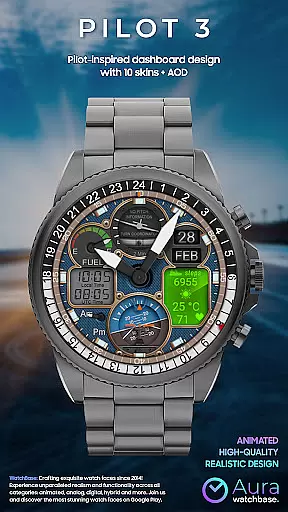
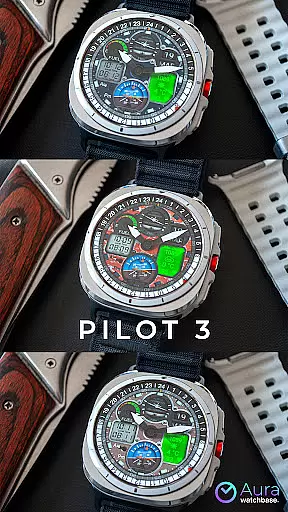
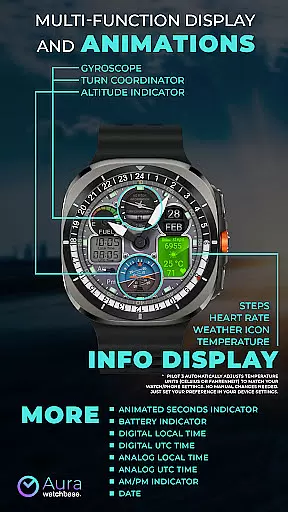
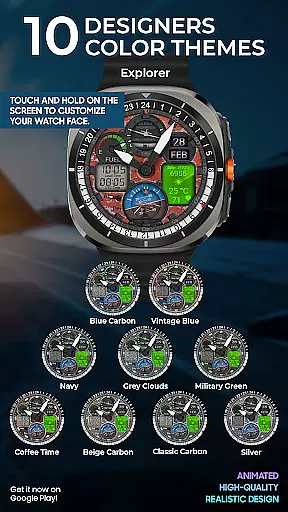
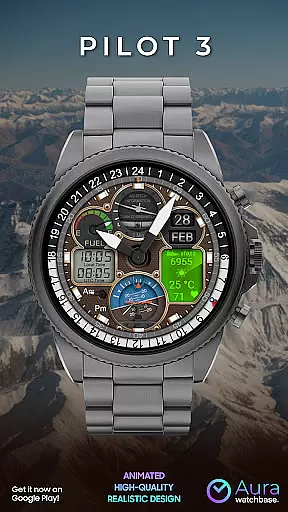
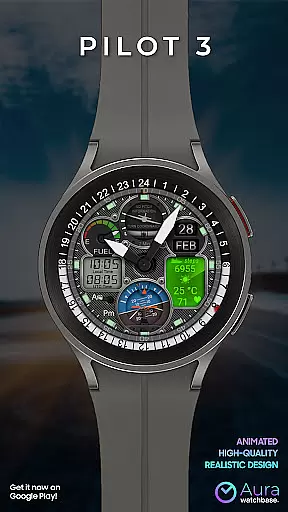
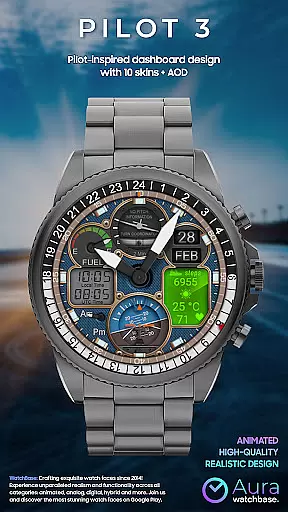
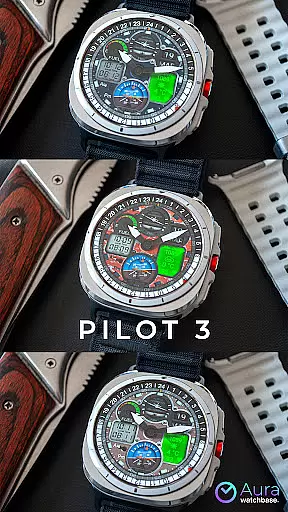
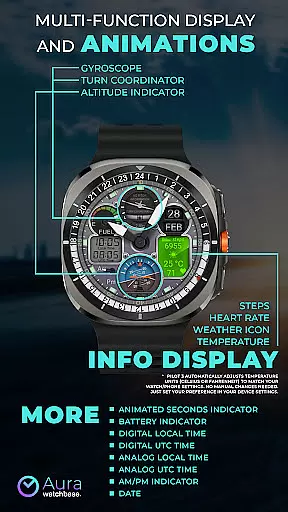
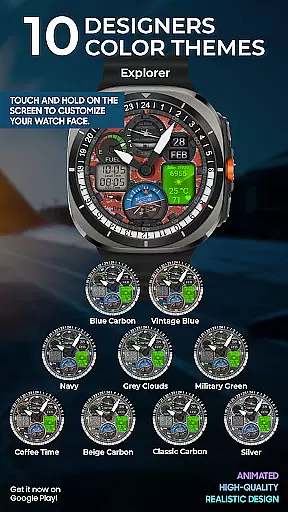
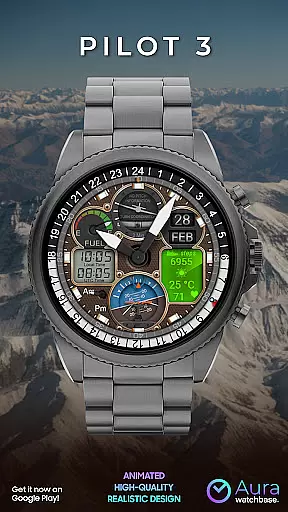
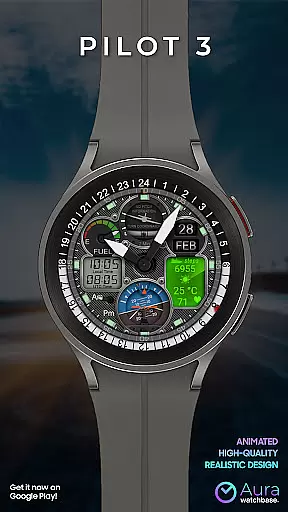
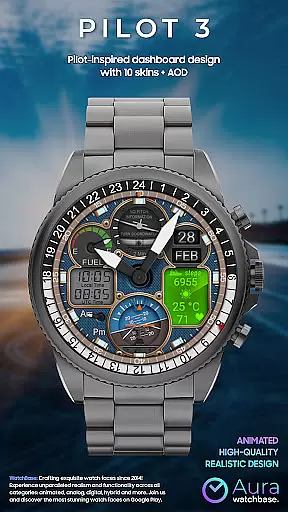
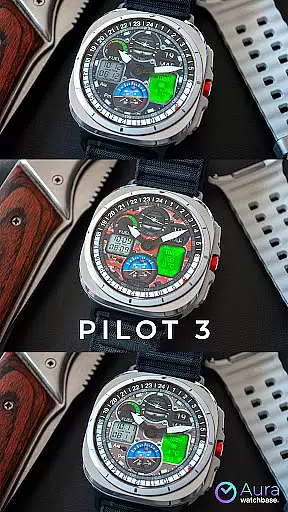
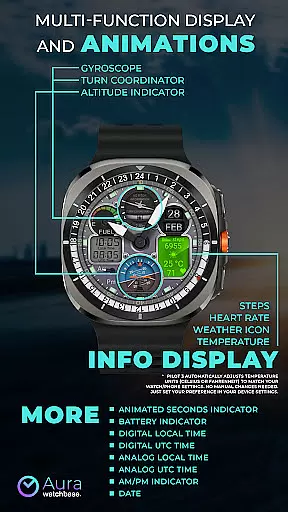
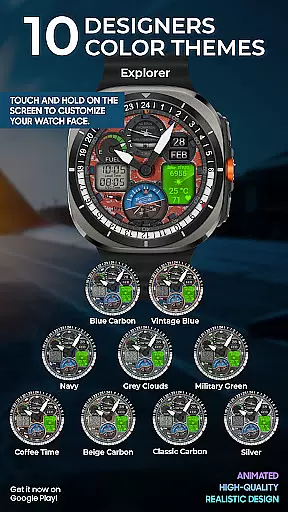
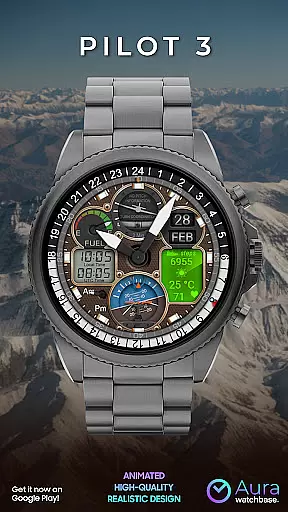
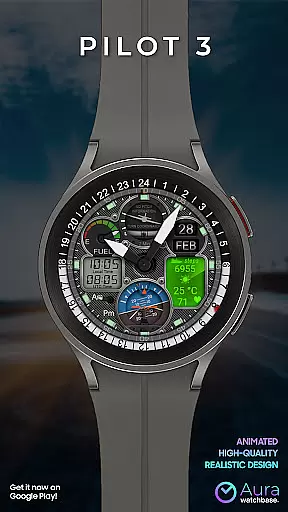
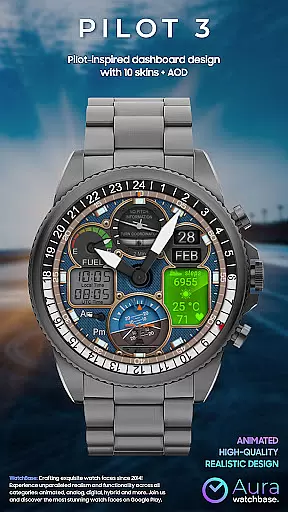
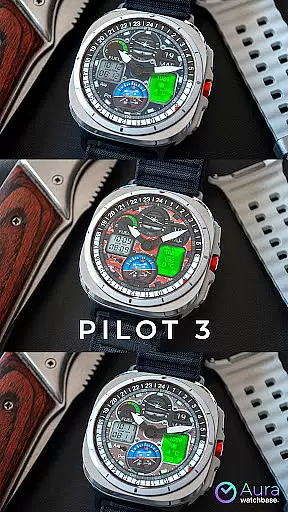
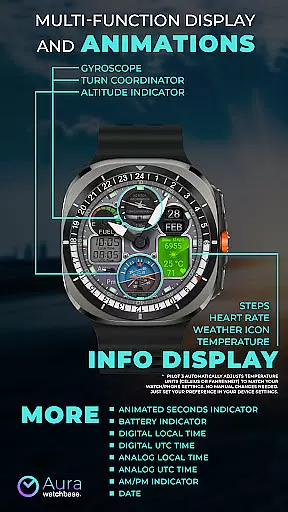
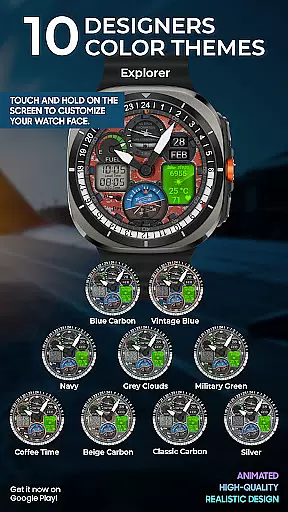
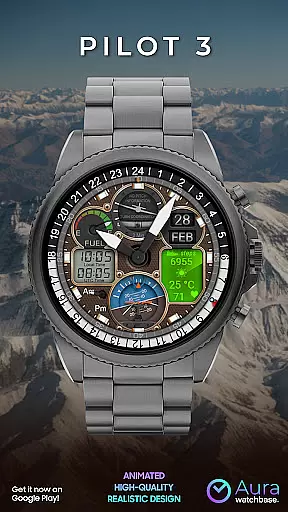
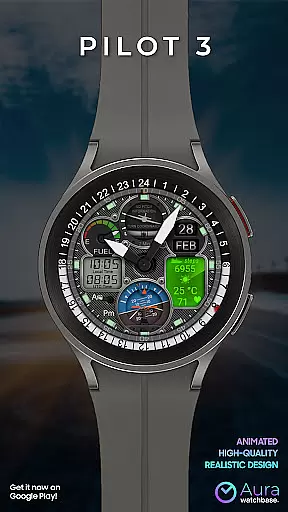
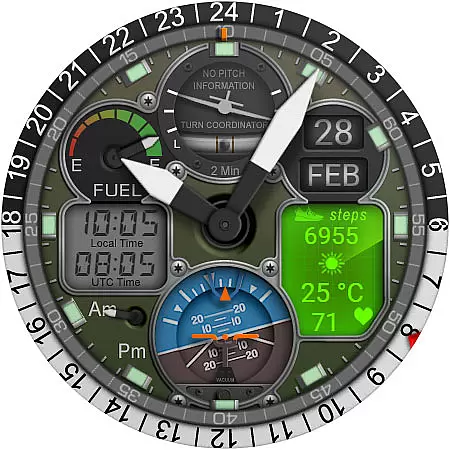
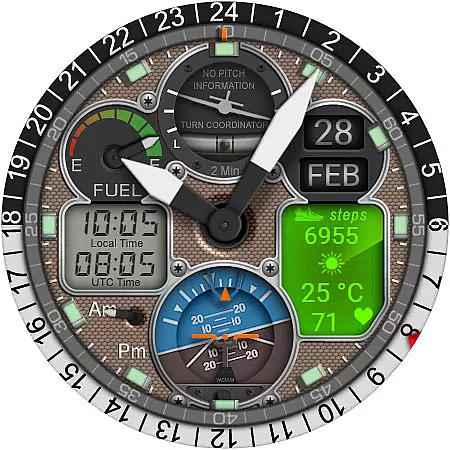
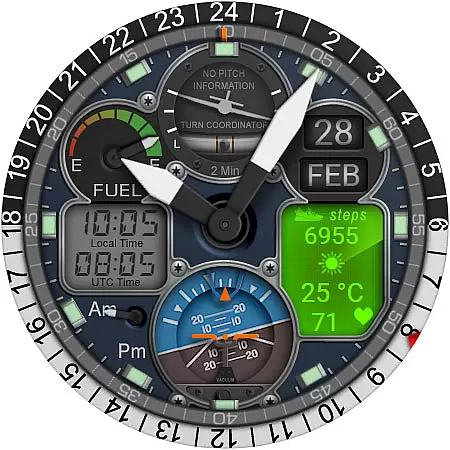
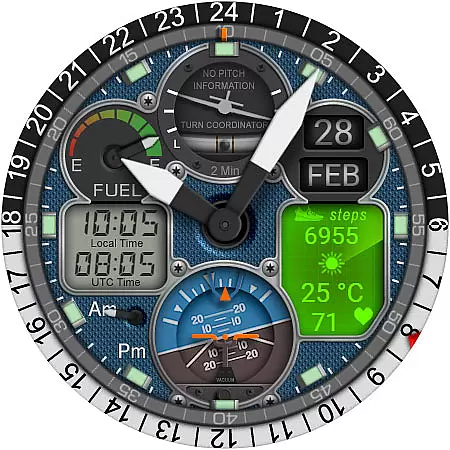
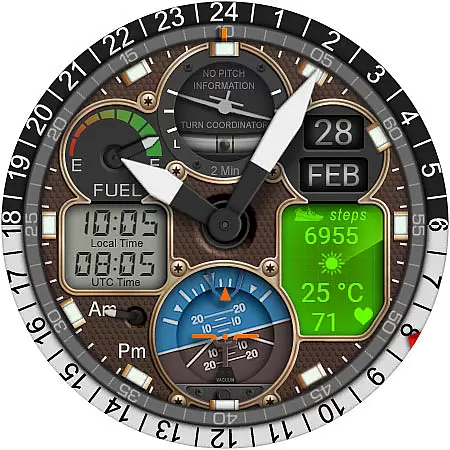
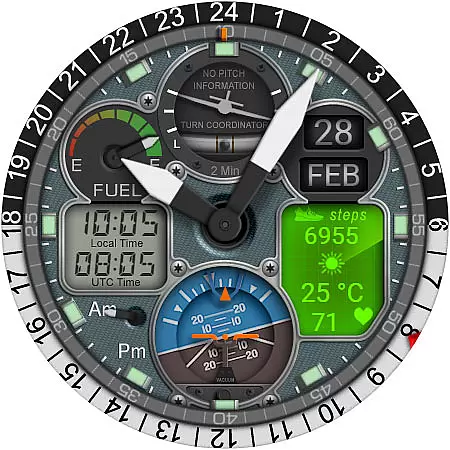
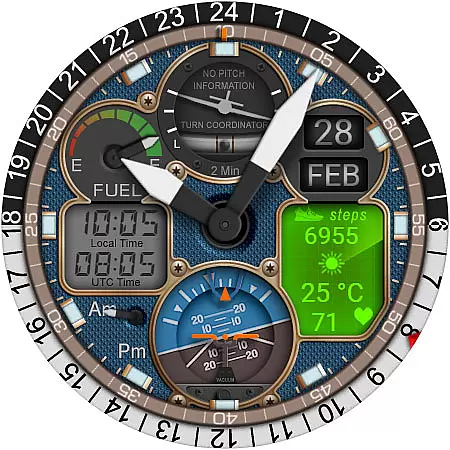
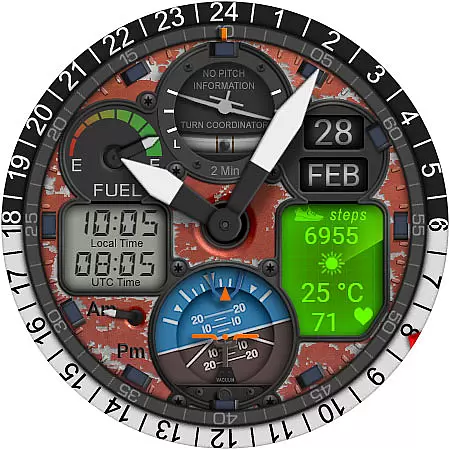
WB PILOT 3 Animated Watch Face brings the thrill of aviation to your Wear OS smartwatch. Designed exclusively for devices running Wear OS 5 and higher, this hybrid watch face combines stunning graphics with functional features. The interface displays both digital and analog time formats while incorporating animated elements like a Turn Coordinator, Altitude Indicator, and Gyroscope, making it ideal for aviation enthusiasts.
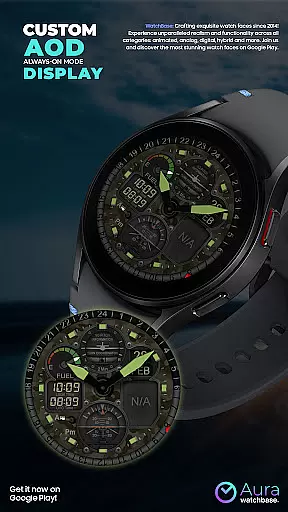
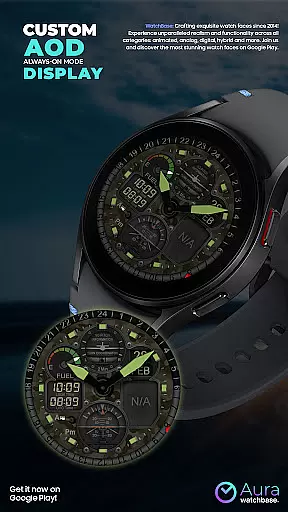
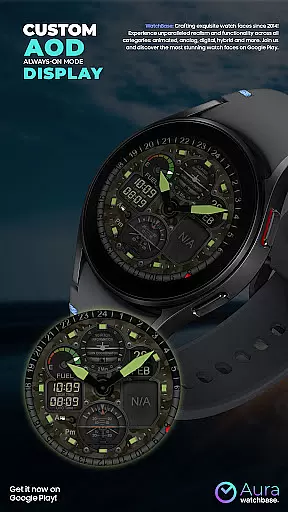
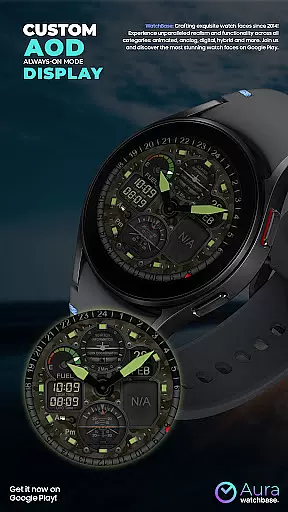
In addition to its aesthetic appeal, the watch face offers practical functionalities such as AOD display, AM/PM indicators, battery status, date, and customizable info displays including steps, heart rate, weather, and temperature. Whether you're monitoring your daily activity or simply enjoying the immersive animations, WB PILOT 3 ensures an engaging and informative experience tailored to your lifestyle.
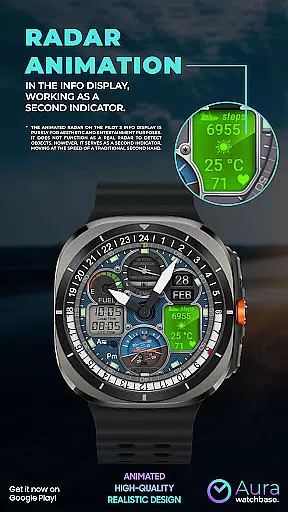
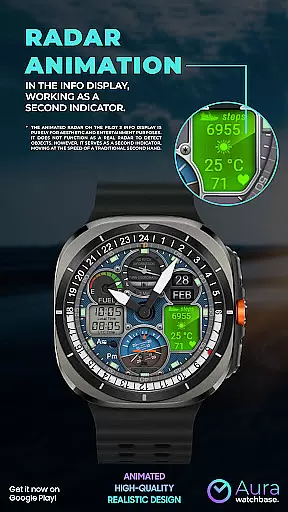
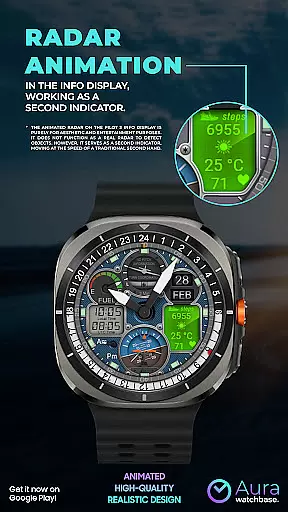
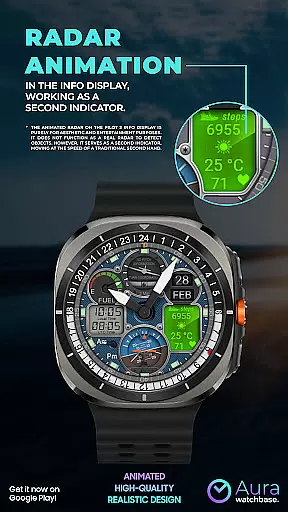
WB PILOT 3 stands out with its rich feature set designed to enhance usability and visual appeal. With 10 unique skins, users can personalize their watch face to match their style. The animated radar, though not functional as a real radar, serves as a visually striking second hand that moves in sync with traditional timekeeping. This attention to detail extends to other animated elements like the Turn Coordinator and Altitude Indicator, which replicate cockpit instruments.
The hybrid design allows users to view both digital and analog time formats simultaneously, catering to different preferences. Additional features include dual-time zone support (Local and UTC), battery and date indicators, and health tracking metrics such as steps and heart rate. By automatically adjusting temperature units based on device settings, WB PILOT 3 eliminates manual adjustments, offering seamless integration into your daily routine.
Companion app integration is essential for a seamless smartwatch experience. WB PILOT 3 Animated Watch Face utilizes a dedicated mobile application to simplify the installation and customization process. This ensures that users can easily access and implement the watch face features across their devices.
The companion app serves as a bridge between your smartphone and Wear OS device, allowing for effortless synchronization of settings and preferences. Once installed, users can customize various elements of the watch face through an intuitive interface on their phone. This includes adjusting skins, setting local and UTC times, and managing info displays such as steps or heart rate.
By streamlining the setup process, WB PILOT 3 guarantees that customers can enjoy its advanced graphics and animations without technical difficulties. The companion app also addresses common synchronization issues, ensuring that purchases are recognized across all devices without additional charges. This provides peace of mind and convenience for users who want to focus on their personalized smartwatch experience.
Device compatibility is crucial when selecting a smartwatch watch face. WB PILOT 3 Animated Watch Face is specifically designed for devices running on Wear OS 5 and higher, ensuring optimal performance and visual quality on supported devices. This compatibility allows users to take full advantage of the hybrid display, which combines digital and analog timekeeping with animated elements.
Before purchasing, it's important to verify that your device meets the necessary system requirements. The watch face brings cockpit-inspired excitement to your wrist with features like the animated turn coordinator, altitude indicator, and gyroscope. These elements are optimized for Wear OS, providing smooth animations and accurate representations that mimic real aviation instruments.
For users experiencing installation challenges, WB PILOT 3 offers multiple solutions. You can install directly from Google Play or attempt installation via a browser using your Google account. Once installed, the watch face automatically adjusts temperature units to match your device settings, demonstrating its adaptability across different regions and user preferences. This attention to compatibility ensures a frustration-free experience for all aviation enthusiasts using Wear OS devices.
Stunning animations
Hybrid time display
Customizable skins
Health tracking
Automatic unit adjustment
Wear OS 5+ required
No real radar function
Limited device compatibility
Potential sync issues
Companion app needed

Snowflake Rose Gold Watch Face - Digital, modern, & sleek with GYRO effect.
 4.10
4.10
Analog watch face with 8 complications and expedition styling
4.5
Beautiful, colorful and practical watch face. For Wear OS devices.
5.00
Watch face designed for Thanksgiving Day. 7 Background Styles included.
3.20
Hyperlocal rain alerts by MyRadar using patent-pending technology, radar & more
4.80
Viewer for Wyze/Yi/Eufy/Arlo/ONVIF/RTSP/P2P IP cams w/ adv. features & DIY DVR
4.00
Daily Weather forecast with 15 weather images for Day & Night plus Big Bold time
4.10
Spam call blocker and caller ID for automatic call protection!
4.40
Toyota app currently supports 2010 or newer vehicles (2018 or newer for Hawaii).
4.50
Christmas Theme Watch Face for Wear Os
5.00
A modern premium sporty hybrid watch face for Wear OS by Ballozi
4.70
Hybrid watch face for Wear OS with customizable complications by Matteo Dini MD
4.70
Nutrition, Macro tracker: Food, fitness & healthy diet tracking for weight loss
4.60
A realistic hybrid watch face with many customization options.
4.60
Beautiful artistic animated digital watch face, with a customizable layout!
4.40
Digital watch face. For Wear OS devices.
4.40
Reliable phone calls with spam protection, caller ID and more helpful features
4.40
Find EV charging stations
4.30
Animated Watch Face and Customizable with 24 Backgrounds. Perfect for Christmas!
3.90


User Reviews