
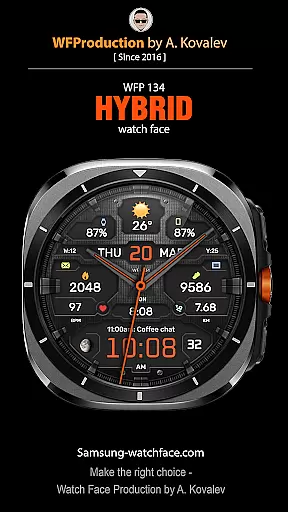
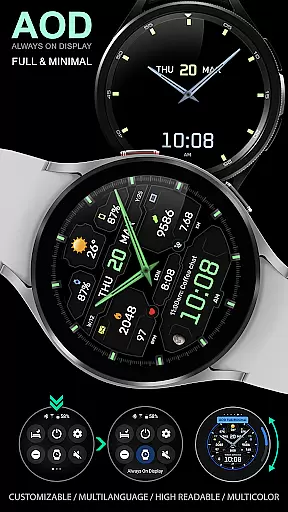
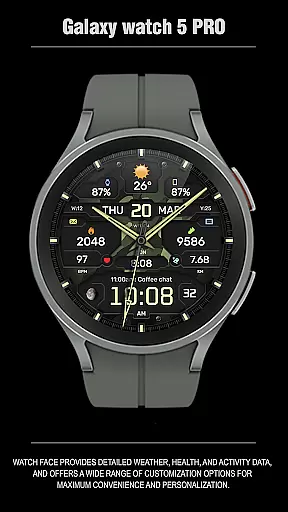
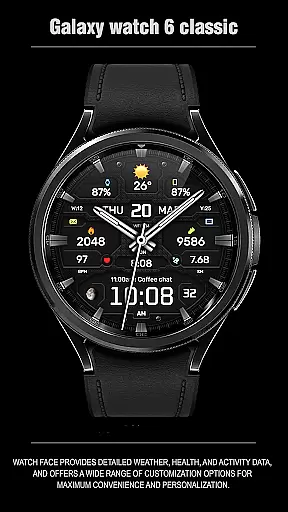
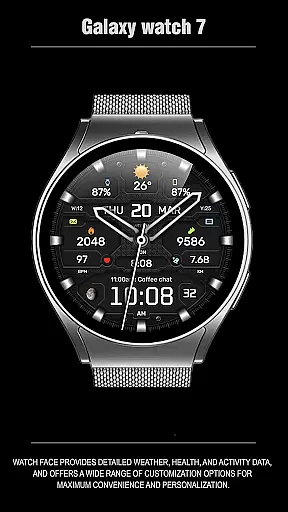
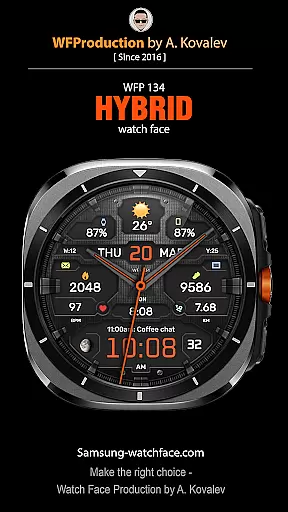
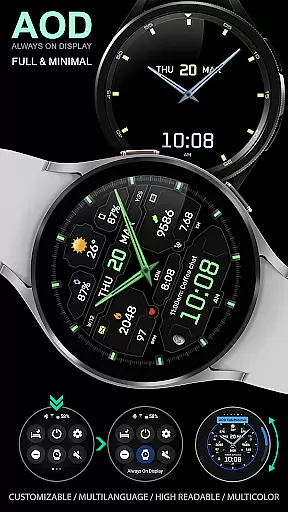
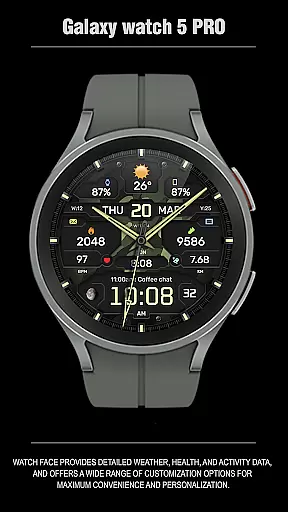
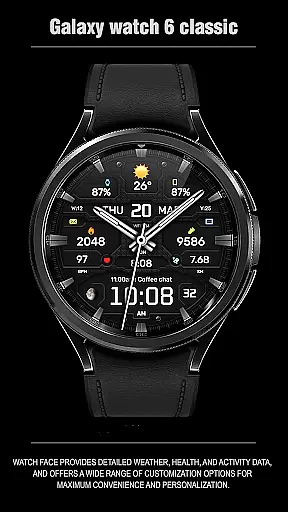
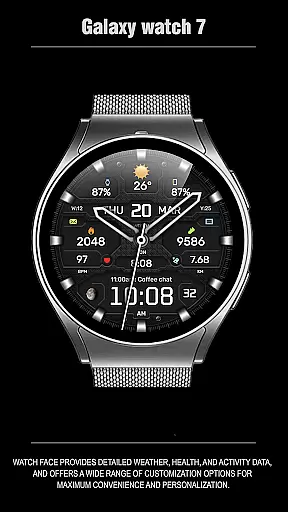
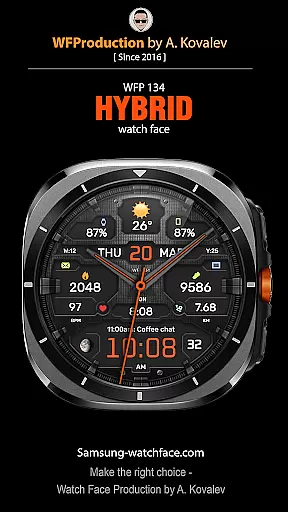
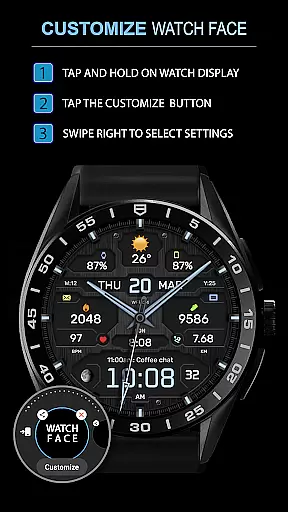
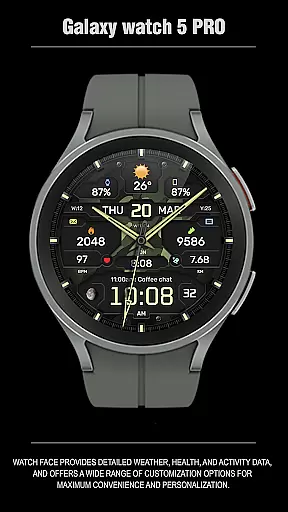
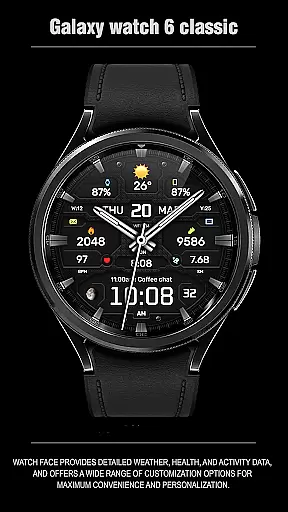
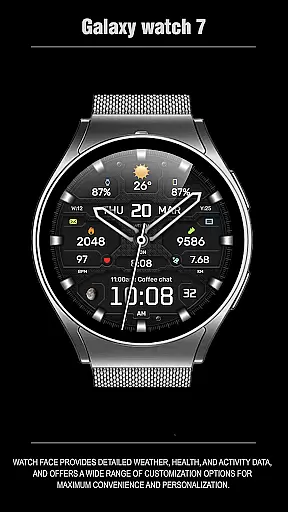
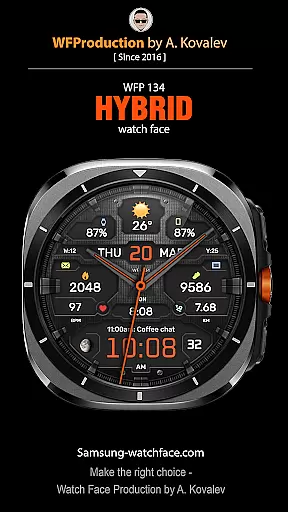
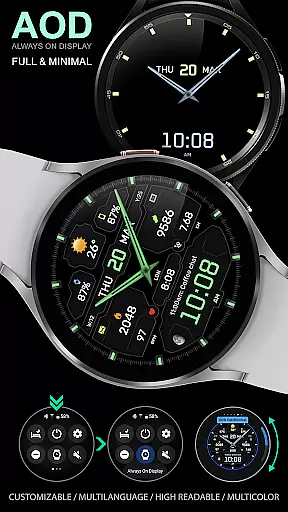
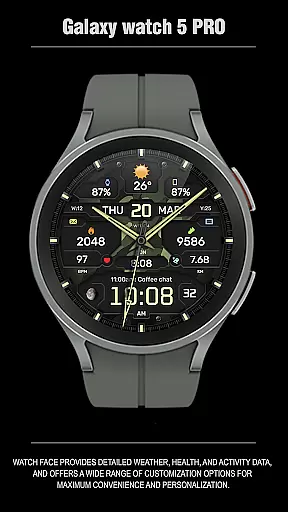
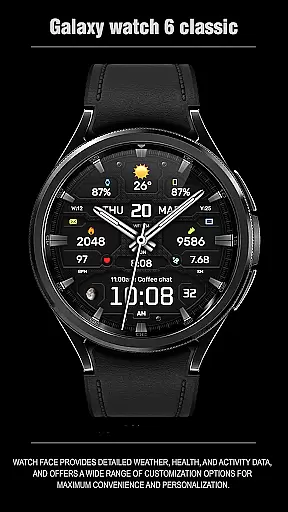
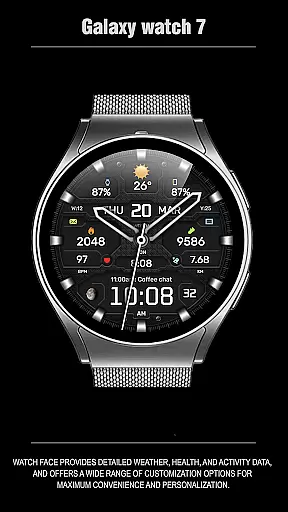
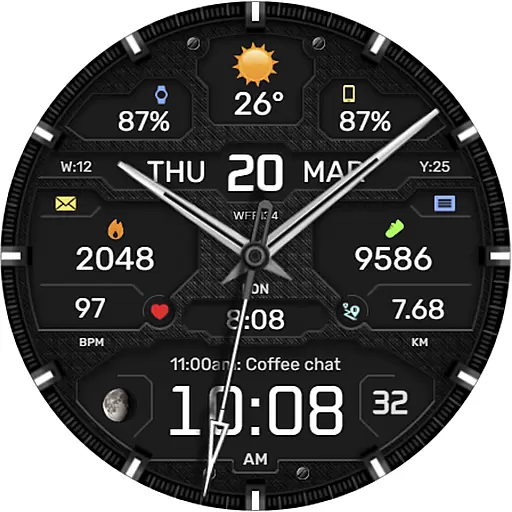
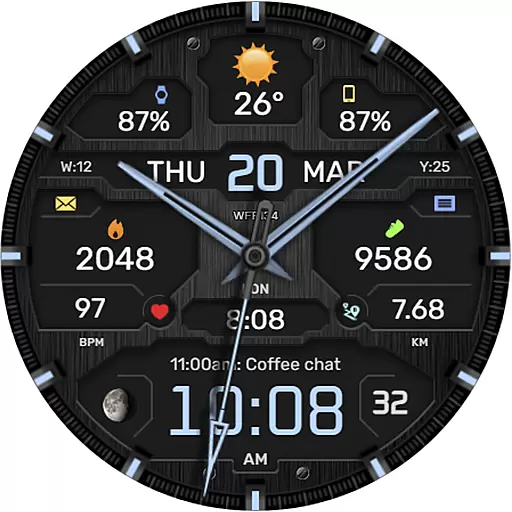
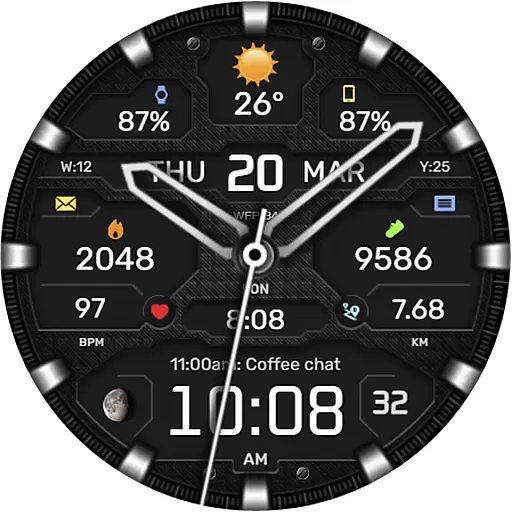
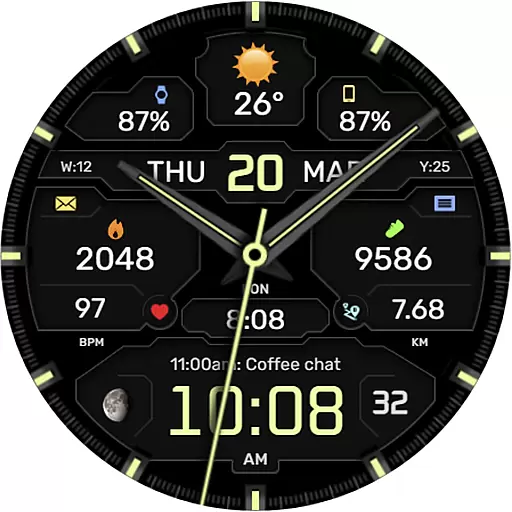
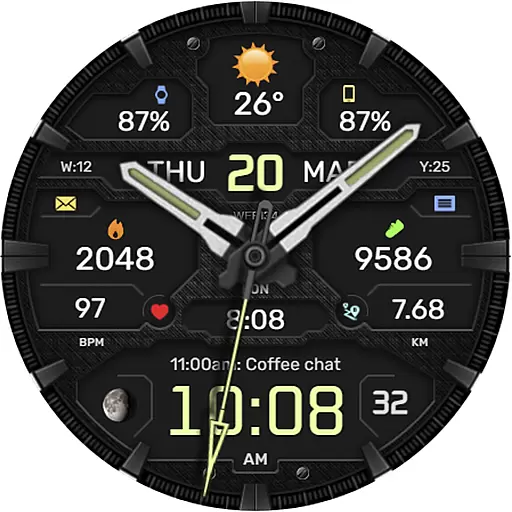
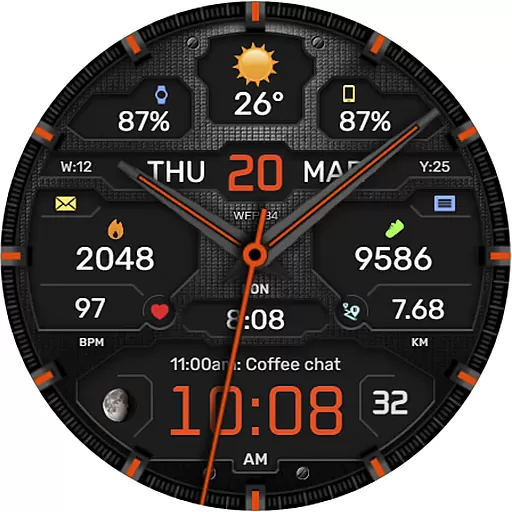
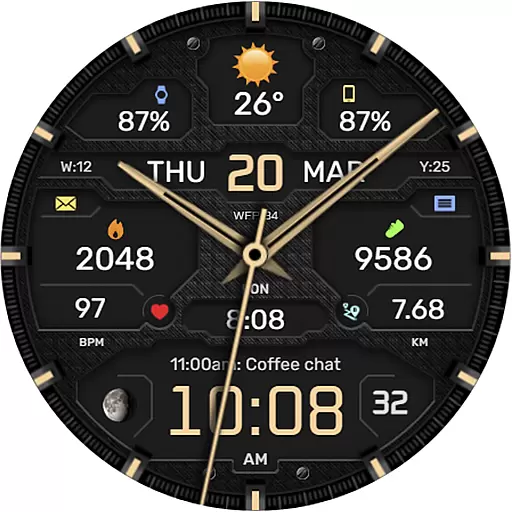
The WFP 134 Hybrid watch face is a versatile and stylish wearable application designed for Android Wear devices. It combines aesthetic appeal with practical functionality, offering users detailed weather forecasts, health tracking, and activity monitoring. The app stands out with its extensive customization options, allowing users to personalize their watch faces with various color schemes, backgrounds, and display settings.
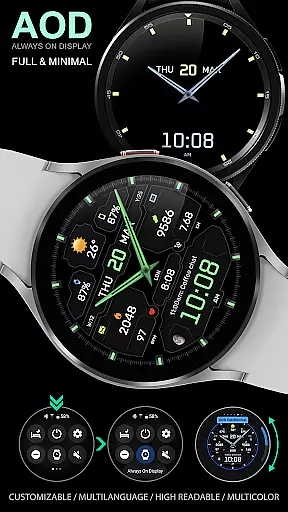
This hybrid watch face supports advanced features like moon phase tracking, multiple language options, and an always-on-display (AOD) mode that can be fully customized. Compatible with devices running API 34+ and later, it ensures broad device support while maintaining optimal performance and low battery consumption. Whether you're monitoring your daily fitness goals or simply want a sophisticated timepiece, this app delivers both form and function in one elegant package.
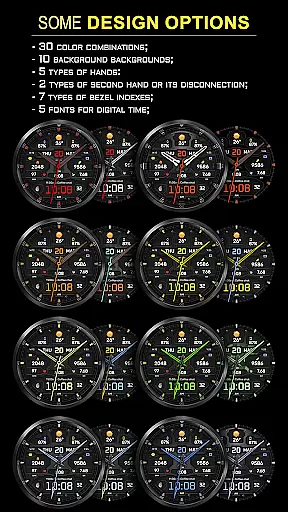
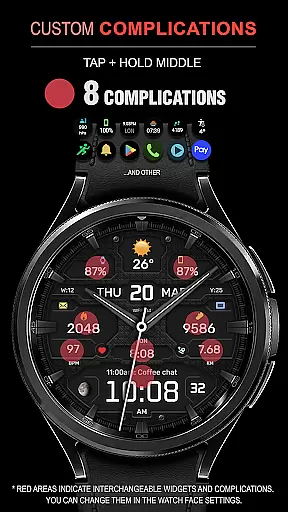
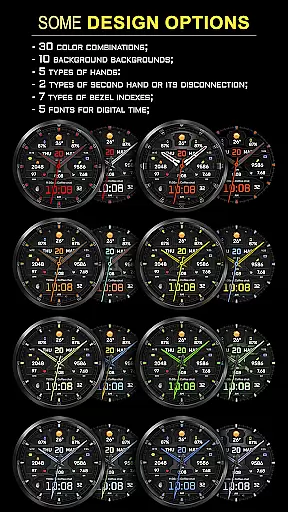
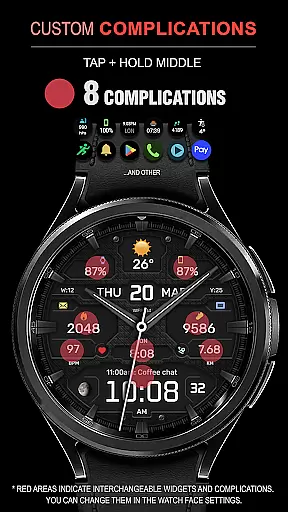
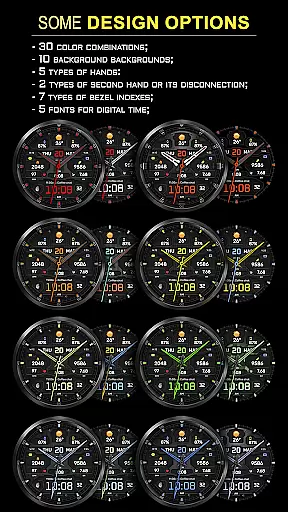
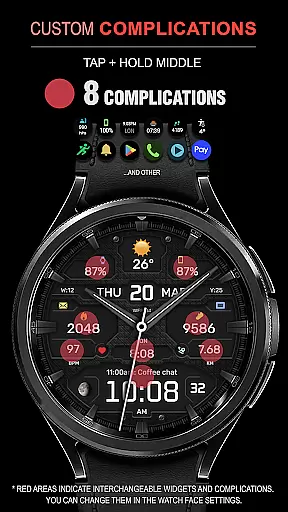
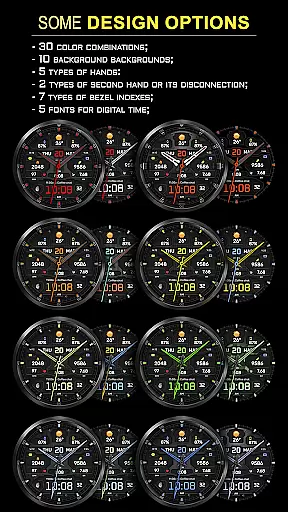
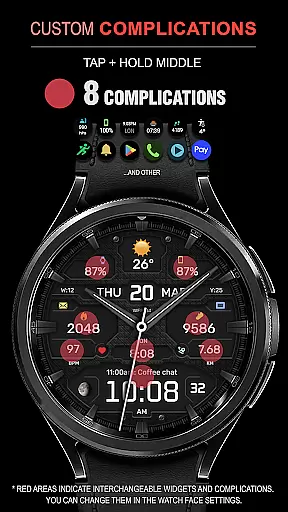
The WFP 134 Hybrid watch face boasts an impressive array of features designed to enhance user experience. With eight available complications, users can access important information at a glance, such as weather updates, moon phases, and health metrics. The app offers thirty unique color combinations and ten distinct background designs, ensuring that each user can tailor their watch face to match their personal style.
Further personalization comes from the ability to choose between five types of clock hands, two styles of second hands, or disable the second hand entirely. Seven bezel index types and five digital time fonts provide additional customization options. Advanced functionalities include high-resolution graphics, multilingual support, Fahrenheit/Celsius temperature displays, and optimized power consumption for extended battery life. These features collectively create a highly adaptable and visually appealing smartwatch experience.
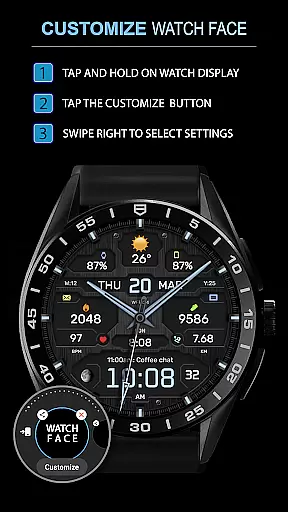
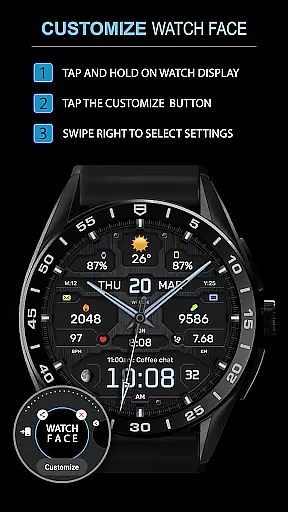
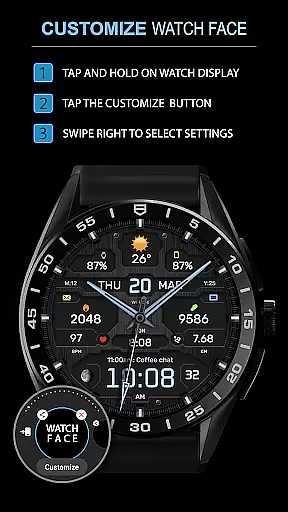
Companion app integration is essential for a seamless experience between wearable devices and smartphones. The WFP 134 Hybrid watch face excels in this area by offering users the ability to customize their watch face directly from their phone.
This application provides detailed weather, health, and activity data, which can be easily synced with a smartphone app. Users can access various customization options through the companion app, ensuring that their preferences are accurately reflected on their wearable device.
By following the provided links, users can explore additional features such as phone charge widgets and information about calories and floors climbed. This connectivity ensures that all important data is accessible at a glance, enhancing the overall utility of the smartwatch.
The promotion 'Buy 1 - Get 1 free' further incentivizes users to take full advantage of the companion app's capabilities, making it an attractive option for those looking to maximize their smartwatch experience.
Ensuring compatibility across various devices is crucial for any Wear OS application. The WFP 134 Hybrid watch face is designed to work seamlessly with devices running API 34+ and later, providing a broad range of users access to its stylish and functional design.
This compatibility extends to a wide array of features, including eight complications, thirty color combinations, and ten backgrounds. Such diversity allows users to tailor their watch faces to their personal tastes while maintaining optimal performance on their devices.
Installation instructions are readily available, guiding users through the process of setting up the watch face on their compatible devices. These instructions ensure that even those new to smartwatches can quickly get started with minimal hassle.
With support for multiple languages and customizable AOD modes, the WFP 134 Hybrid watch face demonstrates its commitment to catering to a global audience, ensuring that every user can enjoy a personalized and efficient wearable experience.
Highly customizable
Low battery usage
Stylish design
Wide compatibility
Comprehensive weather data
Complex setup process
Limited free options
Requires newer devices
No built-in social sharing
Premium features cost extra

Wear Os Watch Face - Animated Snow - Sesonal for Christmas & Winter
 4.3
4.3
A watch face that fuses motorsport precision with contemporary smartwatch design
4.3
Contemporary digital watch face with five complications
4.2
Wear Os Watch Face - Animated Snow Effect & Magic Spark - 6 Scenes
4.10
Sleek, highly customizable watch face inspired by Galaxy Watch Circle Dashboard.
4.0
Real-time results, stats, schedules and player profiles for all leagues
4.60
Daily Weather forecast with 15 weather images for Day & Night plus Big Bold time
4.10
A white realistic classic analog watch face with many customization options.
4.40
Toyota app currently supports 2010 or newer vehicles (2018 or newer for Hawaii).
4.50
Christmas Theme Watch Face for Wear Os
5.00
Beautiful, colorful and practical watch face. For Wear OS devices.
5.00
Gym Log & Workout Tracker | Fitness Journal, Training & Weight Lifting Planner
4.90
Easy Voice Recorder is your everyday companion to record important moments.
4.70
Ideal for surviving in the wasteland left after nuclear fallout
4.50
A customizable Christmas watch face for Wear OS with a countdown.
4.20
Let's celebrate Thanksgiving - Wear Os watch face
4.20
Hyper-Realistic Airplane Dashboard Watch Face With 10 Skins and Custom AOD
4.00
A digital watch face that celebrates Christmas.
4.00
Animated Watch Face and Customizable with 24 Backgrounds. Perfect for Christmas!
3.90


User Reviews