
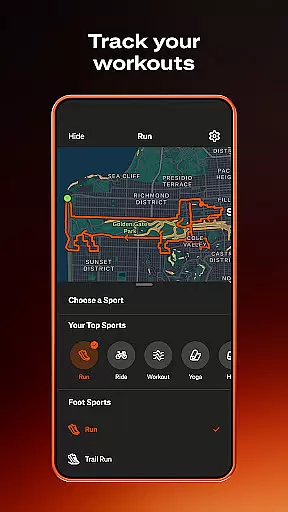
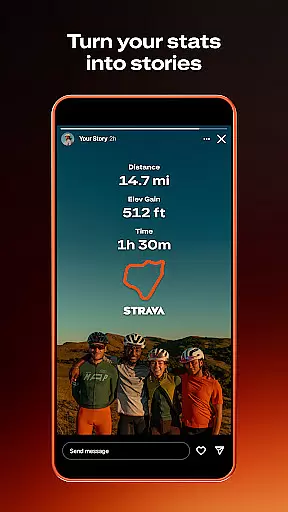
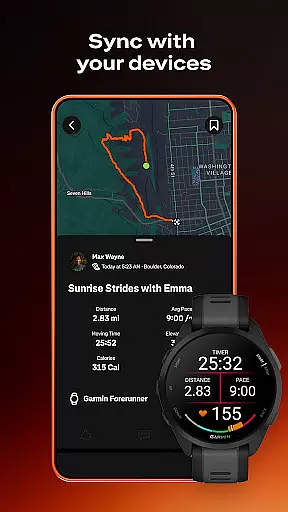
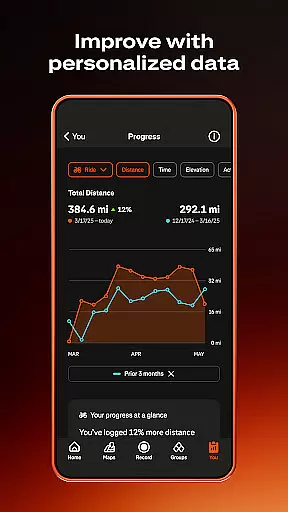
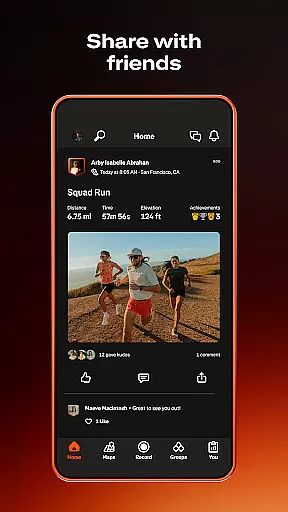
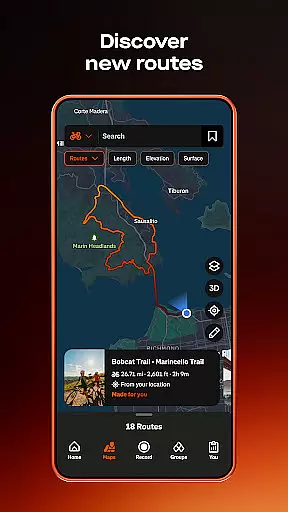
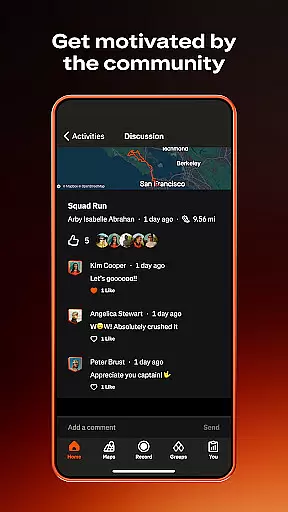
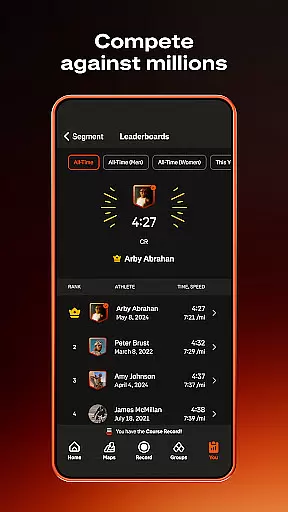
Strava is the ultimate fitness tracking app that combines community building with performance analysis, designed for athletes of all levels. With over 180 million active users, it supports a wide range of activities including running, cycling, hiking, and yoga, while integrating seamlessly with devices like Apple Watch, Garmin, and Fitbit.
One standout feature is its ability to provide data-driven insights and competitive segment challenges, allowing users to track their progress and compete with others. Strava also emphasizes safety and privacy, offering tools like Beacon for real-time location sharing and customizable privacy settings. Whether you're training for a personal best or simply staying active, Strava fosters motivation through challenges, clubs, and social connections.
Strava offers an impressive array of features tailored to enhance both individual and community fitness experiences. The app allows users to record over 40 different types of activities, sync with thousands of devices, and access detailed performance analytics. Its intelligent route recommendations and live segment updates cater to outdoor enthusiasts seeking optimized workouts.
For those looking to connect, Strava's Clubs and Challenges features create opportunities to engage with like-minded individuals. Users can join local groups, participate in monthly challenges, and celebrate achievements by exchanging kudos. Additionally, premium subscribers gain access to advanced tools such as AI-driven athlete insights, custom goal setting, and injury prevention exercises via Recover Athletics. These features collectively ensure a personalized, engaging, and safe experience for every user.
Companion app integration is essential for a seamless wearable experience. Strava excels in this area by offering robust synchronization between its mobile app and Wear OS devices.
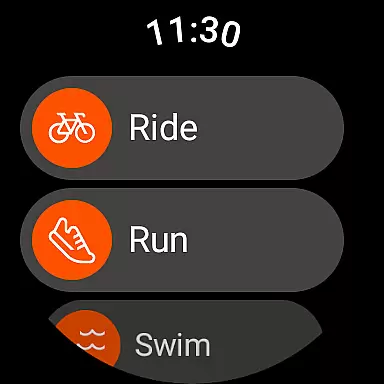
The Strava Wear OS app includes a dedicated tile and complication, allowing users to quickly launch activities directly from their smartwatch interface. This ensures that athletes can start recording their workouts without needing to access their phones.
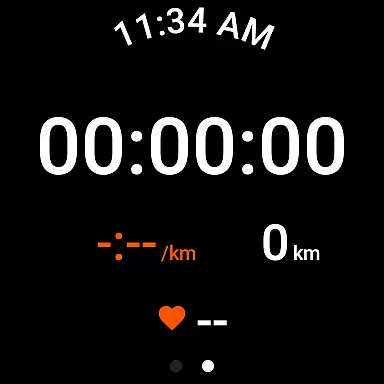
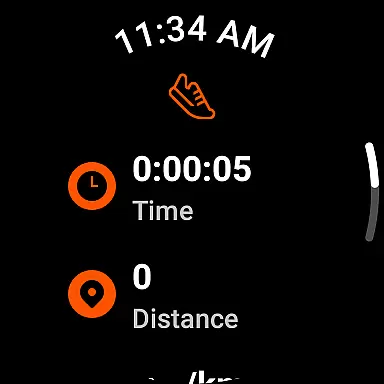
Through the companion app, users can view real-time activity data, receive notifications, and control their ongoing recordings. The instant syncing of GPS data, heart rate, and other metrics provides a comprehensive tracking solution.
This integration enables athletes to leave their phones behind while still maintaining access to crucial performance metrics. The result is a more focused and distraction-free workout experience.
Device compatibility is crucial for ensuring consistent performance across different Wear OS devices. Strava maintains broad compatibility with various smartwatches and wearables running Wear OS.
The application supports popular devices like Samsung Galaxy Watch series, Fossil Gen 5, and newer Wear OS models. This wide compatibility range allows users to choose their preferred hardware without compromising functionality.
Strava's engineering team regularly updates the app to maintain compatibility with the latest Wear OS versions and device models. They also provide detailed documentation about supported devices on their official support site.
While most modern devices work flawlessly, some older models may experience limitations due to hardware constraints. Users can verify their device's compatibility through the Google Play Store listing or Strava's support resources.
User-friendly interface
Extensive device compatibility
Rich community engagement
Data-driven insights
Flexible privacy controls
Premium subscription costly
Limited free features
GPS issues on some devices
Occasional syncing errors
High battery consumption

Wear Os Watch Face - Animated Snow Effect & Christmas Lights
 4.5
4.5
Embrace the holiday spirit with this magical animated watch face!
4.40
A heartwarming Christmas scene featuring a cute image of Santa and Rudolf
4.1
Wear Os Watch Face - Animated Snow Effect & Magic Spark - 6 Scenes
4.10
Authentic military-tactical design with ZULU time! Realistic and functional!
3.80
Stylish digital watch face for Wear OS devices with customizable features
4.3
Find EV charging stations
4.30
Funny animated watch face for Thanksgiving
4.0
Toyota app currently supports 2010 or newer vehicles (2018 or newer for Hawaii).
4.50
Christmas Theme Watch Face for Wear Os
5.00
Christmas - Festive - Christmas Village - Winter - Christmas lights
5.00
Beautiful, colorful and practical watch face. For Wear OS devices.
5.00
WTW M17 is a premium and luxurious hybrid watch face
4.70
Ideal for surviving in the wasteland left after nuclear fallout
4.50
The ultimate destination for kids ages 3-8 to explore the Marvel Universe!
4.30
Your music, your playlists, and more—offline and unlimited.
4.20
Daily Weather forecast with 15 weather images for Day & Night plus Big Bold time
4.10
The #1 source of faces for your smartwatch!
4.00
Stunning modern digital watch face with 7 complications and strong contrast
4.4


User Reviews