
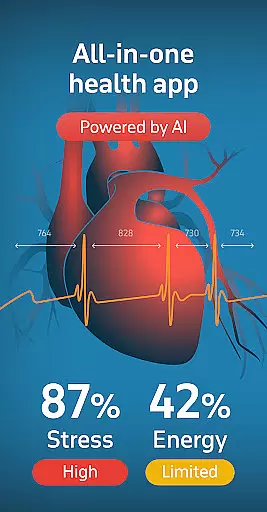
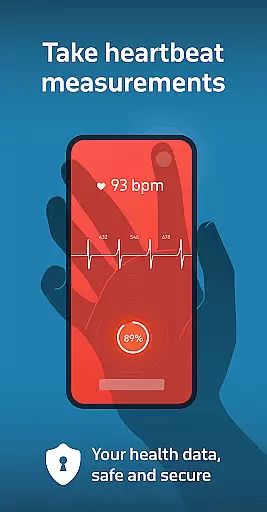
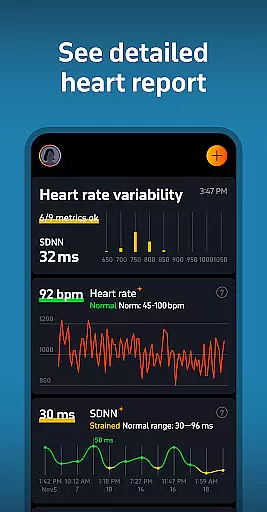
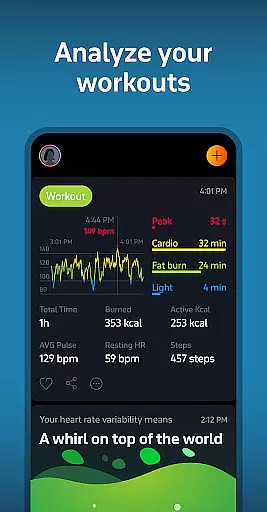
Welltory is a comprehensive health tracking application designed specifically for Android Wear devices. This innovative app serves as a smart heart rate monitor, allowing users to check their heart rate, pulse, and analyze heart rate variability (HRV). With over 16 million users and endorsements from reputable institutions like Johns Hopkins University and Harvard Medical School, Welltory has established itself as a reliable health companion.
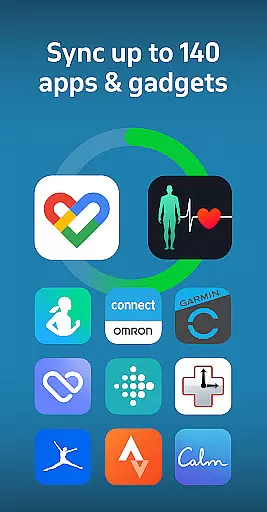
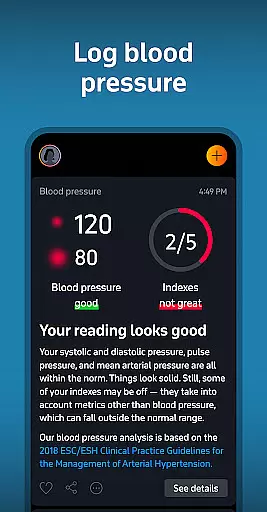
The app's core functionality extends beyond basic heart monitoring. It syncs with more than 1,000 apps and devices including Garmin, FitBit, and Samsung wearables, providing detailed insights into various aspects of personal health. Users can track their activity levels, sleep patterns, stress management, and even blood pressure trends through manual entry or integration with compatible monitors. The built-in AI analyzes this data to deliver personalized health reports and actionable recommendations.
Whether you're an athlete looking to optimize performance or someone focused on managing stress and improving overall wellness, Welltory offers valuable tools. Its unique features like bedtime stories tailored to your heartbeat and stress-relief guidance make it particularly useful for those seeking better sleep quality and mental well-being. By turning complex health metrics into understandable insights, Welltory empowers users to take control of their health journey.
Welltory stands out in the Android Wear category due to its sophisticated feature set that transforms how users interact with their health data. One of its most notable capabilities is the advanced HRV analysis, which is backed by over 20,000 scientific studies. This feature provides users with medical-grade insights about their heart health without needing professional equipment, simply using their smartphone camera or wearable device.
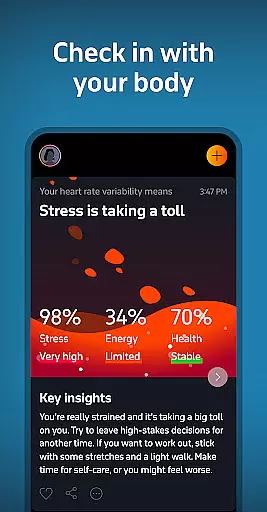
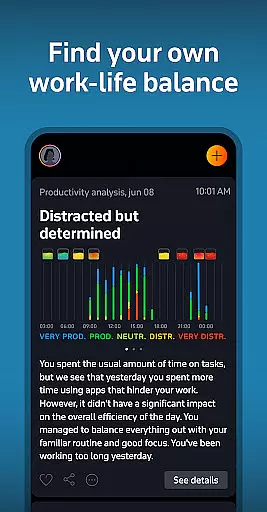
Beyond heart monitoring, Welltory offers an all-in-one health dashboard that integrates seamlessly with popular fitness trackers and lifestyle apps. This integration enables users to view comprehensive analytics about their daily activities, sleep quality, productivity levels, nutrition intake, and meditation practices in one place. The app's AI-powered system continuously scans this diverse data to identify patterns and offer personalized suggestions for improvement.
Another distinguishing feature is the app's focus on mental well-being through its stress management tools and Sleep Flow technology. The stress tracker provides real-time monitoring and practical coping strategies, while the Sleep Flow combines scientifically-backed calming sounds and bedtime stories synchronized with the user's heartbeat. Additionally, the dedicated Wear OS app enhances accessibility, allowing quick measurements directly from compatible smartwatches. These features collectively create a holistic health monitoring experience that adapts to individual needs and lifestyles.
Welltory offers seamless companion app integration, allowing users to sync over 1,000 apps and gadgets. This includes popular wearables like Garmin, FitBit, and Samsung devices, providing a comprehensive health data ecosystem.
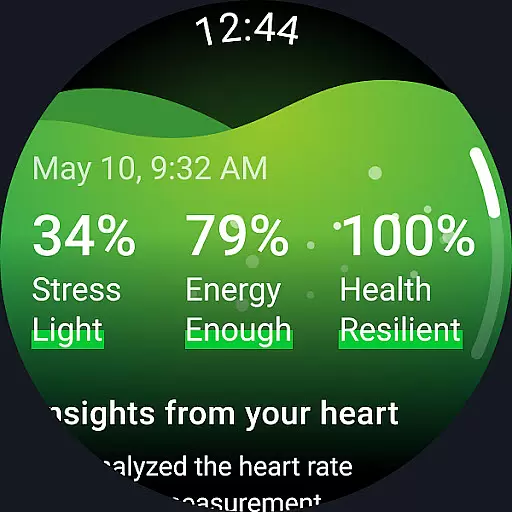
The app consolidates data from various sources to deliver personalized health insights. By connecting different health trackers, users can monitor their activity, sleep patterns, productivity, nutrition, and even meditation practices in one place.
This integration capability enhances the accuracy of Welltory's health monitoring features. Users benefit from more precise heart rate variability measurements and stress level assessments, leading to better-informed lifestyle choices.
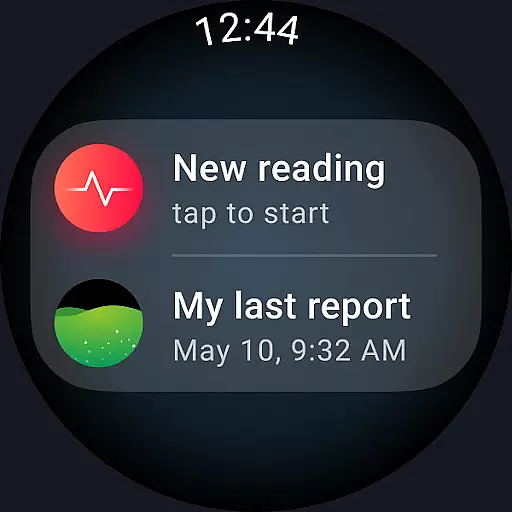
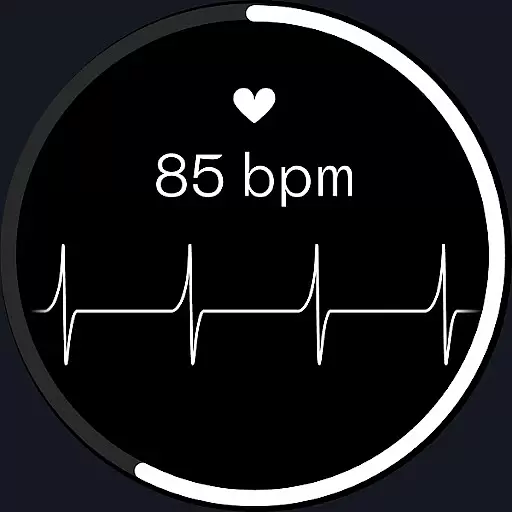
With its Wear OS app, Welltory extends this integration to smartwatches, offering quick access to latest measurements and enabling new readings directly from the watch interface. This creates a truly connected health monitoring experience across multiple devices.
Welltory demonstrates selective but effective Wear OS and device compatibility, specifically optimized for certain Samsung Galaxy Watch models. The app supports Galaxy Watch4, Galaxy Watch4 Classic, Galaxy Watch5, and Galaxy Watch5 Pro, ensuring reliable performance on these devices.
While limited to specific models, this focused compatibility allows Welltory to deliver specialized features through its Wear OS app. Users can set measurement tiles on their watches and utilize complications for instant health tracking access.
The app's design accommodates potential hardware limitations by providing alternative measurement methods. For instance, when LED flash might cause discomfort, users can adjust their finger position or use different contact methods for heart rate monitoring.
This strategic approach to device compatibility ensures that Welltory maintains high standards of measurement accuracy and user experience on supported devices, while also incorporating safety considerations for prolonged usage scenarios.
User-friendly interface
Comprehensive health tracking
Advanced HRV analysis
Wide device compatibility
Personalized insights
Premium features locked
Occasional measurement errors
Limited Wear OS support
No automatic BP monitoring
Resource intensive

WTW M17 is a premium and luxurious hybrid watch face
 4.70
4.70
A watch face that fuses motorsport precision with contemporary smartwatch design
4.2
Deck out your Wear OS Watch face with a beautifully decorated pine wreath!
4.50
Ideal for surviving in the wasteland left after nuclear fallout
4.50
Your second brain for organizing your life: to-do, calendar, reminder.
4.70
Find EV charging stations
4.30
Viewer for Wyze/Yi/Eufy/Arlo/ONVIF/RTSP/P2P IP cams w/ adv. features & DIY DVR
4.00
Hybrid watch face for Wear OS with customizable complications by Matteo Dini MD
4.70
Your music, your playlists, and more—offline and unlimited.
4.20
Period, ovulation & pregnancy tracker. Fertility insights & menstrual calendar.
4.90
The Chevron App allows you to pay for fuel from the comfort of your car!
4.80
A modern hybrid informative watch face for Wear OS designed by BALLOZI
4.80
Be an elegant and classy secret agent, with this carefully detailed watch face
4.70
The most customizable hybrid watch face. For Wear OS 5.0, API 34+ and later
4.70
Kia Access makes getting your vehicle information easier than ever
4.60
Locate your family members by GPS phone location tracker everywhere and anytime
4.30
Connect, create, and collaborate with Gmail, part of Google Workspace.
4.10
Get helpful reminders, take progress photos and find answers to your questions.
3.90
Watch the sharpness of the sky on your wrist..
3.70


User Reviews