
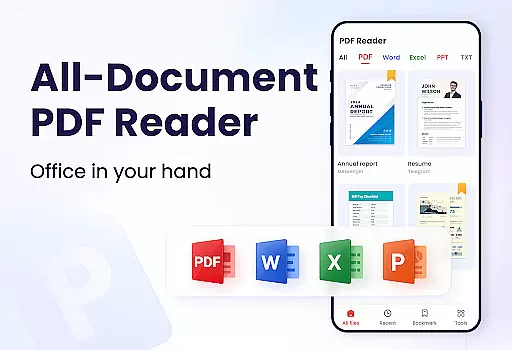
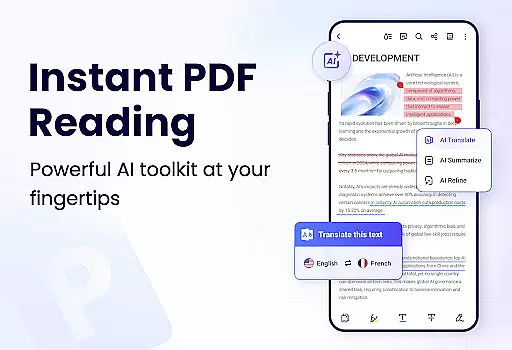
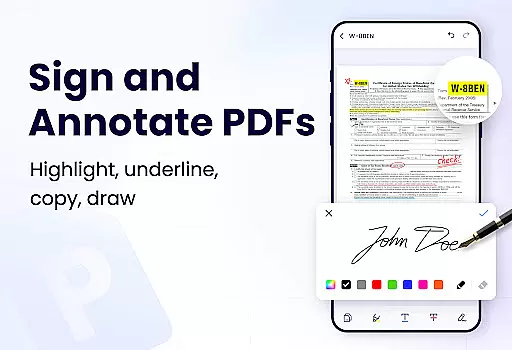
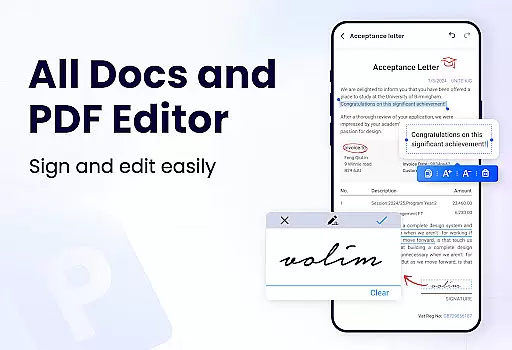
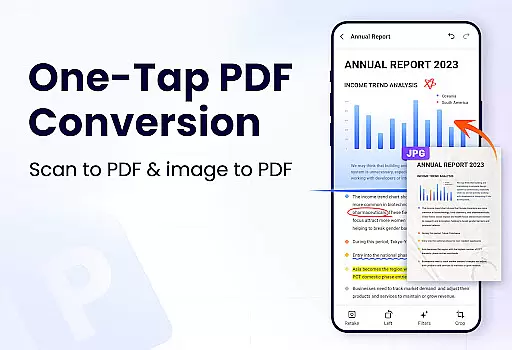
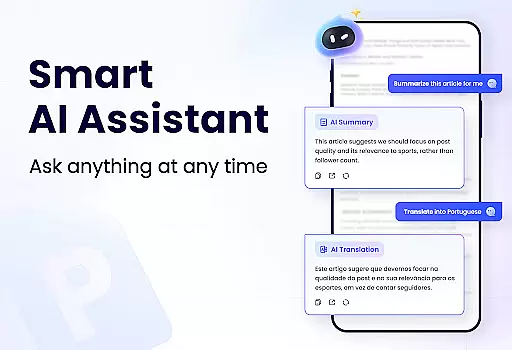
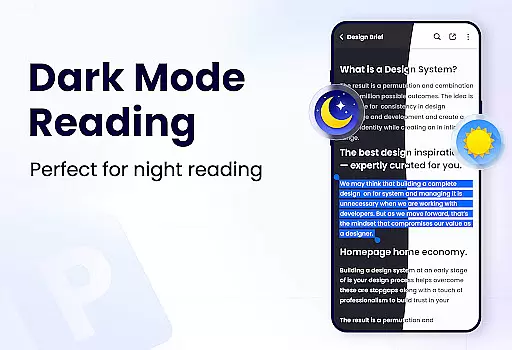
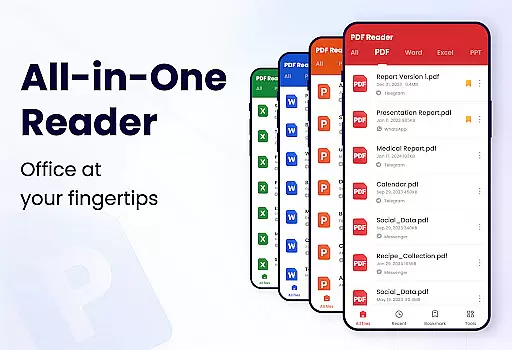
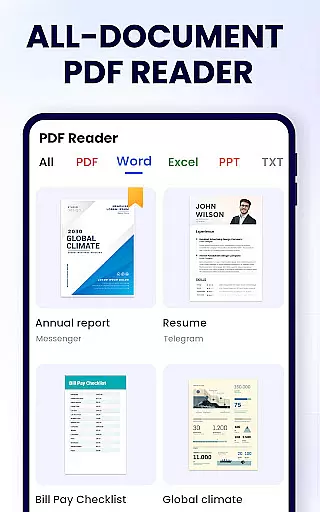
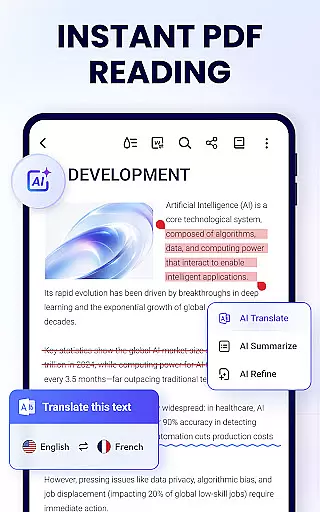
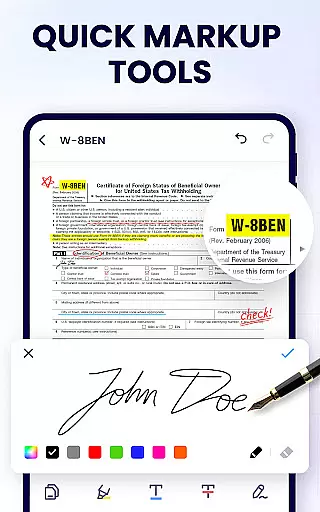
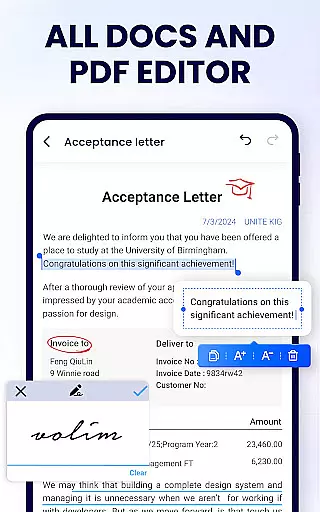
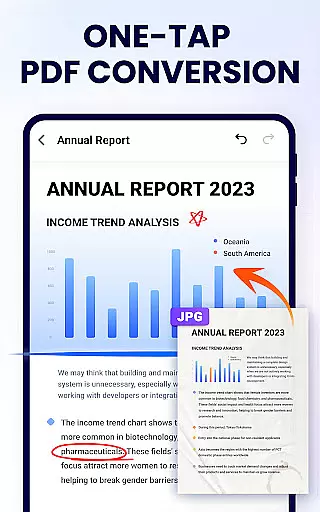
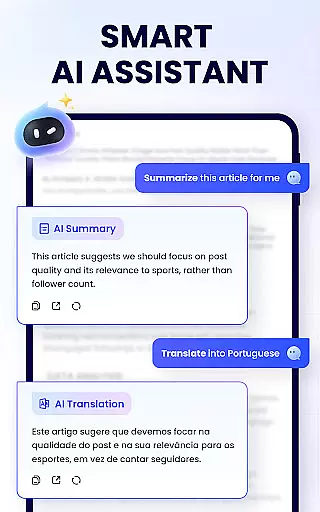
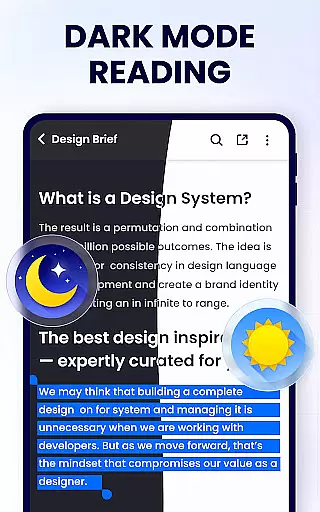
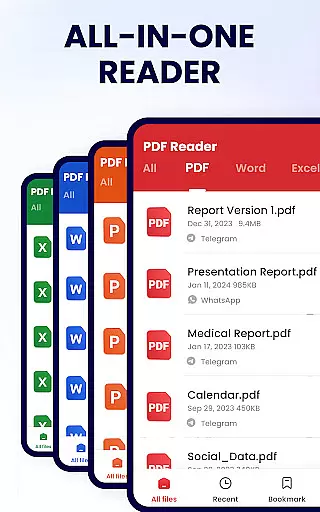
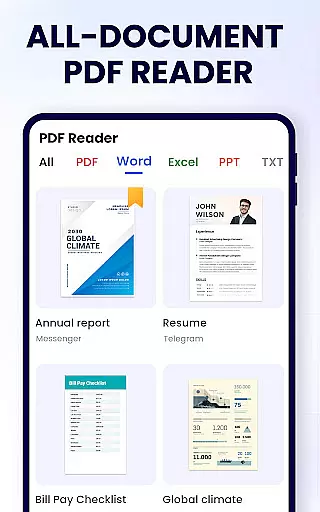
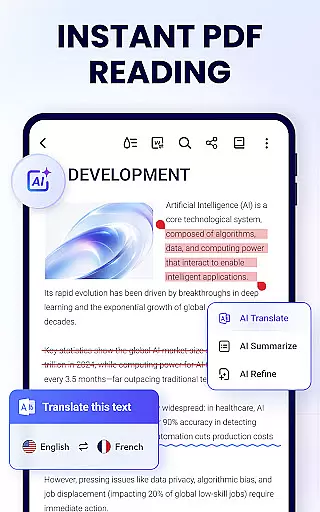
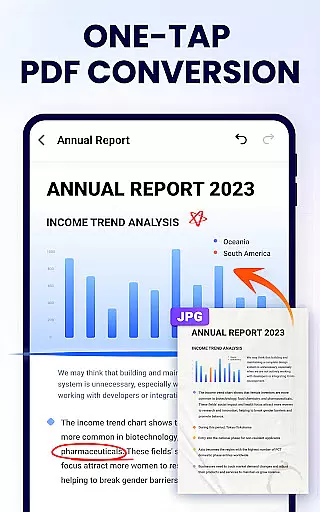
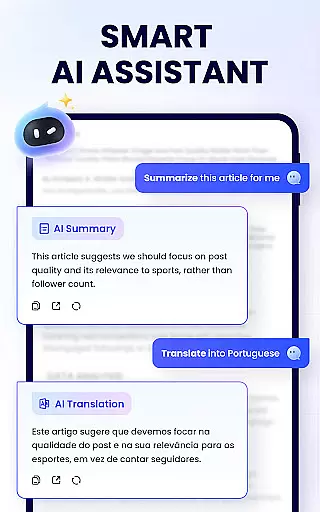
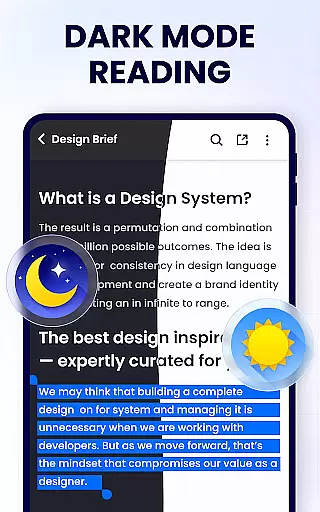
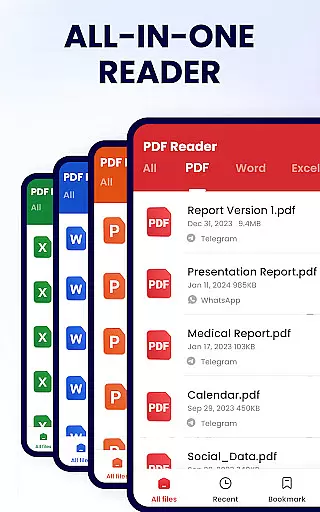
PDF Reader - PDF Viewer is a comprehensive productivity tool designed for Android users who need to manage, edit, and view PDF documents efficiently. This free app, A+ Read, offers an all-in-one solution by combining a powerful PDF viewer with advanced editing and management capabilities. Users can easily read, annotate, merge, split, and protect their PDF files with passwords. The app also supports convenient sharing options and provides quick access to recently opened files.
In addition to its core functionalities, PDF Reader - PDF Viewer stands out with features like auto-search for PDF files, multiple viewing modes, and the ability to add bookmarks for easy navigation. Whether you're a student or a professional, this app enhances your document handling experience by providing tools that facilitate both work and study. Its lightweight design ensures smooth performance without compromising on functionality, making it an ideal choice for anyone seeking a reliable PDF solution on their mobile device.
PDF Reader - PDF Viewer boasts an impressive array of features tailored to meet diverse user needs. As a smart PDF reader, it offers page-by-page and continuous scrolling modes, along with horizontal and vertical viewing options. Users can enjoy full-screen mode for an immersive reading experience and utilize zoom functions to focus on specific details. The app also allows direct navigation to any page by entering the page number, ensuring quick access to desired content.
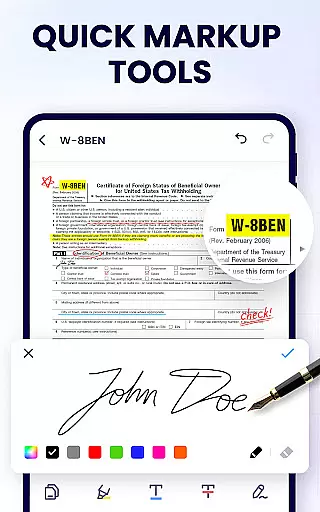
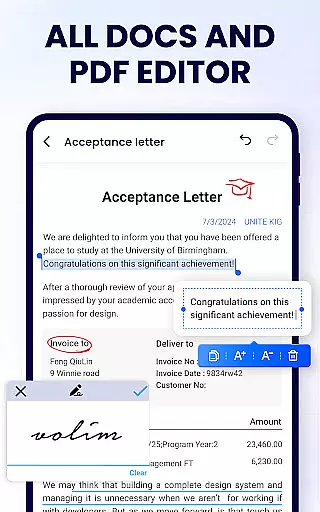
As an efficient PDF editor, the app enables users to annotate documents, highlight text, underline, and strikethrough important sections. It supports doodling and easy text search and copy functions. Additionally, as a full-featured PDF manager, it facilitates merging and splitting of files, setting passwords for document protection, and renaming files as needed. With its 12MB size, it's one of the lightest yet most capable PDF readers available, offering seamless integration with various social media platforms for effortless file sharing.
In the realm of productivity, effective task management is paramount. The PDF Reader - PDF Viewer app excels in this area by offering a comprehensive suite of tools designed to streamline your document handling tasks.
This application allows users to not only view PDFs but also actively manage them through features like merging and splitting files, setting passwords for document protection, and organizing recently opened files for easy access. These capabilities ensure that managing your PDF documents is a seamless experience.
Users benefit from the app's efficient system for handling PDFs which includes quick search functionalities, bookmarking options, and straightforward sharing via social media platforms. This makes it simpler than ever to keep track of important documents and collaborate with others.
The true value of this app lies in its ability to centralize all essential PDF management functions within one intuitive interface, enhancing both individual productivity and team collaboration efforts without compromising on security or convenience.
Cross-device synchronization is crucial for maintaining workflow continuity across different devices. With the PDF Reader - PDF Viewer app, you can be assured of reliable synchronization that keeps your documents up-to-date wherever you go.
This app supports real-time updates, ensuring that any changes made to your PDF files are immediately reflected across all linked devices. Whether you're editing text, adding annotations, or securing files with passwords, every action is synchronized instantly.
For professionals who switch between their phone, tablet, and computer throughout the day, having an application that offers consistent performance and data integrity is invaluable. It means less time worrying about version control and more focus on content creation.
By prioritizing cross-device compatibility and synchronization accuracy, the PDF Reader - PDF Viewer app provides peace of mind knowing that no matter where or how you access your files, they will always be current and secure.
User-friendly interface
Comprehensive editing tools
Lightweight application
Secure file protection
Versatile file management
Limited format conversion
No cloud sync feature
Basic collaboration tools
Ads in free version
Advanced features locked

Unlock AutoNotification
 4.00
4.00
Android Wallet Password Manager
4.80
Simple and reliable communication between inmates, friends and family
3.20
The AI assistant that thinks with you - write, code, and solve complex tasks
4.60
Access, manage and transfer files on Android, PC, Mac, NAS and cloud storages.
4.30
Quickly and easily keep track of your work shifts
4.70
Experience and share your SolidWorks designs on your Android® phone and tablet.
2.50
Understand anything with a personalized AI research assistant
4.80
Set up, print, and get support—in one place
4.20
aCalendar+ makes your day, week and month
4.70
The Pro Version of Android's tiniest Notepad app. Just 0.3MB but feature-packed!
4.60
Docker, Kubernetes management over Portainer Mobile
4.40
Total remote control for your Android device, PC and cloud services (IFTTT)!
4.20
Pwnagotchi companion app
4.20
Wake up & get tasks done! Add alarms & reminders on the Clock Launcher.
4.00
Access your phone's notifications, calls, apps, photos & texts on your PC
3.90
ID.me Authenticator is a simple and free Two Factor Authentication solution
3.50
Ads Free App! Editor, Hide File, Copy, Move, Delete and Rename.. all facility av
1.70
A simple, portable logger for POTA, SOTA, Field Day, and more
4.3


User Reviews