
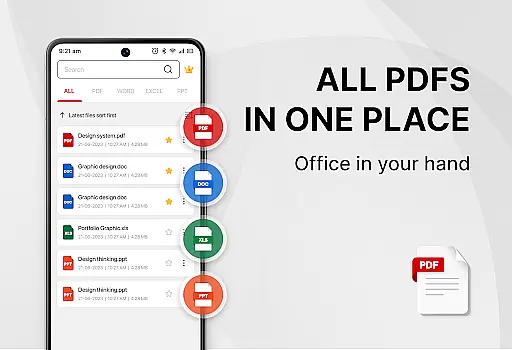
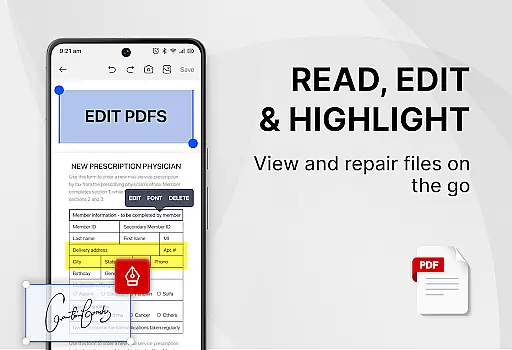
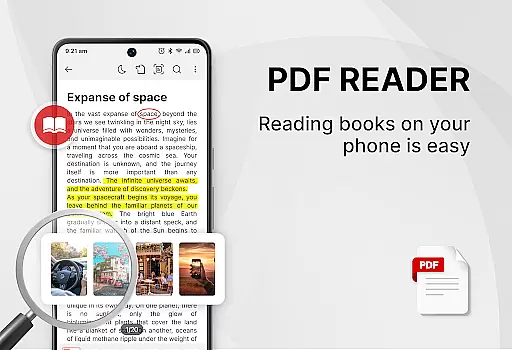
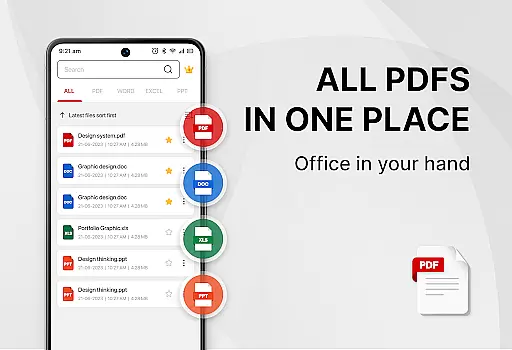
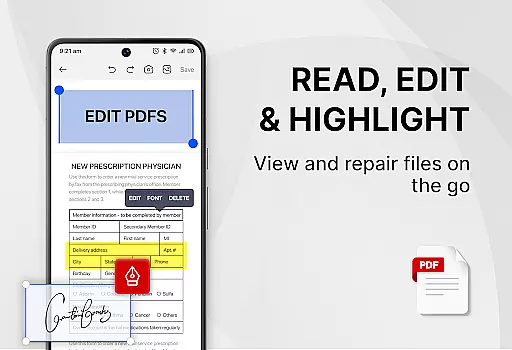
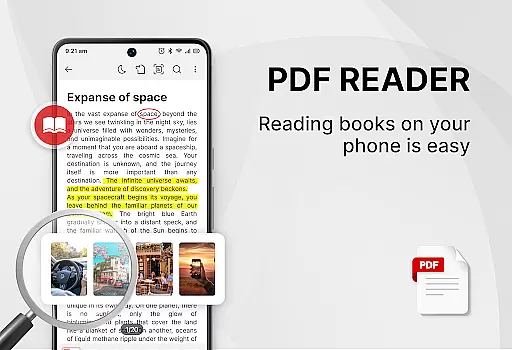
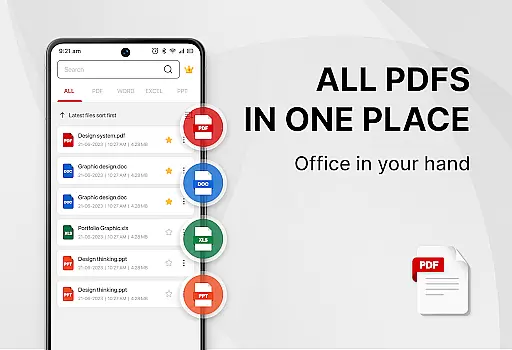
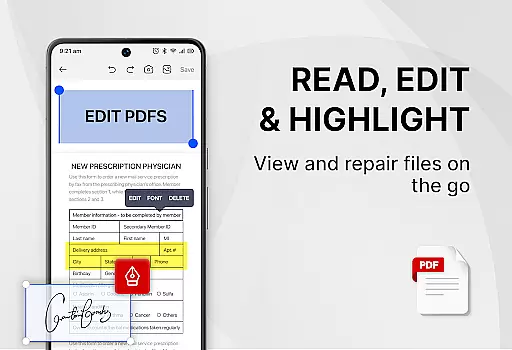
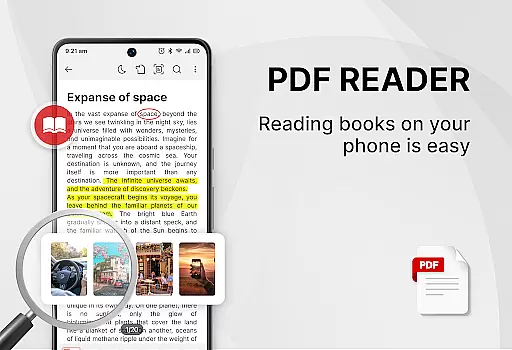
PDF Reader - Smart PDF Viewer is a comprehensive productivity app designed for managing and reading various document formats on Android devices. This free app allows users to effortlessly handle PDF files, providing functionalities such as reading, sharing, and organizing documents. It supports multiple formats including PDFs, Word, Excel, and PPT files, making it an all-in-one solution for document management.
Beyond basic viewing, the app offers advanced features like e-signature capabilities, PDF conversion to images, merging and splitting PDFs, and setting passwords for document protection. Its user-friendly interface includes light and dark mode options, recent file listings, and smart search functions, enhancing both work and study efficiency.
Ideal for students, professionals, and anyone in need of a reliable document management tool, this app streamlines tasks by combining the functionalities of a PDF reader, ebook viewer, and editor into one platform. The requirement of MANAGE_EXTERNAL_STORAGE permission ensures seamless access and editing of files directly from your device storage.
PDF Reader - Smart PDF Viewer stands out with its extensive range of features tailored for productivity enhancement. One of the key highlights is its ability to support all document formats, allowing users to read and manage PDFs, documents, receipts, and more without any hassle. The inclusion of e-signature functionality facilitates digital document approvals, making it indispensable for business use.
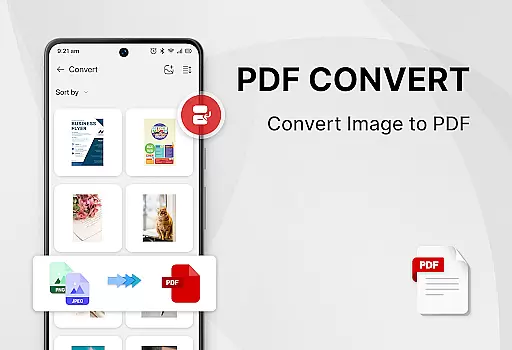
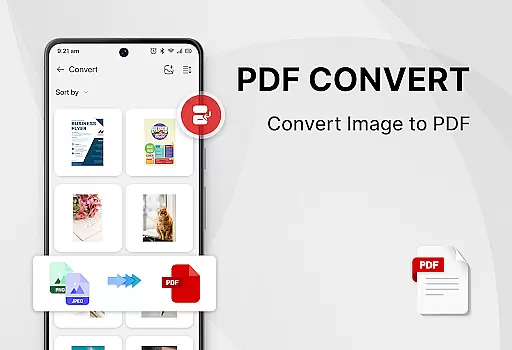
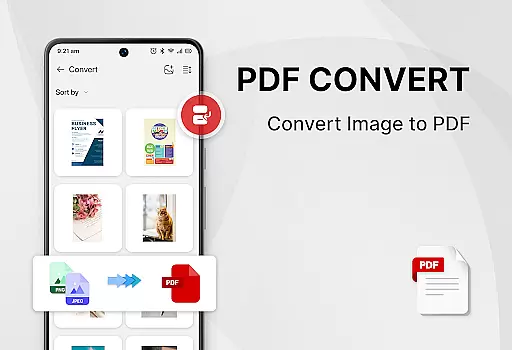
The app also excels in PDF manipulation tools. Users can convert images to PDF, scan paper documents, transform Word files into PDFs, and perform complex operations like merging and splitting PDFs. Additionally, the app provides robust security features, enabling users to set passwords for sensitive documents. These capabilities ensure that users have complete control over their document management needs.
Usability is further enhanced by intuitive design elements such as one-click switching between light and dark modes, easy text search and copy functions, and a simple list view of recently opened files. Such features not only improve accessibility but also significantly boost user productivity by simplifying navigation and task execution within the app.
Task management is a cornerstone of productivity applications, and PDF Reader - Smart PDF Viewer excels in this area by offering users comprehensive tools to handle their documents efficiently. The app's smart search functionality allows for quick location and access to various document formats including PDFs, Word files, Excel sheets, and PPTs.
The application simplifies the process of managing PDF files through an intuitive interface that supports organizing files with ease. With features like recently opened files displayed in a simple list, users can swiftly return to their last viewed documents, thus streamlining their workflow.
Moreover, the ability to set passwords to protect sensitive documents adds a layer of security to task management. This ensures that only authorized individuals have access to confidential information, which is crucial for maintaining data integrity and privacy.
By integrating these robust document management capabilities, PDF Reader - Smart PDF Viewer empowers users to enhance their work or study efficiency significantly. Whether it's for personal use or professional tasks, the app provides a seamless experience that helps users stay organized and focused on their objectives.
Cross-device synchronization is vital for users who operate across multiple platforms, ensuring that their documents are accessible wherever they go. PDF Reader - Smart PDF Viewer addresses this need by providing reliable synchronization that keeps all your devices updated with the latest document versions.
While the app does not explicitly mention cloud services, its request for MANAGE_EXTERNAL_STORAGE permission indicates that it manages files stored locally on the device. This suggests that as long as the user's storage is synced across devices, the app will maintain consistency in document access and edits.
Furthermore, the app's capability to convert between different formats such as converting Word to PDF or images to PDF ensures that documents remain compatible regardless of the device being used. This flexibility enhances the reliability of cross-device operations, allowing users to seamlessly transition from one device to another without losing functionality.
With these features, PDF Reader - Smart PDF Viewer guarantees that users can rely on consistent access to their documents, thereby improving productivity whether at home, in the office, or on the move.
User-friendly interface
Comprehensive format support
Advanced PDF tools
Free to use
Efficient document management
Requires storage permission
May lack some premium features
Interface could be overwhelming
Limited offline help
Occasional ads in free version

The long-awaited modern gallery app for your Nextcloud server
 4.70
4.70
Create study competitions, track your hours, and stay consistent with friends
4.2
Mega cloud explorer plugin for Solid Explorer
3.80
All in one sketching tool. Technical and General drawing. Online Maps support.
3.70
Direct Chat without saving contacts & Dual WA Account on Single Device
4.70
We're working to become the best machining app on the market! www.cncdirt.com
4.80
aCalendar+ makes your day, week and month
4.70
Ultimate Virtual AI Character for immersive Roleplay Chat. Perfect Companion
3.90
Put a lock on your cloud: Take the security of your data into your own hands
3.70
8 custom complications. Custom Time Fonts. Beautiful color schemes. A++ Design.
5.00
Understand anything with a personalized AI research assistant
4.80
Scan paperwork into PDF/JPG, generate your own e-signature and send fax or email
4.70
Client for Nextcloud Deck
4.60
Stay on top of your to-dos with Google Tasks, part of Google Workspace.
4.60
Intelligent AI Assistant
4.10
Take control of your clipboard with Clipper!
3.90
⏰ Finally a timer app which can run multiple timers simultaneously on your watch
3.90
Find and delete junk files & block unwanted notifications & manage files
3.70
Ads Free App! Editor, Hide File, Copy, Move, Delete and Rename.. all facility av
1.70


User Reviews