
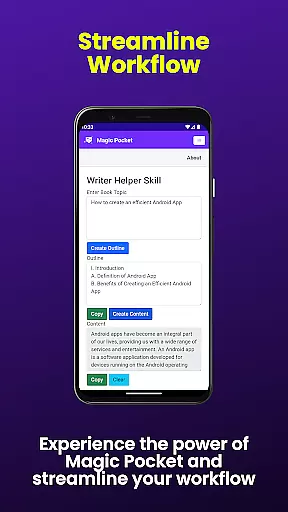
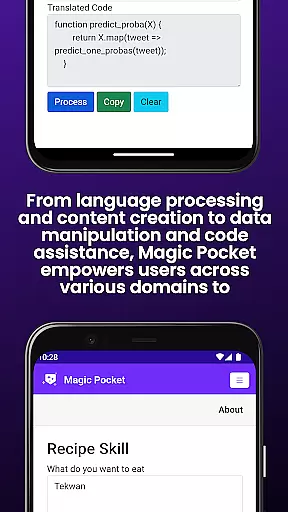
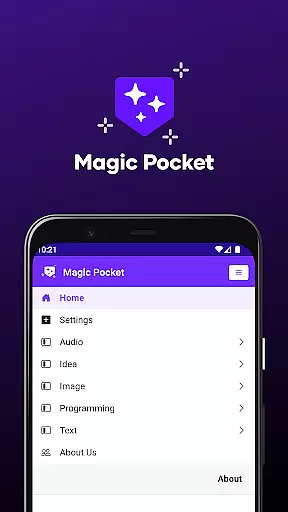
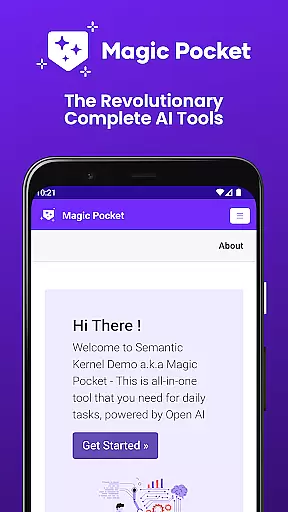
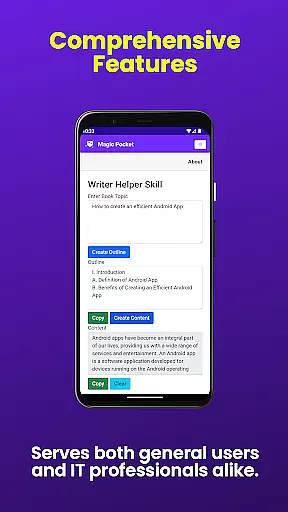
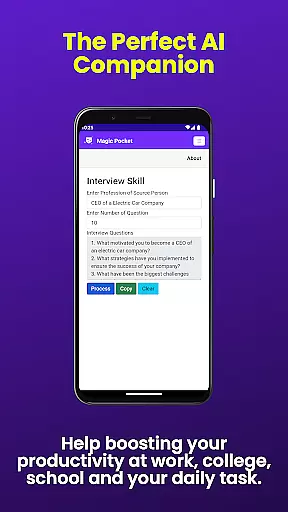
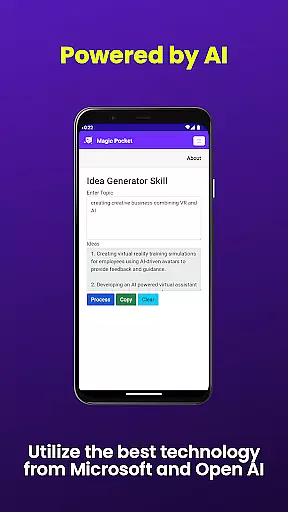
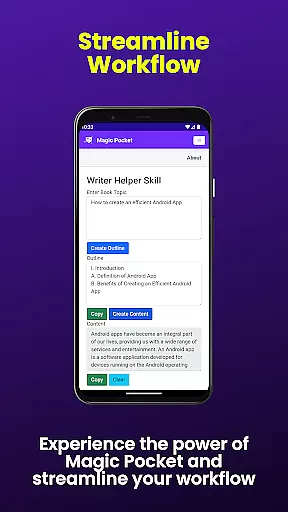
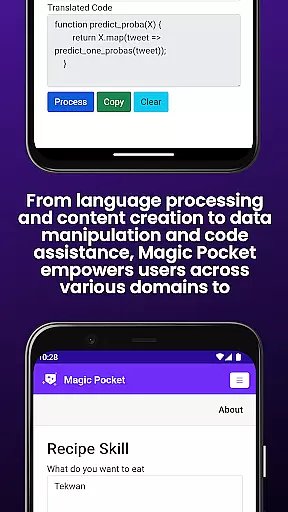
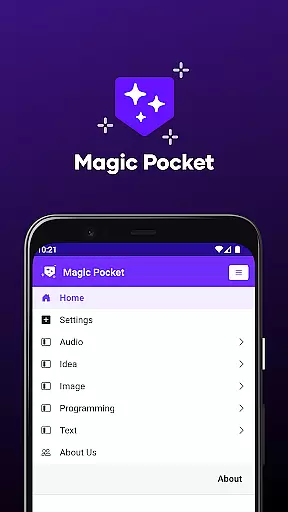
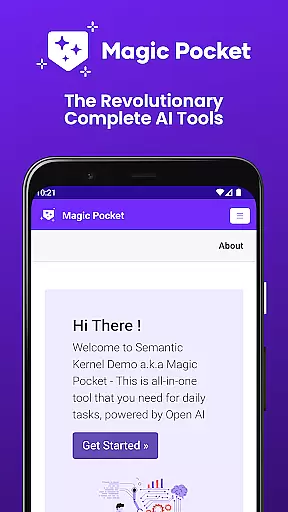
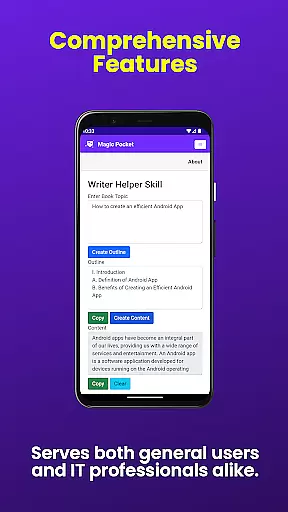
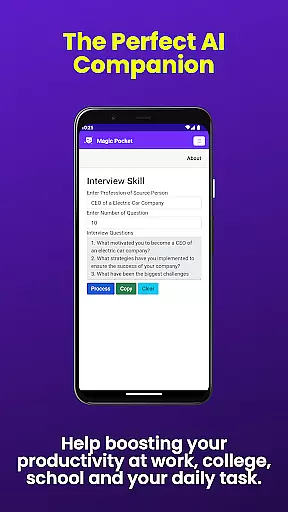
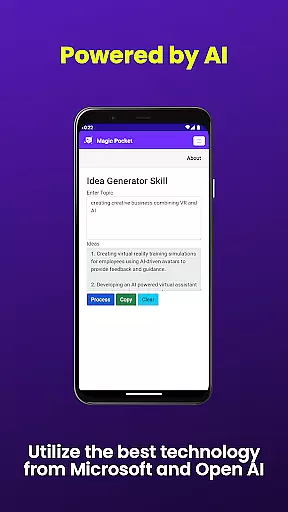
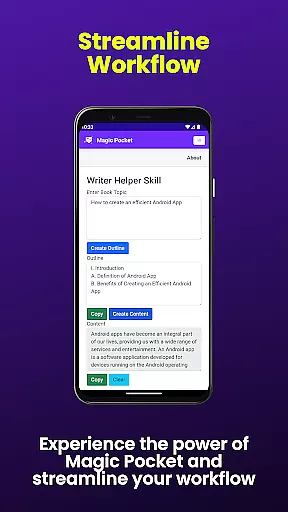
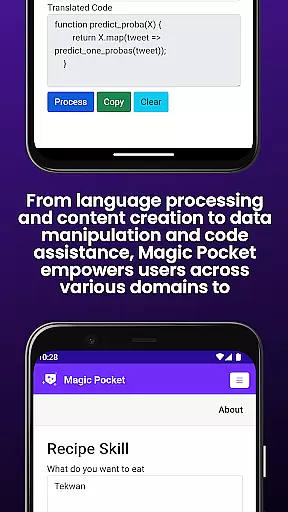
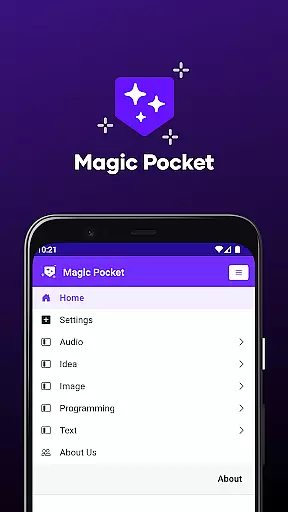
Magic Pocket is a productivity powerhouse, offering users an extensive suite of 100 cutting-edge features designed to enhance creativity and streamline workflows. Available on Android and Windows platforms, this app provides innovative tools for video conversations, image data extraction, and voice-activated animations.
With capabilities ranging from HTML to Markdown conversion to high-quality video generation using the Luma model, Magic Pocket caters to diverse user needs. Whether you're crafting stunning headshots, transforming images into emojis, or generating detailed graphics with the Sana Model from Nvidia, this app delivers both depth and versatility.
The true value of Magic Pocket lies in its ability to empower users across various domains - be it creative projects, media management, or text transformation. Its comprehensive feature set ensures that professionals and hobbyists alike can achieve more with less effort, making it an indispensable tool for modern productivity.
Magic Pocket stands out with its rich array of features that cater to both creative and productivity needs. The app's video capabilities include seamless video conversations and smooth speech-to-speech translation, while its image processing tools allow users to extract data, create animations, and enhance resolutions.
One of the most impressive aspects is its generative AI capabilities. Users can leverage advanced models like Luma for video generation, Sana for detailed image creation, and Photon for unique image synthesis. The inclusion of 3D asset conversion through Trellis and vector image generation further expands its creative potential.
Each feature is thoughtfully implemented to provide tangible value. For instance, the Video Foreground Extractor enables precise video editing, while the Handwriting Generator produces realistic script conversions. These innovations not only save time but also open new possibilities for content creation and workflow optimization.
Magic Pocket excels in core task management by offering a comprehensive suite of productivity tools that cater to various needs. With features like Html to Markdown conversion and Handwriting Generator, users can efficiently handle text transformation tasks.
The app's innovative capabilities extend to media management, where functions such as Video Foreground Extractor and Change Video Background allow for advanced video editing without the need for specialized software.
By integrating AI-driven functionalities, Magic Pocket ensures that users can manage their projects with precision and ease. The ability to generate vector images or convert text to realistic handwriting enhances both creativity and productivity.
These robust task management features not only save time but also empower users to accomplish more complex tasks directly from their mobile devices, making Magic Pocket an indispensable tool for modern professionals.
Cross-device synchronization is a critical feature for today's mobile applications, and Magic Pocket delivers exceptional reliability in this area. Users can seamlessly transition between Android and Windows platforms while maintaining consistent access to their creative projects.
The app employs advanced cloud-based technologies to ensure that all 100 features, including cutting-edge tools like Luma Video Generator and Sana Image Generator, synchronize perfectly across devices. This means your work-in-progress is always up-to-date regardless of which device you're using.
Magic Pocket's synchronization system is designed to handle various data types, from simple text files to complex multimedia projects. Whether you're working on image inversion or creating 3D assets with Trellis, your progress is automatically saved and synced.
This level of synchronization reliability provides peace of mind for users who rely on multiple devices for their work. The seamless integration between platforms ensures that creative professionals can focus on their projects without worrying about data loss or version conflicts.
Extensive feature set
Cross-platform support
Advanced AI tools
User-friendly interface
Regular updates
Steep learning curve
High system requirements
Limited mobile functionality
Occasional bugs
Premium pricing

Wake up & get tasks done! Add alarms & reminders on the Clock Launcher.
 4.00
4.00
8 custom complications. Custom Time Fonts. Beautiful color schemes. A++ Design.
5.00
App Lock with fingerprint, password: Lock apps & hide photos with lock screens
4.60
Stay on top of your to-dos with Google Tasks, part of Google Workspace.
4.60
Access, manage and transfer files on Android, PC, Mac, NAS and cloud storages.
4.30
A simple Whisper AI keyboard for reliable speech transcription and rewording
4.60
Daily processing of PDF documents.
4.40
Set up, print, and get support—in one place
4.20
Note taking, handwriting, record audio, PDF annotation, planner & journal
4.20
Native client for Forgejo and Gitea
5.00
A beautiful digital clock with autostart and many other functions
4.70
Tally and goal counter for Wear OS & mobile
4.50
Send files, sync SMS, notifications & clipboard across devices via local network
4.40
A lightweight JSON & XML files creator, editor and viewer (Premium Version)
4.40
A customizable calendar for your Wear OS watch
4.20
Professional calendar app for Google Calendar, MS Outlook & Exchange
4.20
Intelligent AI Assistant
4.10
Experience and share your SolidWorks designs on your Android® phone and tablet.
2.50
Easiest event planning, volunteer signups & parent teacher conference scheduling
2.20


User Reviews