
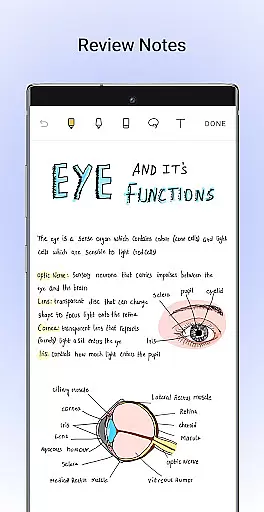
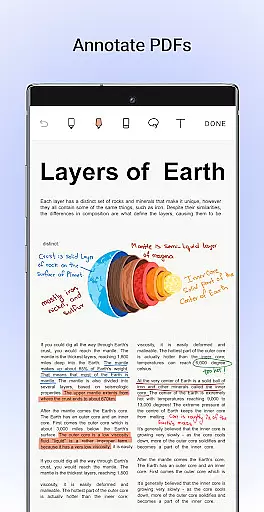
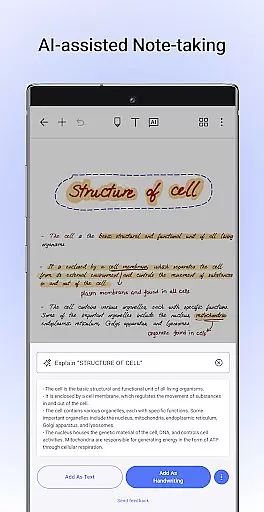
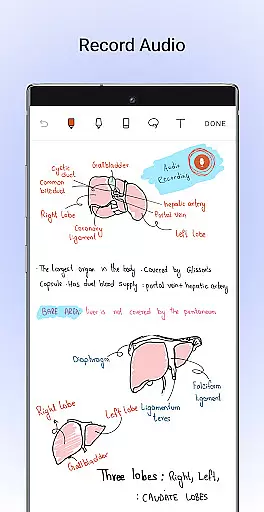
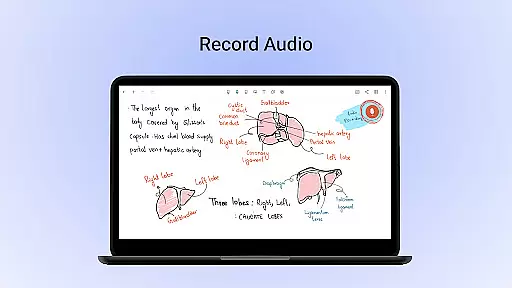
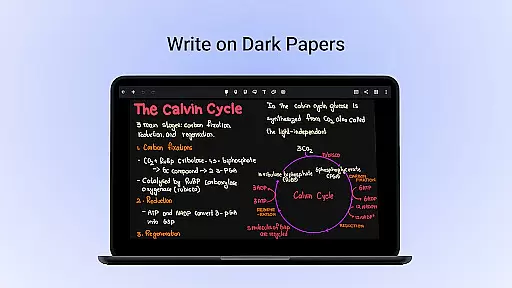
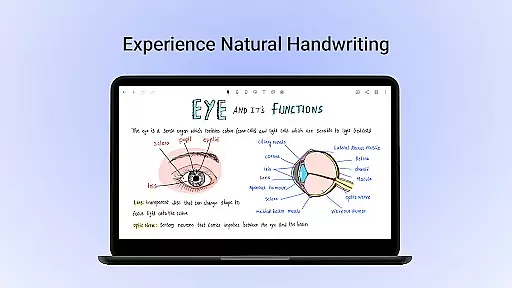
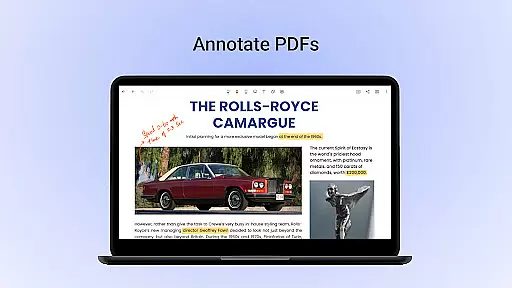
Noteshelf is a powerful note-taking app designed for students, teachers, and professionals. It allows users to take beautiful handwritten notes, annotate PDFs, record audio, and organize digital notes with ease. The app offers realistic pens and highlighters, supports multiple styluses, and provides features like handwriting recognition in 65 languages and OCR capabilities.
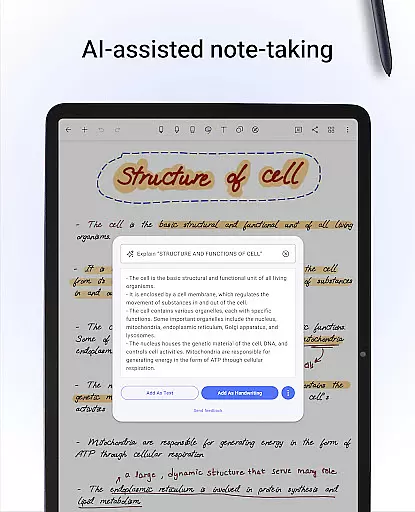
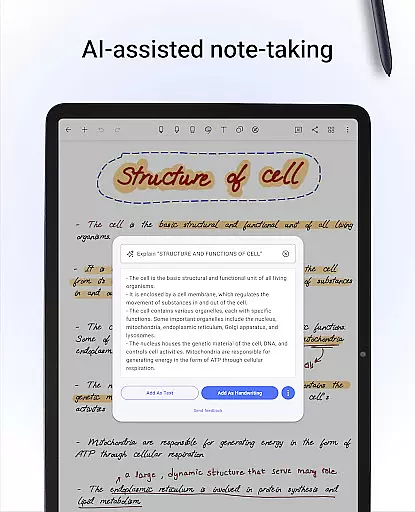
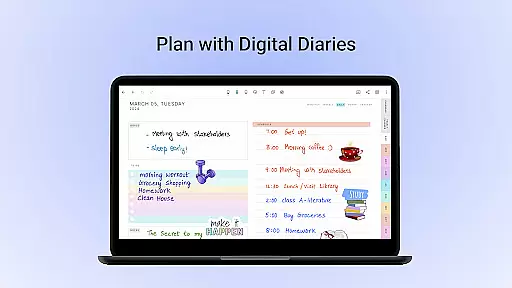
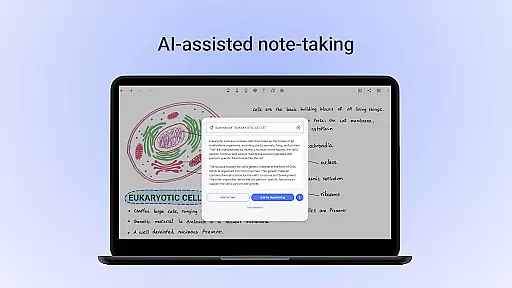
With its vast library of 200+ templates, Noteshelf caters to various needs such as lesson planning, bullet journaling, and more. Users can personalize their notebooks with different paper styles, colors, and covers. The app also includes Noteshelf AI, an intelligent assistant that understands handwriting and helps generate notes, summarize content, and translate text.
This productivity tool ensures notes are safe through cloud syncing and auto-backup options while offering organizational features like bookmarks and notebook grouping. Whether you're in a classroom or boardroom, Noteshelf enhances your note-taking experience significantly.
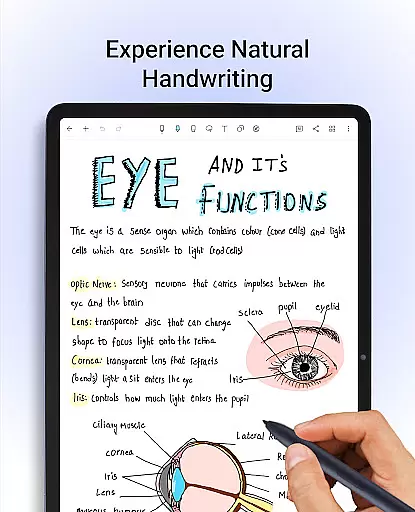
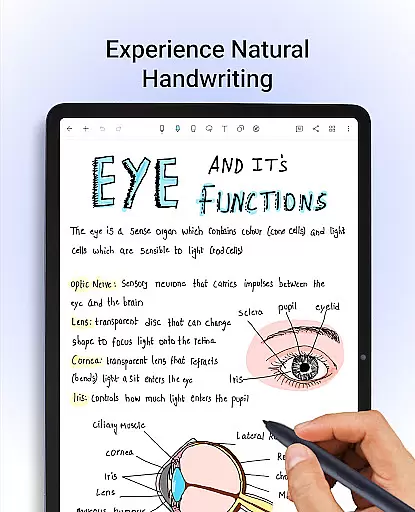
Noteshelf stands out with its comprehensive feature set tailored for efficient note-taking. It supports natural handwriting using realistic pens and highlighters, making digital note-taking feel intuitive. The app is compatible with various styluses, including Samsung Galaxy Note's S-pen, which offers a quick-erase option.
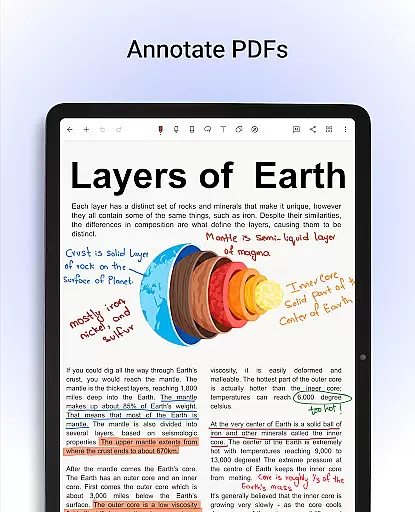
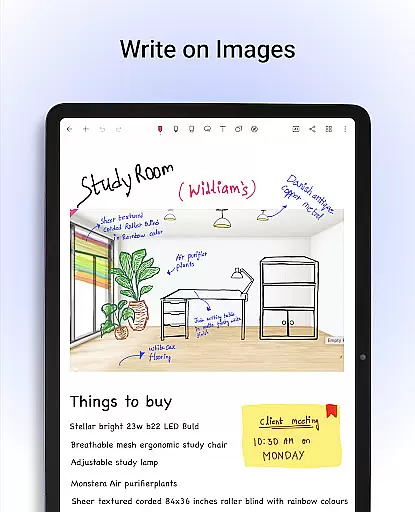
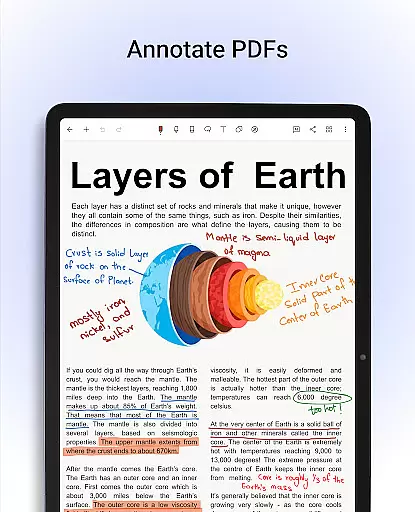
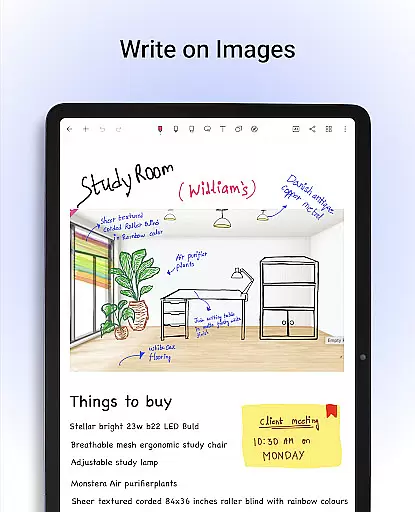
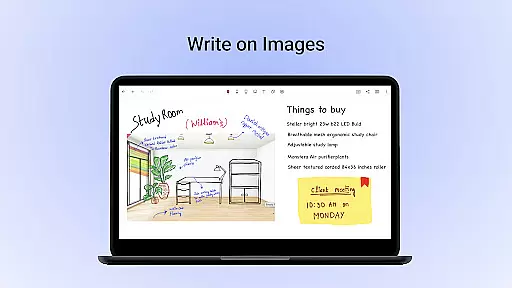
One of the key highlights is the ability to annotate PDFs and write on images, enabling users to edit documents, grade papers, and sign forms directly within the app. Additionally, Noteshelf provides advanced search functionality and OCR capabilities, allowing users to convert handwritten notes into typed text seamlessly.
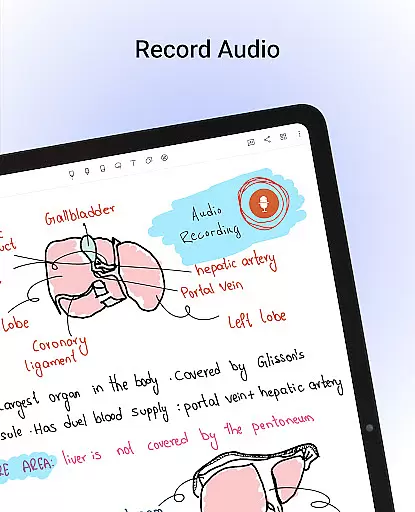
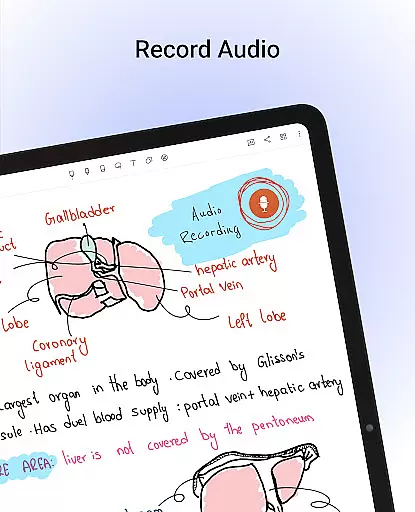
Personalization is at the core of Noteshelf’s design. Users can choose from lined, dotted, or grid papers, select customizable covers, and type notes with diverse formatting options. Audio recording during lectures and meetings ensures no detail is missed. With Noteshelf AI, users benefit from an intelligent assistant that generates notes, summarizes content, and translates text, enhancing productivity further.
Noteshelf excels in core task management by offering a comprehensive suite of tools designed to streamline note-taking and organization. The app provides users with the ability to create beautiful handwritten notes, annotate PDFs, and even record audio notes, making it an indispensable tool for students, teachers, and professionals.
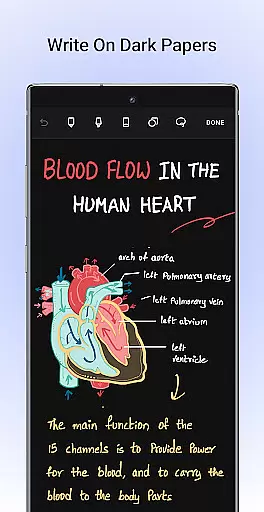
The app supports natural handwriting with realistic pens and highlighters, allowing users to play around with colors, shapes, and images. This feature ensures that taking notes is not only efficient but also enjoyable. Additionally, Noteshelf's compatibility with various stylus options enhances the user experience, providing flexibility and ease of use.
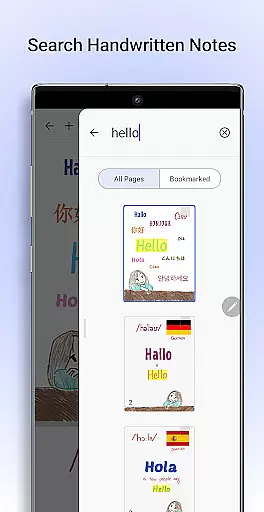
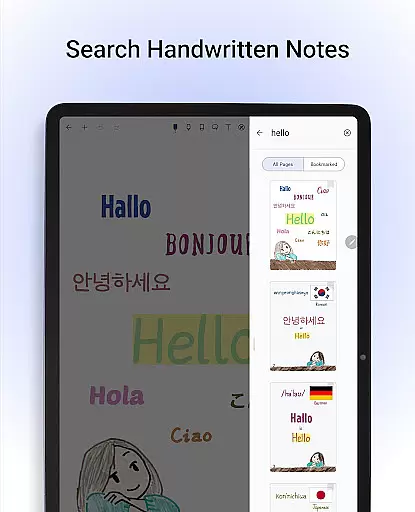
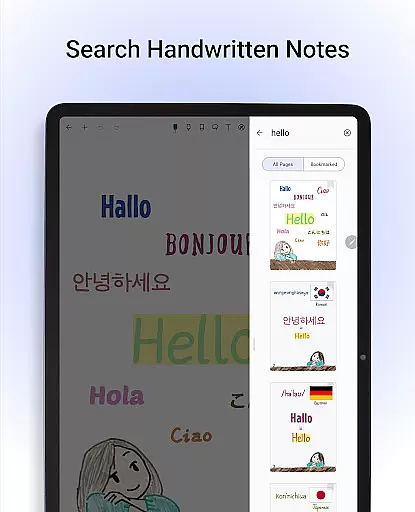
For those who need to manage and organize large volumes of information, Noteshelf offers powerful search capabilities and OCR functionality. Users can search through their handwritten notes and convert them into typed text seamlessly, supporting 65 languages. This ensures that important information is always at your fingertips, enhancing productivity and efficiency.
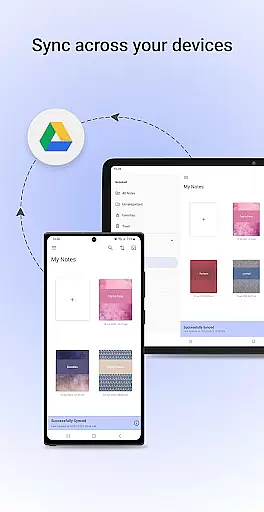
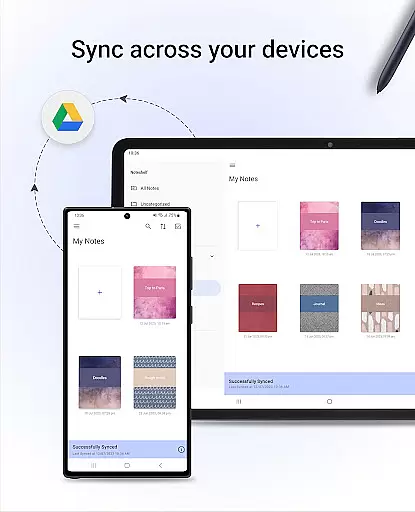
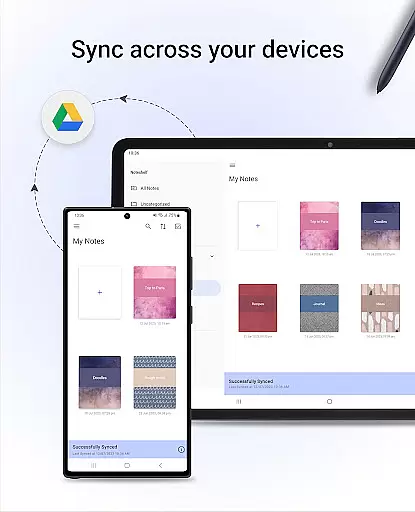
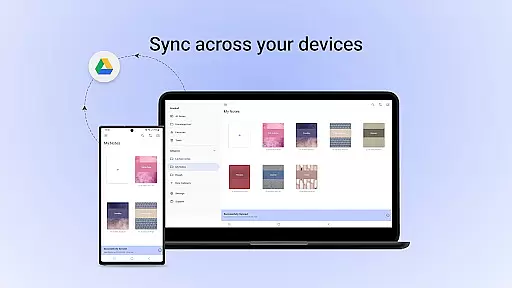
Cross-device synchronization is a critical feature of Noteshelf, ensuring that users can access their notes from any Android device without hassle. By syncing notes via Google Drive, Noteshelf guarantees that all your important information is backed up and available wherever you go.
In addition to Google Drive, Noteshelf supports auto-backup to other popular cloud services like OneDrive, Dropbox, and WebDAV. This multi-cloud support ensures that your data is safe and accessible, providing peace of mind and reliability. Furthermore, the app allows automatic publishing to Evernote, enabling users to access their notes from any location.
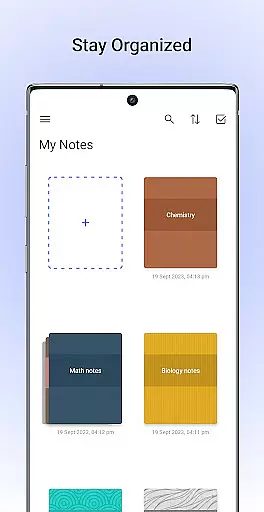
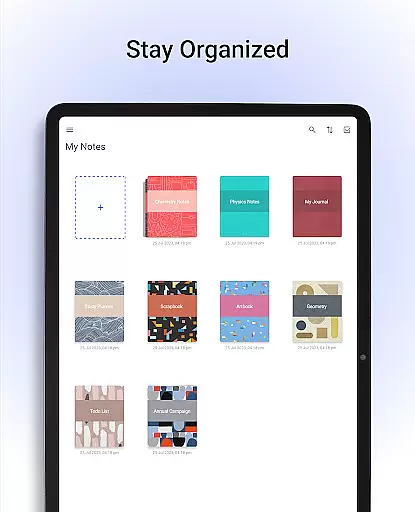
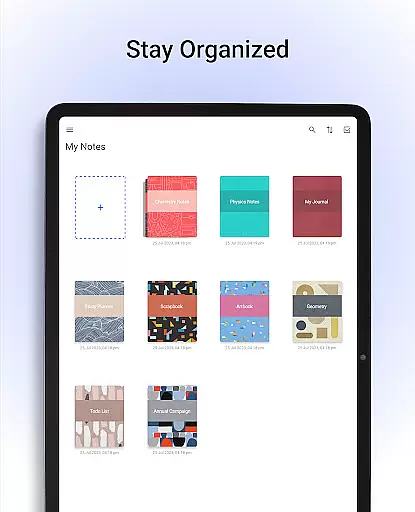
Noteshelf also offers organizational features that help keep personal and business notes separate. Users can drag and drop notebooks into groups or categories quickly, bookmark important pages, and color-code them to create a personalized table of contents. These features ensure that your notes are not only synchronized across devices but also well-organized and easy to navigate.
User-friendly interface
Realistic pen options
Versatile annotation tools
Advanced OCR capabilities
Comprehensive template library
Limited free features
Occasional sync issues
Requires learning curve
Premium subscription cost
Some features device-specific

Direct Chat without saving contacts & Dual WA Account on Single Device
 4.70
4.70
Protect and view your important info on your phone and tablet with eWallet®
4.80
Absolutely the best CNC machinist speed and feed calculator around. fswizard.com
4.60
⏰ Finally a timer app which can run multiple timers simultaneously on your watch
3.90
Cloud storage, automatic phone backup, and more.
4.10
All document reader, all in one file viewer read PDF, DOCX, XLS, PPT, TXT files.
4.60
Great calculator for Android named one of USA TODAY's "25 Essential Apps".
4.90
AI Chatbot and AI writing assistant powered by ChatGPT.
4.60
Daily processing of PDF documents.
4.40
8 custom complications. Custom Time Fonts. Beautiful color schemes. A++ Design.
5.00
aCalendar+ makes your day, week and month
4.70
The Pro Version of Android's tiniest Notepad app. Just 0.3MB but feature-packed!
4.60
This small app MUST BE INSTALLED after purchase, else license won't work
4.40
Secure your apps with lock screens, use custom themes and different features.
4.40 4.20
4.20
Auto-shutoff Alarm with Sunrise, Sunset & Fixed Options.
3.50
Easiest event planning, volunteer signups & parent teacher conference scheduling
2.20
The upgraded version of Name Wheel with AI and the power to add your own wheels.
4.0
A comprehensive suite of tools designed specifically for Lactation Consultants
4.3


User Reviews