
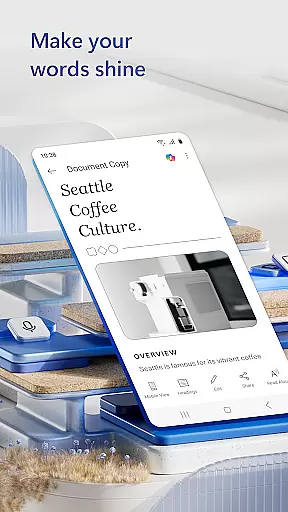
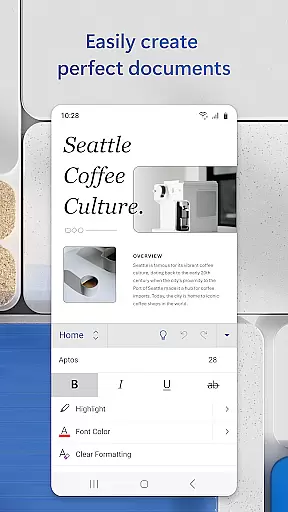
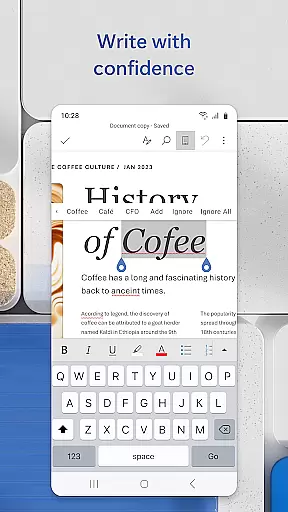
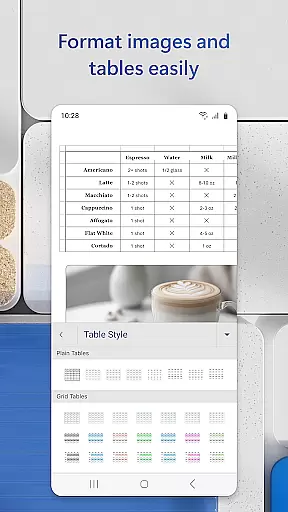
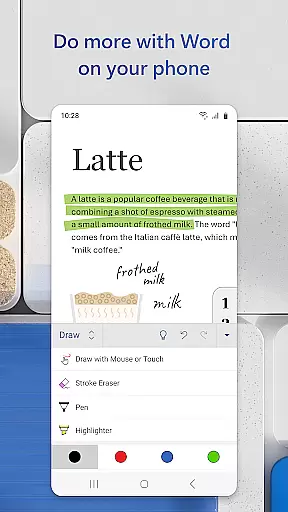
Microsoft Word is the quintessential mobile document editor, empowering users to create, edit, and collaborate on documents directly from their mobile devices. This productivity app mirrors the desktop experience by offering robust tools for crafting resumes, cover letters, newsletters, and more, all while maintaining format integrity. With its intuitive interface, users can seamlessly transition between reading, editing, and sharing documents in various formats, including PDFs.
Beyond basic editing, Microsoft Word shines as a collaborative platform where teams can work together in real-time, leave comments, and track changes. Its template gallery provides a wide array of professionally designed templates suitable for diverse writing tasks, making it an indispensable tool for bloggers, writers, journalists, and project managers who need to produce high-quality content on the go.
The app's versatility extends to file management and sharing capabilities, allowing users to manage document permissions and share files effortlessly via email or cloud services. Whether drafting a quick note or working on a complex project, Microsoft Word ensures that your documents are always accessible, editable, and presentable, no matter where you are.
Microsoft Word stands out with its comprehensive set of features tailored for mobile productivity. The app offers advanced document creation tools, enabling users to craft visually appealing documents using pre-designed templates for resumes, cover letters, and more. These templates not only save time but also ensure that even novice users can produce professional-looking documents with ease.
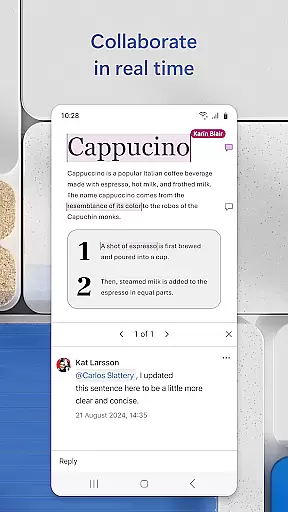
Collaboration is at the heart of Microsoft Word's functionality. Users can invite others to review and edit documents, leave contextual comments, and monitor revision history. This feature is particularly beneficial for team projects, allowing members to stay aligned and informed about the latest changes. Additionally, the app supports seamless conversion between Word and PDF formats, enhancing document portability and accessibility.
Security and convenience are prioritized with features like document permission management and integrated file sharing. Users can control who has access to their documents and how they can interact with them. Furthermore, the ability to attach formatted text or PDFs directly to emails streamlines communication and ensures that recipients receive documents in the desired format, preserving both content and style.
Microsoft Word excels in core task management by offering a comprehensive suite of tools designed to streamline document creation and editing. The app provides users with the ability to create, edit, and format documents with professional templates for resumes, cover letters, and more, ensuring that every writing task is executed efficiently.
The app's intuitive interface allows users to manage various tasks within their documents seamlessly. Whether it's adjusting layouts, applying rich formatting, or converting files to and from PDF, Microsoft Word ensures that all actions are easily accessible and straightforward to execute, enhancing productivity on the go.
Collaboration features further augment task management capabilities. Users can leave comments next to text, track changes, and view editing history, which simplifies teamwork and keeps everyone aligned. This collaborative environment empowers users to handle complex projects without the need for constant back-and-forth communications.
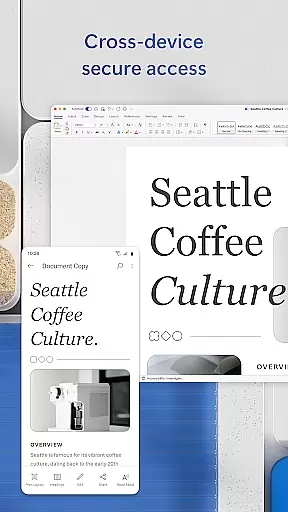
Cross-device synchronization is a cornerstone of Microsoft Word's reliability, enabling users to access their documents from any device with ease. By signing into a Microsoft account, users can start a document on their mobile device and continue editing on a PC or tablet without missing a beat, ensuring consistent progress across all platforms.
This synchronization feature extends beyond mere document access; it includes real-time updates and permissions management. Users can see who is working on shared documents, control editing rights, and ensure that all collaborators are viewing the most recent version, thus maintaining data integrity and coherence.
Moreover, Microsoft Word's synchronization process is designed to be hassle-free. With automatic saving and syncing, users no longer need to worry about losing their work due to unexpected interruptions. This reliable cross-device functionality supports uninterrupted productivity, making Microsoft Word an indispensable tool for both personal and professional use.
User-friendly interface
Extensive template library
Real-time collaboration
Seamless PDF integration
Robust file sharing options
Requires Microsoft account
Limited free features
Occasional sync issues
Heavier on system resources
Ads in free version

Take control of your clipboard with Clipper!
 3.90
3.90
Create study competitions, track your hours, and stay consistent with friends
4.3
Android Wallet Password Manager
4.80
Send files, sync SMS, notifications & clipboard across devices via local network
4.40
Customizable calendar widget for seamless event sync, planning & scheduling.
4.00
Subscribe to Webcal & .ics calendars and keep them up-to-date!
4.50
Use powerful, industry-leading AI tools to generate visual charts from any data
4.80
Simple notepad & memo. Take notes, to-do list, shopping list with reminders.
4.80
QuickEdit is a fast, stable and full featured text and code editor.
4.20
Great calculator for Android named one of USA TODAY's "25 Essential Apps".
4.90
Client for Nextcloud Deck
4.60
Stay on top of your to-dos with Google Tasks, part of Google Workspace.
4.60
Lightweight PDF, Word, Excel reader.
4.60
Tally and goal counter for Wear OS & mobile
4.50
CalenGoo is a very flexible and feature-rich calendar app
4.40
This small app MUST BE INSTALLED after purchase, else license won't work
4.40
When you Focus, so will your Bean in this cozy focus timer
4.30
Simple and reliable communication between inmates, friends and family
3.20
Experience and share your SolidWorks designs on your Android® phone and tablet.
2.50


User Reviews