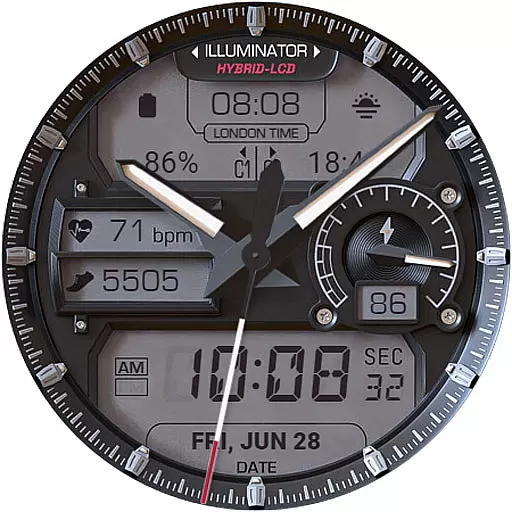
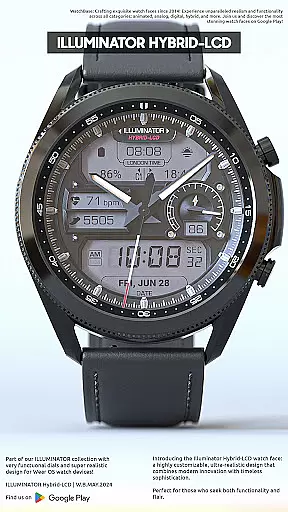
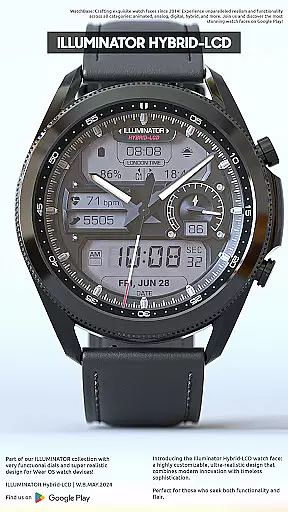
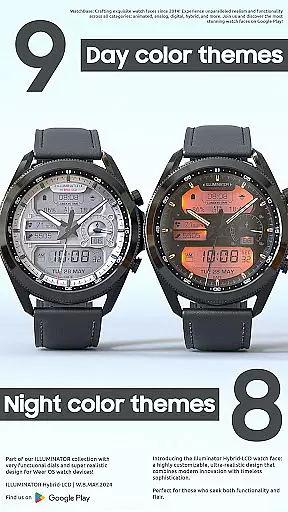
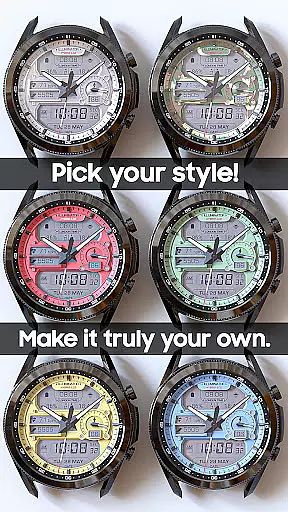
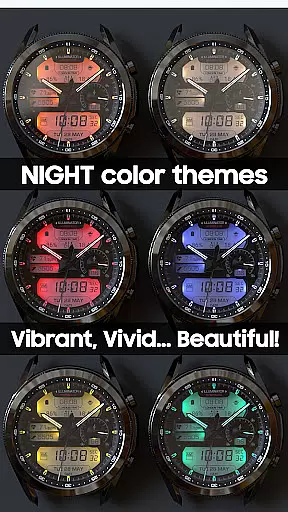
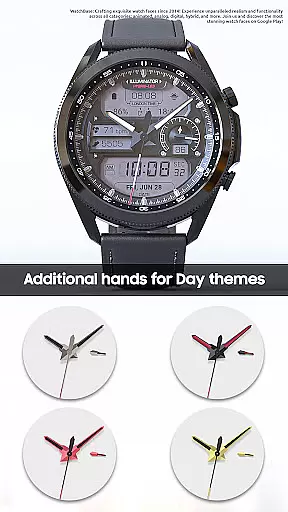
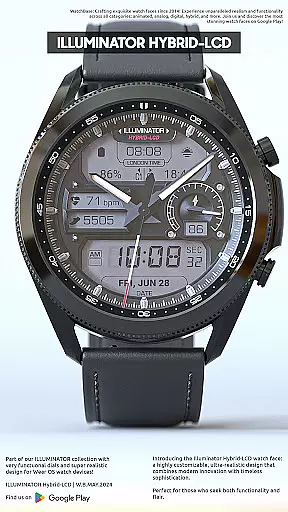
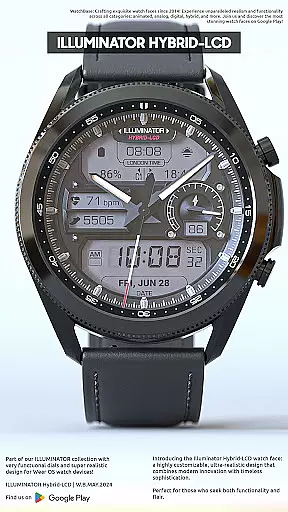
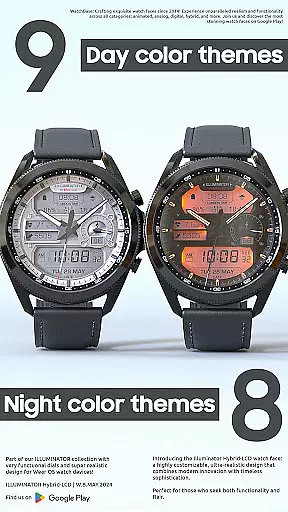
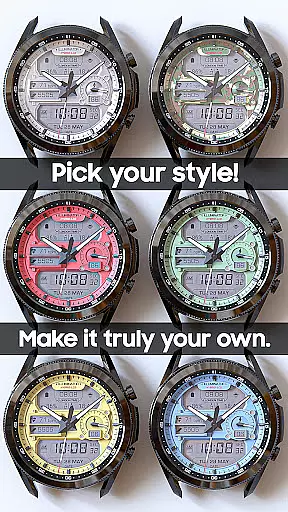
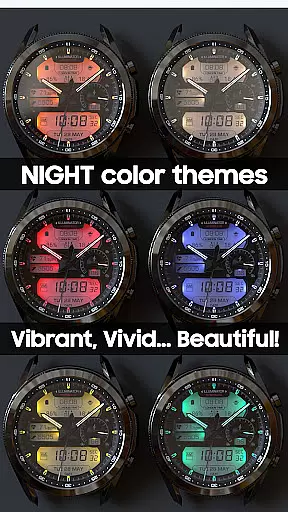
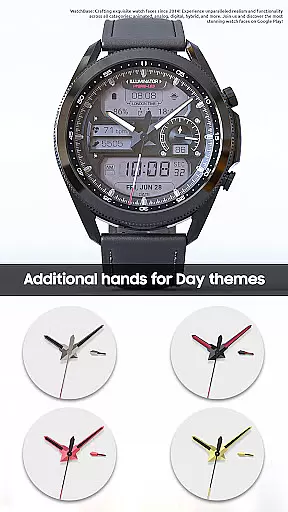
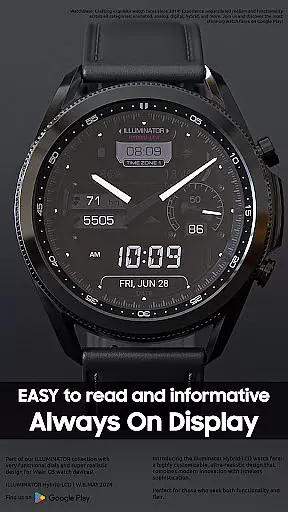
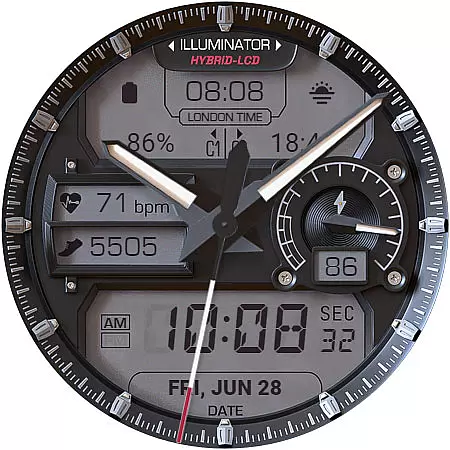
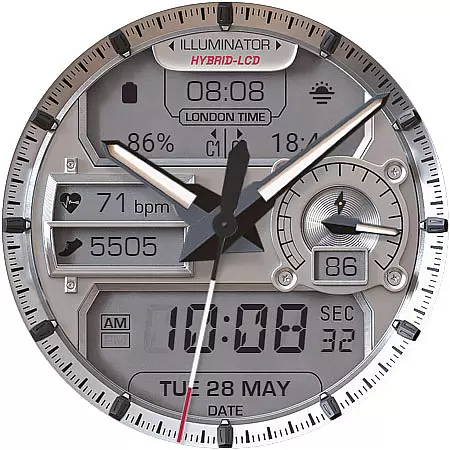
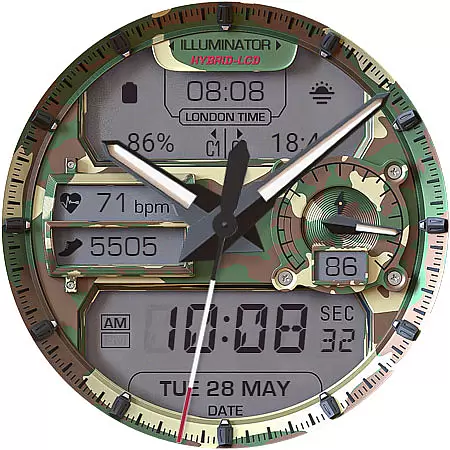
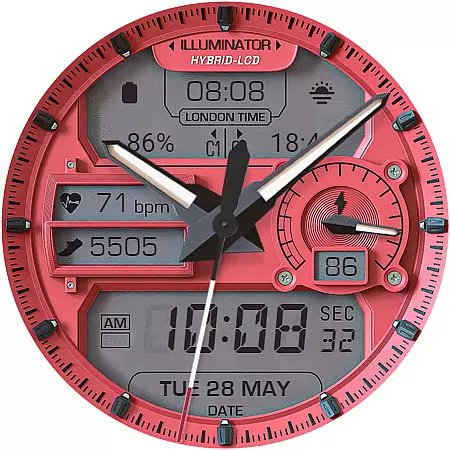
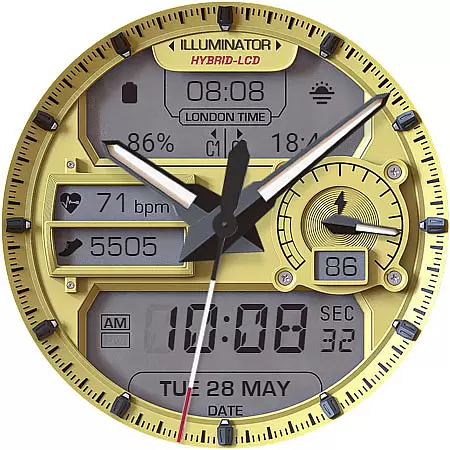
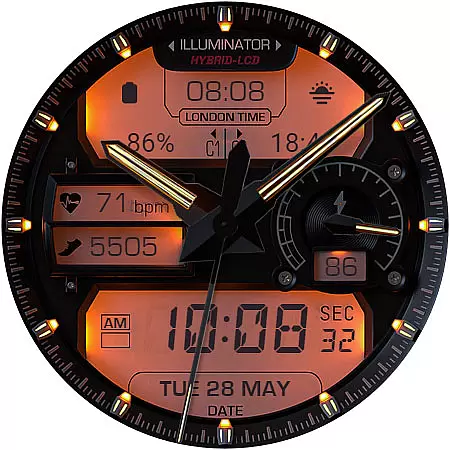
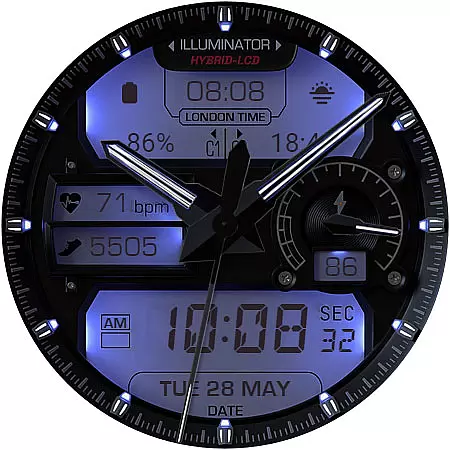
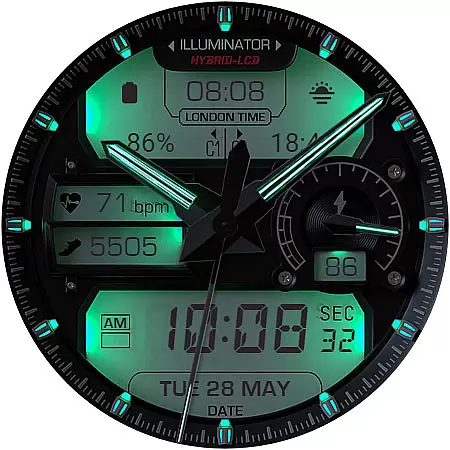
ILLUMINATOR Hybrid-LCD is a premium Wear OS watch face that combines ultra-realistic design with advanced customization options. Featuring a hybrid-LCD style, it offers users 4 custom complications and multiple day/night themes, ensuring both functionality and aesthetics. The watch face supports automatic 12h/24h mode switching, heart rate and step tracking indicators, London time, and more.
Designed for ease of use, this app allows users to personalize their experience through intuitive controls. Whether you're adjusting themes or setting up Always On Display (AOD) modes, the interface provides seamless navigation. With its beautiful design and practical features, ILLUMINATOR Hybrid-LCD is perfect for those seeking a sophisticated smartwatch experience.
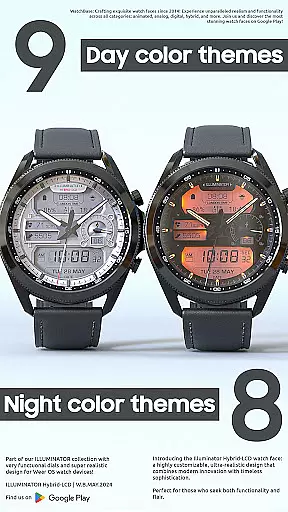
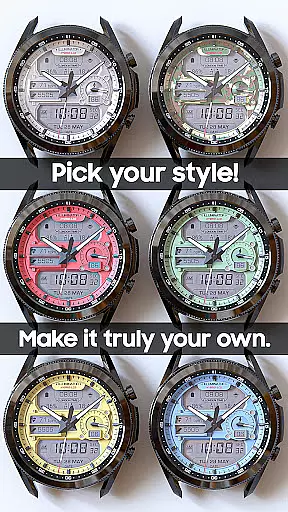
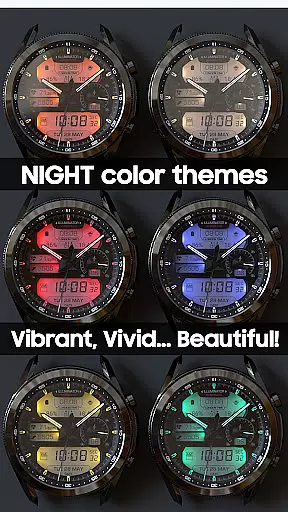
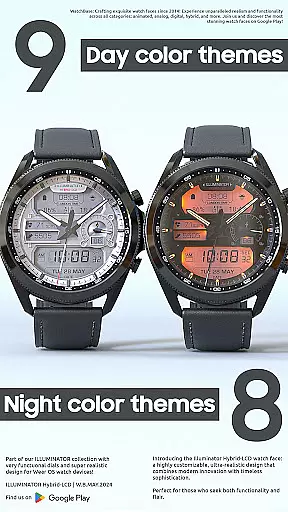
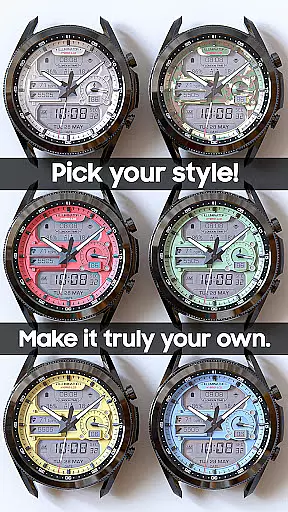
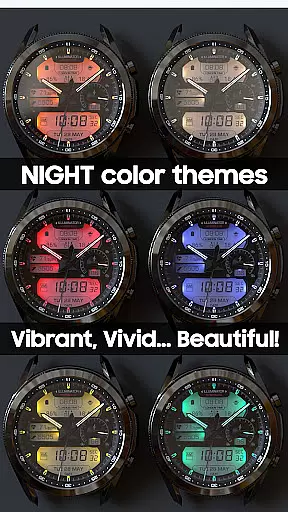
ILLUMINATOR Hybrid-LCD stands out with its highly customizable features tailored for Wear OS devices. The watch face includes 9 different day themes and 8 night themes, giving users extensive options to match their personal style. Each theme can be easily adjusted by touching and holding the screen, then tapping 'customize' to access the full range of settings.
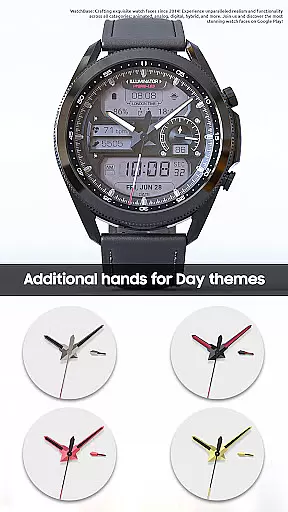
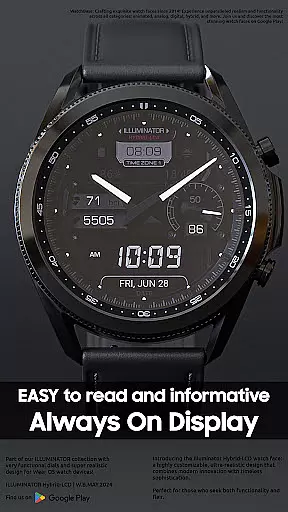
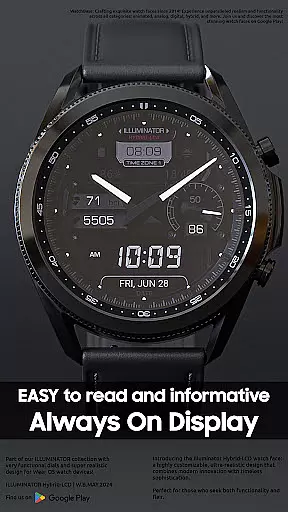
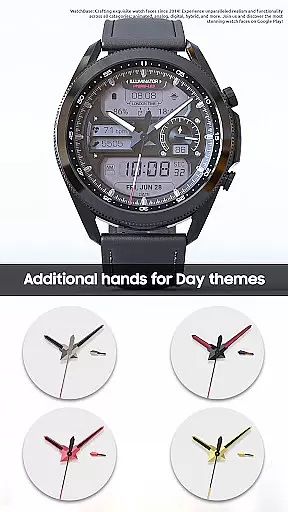
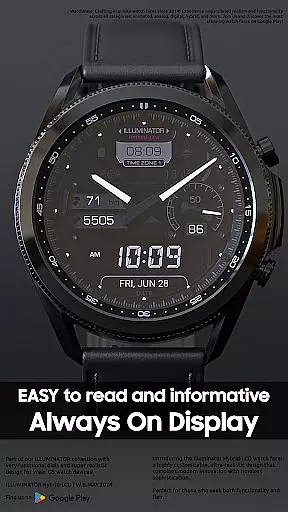
Functionality is further enhanced by 4 custom complications, which allow integration of various data points such as weather or calendar events directly on the watch face. Additionally, the AOD feature offers three color themes and hand styles, ensuring visibility even when the screen is dimmed. With support for shortcuts and detailed health indicators like heart rate and steps, this app delivers both utility and elegance in one package.
Companion app integration is a crucial feature for smartwatch applications like ILLUMINATOR Hybrid-LCD. This functionality ensures seamless synchronization between the watch face and its companion app on your smartphone.
The companion app simplifies the installation process by providing clear instructions and direct access to the watch face customization options. When users purchase the watch face, they can initiate the installation directly from their phone, receiving prompts on their watch to complete the setup.
This integration offers significant user benefits including automatic updates, easy access to new features, and synchronized settings across devices. The companion app also helps resolve common synchronization issues that may arise during installation or updates.
By maintaining this robust connection between phone and watch, ILLUMINATOR Hybrid-LCD ensures users can effortlessly manage their watch face while enjoying consistent performance and reliability across their devices.
Wear OS and device compatibility are essential considerations for any smartwatch application. ILLUMINATOR Hybrid-LCD demonstrates excellent adaptability across various Wear OS devices and versions.
The watch face supports automatic 12h/24h mode switching and works seamlessly with different screen sizes and resolutions. Its sophisticated design maintains visual integrity regardless of the specific Wear OS device being used.
Users benefit from broad compatibility with multiple smartwatch models, ensuring they can enjoy the same high-quality experience regardless of their hardware choice. The application's compatibility extends to various Android versions, maintaining consistent performance.
This universal compatibility is further enhanced by the watch face's optimized resource management, which ensures smooth operation without excessive battery consumption across different devices.
Highly customizable
Realistic design
Multiple themes
Easy to read
Advanced complications
Complex setup
Paid features
Limited free options
Requires companion app
Sync issues possible

Watch the sharpness of the sky on your wrist..
 3.70
3.70
Christmas Theme Watch Face for Wear Os
5.00
Snowflake Rose Gold Watch Face - Digital, modern, & sleek with GYRO effect.
4.10
Analog watch face with 8 complications and expedition styling
4.5
Monitor health with the stress test and pulse checker in the heart rate app.
4.60
Find EV charging stations
4.30
Connect to your Bluelink equipped Hyundai vehicle from your smartphone.
4.50
Simple, helpful messaging by Google
4.60
From periods to pregnancy & perimenopause, Flo helps you track it all. Try now.
4.70
Hyperlocal rain alerts by MyRadar using patent-pending technology, radar & more
4.80
Easy Voice Recorder is your everyday companion to record important moments.
4.70
Kia Access makes getting your vehicle information easier than ever
4.60
MyNISSAN® lets you remotely control your car from your phone.*
4.50
Premium hybrid watch face with many customizations for Wear OS devices.
4.40
Wear Os Watch Face - Animated Snow Effect & Magic Spark - 6 Scenes
4.10
Structured watch face with seven complications and modular UI elements
3.90
Artistic Digital Watchface
4.2
Funny animated watch face for Thanksgiving
4.2
Minimalistic design modern digital watch face.
4.2


User Reviews