
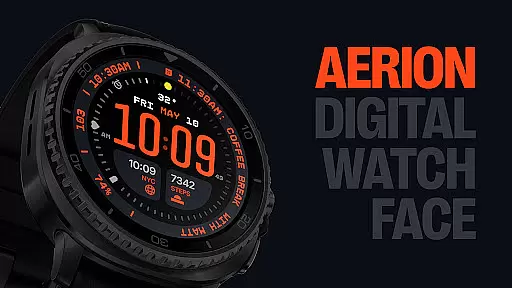
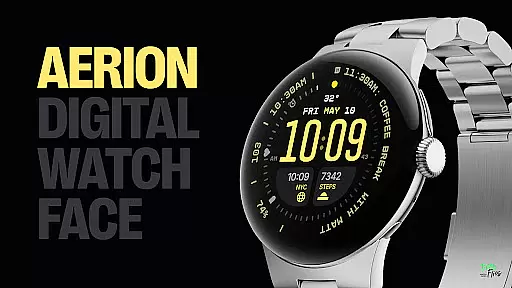
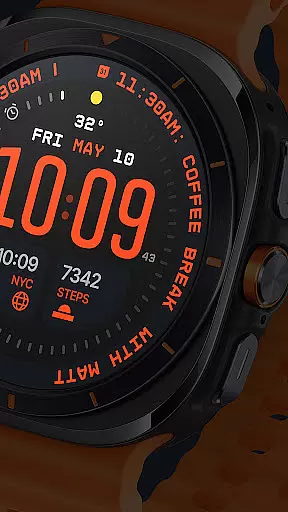
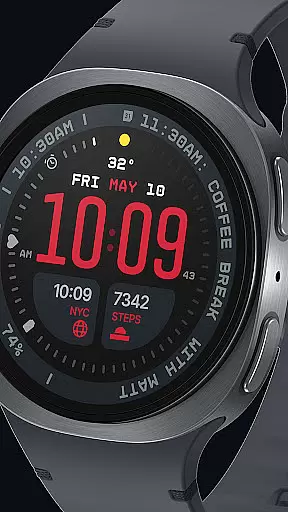
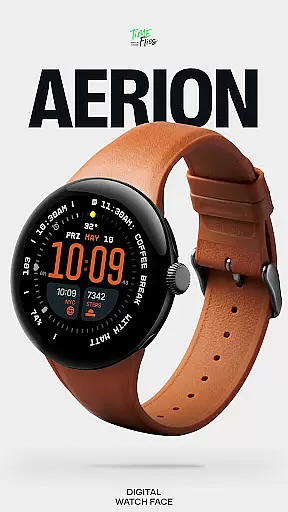
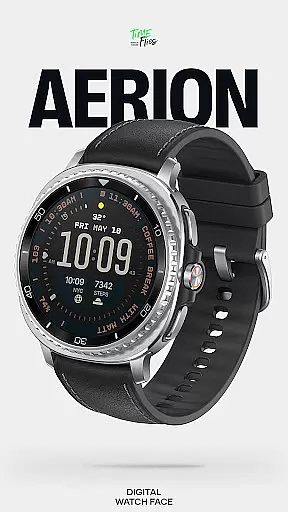
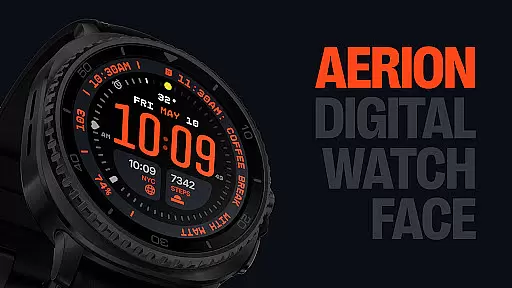
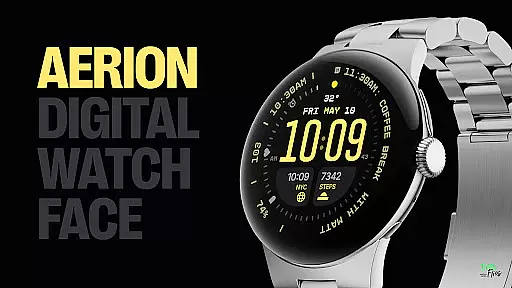
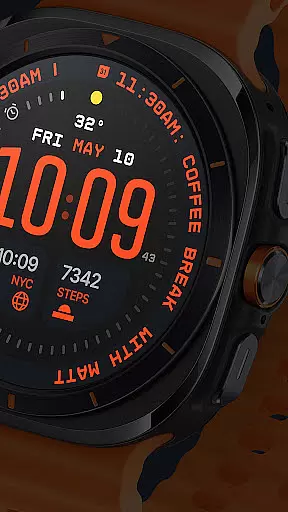
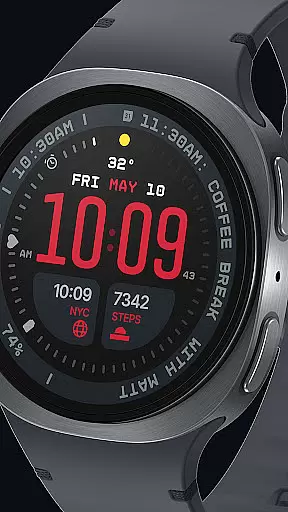
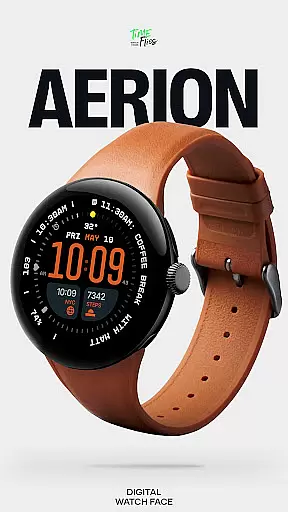
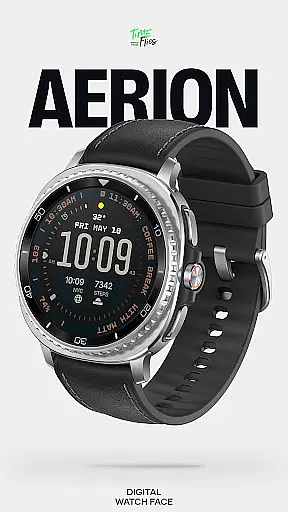
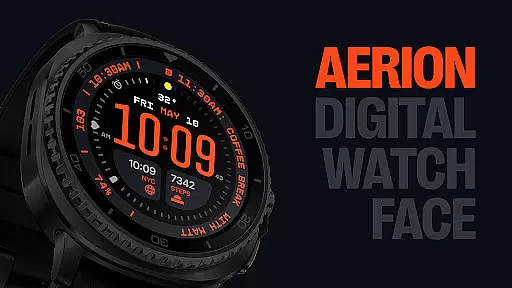
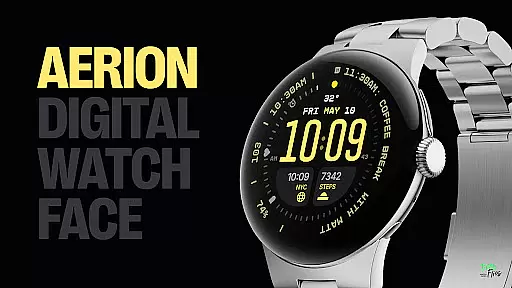
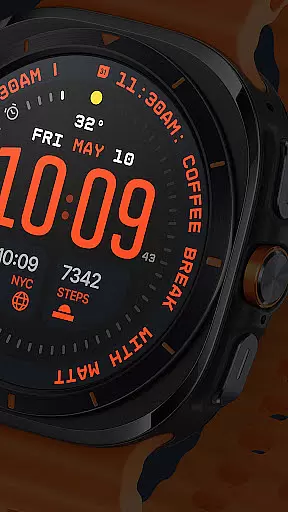
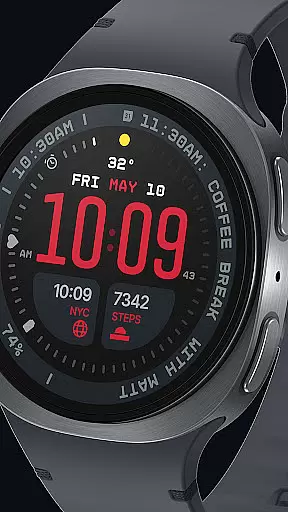
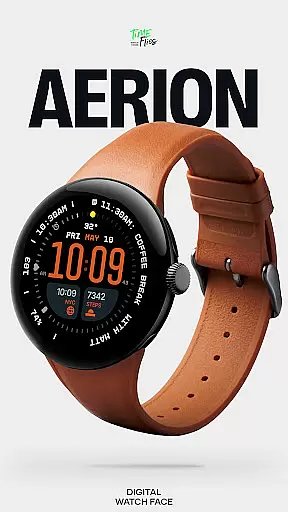
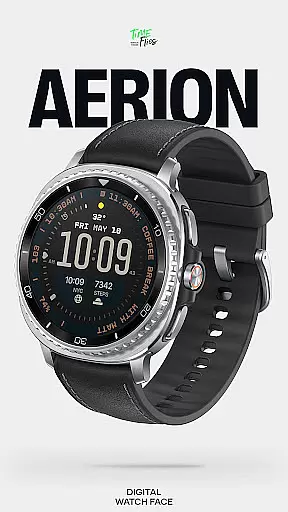
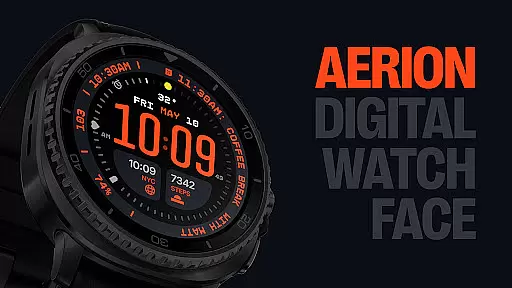
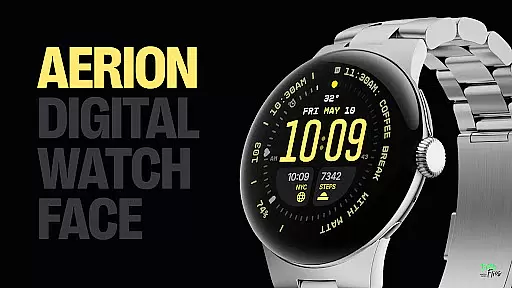
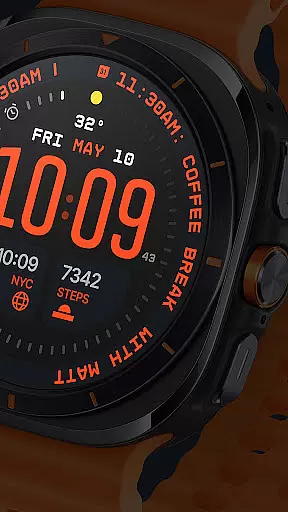
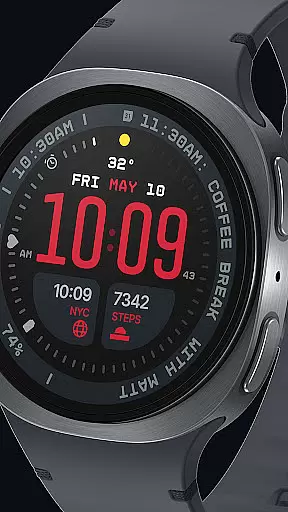
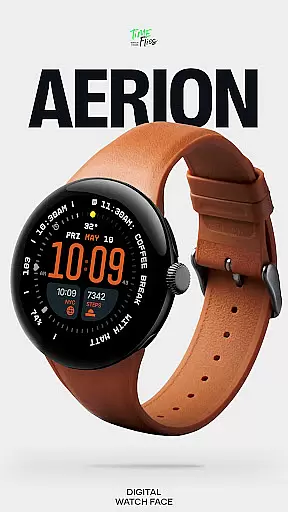
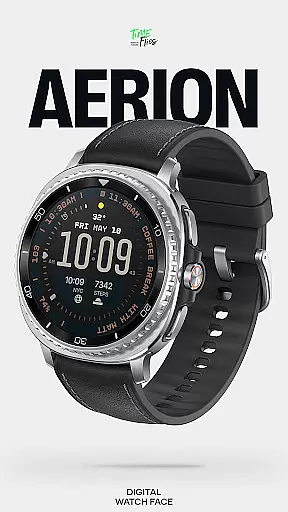
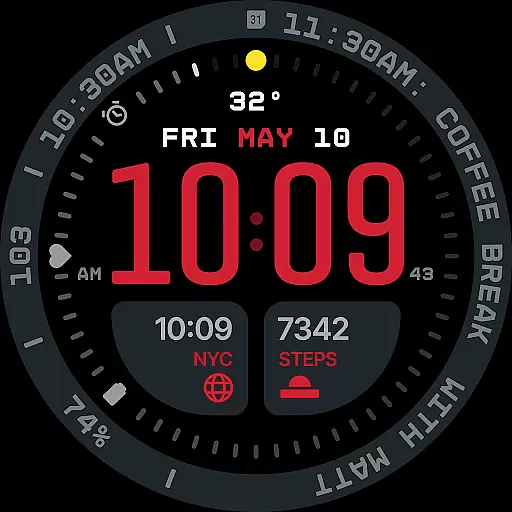
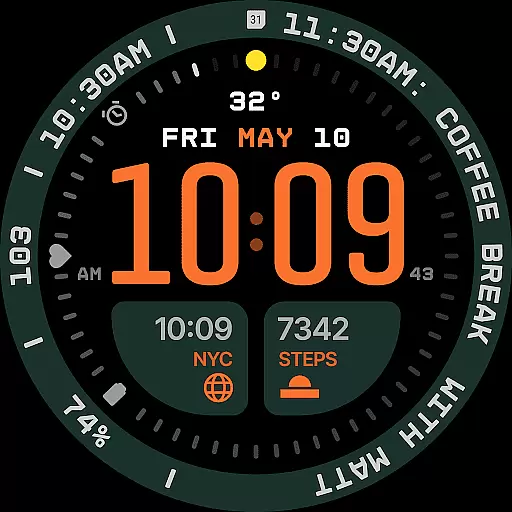
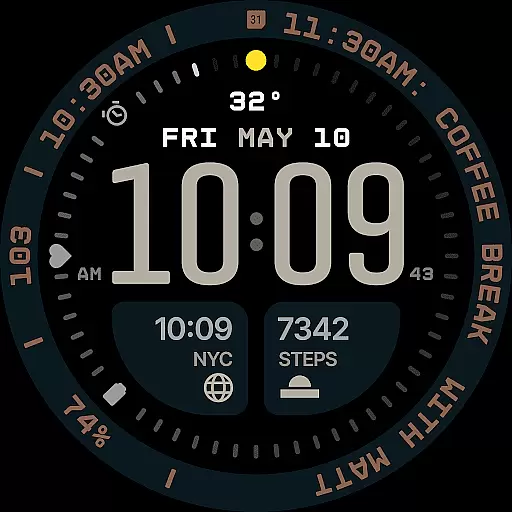
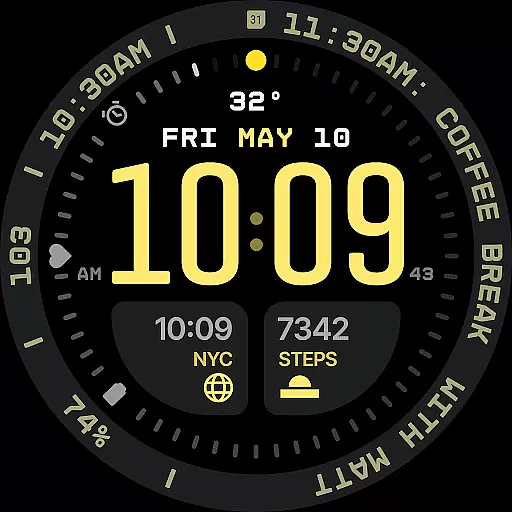
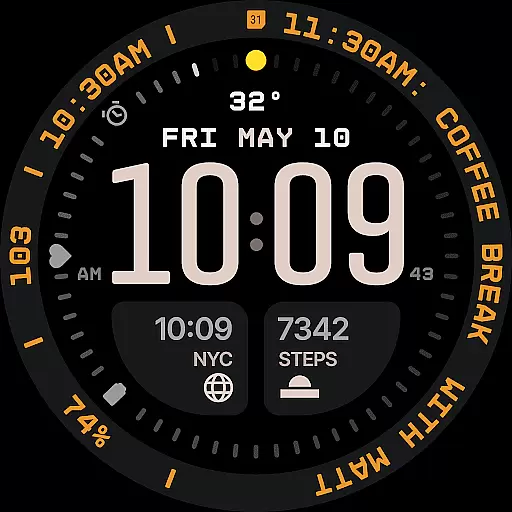
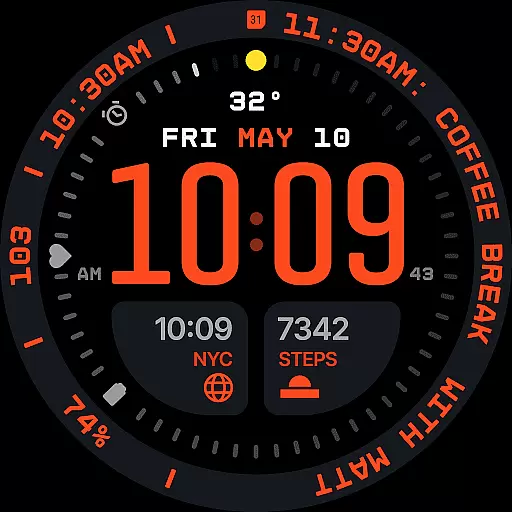
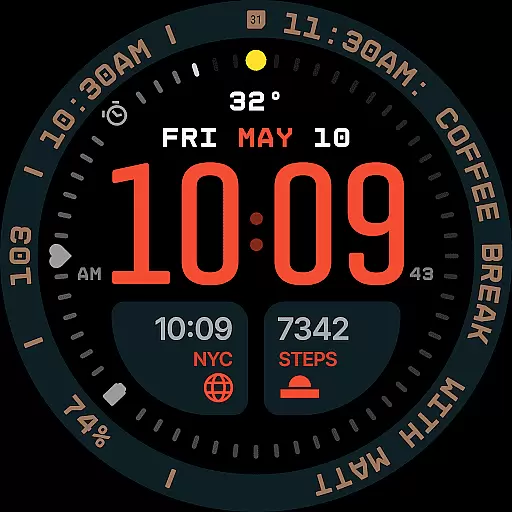
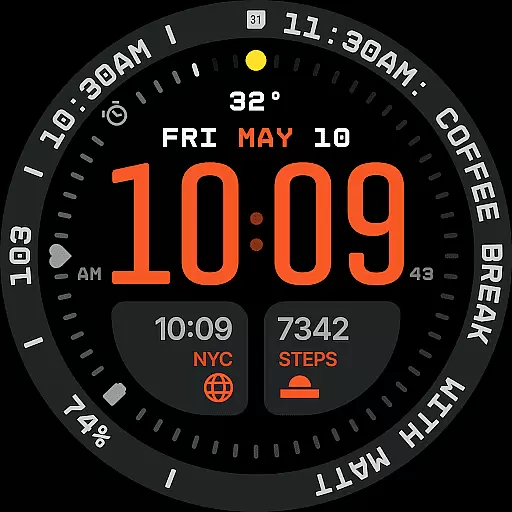
Aerion Digital Watch Face offers a modern take on digital timekeeping for Wear OS devices. Designed with an emphasis on structured layouts, clear typography, and intelligent visual flow, this watch face ensures both functionality and style. The time is displayed prominently in the center using a carefully balanced font, while customizable complications provide useful information at a glance.
With support for up to seven complications, integrated day and date display, and optional bezel and background layers, Aerion allows users to personalize their smartwatch experience without compromising usability. Its Always-on Display (AoD) modes conserve battery life while maintaining visibility, making it ideal for users who value efficiency and aesthetics in equal measure.
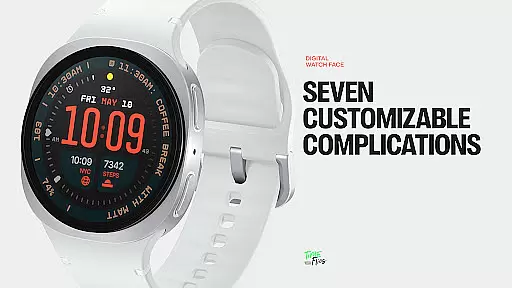
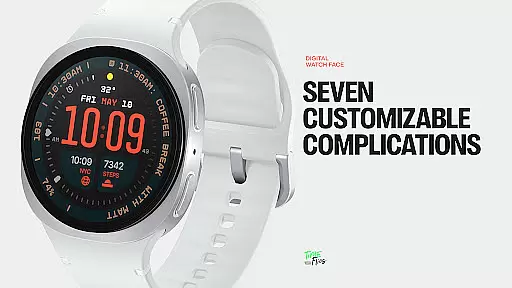
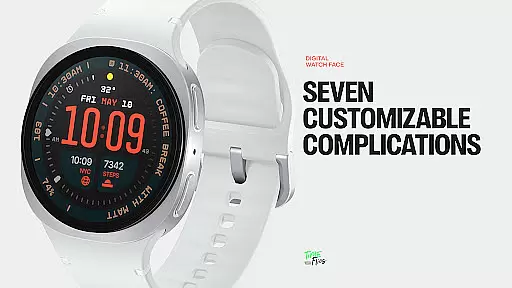
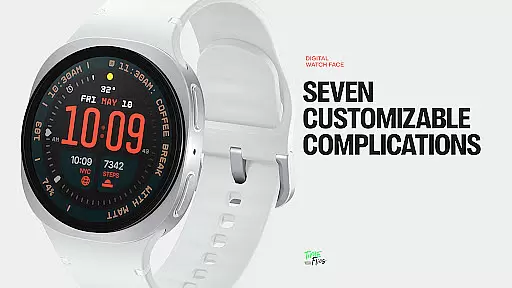
Aerion stands out through its meticulous attention to detail and user-focused features. The watch face supports seven fully customizable complication slots, including universal, short-text, and long-text options, allowing users to display everything from weather updates to calendar events. This flexibility makes it suitable for various use cases, whether you need quick access to fitness stats or reminders throughout the day.
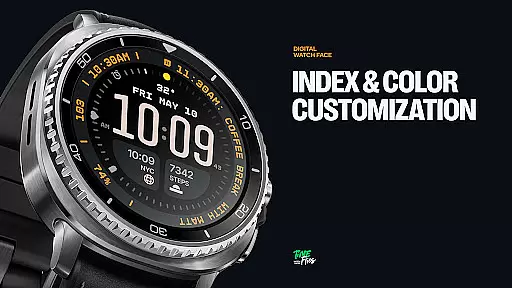
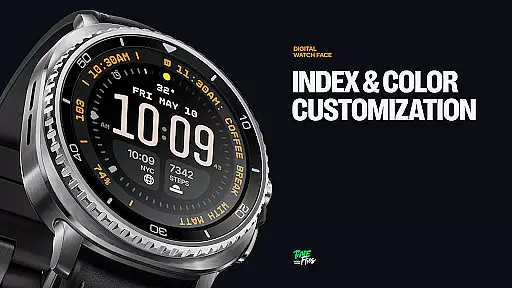
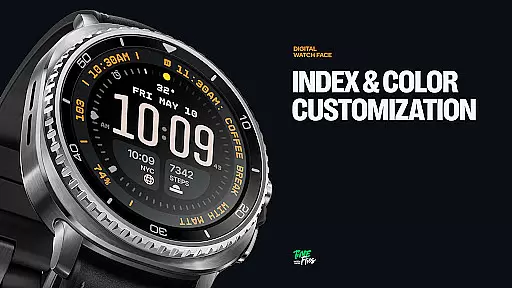
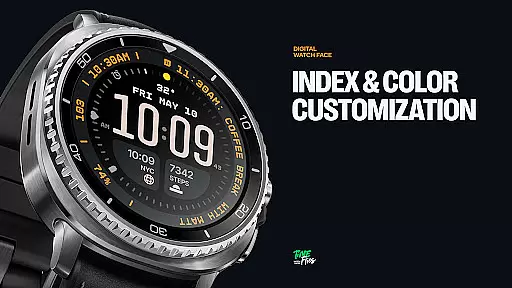
The inclusion of 30 curated color schemes provides users with extensive personalization options, ensuring readability under different lighting conditions while reflecting individual preferences. Additionally, the optional bezel and background layer offer further customization possibilities without detracting from the core design. With four distinct Always-on Display modes, Aerion strikes a balance between energy efficiency and continuous access to essential information.
Companion app integration is crucial for enhancing the functionality of wearable devices. The Aerion Digital Watch Face offers an optional Android companion app that allows users to conveniently access other watch faces from Time Flies.
This seamless integration between the wearable and its companion app ensures that users can easily switch and manage their watch faces, providing a more versatile and personalized experience. The companion app acts as a control center where users can explore additional customization options.
By leveraging this integration, users benefit from a cohesive ecosystem that extends the capabilities of their smartwatch. They can enjoy not only the precise and stylish features of the Aerion watch face but also discover new ways to express their personal style through other offerings from the same developer.
Ensuring compatibility with Wear OS and various devices is essential for a smooth user experience. The Aerion Digital Watch Face is engineered specifically for Wear OS, guaranteeing optimal performance and battery efficiency across supported devices.
The design takes full advantage of the modern Watch Face File format, which contributes to maintaining system responsiveness and energy-conscious operation. This means that whether you're using a smartwatch with a high-resolution display or one with more modest specifications, Aerion will adapt and perform consistently well.
Users can expect reliable functionality regardless of their specific Wear OS device, enjoying features like customizable complications, built-in day and date displays, multiple color schemes, optional bezels, and background layers without worrying about compatibility issues.
Highly customizable
Battery efficient
Clean modern design
Multiple color schemes
Optimized performance
Limited analog appeal
Companion app required
Fewer widgets than some
Premium cost for full
Complex setup process

Christmas Theme Watch Face for Wear Os
 5.00
5.00
Beautiful artistic animated digital watch face, with a customizable layout!
4.40
Beautiful, colorful and practical watch face. For Wear OS devices.
5.00
Simple Analog-Digital Watchface For Wear OS 3.0 and Up Smartwatches
4.2
Digital, flexibly customizable watch face. For Wear OS 5.0, API 34+ and later.
5.00
3 Complications. All shadow on/off. 30 Themes color palette...
4.1
Bold, Modern Hybrid Watch Face for Wear OS. 10 Colors, Rich Info Display.
4.30
Digital watch face. For Wear OS devices.
4.40
Find EV charging stations
4.30
Real-time weather radar with temperatures, warnings, hurricanes, and widgets
4.80
Easy Voice Recorder is your everyday companion to record important moments.
4.70
Hybrid watch face for Wear OS with customizable complications by Matteo Dini MD
4.70
Simple, helpful messaging by Google
4.60
The #1 source of faces for your smartwatch!
4.00
A digital watch face that celebrates Christmas.
4.00
Authentic military-tactical design with ZULU time! Realistic and functional!
3.80
Want to take charge of your health? Let Google Fit help you reach your goals.
3.50
A watch face that fuses motorsport precision with contemporary smartwatch design
4.4
Fitness interactive virtual pet super fighter boy watch face
4.3


User Reviews