
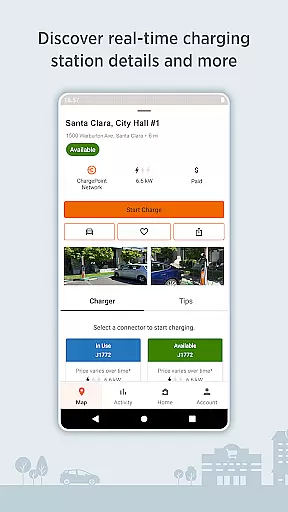
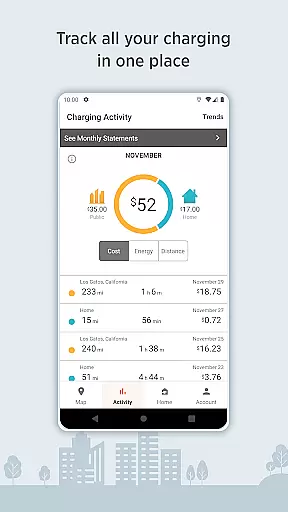
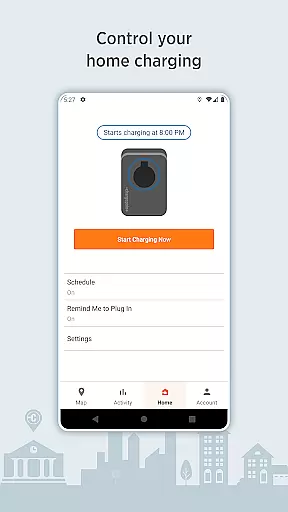
ChargePoint is the ultimate app for electric vehicle (EV) drivers, offering seamless access to the world's largest EV charging network. With hundreds of thousands of stations and roaming partners like FLO, EVgo, and Greenlot, it provides real-time station availability, smart filtering options, and crucial charging details such as pricing and driver tips. The app allows users to charge instantly via Tap, track complete charging activity, and even manage home charging with ChargePoint Home Flex.
Beyond basic charging, ChargePoint enhances convenience with live updates, Android Auto integration, and Wear OS compatibility. Whether you're planning a long trip or commuting daily, ChargePoint ensures that all your charging needs are covered both at home and on the go. Its comprehensive features make it an indispensable tool for modern EV drivers looking to simplify their charging experience while maximizing efficiency.
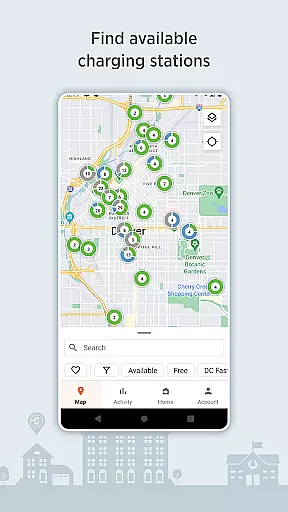
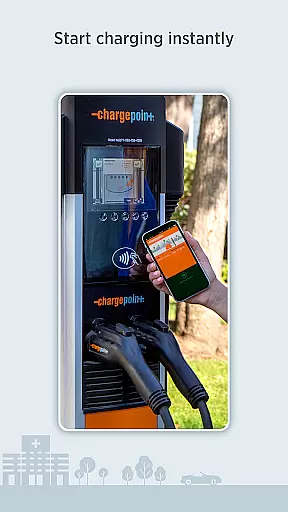
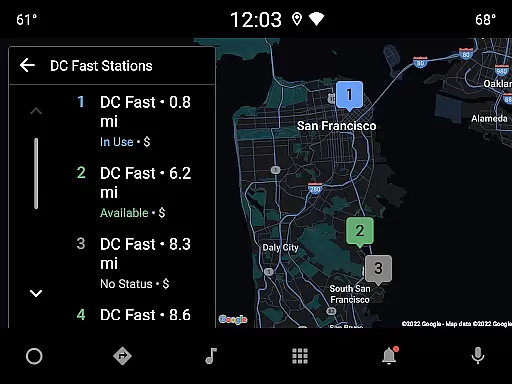
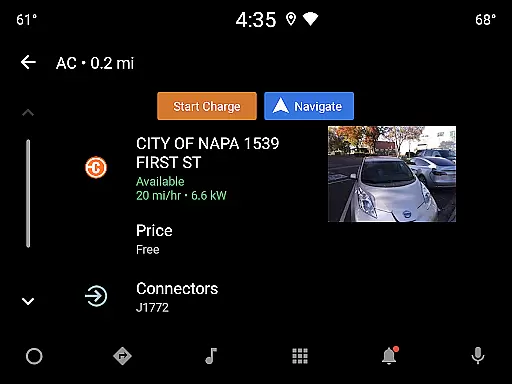
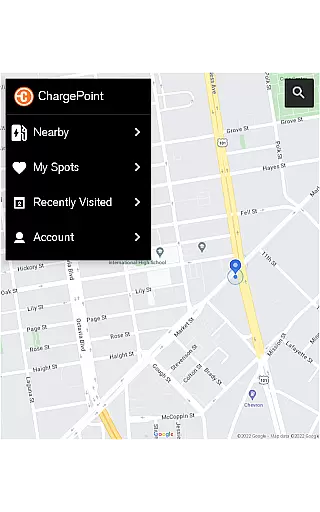
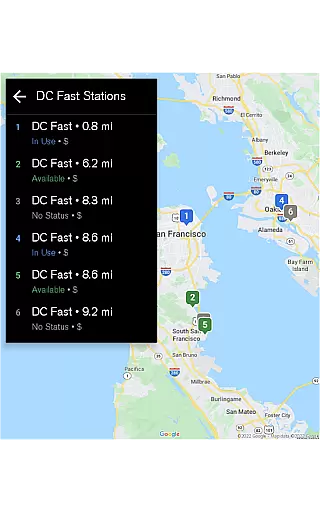
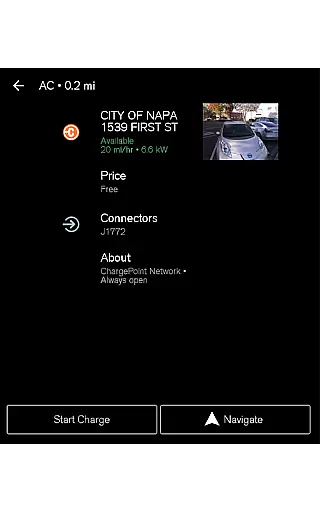
ChargePoint stands out with its robust feature set tailored for EV drivers. One of its core functionalities is the ability to find charging stations using real-time maps, which display availability, pricing, and user reviews. The app supports advanced filtering, allowing drivers to see only compatible stations and choose between AC or DC fast chargers based on their vehicle's requirements. Additionally, users can charge instantly through the app or RFID card, streamlining the entire process.
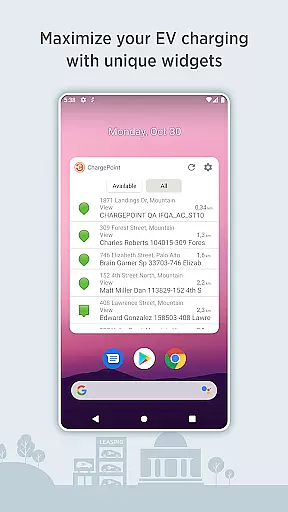
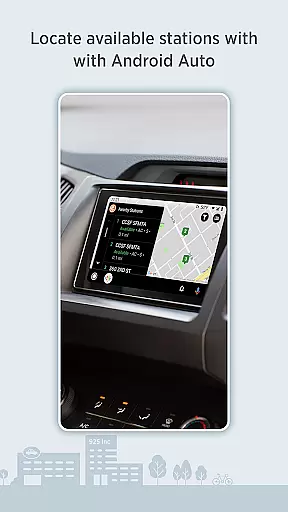
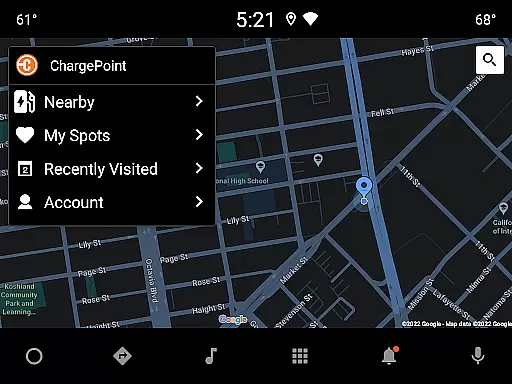
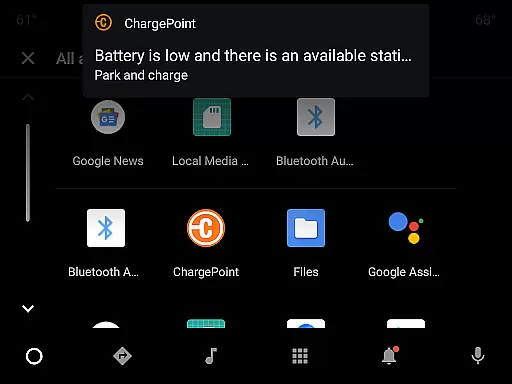
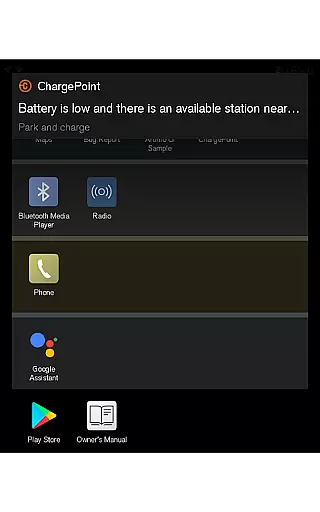
Premium integrations further enhance the user experience. With Android Auto support, drivers can locate stations hands-free while driving. Wear OS compatibility enables instant tap-to-charge functionality and displays added mileage directly on smartwatches. The app also offers widgets for quick access to nearby stations and charging statuses without needing to open the app fully. These innovations ensure that ChargePoint remains a leader in providing cutting-edge solutions for EV owners.
Companion app integration is essential for a seamless user experience across multiple devices. The ChargePoint app excels in this area by offering users the ability to charge their electric vehicles using a variety of methods, including through Wear OS by Google. This ensures that whether you're at home or on the go, your smart devices work in harmony to provide effortless charging solutions.
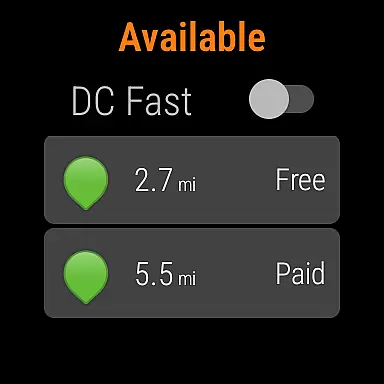
The ChargePoint app allows EV drivers to start charging instantly via Tap to charge functionality directly from their Wear OS devices. This feature not only simplifies the process but also enhances convenience as users no longer need to take out their phones to initiate a charge. It's an excellent example of how companion apps can improve the overall utility and accessibility of services.
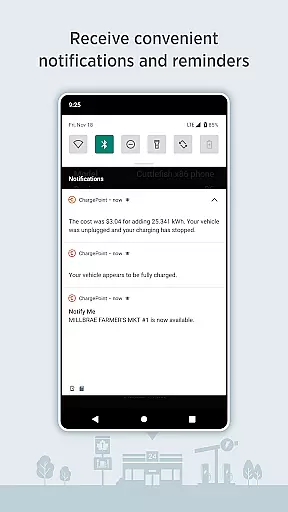
Furthermore, the synchronization between the ChargePoint app and its Wear OS counterpart provides real-time updates and notifications. Users can receive live updates about their charging status, such as when a station becomes available or when their vehicle has finished charging. This interconnected system ensures that EV drivers are always informed and can manage their charging activities efficiently.
Device compatibility is crucial for ensuring that applications like ChargePoint function correctly across different platforms. With support for Wear OS by Google, the ChargePoint app offers enhanced usability for electric vehicle owners who rely on wearable technology to stay connected and informed while managing their EV charging needs.
ChargePoint's compatibility with Wear OS devices enables users to tap to charge, providing an intuitive and quick way to start charging sessions. This compatibility extends the app's functionality beyond smartphones, allowing users to interact with the service in a manner that suits their lifestyle and preferences, thus maximizing convenience and ease of use.
In addition to initiating charges, the integration with Wear OS allows users to view important information at a glance, such as miles added to their range during a charging session. This immediate access to key data points helps drivers make informed decisions about their travel plans and energy consumption without needing to refer back to their primary mobile device.
User-friendly interface
Extensive charging network
Real-time station updates
Advanced filtering options
Seamless payment integration
Limited offline functionality
Occasional connectivity issues
Premium feature costs
Regional availability varies
Dependent on third-party stations

Watch the sharpness of the sky on your wrist..
 3.70
3.70
MyNISSAN® lets you remotely control your car from your phone.*
4.50
Locate your family members by GPS phone location tracker everywhere and anytime
4.30
Reliable phone calls with spam protection, caller ID and more helpful features
4.40
Real-time results, stats, schedules and player profiles for all leagues
4.60
Hybrid watch face for Wear OS with customizable complications by Matteo Dini MD
4.70
A realistic hybrid watch face with many customization options.
4.60
Control your Samsung Smart TVs, appliances, and SmartThings-compatible devices
4.60
Back up your contacts & access them anywhere
4.30
Real-time weather radar with temperatures, warnings, hurricanes, and widgets
4.80
Be an elegant and classy secret agent, with this carefully detailed watch face
4.70
Your second brain for organizing your life: to-do, calendar, reminder.
4.70
Connect to your Bluelink equipped Hyundai vehicle from your smartphone.
4.50
A digital watch face that celebrates Christmas.
4.00
Animated Watch Face and Customizable with 24 Backgrounds. Perfect for Christmas!
3.90
Precision analog watch face with 7 complications and style options
4.0
Christmas is near, let's count together the days left until Santa comes
4.5
A watch face that fuses motorsport precision with contemporary smartwatch design
4.0
Funny animated watch face for Thanksgiving
4.3


User Reviews