
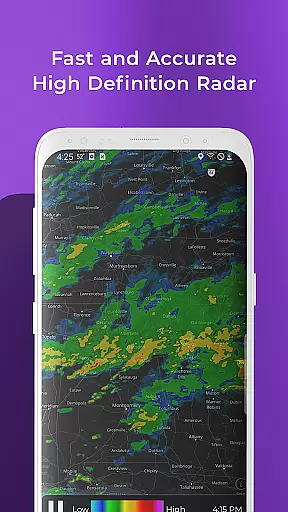
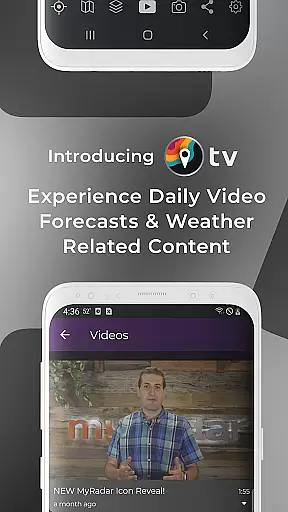
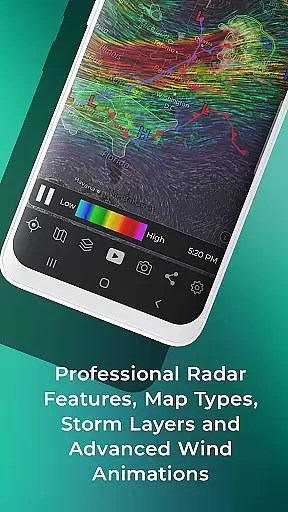
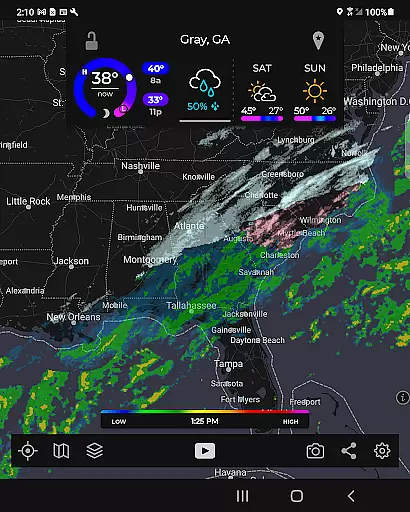
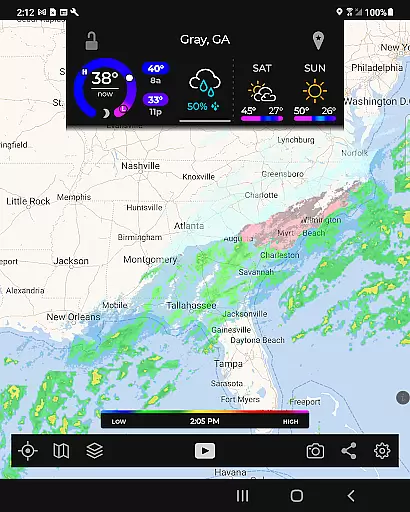
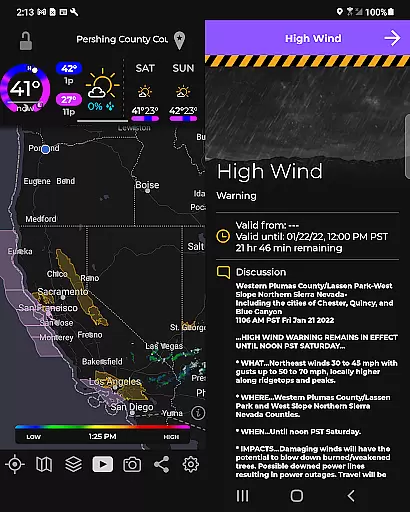
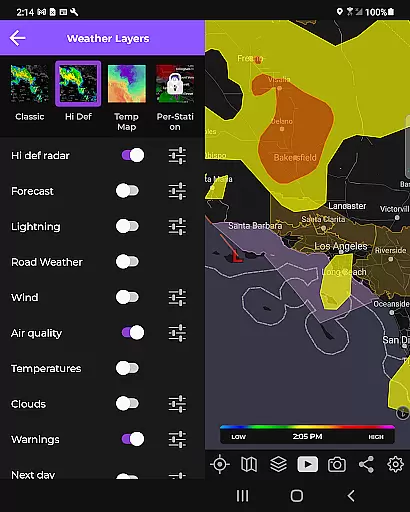
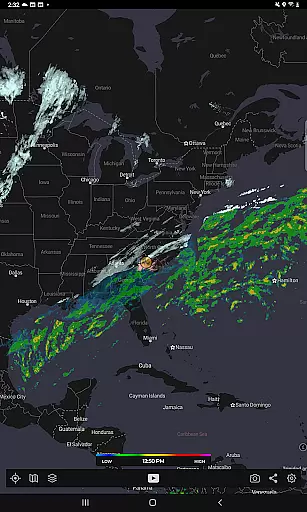
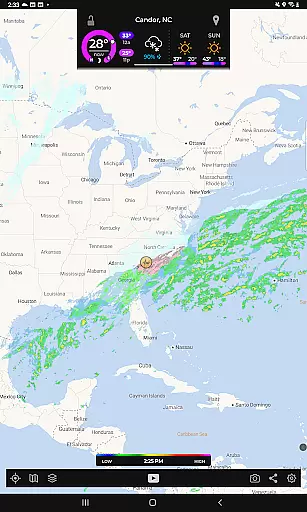
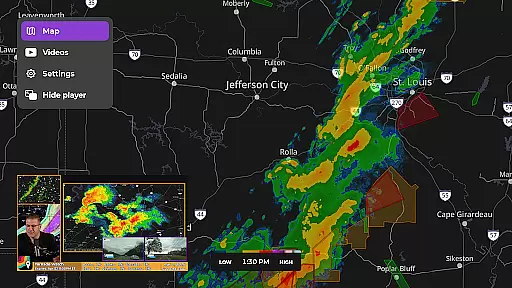
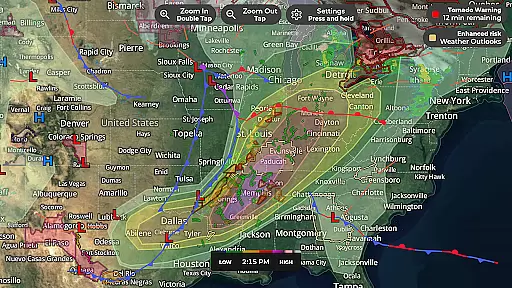
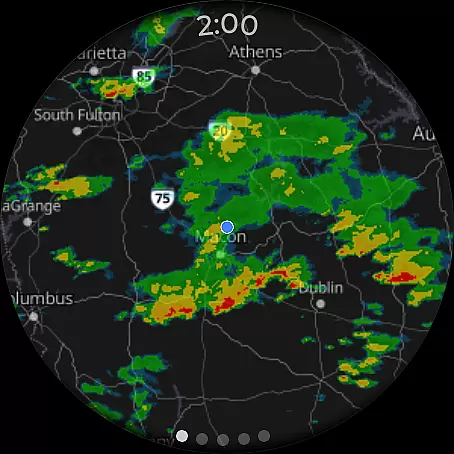
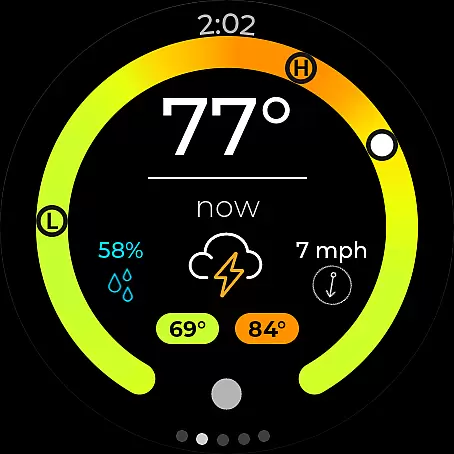
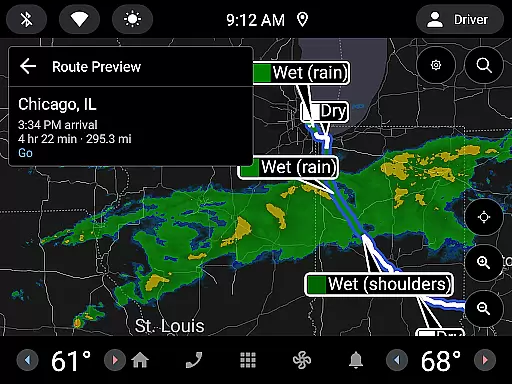
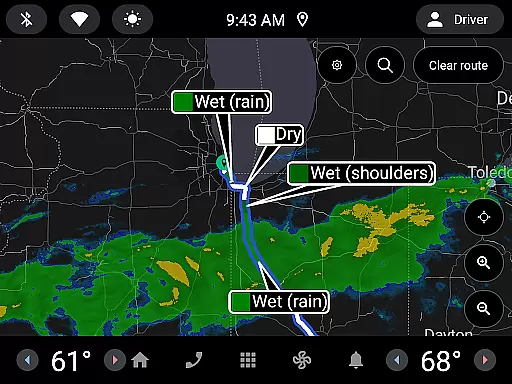
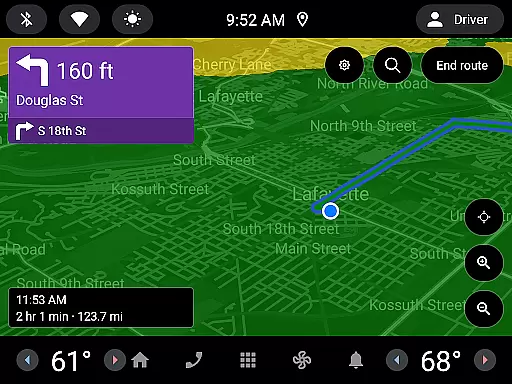
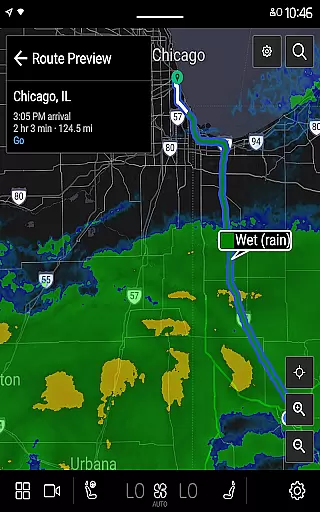
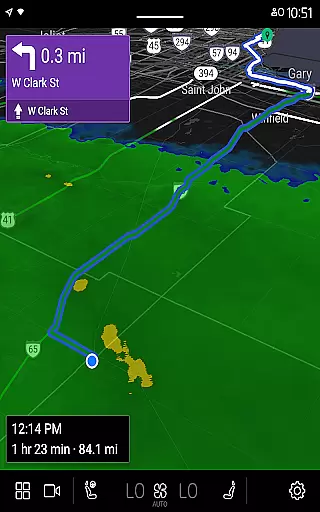
MyRadar Weather Radar is a powerful weather application designed specifically for Android Wear devices, providing users with instant access to crucial weather information directly from their smartwatch. The app's core functionality revolves around its animated live radar feature, which displays real-time weather conditions around the user's location. This allows for quick assessment of approaching weather patterns, making it an essential tool for those on-the-go. In addition to basic radar, MyRadar offers advanced data layers such as wind animations, earthquake tracking, hurricane monitoring, and wildfire updates.
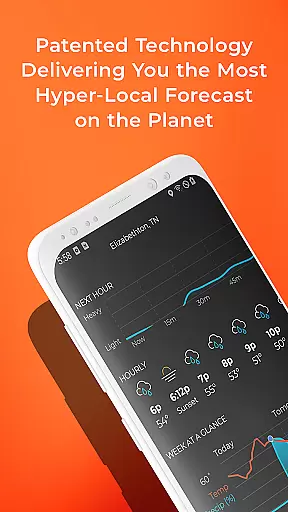
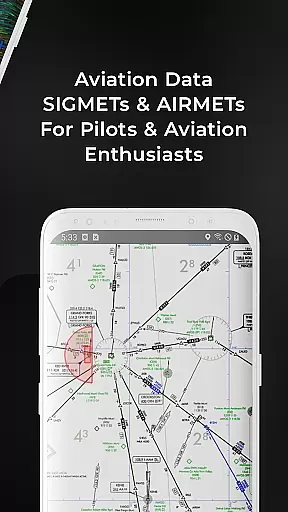
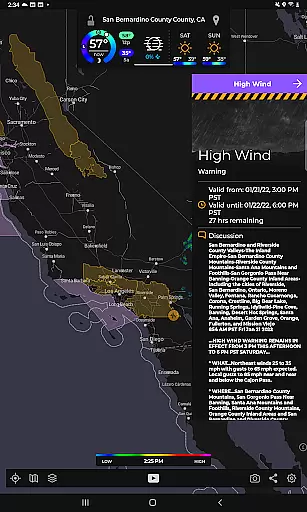
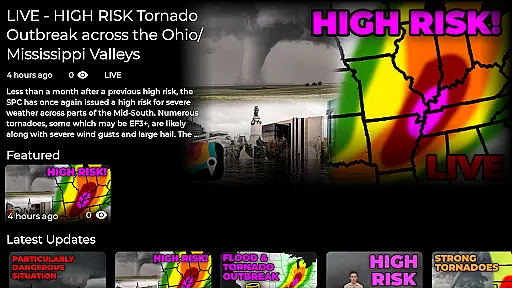
What sets MyRadar apart is its ability to deliver hyper-local weather alerts, including patent-pending rain predictions that notify users up to an hour in advance about incoming rainfall. These alerts include precise details on intensity and duration, ensuring users are never caught off guard. The app also supports National Weather Center alerts, keeping users informed about severe weather events like tornadoes or hurricanes. With additional features like aviation data overlays and real-time hurricane tracking available through premium upgrades, MyRadar caters to both casual users and weather enthusiasts alike.
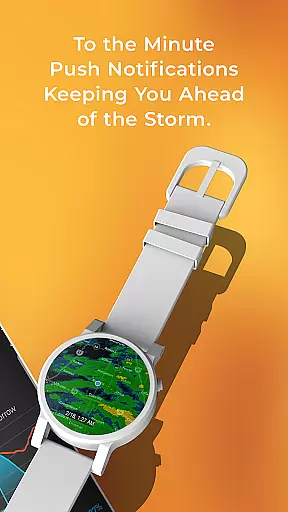
The app's custom mapping system utilizes device GPU power for fast and smooth zooming and panning across global maps. Its Wear OS compatibility extends its utility by offering glanceable radar and current condition tiles on smartwatches. Whether you're planning your day or monitoring critical weather events, MyRadar provides comprehensive tools to stay prepared and informed in any weather situation.
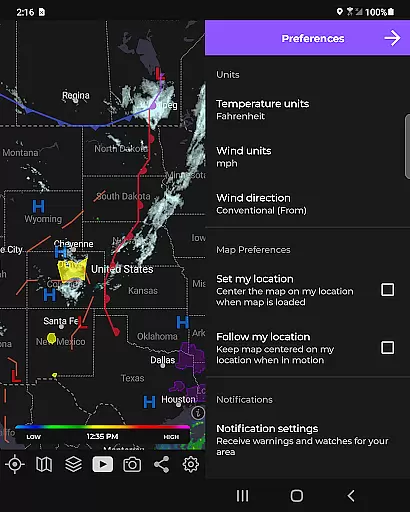
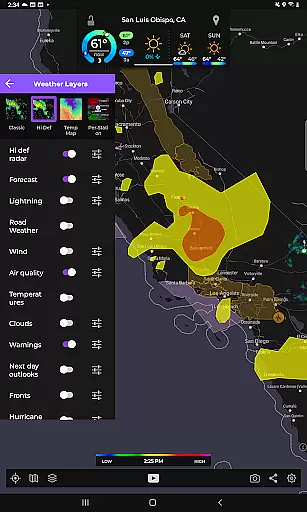
MyRadar Weather Radar stands out with its comprehensive set of features tailored for weather monitoring on Android Wear devices. The app's primary feature is its animated live radar, which provides up-to-date weather visualization around the user's location. This radar animation can extend up to two hours, giving users a clear picture of approaching weather systems. Beyond basic radar functionality, MyRadar offers multiple specialized data layers, including surface and jetstream-level wind animations, frontal boundary tracking, earthquake reporting, hurricane monitoring, and wildfire updates.
One of the app's most innovative features is its advanced rain alert system. Using a patent-pending process, MyRadar predicts hyper-local rainfall with industry-leading accuracy. Users receive notifications up to an hour before rain reaches their location, complete with minute-by-minute details on intensity and duration. The app also integrates with the National Weather Center to provide severe weather alerts, including tornado warnings and tropical storm updates. Premium users gain access to enhanced features like detailed hurricane tracking, professional radar packs with customizable tilt angles and products, and comprehensive reports from the National Hurricane Center.
MyRadar's custom mapping system demonstrates another key advantage, utilizing device GPU capabilities for lightning-fast map rendering and smooth navigation. The app's Wear OS integration adds practicality by displaying radar and current condition tiles on smartwatches, making weather information accessible at a glance. These features collectively create a robust weather monitoring solution that serves both everyday users and dedicated weather enthusiasts who require detailed and timely meteorological data.
Companion app integration is essential for a seamless wearable experience. MyRadar Weather Radar excels in this area by offering a robust connection between its smartphone app and Wear OS devices.
The app ensures that all weather data, alerts, and radar images available on your phone are also accessible on your smartwatch. This includes live radar updates, rain alerts, and current conditions, which are crucial when you're on the move.
Users benefit from real-time synchronization, allowing them to receive timely weather notifications directly on their wrist. Whether it's an approaching storm or a simple update on temperature changes, MyRadar keeps you informed without needing to reach for your phone.
This integration enhances convenience and accessibility, making sure that critical weather information is always just a glance away, no matter where you are or what you're doing.
Device compatibility is key for any application targeting wearable technology. MyRadar Weather Radar offers extensive support for Wear OS devices, ensuring that users can access detailed weather information right from their smartwatches.
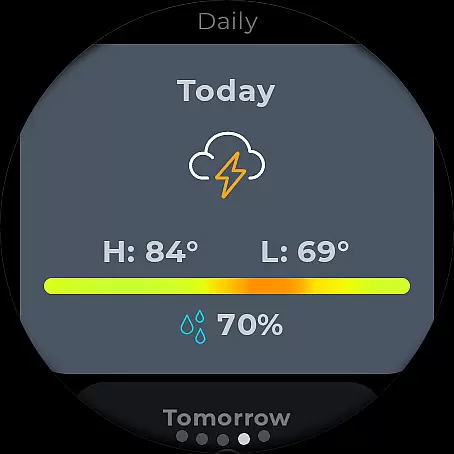
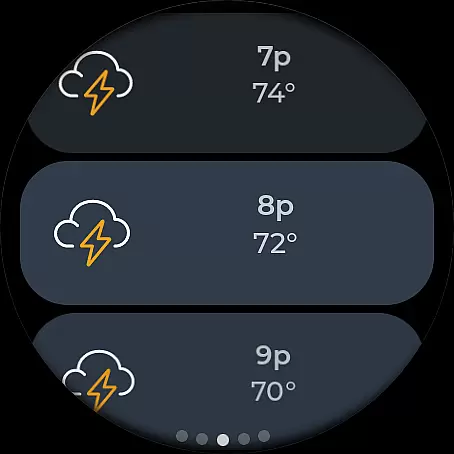
The app is optimized to run smoothly on various Wear OS devices, providing features like radar tiles and current condition summaries. These features are designed to be both visually appealing and highly functional, even on smaller screens.
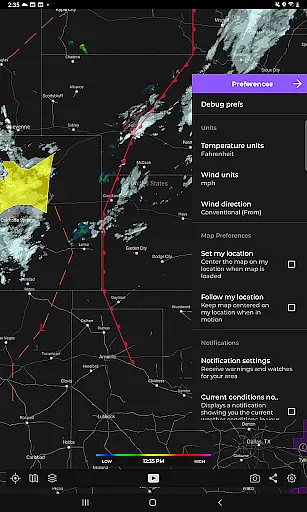
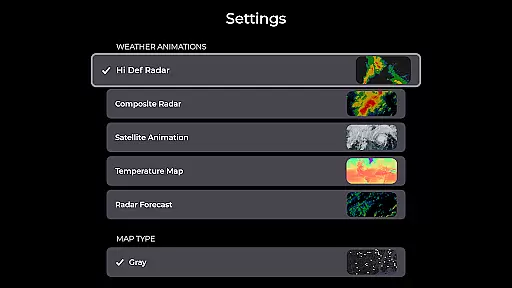
By leveraging the capabilities of Wear OS, MyRadar delivers a user-friendly interface that allows quick access to vital weather data. Users can easily navigate through different weather layers and settings using intuitive touch controls.
This level of compatibility not only broadens the app's reach but also enhances user satisfaction by delivering a consistent and reliable experience across multiple devices, empowering users to stay prepared regardless of their location.
Fast radar updates
Hyper-local alerts
Customizable layers
Wear OS support
Advanced tracking
Premium costs
Feature overload
Battery usage
Complex settings
Data dependency

A customizable Christmas watch face for Wear OS with a countdown.
 4.20
4.20
Simple Analog-Digital Watchface For Wear OS 3.0 and Up Smartwatches
4.4
Bold, Modern Hybrid Watch Face for Wear OS. 10 Colors, Rich Info Display.
4.30
Nutrition, Macro tracker: Food, fitness & healthy diet tracking for weight loss
4.60
Gym & home workout plans with strength training, exercise tracking, HIIT & more.
4.60
Bold weather Digital watchface with forecast & optional animated background
4.40
Retro digital watch face with customizable colors and a unique lighting effect
4.60
Connect, create, and collaborate with Gmail, part of Google Workspace.
4.10
Simple, helpful messaging by Google
4.60
The most customizable minimal watch face. For Wear OS 5.0, API 34+ and later
4.70
Monitor health with the stress test and pulse checker in the heart rate app.
4.60
Embrace the holiday spirit with this magical animated watch face!
4.40
Beautiful artistic animated digital watch face, with a customizable layout!
4.40
Embrace the festive spirit with our Christmas Countdown watchface for Wear OS
4.10
A digital watch face that celebrates Christmas.
4.00
Authentic military-tactical design with ZULU time! Realistic and functional!
3.80
Watch face designed for Thanksgiving Day. 7 Background Styles included.
3.20
A Wintery Snow Globe on Your Wrist; now celebrating Christmas!
4.1
3 Complications. All shadow on/off. 30 Themes color palette...
4.1


User Reviews