
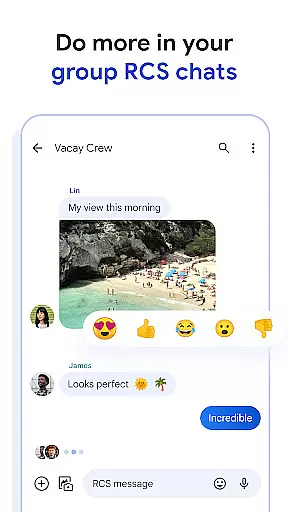
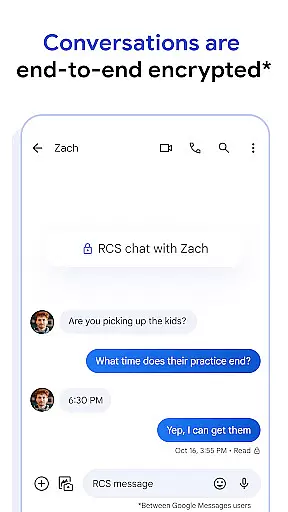
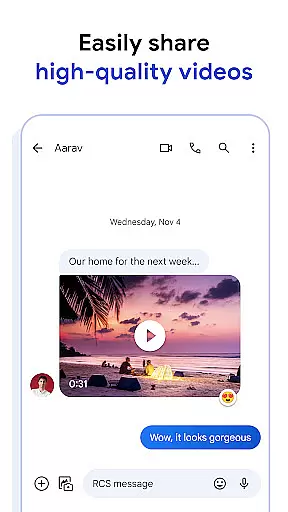
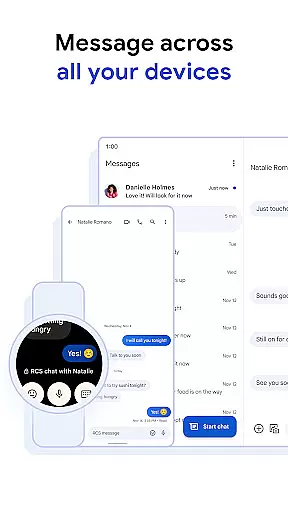
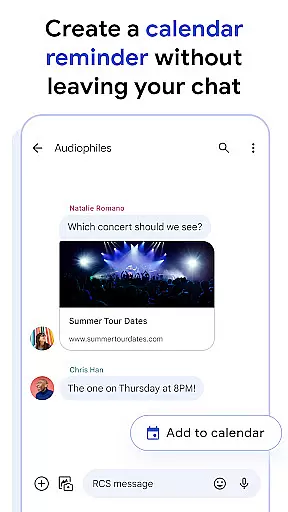
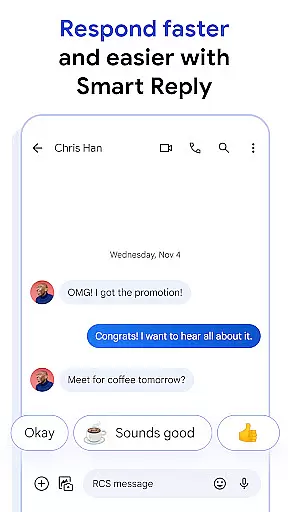
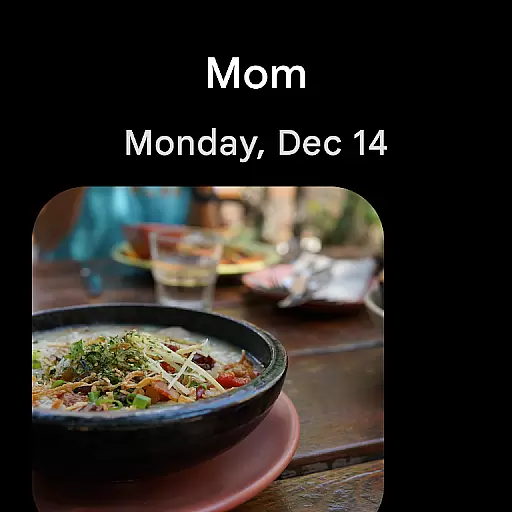
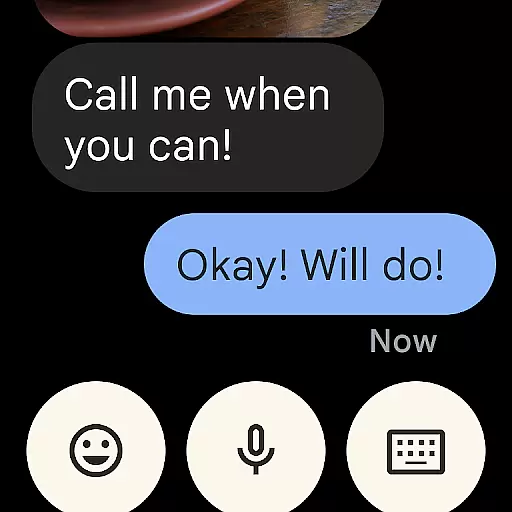
Google Messages is the official messaging app from Google, designed to enhance communication for over a billion users worldwide. Built on Rich Communication Services (RCS), it replaces traditional SMS and MMS with advanced features like high-resolution media sharing, dynamic group chats, and seamless cross-platform connectivity, including iPhone users. The app ensures privacy with end-to-end encryption and offers AI-powered tools like Magic Compose to craft perfect messages. Available on Android devices and Wear OS, Google Messages provides a richer, safer, and more expressive messaging experience.
With RCS support varying by region and carrier, Google Messages delivers an innovative approach to modern messaging. Its integration across devices allows users to start conversations on their phone and continue them on tablets or computers. Whether you're sharing photos, engaging in group discussions, or customizing your chat experience, this app transforms how you connect with others.
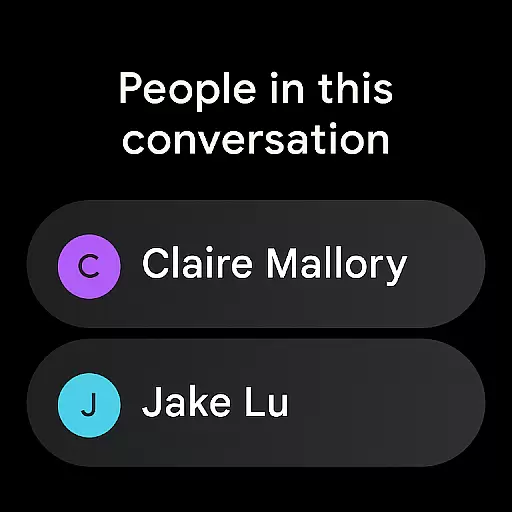
Google Messages stands out with its robust feature set tailored to improve user interaction. At its core is RCS technology, enabling high-quality photo and video sharing, real-time typing indicators, and dynamic group chats that include iPhone users. This creates a unified messaging experience across different platforms. Additionally, customizable options such as chat bubble colors and selfie GIFs allow users to personalize their conversations.
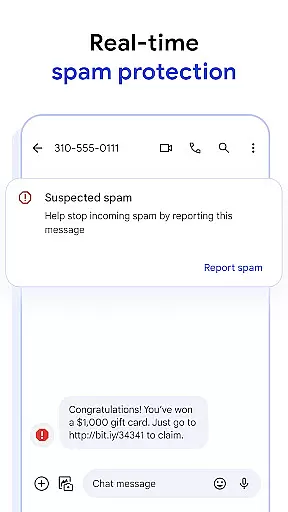
Privacy and security are prioritized through end-to-end encryption, ensuring only the intended recipient can access messages and attachments. Advanced spam protection further enhances safety. AI-powered tools like Magic Compose assist in crafting well-thought-out messages effortlessly. With availability on Wear OS and seamless syncing across devices, Google Messages offers unmatched convenience for managing communications anytime, anywhere.
Companion app integration is a crucial feature for Android Wear applications as it ensures seamless functionality between the smartphone and wearable device. Google Messages excels in this area by providing users with a unified messaging experience across multiple devices.
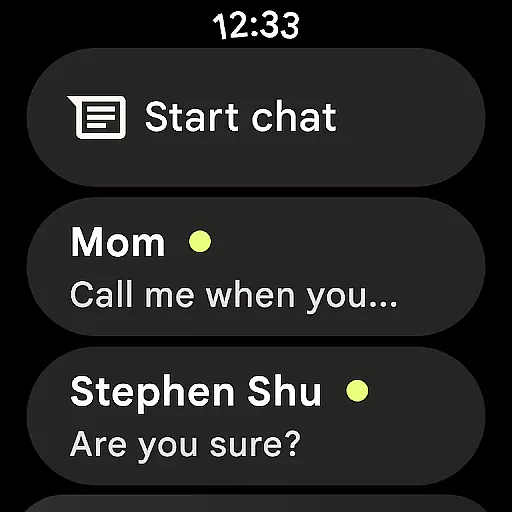
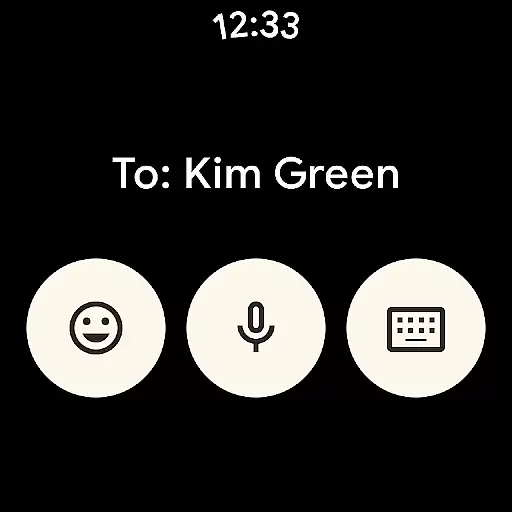
The application allows users to start conversations on their mobile phones and continue them effortlessly on their smartwatches or other Wear OS devices. This synchronization is not just limited to text messages but extends to media sharing, typing indicators, and even RCS features like high-resolution images and videos.
By maintaining consistent chat history, notification syncing, and end-to-end encryption across all linked devices, Google Messages ensures that users never miss an important message regardless of which device they are using. This creates a truly integrated ecosystem where switching between devices feels natural and intuitive.
This level of companion app integration significantly enhances user convenience, especially for those who frequently use both smartphones and wearables in their daily lives. The ability to respond quickly from a smartwatch while on the go, or continue detailed conversations on a tablet at home, demonstrates how Google Messages has mastered cross-device communication.
Device compatibility is essential for any Android Wear application, and Google Messages showcases exceptional support for various Wear OS devices. This compatibility ensures that users can enjoy a consistent messaging experience regardless of their specific smartwatch model or operating system version.
The application is optimized to work seamlessly with different screen sizes, resolutions, and hardware capabilities found in Wear OS devices. From basic notifications to advanced RCS features, Google Messages maintains full functionality across supported wearables, providing users with access to typing indicators, high-quality media sharing, and dynamic group chats.
Google's commitment to regular updates and improvements guarantees that the app remains compatible with new Wear OS devices and software versions as they become available. This dedication to compatibility ensures that users always have access to the latest messaging features without worrying about device limitations.
Furthermore, the availability of Google Messages on Wear OS demonstrates the company's investment in creating a comprehensive ecosystem where users can choose their preferred devices while enjoying a consistent, feature-rich messaging experience across all their gadgets.
End-to-end encryption
AI-powered suggestions
Cross-device syncing
Customizable chat options
Advanced spam protection
Limited RCS availability
Device compatibility issues
Beta testing required
Data plan dependency
Market-specific restrictions

Walking app for weight loss: walk & step tracker, pedometer, indoor treadmill
 4.60
4.60
Rose gold watch face with festive lights & customizable features.
4.60
Stylish digital watch face for Wear OS devices with customizable features
4.4
Digital watch face. For Wear OS devices.
4.40
Fitness interactive virtual pet super fighter boy watch face
4.3
Kia Access makes getting your vehicle information easier than ever
4.60
Nutrition, Macro tracker: Food, fitness & healthy diet tracking for weight loss
4.60
Find EV charging stations
4.30
The Chevron App allows you to pay for fuel from the comfort of your car!
4.80
Embrace the holiday spirit with this magical animated watch face!
4.40
A white realistic classic analog watch face with many customization options.
4.40
Let's celebrate Thanksgiving - Wear Os watch face
4.20
Daily Weather forecast with 15 weather images for Day & Night plus Big Bold time
4.10
Hyper-Realistic Airplane Dashboard Watch Face With 10 Skins and Custom AOD
4.00
Structured watch face with seven complications and modular UI elements
3.90
Watch the sharpness of the sky on your wrist..
3.70
Artistic Digital Watchface
4.2
Sleek, highly customizable watch face inspired by Galaxy Watch Circle Dashboard.
4.5
Funny animated watch face for Thanksgiving
4.5


User Reviews