
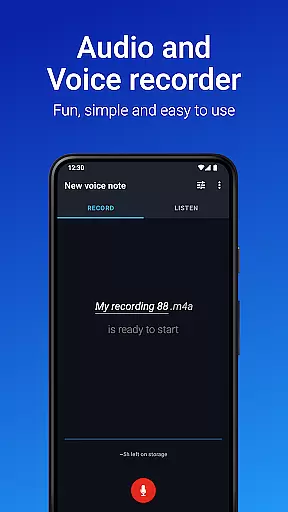
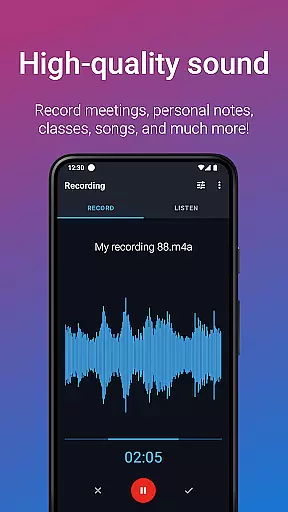
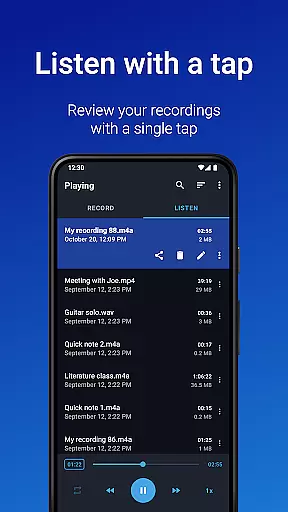
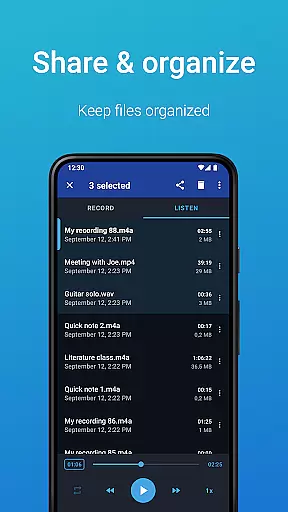
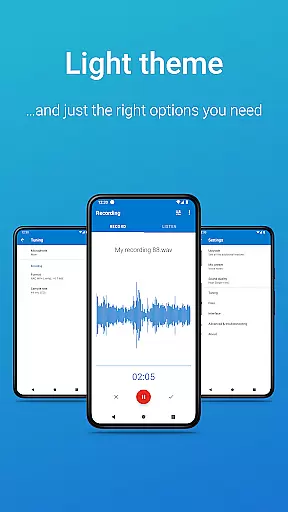
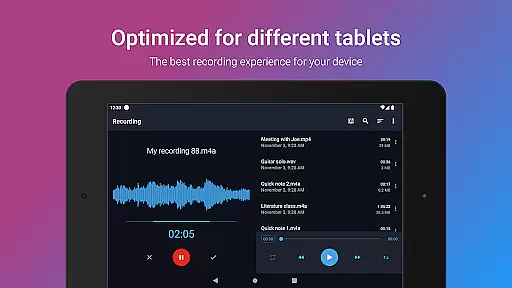
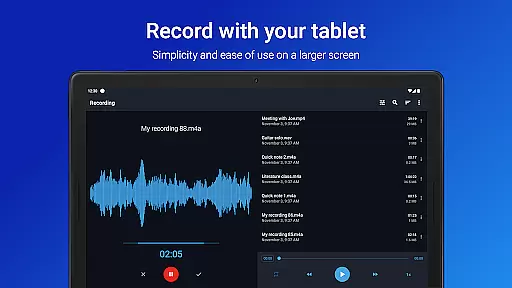
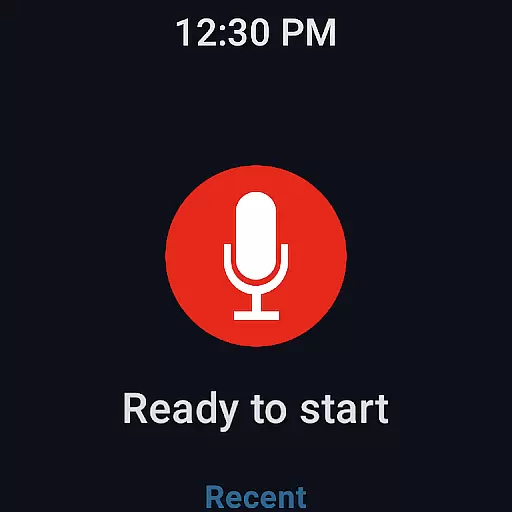
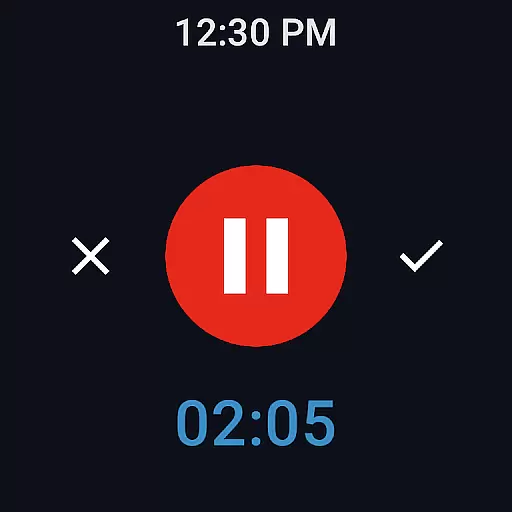
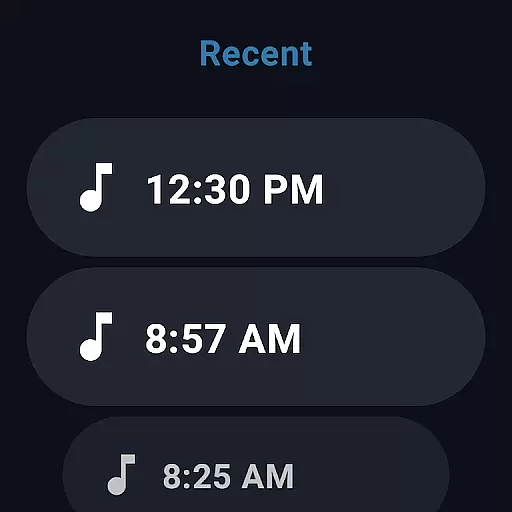
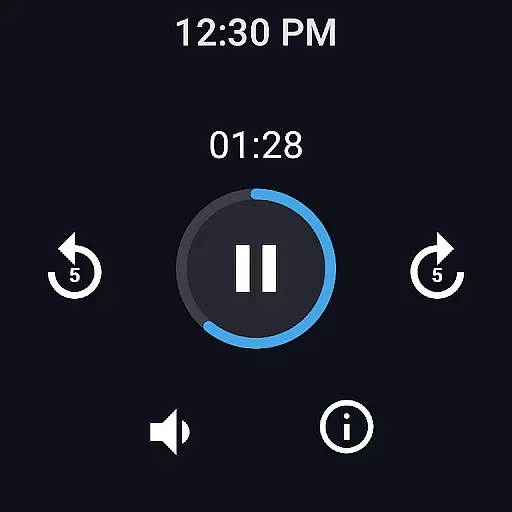
Easy Voice Recorder is a versatile audio recording application designed for Android devices, including smartwatches. This app allows users to capture high-quality recordings of meetings, lectures, personal notes, and even music without any time restrictions. With its user-friendly interface, it caters to various user groups such as students, business professionals, and musicians.
The app offers multiple recording formats like PCM, MP4, and AMR, providing flexibility in managing storage space while maintaining excellent sound quality. Its powerful features include customizable settings, playback speed control, and the ability to share recordings via email or messaging apps. Additionally, Easy Voice Recorder supports Wear OS, enabling convenient voice recording directly from smartwatches.
For those seeking advanced functionalities, the Pro version unlocks additional capabilities such as automatic cloud uploads, MP3 recording, Bluetooth microphone support, and editing tools. Whether you need to document critical information or explore creative ideas, Easy Voice Recorder adapts to your specific needs with reliability and ease.
Easy Voice Recorder stands out with its comprehensive set of features tailored to enhance the recording experience. One notable feature is the ability to switch between different recording modes—voice notes, meetings & lectures, and music & raw sound—using intuitive presets. This ensures optimal audio capture regardless of the context, making it suitable for diverse scenarios.
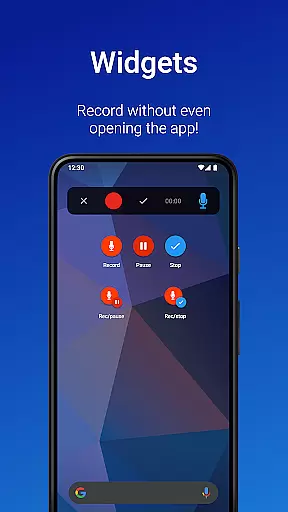
The app provides quick access through widgets and shortcuts, allowing users to start new recordings instantly from their home screens. It also supports background recording, ensuring uninterrupted sessions even when multitasking. Sharing options are abundant, with seamless integration into email clients and popular messaging platforms, facilitating easy distribution of recorded content.
Advanced users will appreciate the Pro version's extended capabilities, which include automatic uploads to Google Drive or Dropbox, FLAC and AAC format support, and stereo recording. The inclusion of an Edit mode enables precise trimming of recordings, while folder management helps organize files efficiently. These robust features make Easy Voice Recorder a top choice for anyone looking to capture and manage audio content effectively.
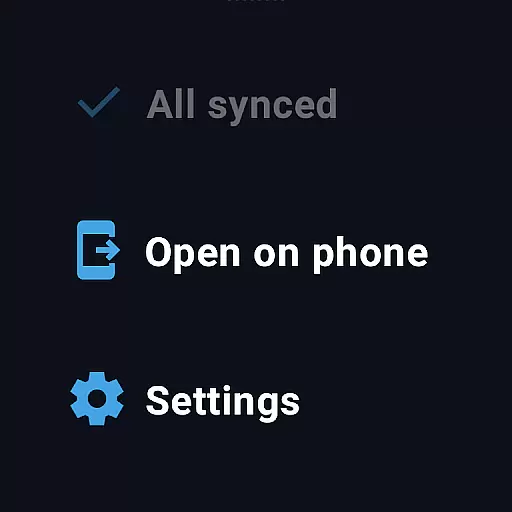
Companion app integration is essential for a seamless wearable experience. Easy Voice Recorder excels in this area by offering robust synchronization between your mobile devices and Wear OS smartwatches.
The app allows users to start, stop, and manage recordings directly from their smartwatch interface. This feature ensures that users can capture audio effortlessly, even when they are on the move or cannot access their phone immediately.
Furthermore, the synchronization process is smooth and reliable. Recordings made on the smartwatch are automatically transferred to the paired smartphone, ensuring all files are centralized and easily accessible for sharing or further editing.
This integration enhances user convenience, allowing for quick access and management of recordings across devices, thus making Easy Voice Recorder a versatile tool for various recording needs.
Device compatibility is crucial for ensuring that applications work seamlessly across different platforms. Easy Voice Recorder offers extensive support for Wear OS devices, making it an ideal choice for users who rely on smartwatches for their recording needs.
The app is optimized to function efficiently on Wear OS, providing a user-friendly interface that is easy to navigate even on smaller screens. Users can take advantage of dedicated watch tiles to start new recordings quickly, enhancing productivity and ease of use.
In addition to basic recording functions, Easy Voice Recorder supports advanced features like Bluetooth microphone recording and background recording. These capabilities ensure high-quality audio capture without draining the smartwatch's battery excessively.
By focusing on broad device compatibility and performance optimization, Easy Voice Recorder delivers a reliable and efficient recording solution for Wear OS users, ensuring they can capture important moments wherever they are.
User-friendly interface
High-quality recording formats
Background recording capability
Wear OS compatibility
Versatile sharing options
Limited free version features
No built-in call recording
Pro version requires purchase
Occasional bugs reported
External storage permission needed

A customizable Christmas watch face for Wear OS with a countdown.
 4.20
4.20
WTW M17 is a premium and luxurious hybrid watch face
4.70
Deck out your Wear OS Watch face with a beautifully decorated pine wreath!
4.50
Wear Os Watch Face - Animated Snow Effect & Magic Spark - 6 Scenes
4.10
Watch face designed for Thanksgiving Day. 7 Background Styles included.
3.20
Structured watch face with seven complications and modular UI elements
3.90
Stay in touch with your friends and family using LINE!
3.40
Stylish, Energizing and Modern Watch Face crafted by Dominus Mathias.
4.50
Connect, create, and collaborate with Gmail, part of Google Workspace.
4.10
Hyperlocal rain alerts by MyRadar using patent-pending technology, radar & more
4.80
MyNISSAN® lets you remotely control your car from your phone.*
4.50
Calming & relaxing sounds for sleeping and stress relief. Stay focused all day!
4.20
Snowflake Rose Gold Watch Face - Digital, modern, & sleek with GYRO effect.
4.10
Viewer for Wyze/Yi/Eufy/Arlo/ONVIF/RTSP/P2P IP cams w/ adv. features & DIY DVR
4.00
Animated Watch Face and Customizable with 24 Backgrounds. Perfect for Christmas!
3.90
Authentic military-tactical design with ZULU time! Realistic and functional!
3.80
Contemporary digital watch face with five complications
4.2
Sleek, highly customizable watch face inspired by Galaxy Watch Circle Dashboard.
4.5
Stylish digital watch face for Wear OS devices with customizable features
4.2


User Reviews