
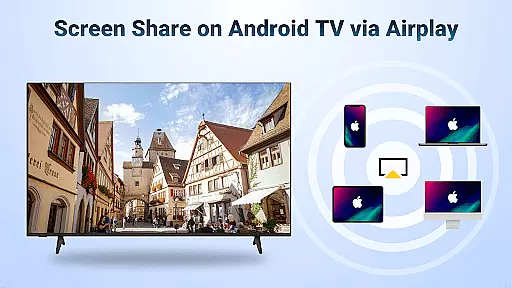
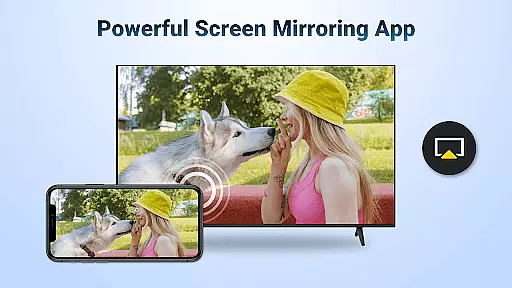
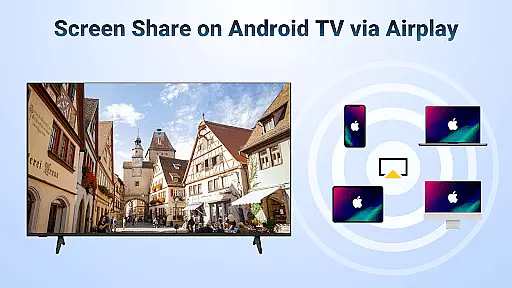

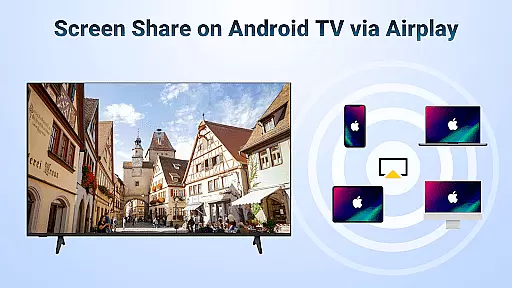

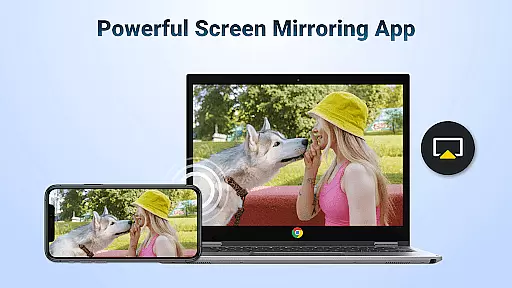
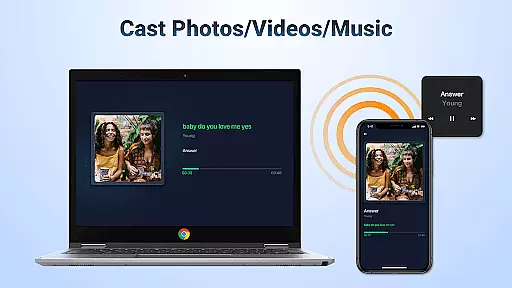
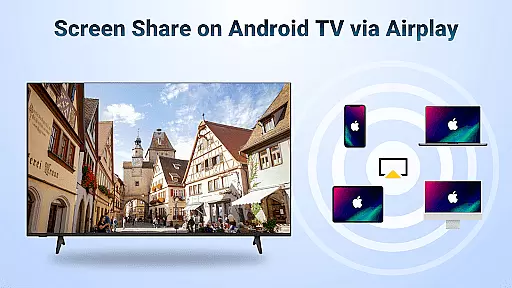
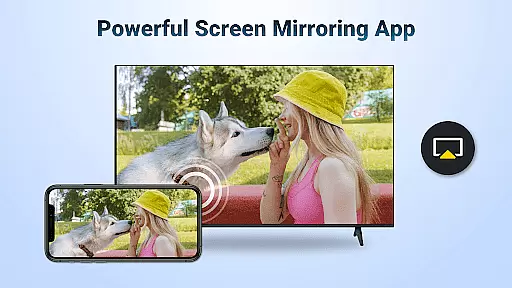
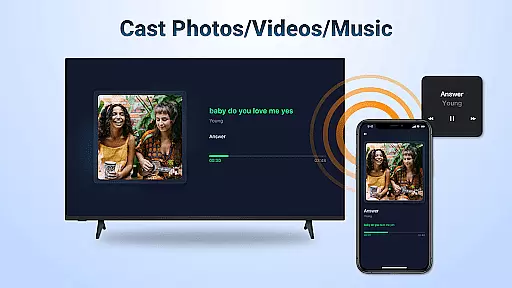
AirMirror is a wireless streaming receiver app that enables seamless screen mirroring and casting from iOS devices to Android TV over WiFi. This innovative solution eliminates the need for switching between Apple and Android ecosystems or purchasing additional converters.
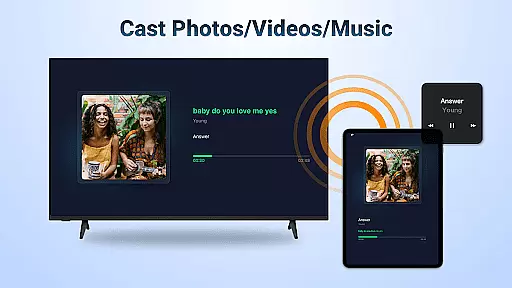
The application supports various use cases, including educational content sharing, business presentations, multiplayer gaming, photo sharing, fitness video streaming, music playback, and movie discussions. With its user-friendly interface, AirMirror ensures smooth and stable connectivity while maintaining excellent audio-visual quality.
Whether you're an educator, business professional, gamer, or simply looking to enjoy multimedia content on a larger screen, AirMirror provides a versatile platform for wireless content sharing across different devices.
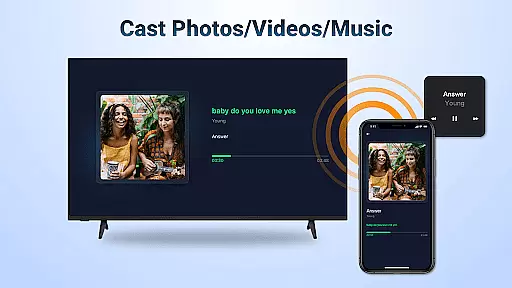
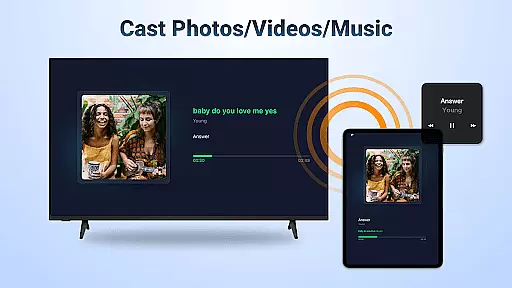
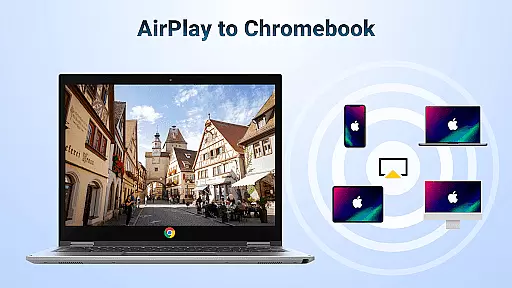
AirMirror offers a comprehensive set of features designed to enhance wireless content sharing. The app supports AirPlay-enabled devices, allowing users to stream audio, video, and photos directly from iTunes, iOS devices, and other compatible sources.
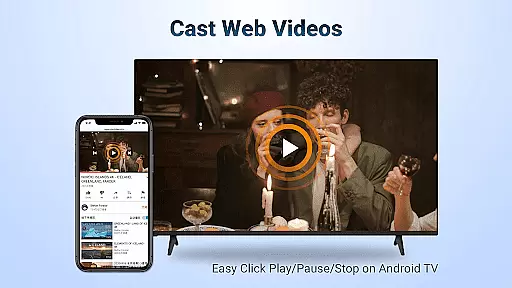
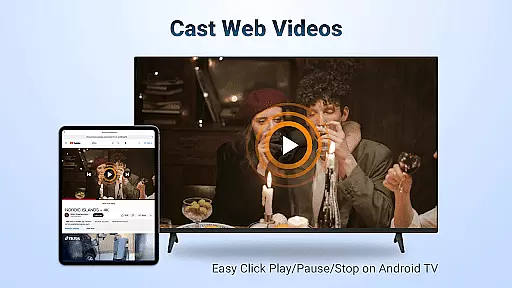
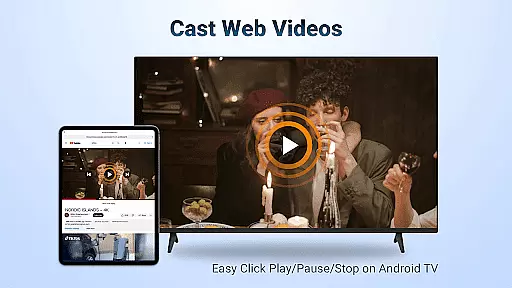
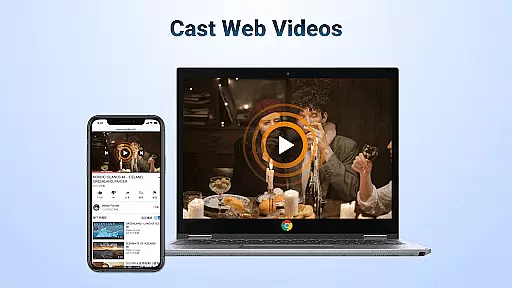
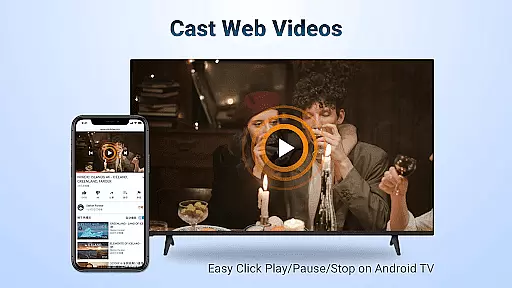
One of the key advantages is its ability to cast web videos with exceptional speed and smoothness. Users can control playback functions such as Play, Pause, and Stop directly on the receiving end. The app maintains flexible orientation options, enabling seamless switching between landscape and portrait modes.
The application ensures simple connectivity and stable performance throughout the mirroring process. Its robust architecture supports various media formats (where DRM allows) and provides reliable streaming capabilities, making it an ideal solution for both personal entertainment and professional presentations.
Video format compatibility is a crucial feature for any video player and editor, ensuring that users can access and play a wide range of video content without technical hindrances. AirMirror: TV Cast via AirPlay supports streaming from devices enabled with AirPlay, including iTunes and iOS devices, making it versatile for various user needs.
This application facilitates the casting of web videos, provided DRM allows, and ensures smooth and super-fast transmission. Users can stream audio, video, and photos directly from their Apple devices to Android TV, enhancing accessibility and convenience. The ability to click Play, Pause, or Stop directly on the receiving end further enriches the user experience.
By supporting both landscape and portrait orientations, AirMirror provides flexibility in viewing content, accommodating different types of media and user preferences. This adaptability ensures that whether you're sharing a presentation during business meetings or enjoying multiplayer games with friends, the transition is seamless and engaging.
AI-powered editing features represent the cutting-edge advancement in video players and editors, offering users tools that enhance and simplify the editing process. While AirMirror: TV Cast via AirPlay focuses primarily on screen mirroring and casting, its intelligent connectivity and stable performance indirectly support efficient content management and sharing.
The app enables users to mirror screens from iOS devices to Android TV effortlessly, which can be particularly beneficial when editing and instantly previewing content on a larger display. This real-time interaction allows creators to make immediate adjustments and share their work with audiences or collaborators without additional steps or equipment.
Moreover, AirMirror's straightforward setupu2014requiring only a shared WiFi connectionu2014and its stability in mirroring and screen casting ensure that users can focus more on their creative processes rather than troubleshooting technical issues. This reliability fosters an environment where ideas can be freely explored and presented, maximizing productivity and engagement.
Seamless cross-platform support
User-friendly interface
Stable connectivity
Excellent audio-visual quality
Versatile use cases
No DRM content support
WiFi dependency
Limited to AirPlay devices
Occasional connection issues
Requires device restarts

Your media, on your terms.
 4.10
4.10
Support 1000+ Video Format, Subtitle Download, mp3 & Background Play, Cast On TV
4.60
Manage your IPTV live channels and VOD playlists (no playlist included)
3.80
Watch IPTV on your Android device
4.60
This app is an emulator of some specific IPTV boxes
3.50
Browser for Fire TV to stream webvideos, online movies, livestreams in HD
4.40
Video&Drama Player All Format is a HD video player, music player
3.00
Manage your YouTube channel on the go
4.40
Make videos you’re proud to share with Edits, a video editor for creators.
4.70
Tik & Story Saver-Download ALL social media videos, photos & reels no watermark.
4.80
AI Video Editor with Music, Filter, Slideshow, Effect, Merge & Trim Video.
4.80
Find, download, and play torrents with the official BitTorrent® Pro app
4.70
?100% FREE! Download & save videos? safely in this app. All formats supported.
4.60
Search & download videos from net with all video downloader, auto-detect & safe.
4.60
Photo and Music Video Creator into Stunning Videos—Effortlessly
4.40
Stream Web Videos to Chromecast, Samsung, LG, Sony, Roku, Fire TV, DLNA + more
4.00
Online Videos Player
3.90
Kodi media center, a free and open source cross-platform entertainment hub
3.60
Watch full episodes of your favorite Cartoon Network and Cartoonito shows!
3.50


User Reviews