
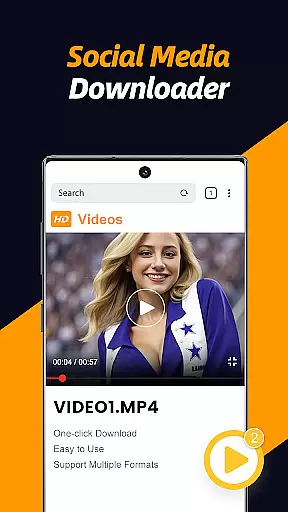
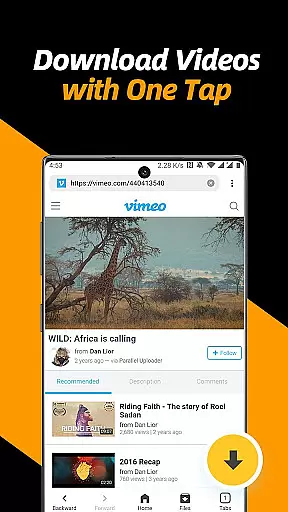
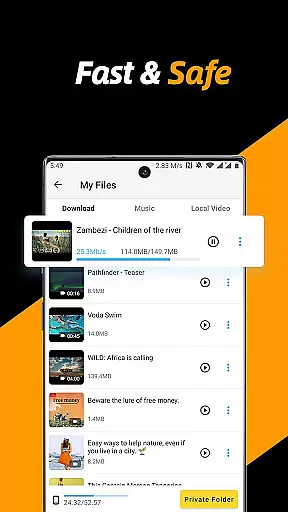
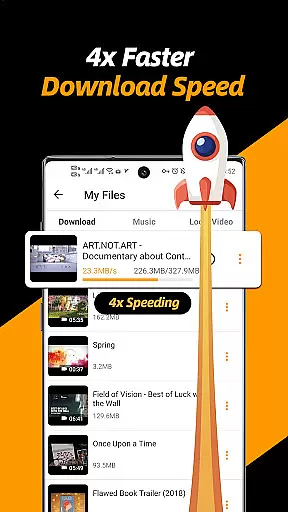
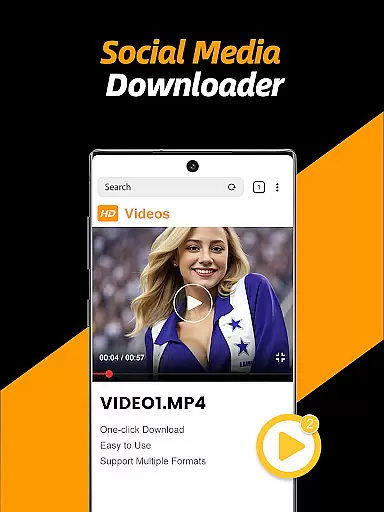
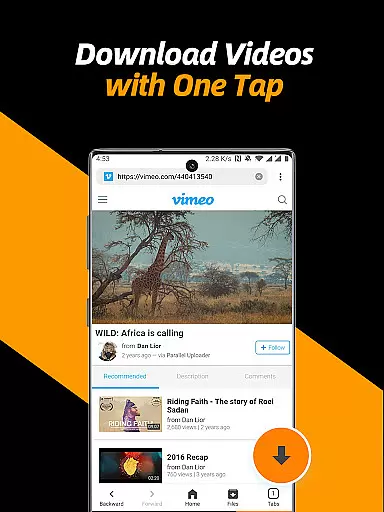
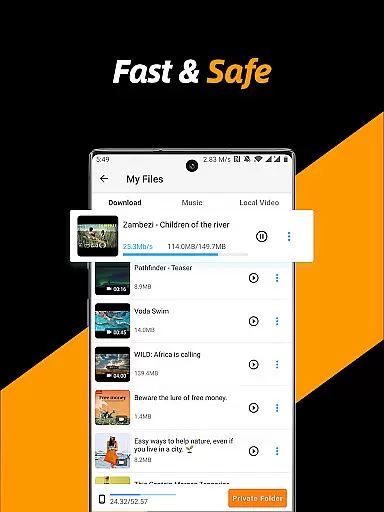
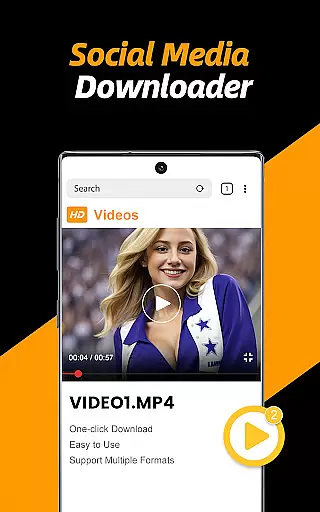
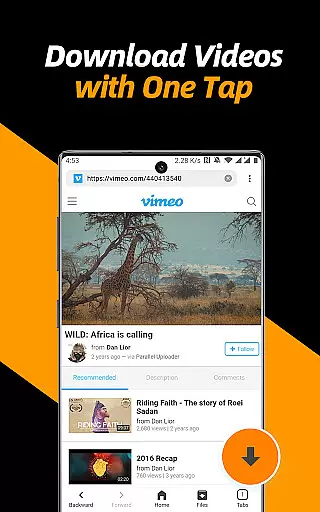
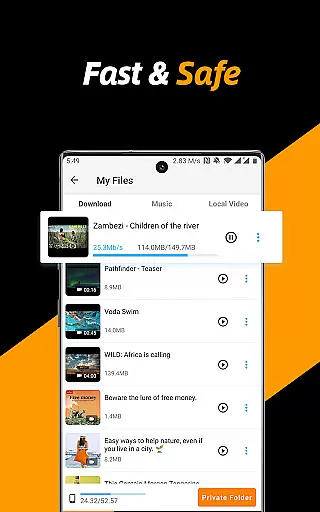
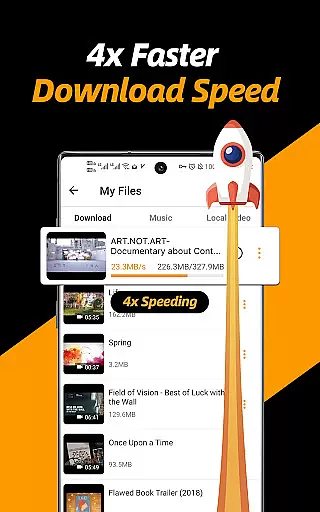
Video Downloader & Video Saver is a premier Android application designed for downloading and managing video content from various social media platforms. With its 4x faster download speed, users can efficiently save HD videos and images while enjoying absolute security of their files. The app's built-in browser allows seamless detection and downloading of videos with just a few taps.
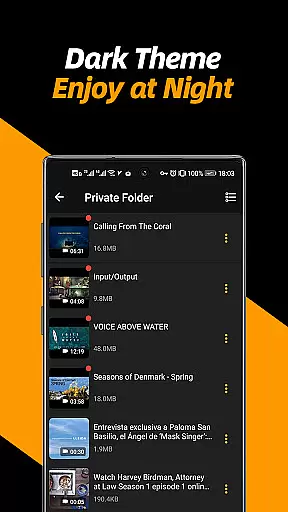
Beyond basic downloading capabilities, this tool offers advanced features such as multi-threading support, resolution selection, and background downloading. It also includes a private folder option secured by a password, ensuring user privacy. Whether you're looking to download multiple files simultaneously or manage your downloaded content effortlessly, this app caters to all your needs in one place.
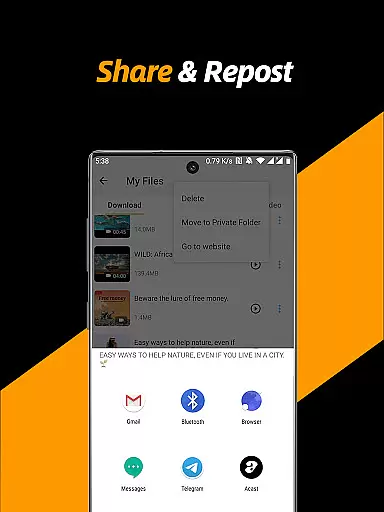
Ideal for users who want to back up their social media videos or share them with friends, Video Downloader & Video Saver provides a comprehensive solution. Its high-speed performance, ease of use, and additional functionalities like a built-in file manager and video player make it an indispensable tool for anyone seeking a reliable video downloader.
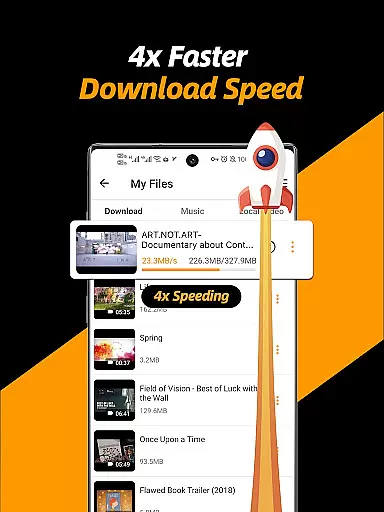
Video Downloader & Video Saver stands out with its robust feature set tailored for efficient video management. One of its key highlights is the multi-threading downloading capability, which accelerates video downloads several times over traditional methods. Users can select different resolutions, optimizing storage space while still enjoying HD quality videos.
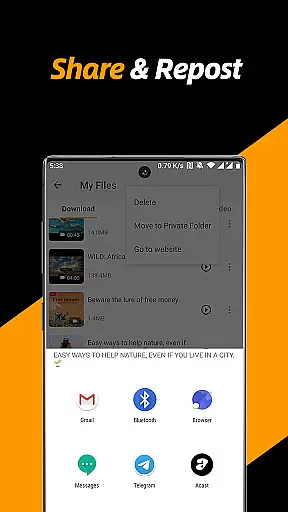
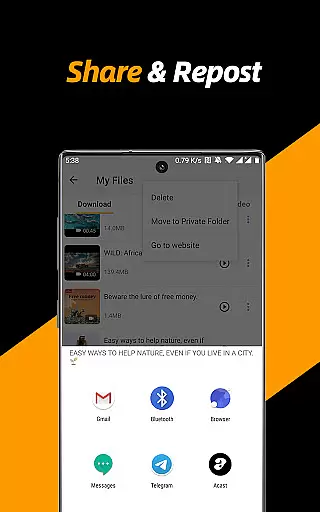
The app supports simultaneous downloading of multiple files and operates seamlessly in the background, ensuring that users can continue using their devices without interruption. Its built-in browser simplifies the process of detecting and downloading videos, while the integrated file manager allows users to pause, resume, rename, play, share, and delete files effortlessly.
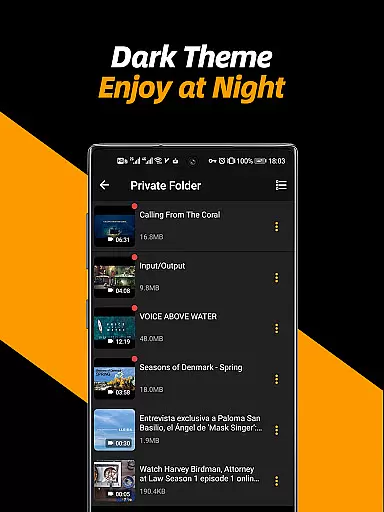
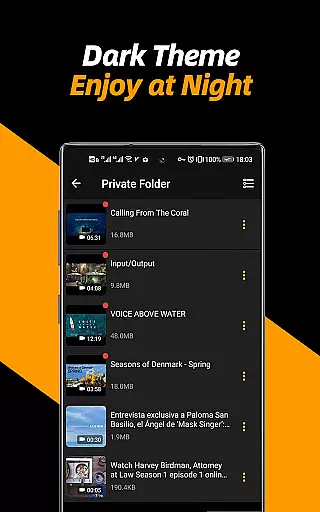
Privacy is a top priority, and the app offers a secure private folder feature where users can protect their files with a password. Additional functionalities include adjustable video playback speed, repeat video mode, and easy conversion of videos into audio. These features collectively enhance user experience, making Video Downloader & Video Saver a versatile and powerful tool for managing digital content.
Video format compatibility is a crucial feature for any video player and editor application. The Video Downloader & Video Saver app excels in this area by supporting all video formats and different resolutions, ensuring users can download and play videos without worrying about compatibility issues.
The app's robust system allows users to select different resolutions, from small sizes to high-definition modes, catering to various storage capacities and quality preferences. This flexibility ensures that users can enjoy HD videos or save space as needed, making the app versatile for different user needs.
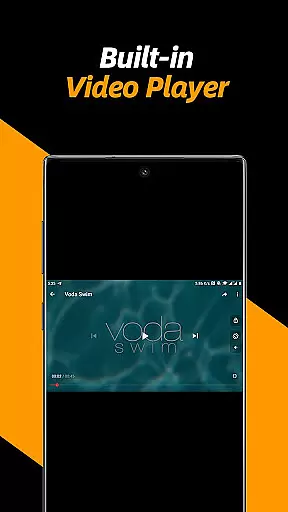
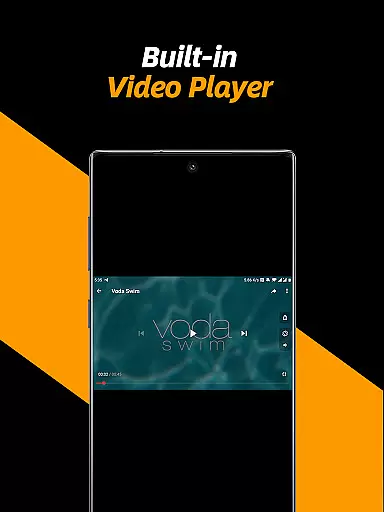
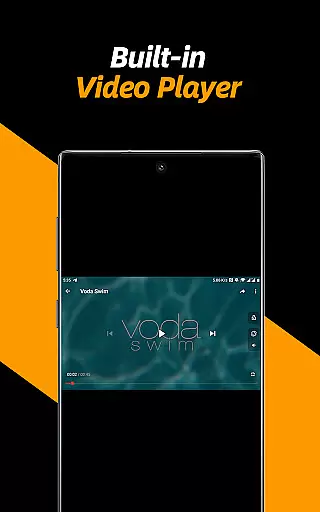
Moreover, the built-in video player within the app supports adjusting video playback speed and repeat video modes, enhancing the viewing experience. Users can even convert videos into audios effortlessly, adding another layer of utility to the app.
By providing extensive video format support and flexible resolution options, the Video Downloader & Video Saver app ensures that users have a seamless experience when downloading, managing, and playing their video files, regardless of the original format or resolution.
AI-powered editing features are transforming how users interact with video content, and the Video Downloader & Video Saver app incorporates these advancements to offer a smarter editing experience. By leveraging AI technology, the app provides intuitive tools that simplify video management and enhance productivity.
One standout feature is the app's ability to automatically detect videos within its built-in browser, streamlining the download process. Once downloaded, users can utilize AI-driven functionalities such as adjusting playback speed, converting videos to audio, and managing files efficiently through the integrated file manager.
In addition to these capabilities, the app offers multi-threading downloading, which accelerates video downloads several times over traditional methods. This technological edge not only speeds up the download process but also optimizes the overall performance of the app, ensuring a smooth user experience.
With these advanced AI-powered editing features, the Video Downloader & Video Saver app empowers users to handle their video content with greater ease and efficiency, setting a new standard for video player and editor applications.
User-friendly interface
Fast download speeds
Multi-threading support
Private folder option
HD video support
No YouTube support
Requires permissions
Limited format options
Occasional bugs
Ads present

Fast, private downloading, video saving, social media
 4.50
4.50
?100% FREE! Download & save videos? safely in this app. All formats supported.
4.60
Create & edit videos with AI
4.30
This app was created to edit the metadata of music files.
4.20
Live TV, anywhere in your home
3.80
1)AirPlay/DLNA Mirroring/Streaming, up to 4 connections; 2)Samba/NAS/DMS Player.
4.00
KMPlayer Plus (Divx Codec) officially support Divx codec.
4.30
Explore the largest library of free GIFs, Stickers & Memes - or create your own!
3.90
Create, Publish & Maximize
4.70
Video Trimmer, Video to MP3 Converter. Extract music from video, Easy & Fast.
4.80
Download videos and play them offline
4.70
Find, download, and play torrents with the official BitTorrent® Pro app
4.70
Video Player - Unlimited features, 30 days money back guarantee.
4.60
Search & download videos from net with all video downloader, auto-detect & safe.
4.60
Cast movies, tv shows and live streams to Chromecast, Roku, DLNA, Fire TV & more
4.60
Download website videos fast&privacy
4.40
Powerful Video Editor & Photo Editing App —— Quick Edits & Stunning Effects!
4.30
IPTV Player - Watch live TV from m3m & m3u8 playlist, stream IPTV on mobile
3.30
You can play SWF format file!
2.50


User Reviews