
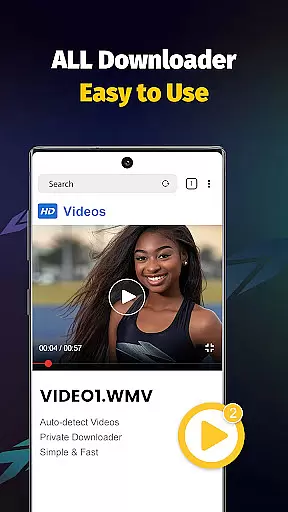
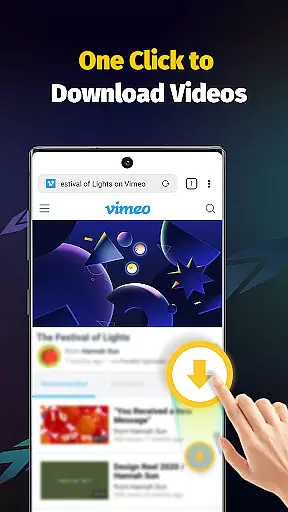
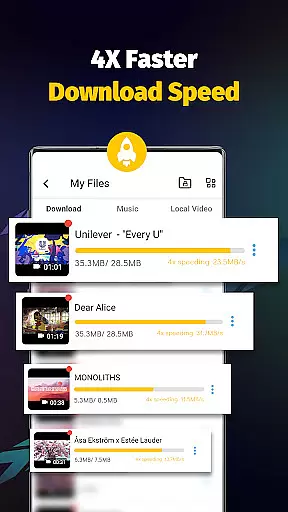
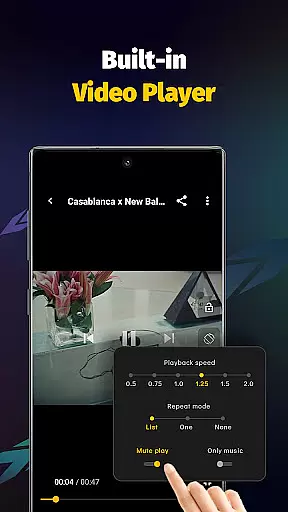
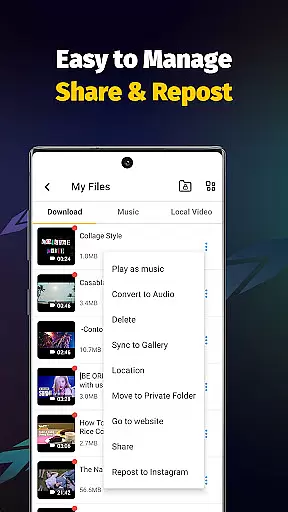
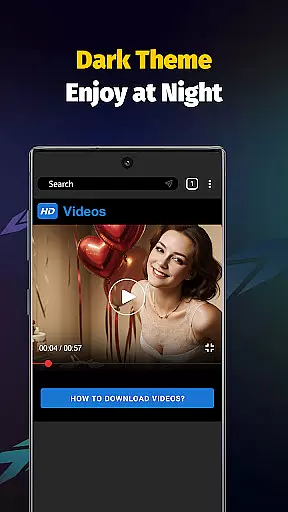
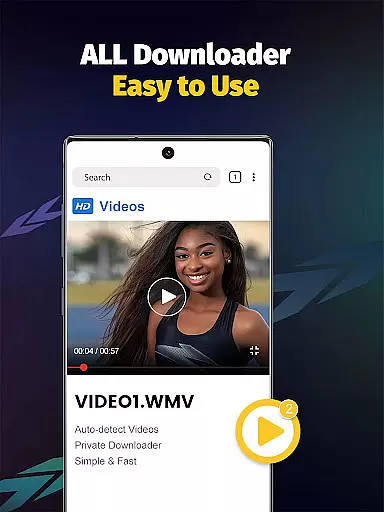
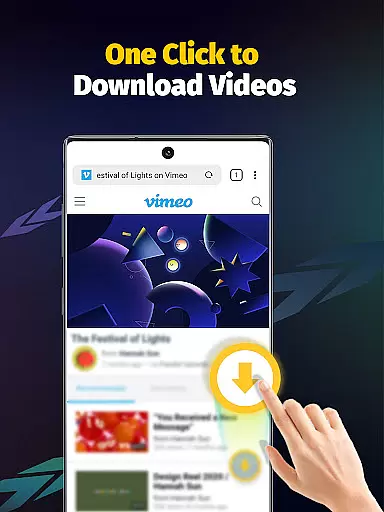
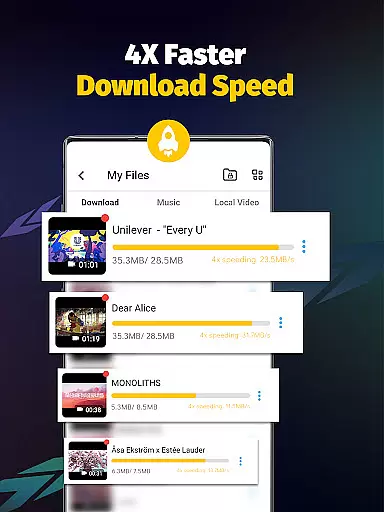
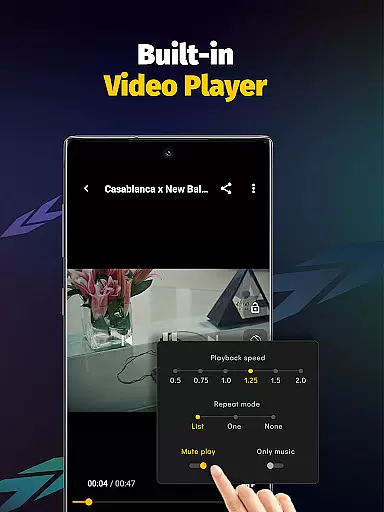
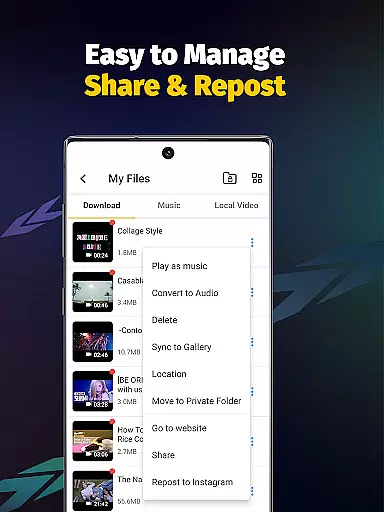
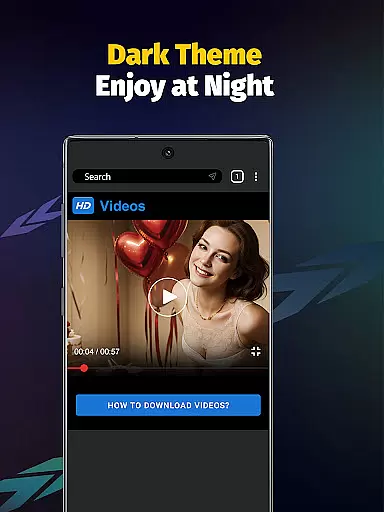
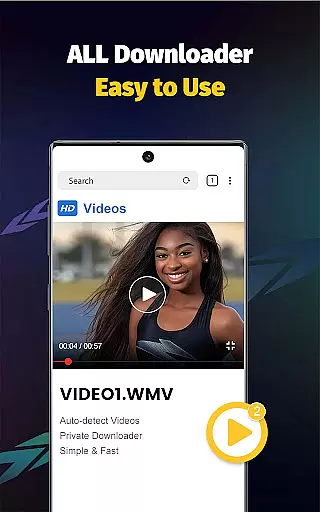
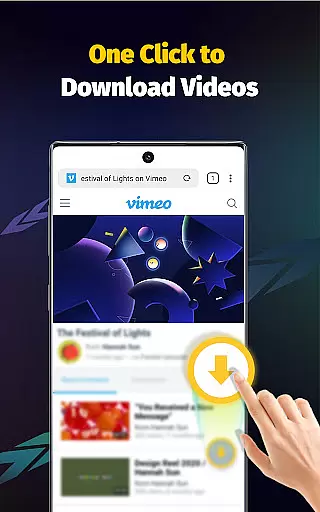
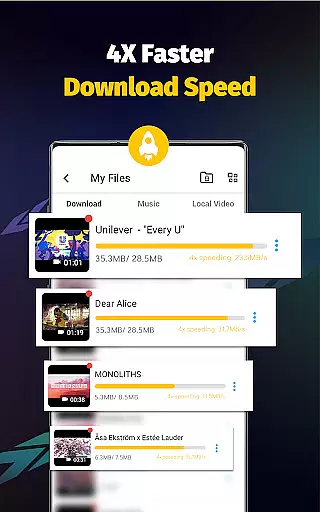

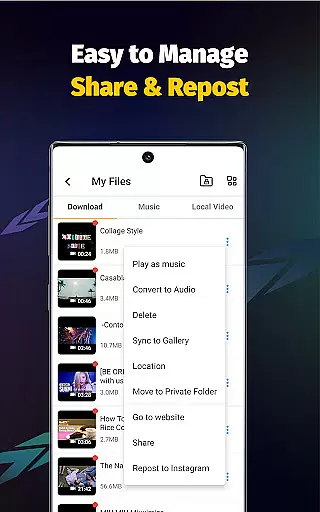
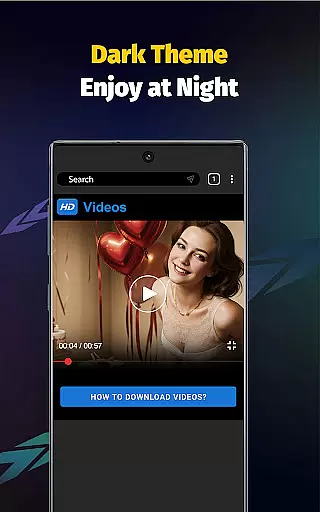
Video Downloader - Save Videos is a versatile and free video downloading application designed to help users save videos, music, and images from various social media platforms. This app offers a fast and secure way to download HD content at up to 4x the normal speed, making it an ideal choice for those looking to store and enjoy media offline. With its built-in browser and multi-functional player, users can seamlessly transition from downloading to enjoying their favorite content.
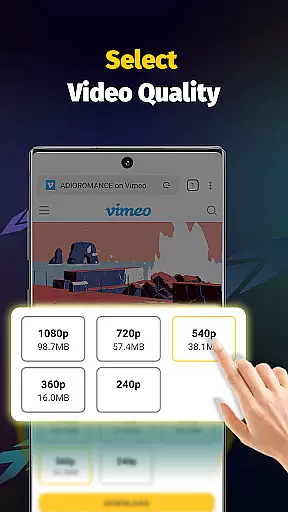
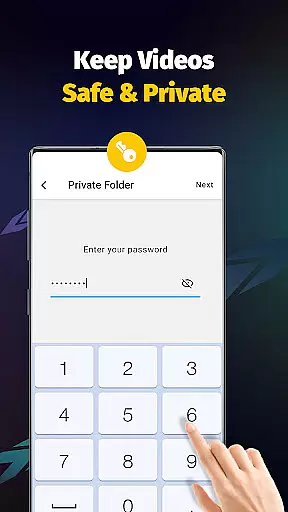
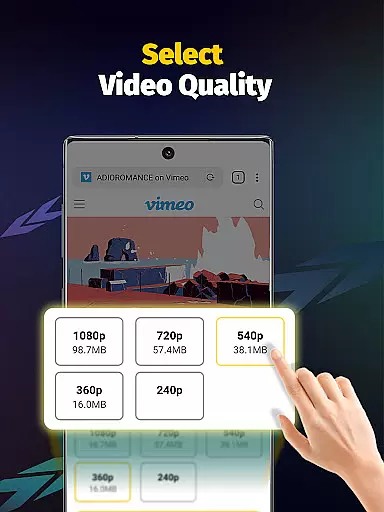
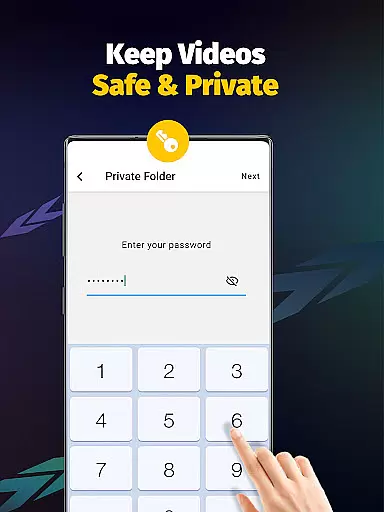
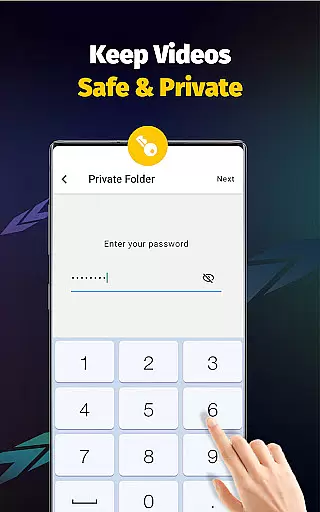
The app also features advanced functionalities such as multi-threading downloads, resolution selection, and automatic file detection. It supports a wide range of formats including MP4, AVI, and PNG, ensuring compatibility with most devices. Additionally, Video Downloader provides privacy options like password-protected folders, allowing users to keep their downloaded files secure. Whether you're collecting ideas or simply saving funny videos, this app caters to all your downloading needs.
Video Downloader - Save Videos stands out with its comprehensive feature set tailored for efficient media management. One of its key strengths is the ability to download multiple files simultaneously using multi-threading technology, which significantly accelerates the download process. Users can choose from different video resolutions and enjoy offline playback through the integrated media player, enhancing the overall user experience.
Another notable feature is the app's support for a broad spectrum of file formats, including MP4, M4A, AVI, and more. The clean and intuitive user interface makes navigation effortless, while additional tools like bookmarking and sharing capabilities add extra convenience. Moreover, the app ensures safety and privacy by enabling users to set passwords for private folders and manage storage locations effectively. These robust features make Video Downloader a reliable choice for anyone seeking a powerful yet easy-to-use video downloading solution.
Video Downloader - Save Videos stands out for its extensive video format compatibility, ensuring users can download and enjoy media in various formats without hassle. The app supports a wide array of file types including MP4, M4A, M4V, AVI, WMV, MOV, JPG, JPEG, and PNG, making it versatile for different user needs.
This comprehensive support means that whether you're downloading high-definition videos, music files, or images, the app handles them all efficiently. Users are not restricted by specific formats, allowing for greater flexibility in saving and sharing content across platforms.
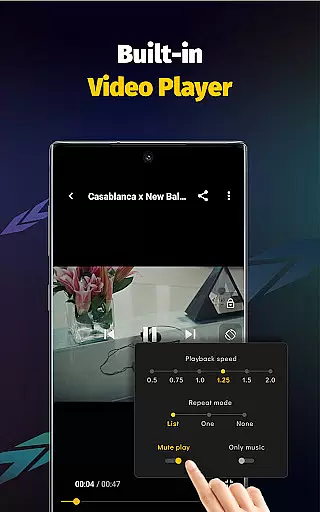
Moreover, the built-in player enhances the experience by enabling offline playback of downloaded videos, regardless of their original format. This ensures uninterrupted enjoyment of media, anytime and anywhere, solidifying Video Downloader - Save Videos as an essential tool for managing digital content.
While Video Downloader - Save Videos primarily focuses on downloading capabilities, it also integrates AI-powered editing features to elevate the user experience. These features allow for seamless adjustments such as setting video playing modes, adjusting playback speeds, and extracting audio from videos effortlessly.
The inclusion of multi-threading video download and acceleration technologies showcases the app's dedication to harnessing advanced algorithms. This not only boosts download speeds by several times but also optimizes the overall performance, providing a smooth and fast experience.
Additionally, privacy-focused AI tools enable users to organize and protect their downloaded files better. By setting passwords for private folders and managing storage locations within the app, users gain peace of mind knowing their content is secure. Such innovations highlight the app's commitment to combining powerful AI functionalities with user-centric design.
User-friendly interface
Fast download speeds
Multi-threading support
Wide format compatibility
Privacy protection features
No YouTube support
Limited to permitted content
Requires account login
Ads may appear
Occasional bugs

HD Video player all format, HD Videos, Cast & Subtitle. No annoying ads.
 4.60
4.60
Watch a large amount of high-definition short drama content
4.60
Tik & Story Saver-Download ALL social media videos, photos & reels no watermark.
4.80
Live TV, anywhere in your home
3.80
Pro video editor app for Instagram, edit video with song, AI, effect & slowmo.
4.80
Video Downloader, Multiple Resolution Options, Video Player
4.50
A Simple app to download Video & Music from the Internet.
4.70
Fast private browser with secure, seamless access & supported video downloads!
4.00
Enjoy your favorite videos and channels with the official YouTube app.
3.90
#1 Torrent App on Android ** No Ads Ever + Battery Saver **
4.80
Video Player - Unlimited features, 30 days money back guarantee.
4.60
Create photo video with music & template. AI video maker for stunning slideshow.
4.60
Add date and time watermark to photos and videos
4.50
KineMaster, Your Ultimate Video Editor!
4.40
AI Video Editor:AI Music, Text to Video,Text to Speech,Auto Caption,Video Effect
4.00
AirMirror is Receiver for Screen Mirroring and Casting from Apple Devices.
3.60
A full editing room to accompany your Insta360 cameras and handheld gimbals.
3.30
Mix with Virtual DJ directly from your phone or tablet !
3.10
The essential companion to your Blue Iris PC software
2.50


User Reviews