
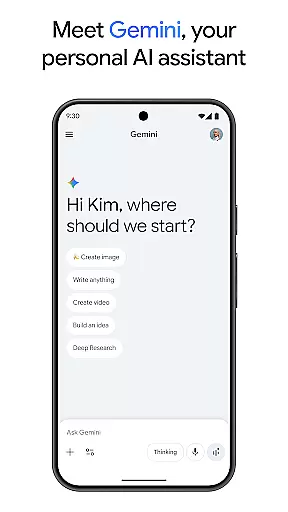
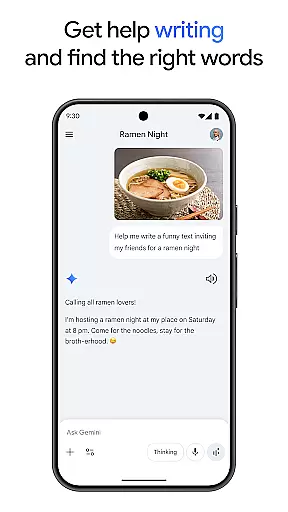
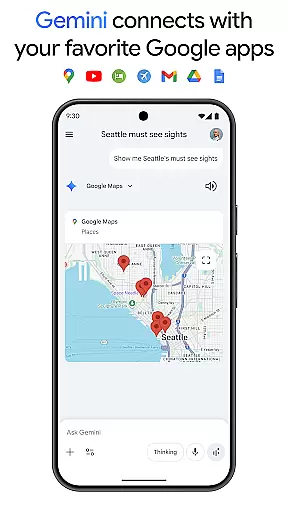
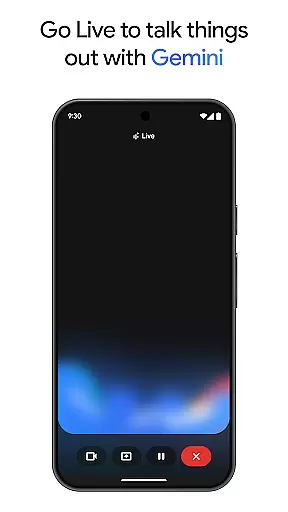
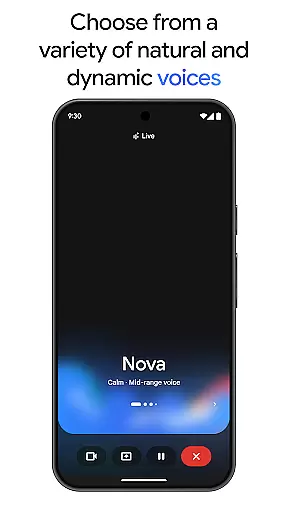
Gemini is a powerful AI assistant developed by Google, designed to enhance both creativity and productivity. This application provides direct access to Google's advanced family of AI models right on your mobile device. With Gemini, users can brainstorm ideas, simplify complex topics, and even rehearse for important events through live conversations. The app also supports integration with popular Google services like Search, YouTube, Maps, and Gmail, making it an essential tool for both personal and professional use.
One of the standout features of Gemini is its ability to transform ideas into prototypes using Canvas, allowing users to create apps, games, web pages, infographics, and more. Additionally, it offers unique capabilities such as turning files into podcasts, creating stunning images from simple text descriptions, and generating detailed summaries with source links. These features make Gemini an invaluable resource for students, professionals, and creatives looking to streamline their workflow and bring their ideas to life.
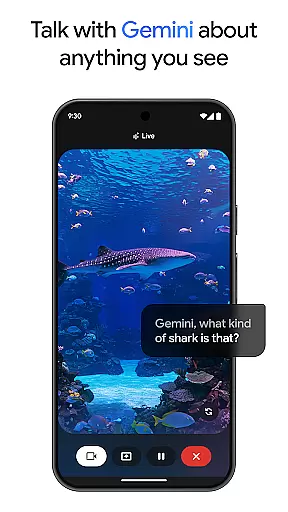
Gemini boasts an impressive array of features that cater to a wide range of needs. One of its core functionalities is Gemini Live, which enables users to engage in dynamic conversations by sharing their camera or screen. This feature is particularly useful for discussing visual content in real-time. Another notable aspect is Canvas, a powerful tool that helps users prototype various projects, from app development to infographic design, all within the app.
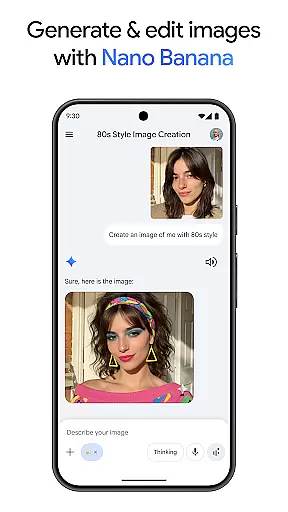
The application also includes Nano Banana, an innovative image generation and editing tool built on advanced AI models. Users can create mockups, design posters, and build diagrams effortlessly. For those seeking enhanced capabilities, upgrading to the Pro or Ultra plans unlocks features like a 1M token context window, video generation with Veo 3.1, and access to Google's most capable AI models. These premium options ensure that users can tackle even the most complex tasks with ease.
Gemini redefines core task management by offering users a versatile AI assistant that streamlines both creativity and productivity. The app provides direct access to Google's family of AI models, enabling users to brainstorm ideas, simplify complex topics, and rehearse for important moments. With features like Gemini Live, users can share their camera or screen during conversations to discuss anything they see, enhancing real-time collaboration.
One of the standout functionalities is Canvas, which allows users to bring their ideas to life from prompt to prototype. Whether creating apps, games, web pages, infographics, or audio overviews, Gemini equips users with tools to execute their visions efficiently. This feature not only supports creative tasks but also aids in organizing and managing these projects effectively, ensuring that ideas are translated into tangible outcomes without hassle.
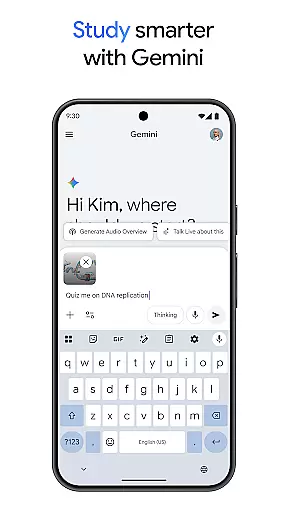
Moreover, Gemini integrates seamlessly with favorite Google apps such as Search, YouTube, Google Maps, and Gmail. This connectivity ensures that all aspects of a user's digital life are interconnected, allowing for efficient task management across platforms. Users can study smarter with quiz and flashcard creation, interactive visuals, and real-world examples, making it an invaluable tool for learners and professionals alike.
Cross-device synchronization is a critical feature of Gemini, ensuring that users have a reliable and consistent experience across all their devices. By upgrading to the Pro plan, users can enjoy an industry-leading 1M token context window, enabling Gemini to process up to 1,500 pages of text or 30k lines of code. This extensive processing capability ensures that large projects and complex tasks are handled smoothly, regardless of the device being used.
The Pro plan also offers higher access to Googleu2019s most capable model, 3 Pro, along with features like Deep Research on 3 Pro and video generation with Veo 3.1 Fast. These advanced capabilities ensure that users have a seamless experience when switching between devices, maintaining the integrity and continuity of their work. Whether drafting documents, designing graphics, or generating videos, users can trust that their progress is accurately synchronized.
For those seeking the highest level of access, the Ultra plan unlocks exclusive features including video generation with Veo 3.1, Deep Research on 3 Pro, and Gemini 3 Deep Think. Subscribers also gain early access to new AI innovations like Agent Mode. This comprehensive synchronization ensures that whether you're using Gemini on your phone, tablet, or computer, your data remains up-to-date and accessible, providing unparalleled reliability and convenience.
Advanced AI models
Real-time collaboration
Integration with Google apps
Canvas for prototyping
Premium features available
Requires subscription for full access
Complex for beginners
Limited free features
High system requirements
Privacy concerns

The long-awaited modern gallery app for your Nextcloud server
 4.70
4.70
A lightweight JSON & XML files creator, editor and viewer (Premium Version)
4.40
A simple, portable logger for POTA, SOTA, Field Day, and more
4.4
Device's storage information in a simple and clear graphical form (infographics)
4.10
⏰ Finally a timer app which can run multiple timers simultaneously on your watch
3.90
Customizable calendar widget for seamless event sync, planning & scheduling.
4.00
Font maker keyboard with your own handwriting
4.10
Secure your apps with lock screens, use custom themes and different features.
4.40
Share files & memories safely. Keep your photos and videos secure.
4.40
Scientific calculator for Android - looks and operates like the real thing!
4.90
Seamlessly integrate data and reports to build your presentation to impress
4.80
Mind Map and brainstorm, note taking and idea collection
4.80
QuickBooks Workforce lets teams view pay info and track time in one place.
4.70
The Pro Version of Android's tiniest Notepad app. Just 0.3MB but feature-packed!
4.60
Functional QR scanner and barcode reader that requires little storage space.
4.60
Docker, Kubernetes management over Portainer Mobile
4.40
A customizable calendar for your Wear OS watch
4.20
Remotely view listen control and record cameras.
3.70
Create study competitions, track your hours, and stay consistent with friends
4.4


User Reviews