
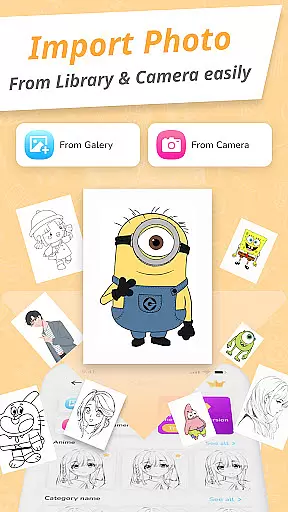
Draw Cartoon - AR Drawing App is an innovative art application that allows users to create stunning augmented reality drawings. The app utilizes advanced AR technology, enabling artists to incorporate real-world elements into their artwork through the device's camera.
With features like adjustable opacity, flashlight control, and image locking, the app caters to both amateur and professional artists. Users can choose from various cartoon templates including popular themes like Pikachu and Scooby-Doo, making it easy to create impressive sketches regardless of skill level.
This versatile drawing tool is particularly useful for aspiring artists looking to improve their skills while having fun with augmented reality. The app's intuitive design and helpful features make it a valuable companion for creative exploration.
Draw Cartoon offers an impressive array of features designed to enhance the drawing experience. The app's core functionality revolves around its powerful AR drawing capabilities, which allow users to project images onto real-world surfaces through their device's camera.
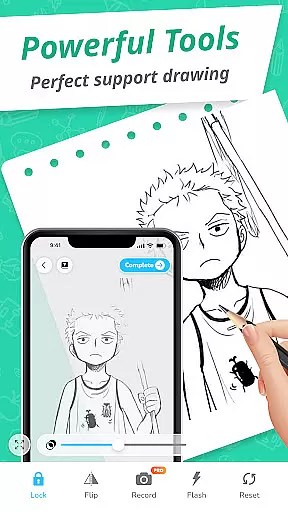
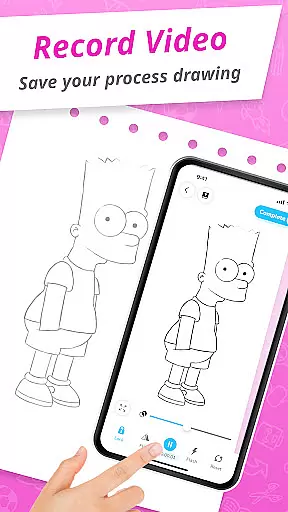
The application provides several customization options including opacity adjustment, flashlight control, and image locking for precise tracing. Artists can also record videos or take photos of their creation process, while the My Artwork feature helps track progress over time.
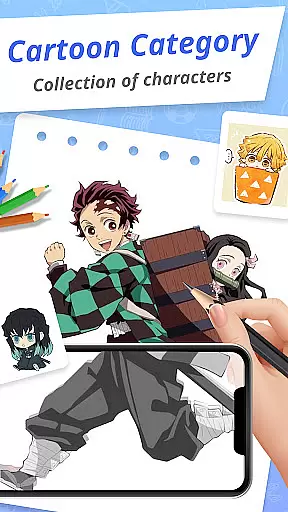
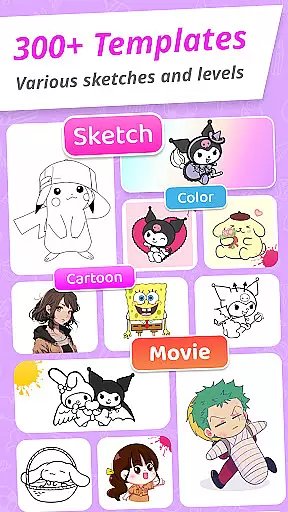
One of the app's standout features is its collection of cartoon templates spanning various themes. These pre-designed templates, combined with the app's AR capabilities, enable users to create professional-looking drawings even without prior experience in digital art.
In the realm of digital art, having a comprehensive set of creative tools is essential for artists to fully express their visions. Draw Cartoon - AR Drawing App rises to the occasion by offering an extensive suite of features that cater to both amateur and professional artists.
The app's powerful AR cartoon drawing functionality allows users to incorporate real-world elements into their sketches through their device's camera. This feature is enriched with advanced options such as recording video, taking photos, adjusting opacity, controlling the flashlight, and locking or resetting your work.
Moreover, the app provides amazing AR sketch cartoon templates, including free samples of painting and tracing templates. These range from beloved characters like Pikachu to Scooby-Doo, fueling the useru2019s imagination and providing a starting point for creating unique artworks.
With these complete and varied creative tools at their disposal, users can explore different styles and techniques, thus significantly enhancing their artistic capabilities within the augmented reality space.
A versatile canvas is fundamental for artists who wish to experiment with various formats and dimensions in their artwork. Draw Cartoon - AR Drawing App understands this need and offers flexible canvas options that adapt to the artist's requirements.
Users are guided on how to sketch by positioning their phone parallel to the drawing surface, which effectively turns the real world into their canvas. The app then inverts the image, allowing artists to trace and draw over it with ease, thus offering a seamless blend of physical and digital art spaces.
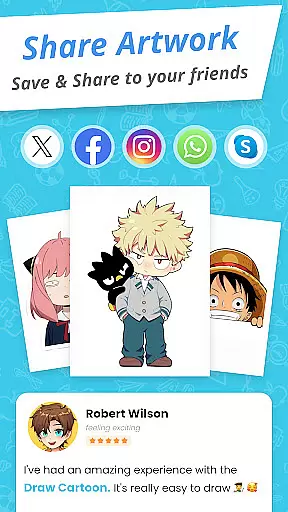
Additionally, 'My Artwork' feature permits saving or sharing of creations, tracking oneu2019s artistic journey, and gaining insights into progress and achievements. This adds another layer of format flexibility, not just in terms of size or medium but also concerning the presentation and sharing of finished pieces.
Such flexibility ensures that whether you're sketching on a traditional paper setup or exploring the boundaries of augmented reality art, Draw Cartoon - AR Drawing App accommodates your vision with remarkable adaptability.
User-friendly interface
Advanced AR features
Variety of templates
Progress tracking
Professional results
Limited free content
Device compatibility
Learning curve
Occasional glitches
Premium pricing

AI generated images & photos, turn your words into drawing, painting & pictures.
 4.30
4.30
Sketch, trace and master AR drawing with awesome anime art!
3.30
AI Assistant, powered by ChatGPT GPT-4 & GPT-4o. Your intelligent companion.
3.50
See Color, Paint Color
4.90
Castle is social media for creating and playing games!
4.60
Resize photos and print photos in exact size with our powerful photo printer!
3.80
Everything you need to create hand drawn animation, anywhere you go!
4.40
Video AI: Revolutionize Your Content Creation with Advanced Video Generation
4.50
Create amazing pictures and unleash your creative genius with AR Drawing Sketch
4.40
Mobile pixel art editor. Simple. Fast. Portable.
4.80
Photo stitcher for automatically screenshot stitching into a long screenshot
4.70
Create color palette from Image, RGB & RYB Color wheel harmonies, Color Scheme
4.50
Kling AI is an image and video generation and editing studio powered by AI.
4.50
Nano Banana AI Image Generator, Anime Filter, AI Portrait, AI Photo Generator
4.30
Customizable Outlined Fonts. Watch Face Format. Battery friendly Digital Clock.
4.20
Digital Drawing: Draw & Paint
4.10
Meet the magic aı 3d photo generator and smart AI video generator app.
3.20
Inky runs Inkscape on Android devices and Chromebooks
2.90
Retouch photos. Create or edit images. Endless capabilities.
2.70


User Reviews