
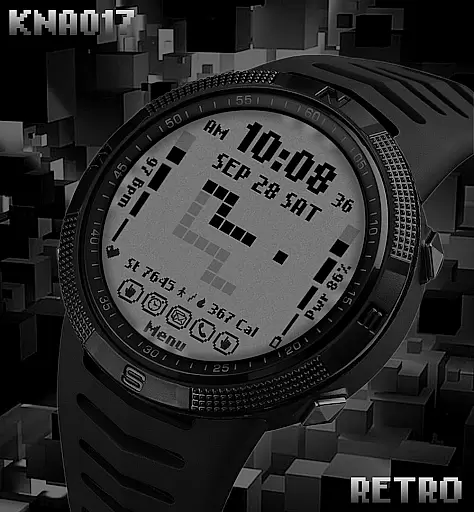
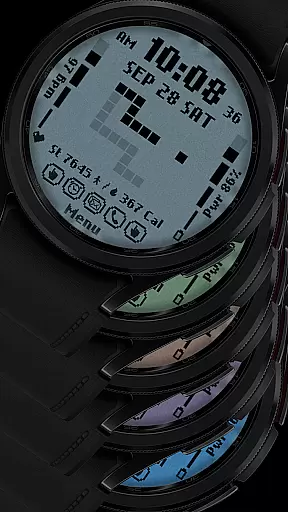
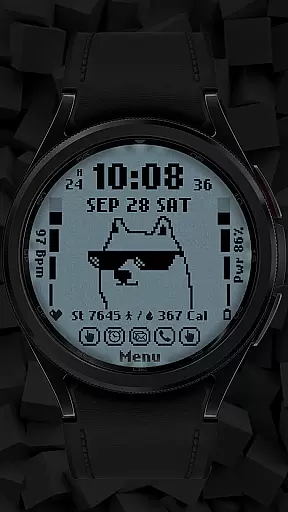
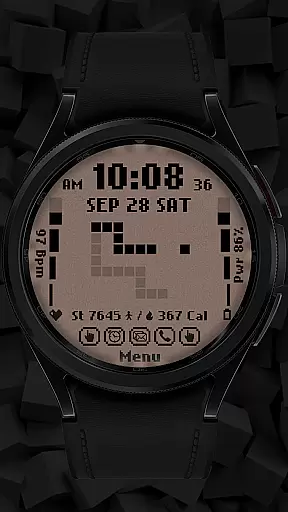
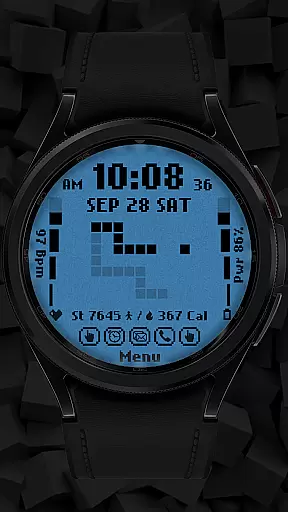
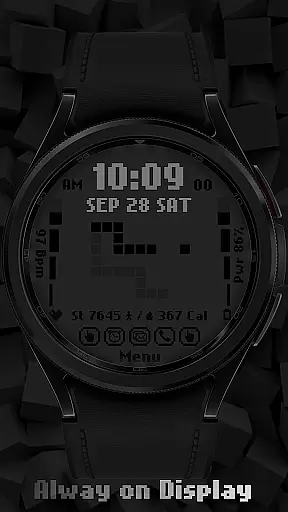
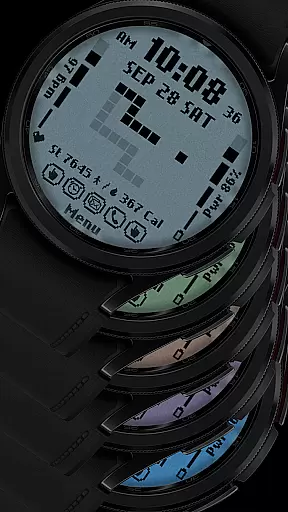
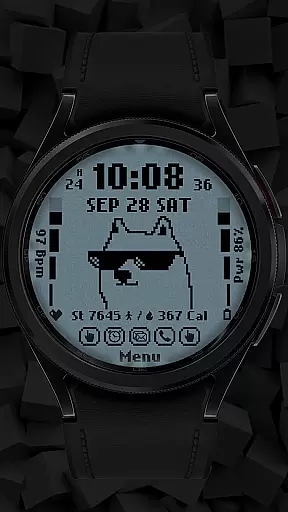
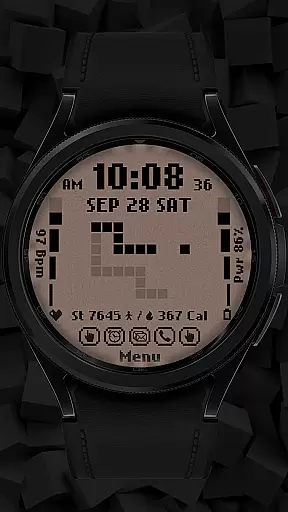
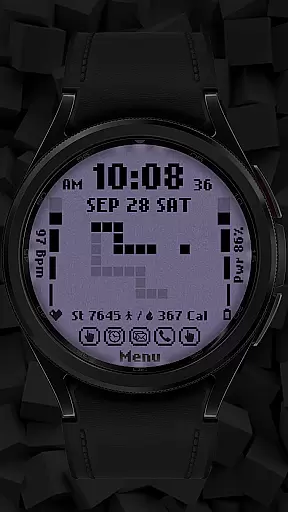
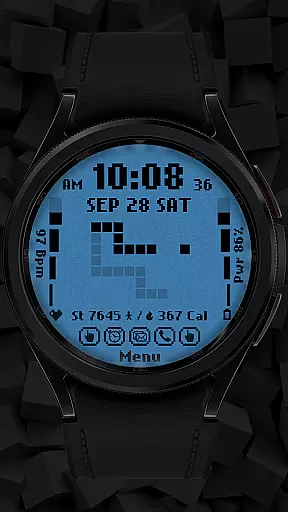
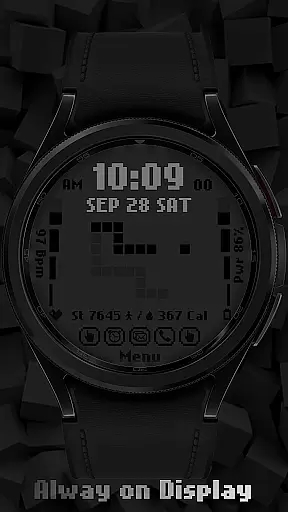
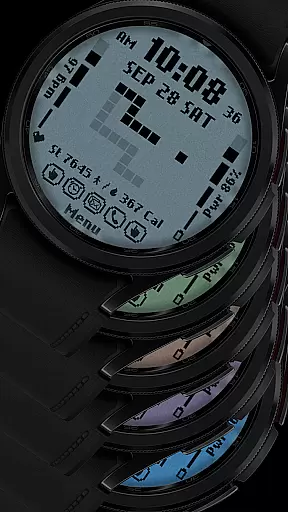
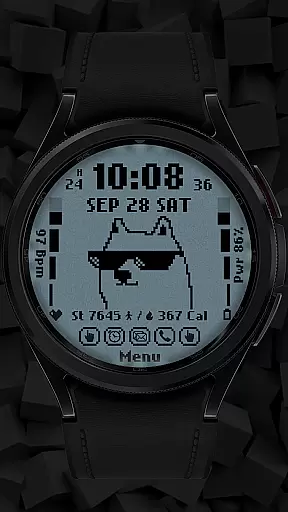
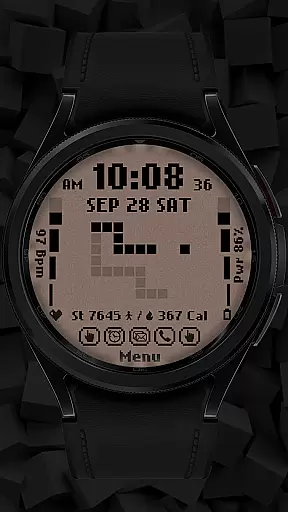
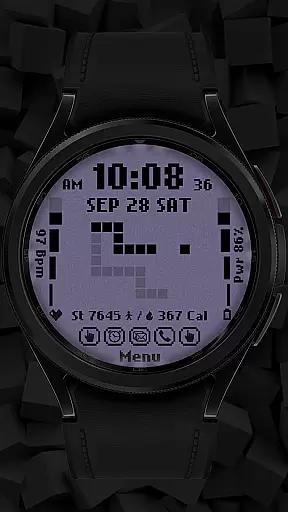
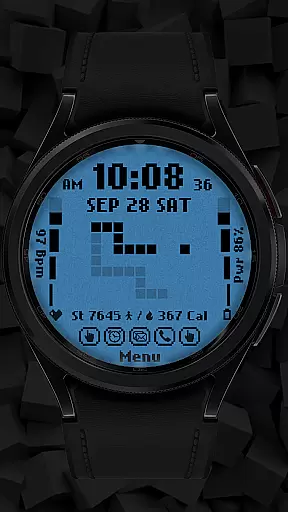
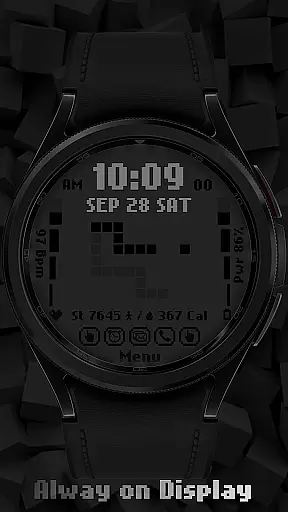
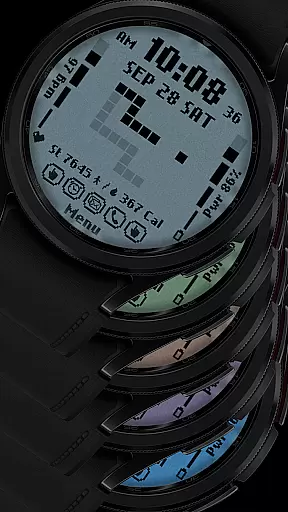
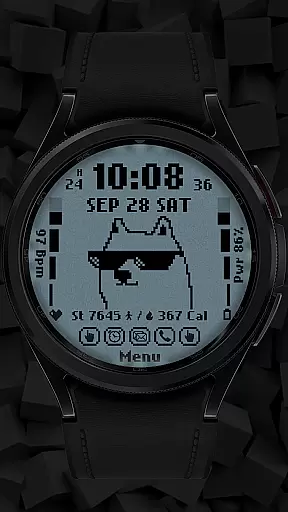
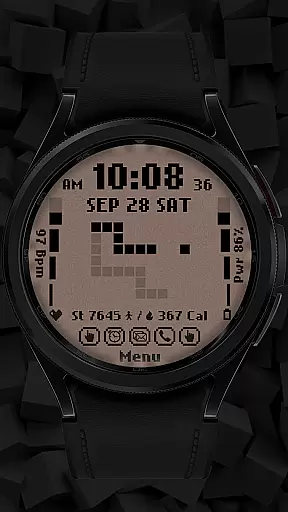
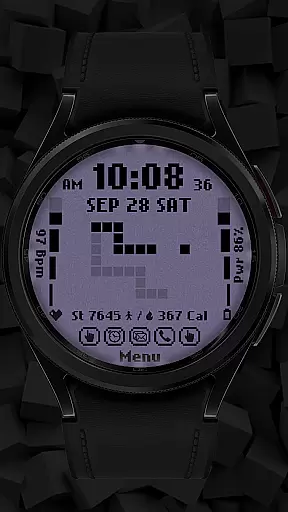
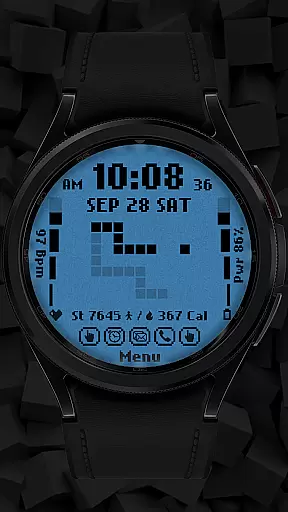
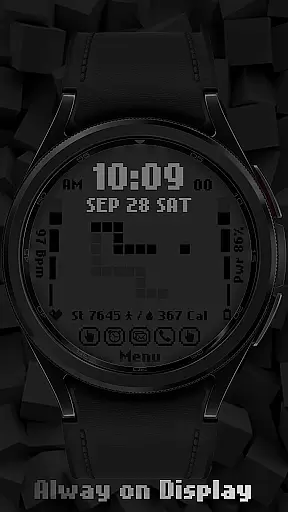
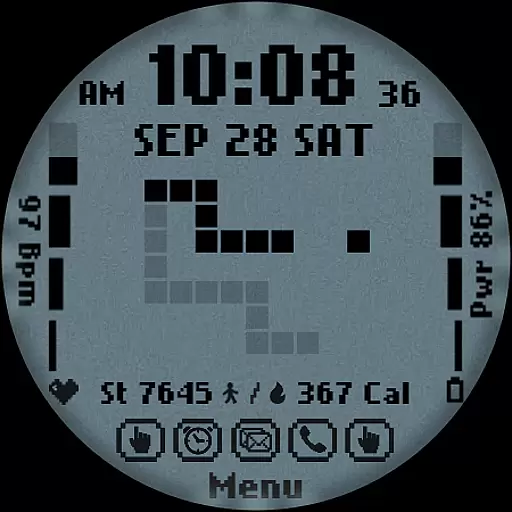
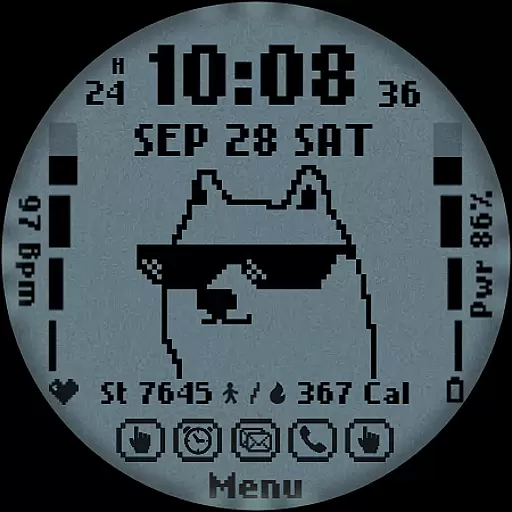
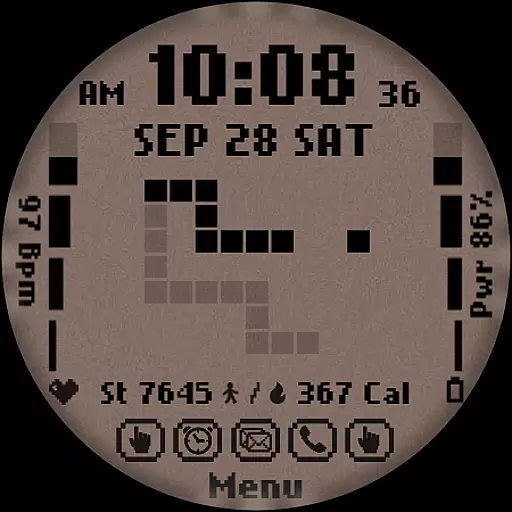
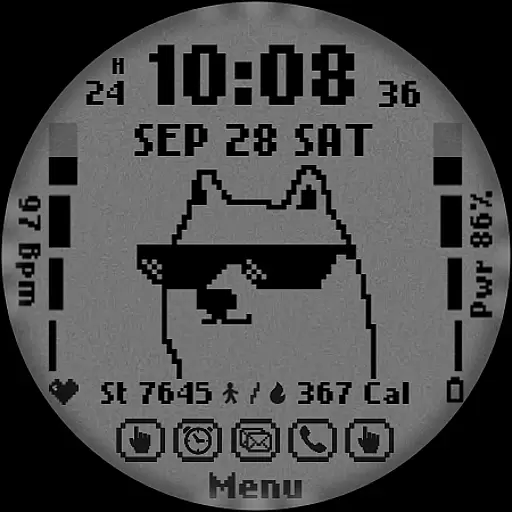
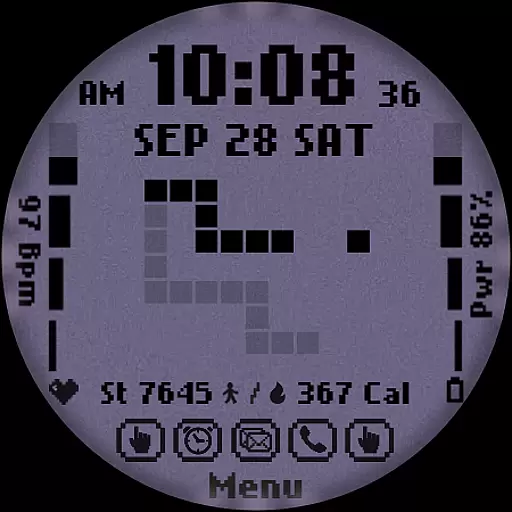
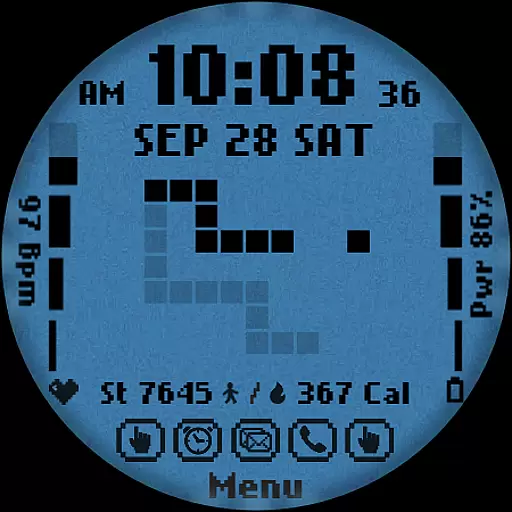
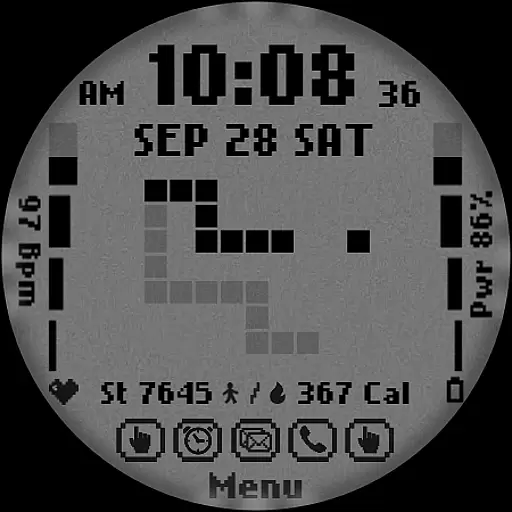
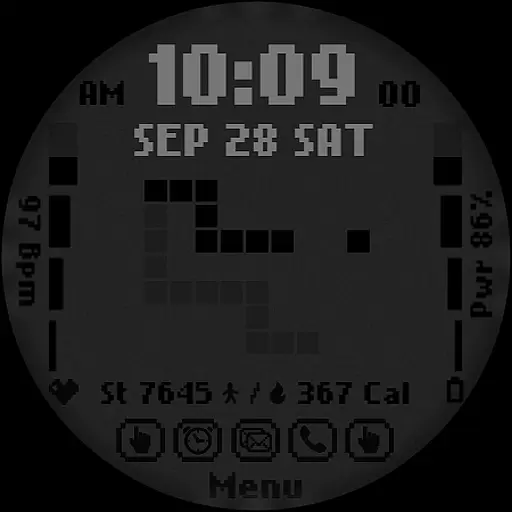
[KNA017] RETRO is a stylish watch face designed specifically for Wear OS devices, offering users a customizable and feature-rich experience. This digital watch face supports both 12-hour and 24-hour time formats, displaying the date, day of the week, and month clearly on your smartwatch screen.
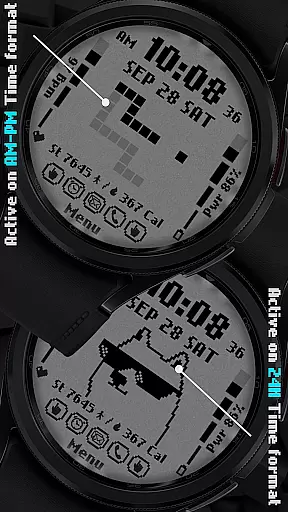
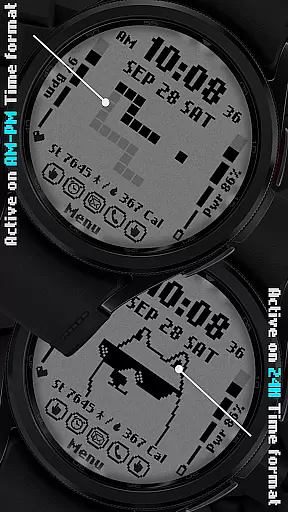
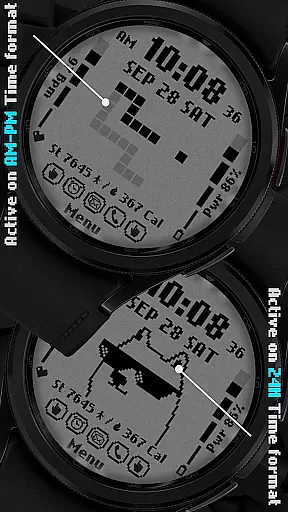
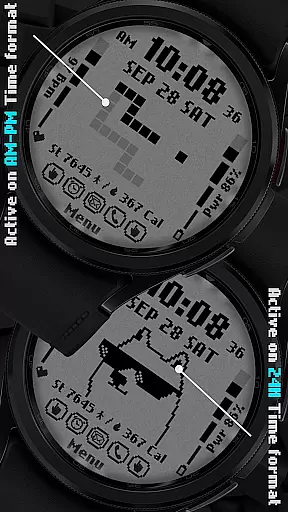
One of its standout features is the ability to customize complications, allowing users to display various types of information such as weather, world clock, or health metrics like steps count, heart rate, and battery level. With six different colors and styles to choose from, users can personalize their watch face to match their preferences. The retro-style animations that change based on the time format add a unique touch to the overall design.
This app is particularly useful for individuals who own compatible Wear OS devices (API level 30+), including Google Pixel watches and Galaxy Watch series 4, 5, and 6. It provides an aesthetically pleasing way to stay informed while enjoying a personalized look tailored to individual tastes.
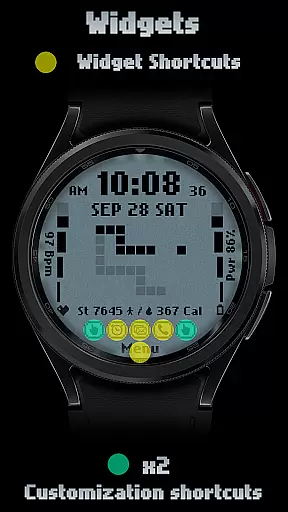
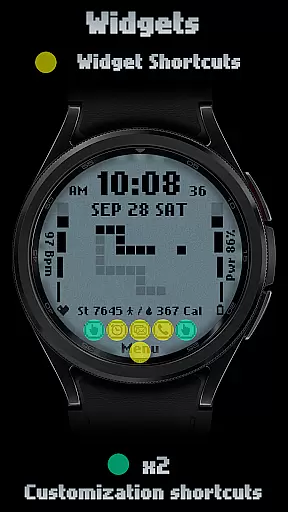
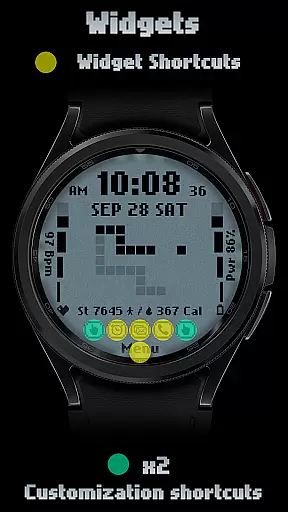
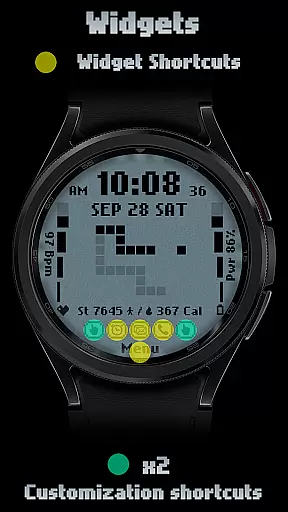
The [KNA017] RETRO watch face stands out with its extensive customization options and practical features. Users can enjoy two customizable shortcuts along with detailed health tracking capabilities such as step counting, heart rate monitoring, calorie calculation, and battery level indication.
A key aspect of this app is its support for complications - small widgets that display additional information on the watch face. These complications can be set up to show data like weather updates, world clocks, sunrise/sunset times, or even barometric pressure readings. This flexibility allows users to tailor their watch faces according to their specific needs and interests.
In addition to these functional elements, the app offers six distinct color schemes and style variations. The retro-style animations that adapt based on whether the user prefers AM-PM or 24-hour time format further enhance the visual appeal. While some advanced features may not be available across all devices due to hardware limitations, the core functionalities provide significant value for those seeking both aesthetics and utility in their smartwatch experience.
In the realm of digital art and design, having a comprehensive suite of creative tools is essential for unleashing an artist's full potential. The [KNA017] RETRO Wear OS Watch Face stands out by offering a versatile canvas for personal expression right on your wrist. With features such as Digital Styles in 12/24 hour time formats, display of Date, Day of the week, and Month, it merges functionality with creativity.
Moreover, this watch face includes two customizable shortcuts and supports up to six colors and styles, thus providing a rich palette for users to work with. It also displays health metrics like Steps Count, Heart Rate, Battery Level, and Calories Calculation, integrating utility into the design process. This allows users not only to create visually appealing designs but also to incorporate practical information that can guide their day-to-day activities.
The inclusion of complications adds another layer of depth to the creative toolkit provided by [KNA017] RETRO. Users have the freedom to customize these complications with various data points including weather updates, world clocks, or even barometric pressure readings. Such flexibility ensures that each user can tailor their watch face to reflect their unique needs and aesthetic preferences while staying informed about the world around them.
Flexibility in canvas and format options is crucial for designers who wish to explore different creative avenues without being constrained by the medium. The [KNA017] RETRO Wear OS Watch Face embraces this principle by allowing users to modify its appearance directly from their smartwatch. By simply touching and holding the display, then tapping on the Customize Option, wearers gain access to a plethora of personalization possibilities.
This level of adaptability extends beyond mere aesthetics; it encompasses functional aspects too. For instance, the Animation Retro style changes according to the Time format selected (AM-PM or 24-hour), ensuring that the visual experience remains dynamic throughout the day. Furthermore, compatibility with API level 30+ devices such as Google Pixel and Galaxy Watch models means that a wide range of users can enjoy this flexible approach to personalizing their wearable technology.
It's important to note that while some advanced features might not be available across all devices due to hardware limitations, the core concept of offering a malleable platform for creativity remains intact. Whether adjusting complications to show specific data sets or altering color schemes to match oneu2019s outfit or mood, [KNA017] RETRO empowers individuals to craft a personalized and responsive wearable art piece that evolves alongside their lifestyle.
Highly customizable
Variety of color options
Health tracking features
Retro-style animations
Supports multiple complications
Limited device compatibility
Some features unavailable
No automatic application
Requires manual setup
Dependent on Wear OS

Vidu is an AI video generator made for creators and aspiring makers.
 3.30
3.30
The ultimate tool for creating animations
4.60
Design your dream room with AI. Get decor ideas & plan home interiors
3.90
Custom Character Creator & PFP Maker!
4.20
AI Assistant, powered by ChatGPT GPT-4 & GPT-4o. Your intelligent companion.
3.50
Draw beautiful mandala's very easily
4.60
Retouch photos. Create or edit images. Endless capabilities.
2.70
Create amazing pictures and unleash your creative genius with AR Drawing Sketch
4.40
AI-powered photo & video creation—fast, fun, and effortless with Quick Actions
4.60
See Color, Paint Color
4.90
Draw Trace image sketch by, AR art projector app, Easy to trace any image.
4.50
Share the joy of painting with ibis Paint! Drawing anime and manga art.
4.50
Kling AI is an image and video generation and editing studio powered by AI.
4.50
Bring One UI 8.5 Icons to life -elegant dark icons with a modern, premium touch.
4.30
Floor Plan Creator lets you create, edit and share floor plans.
4.00
Easy 3D drawing design maker & creator. Model designing, Sculpting. Create&paint
4.00
Create cute cat emojis & PFPs! Fun, custom avatars for cat lovers.
3.70
Pose and morph realistic male and female models! 3D poser app
3.00
Inky runs Inkscape on Android devices and Chromebooks
2.90


User Reviews