
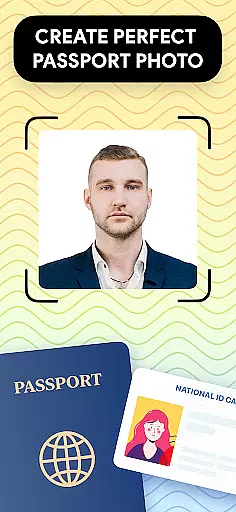
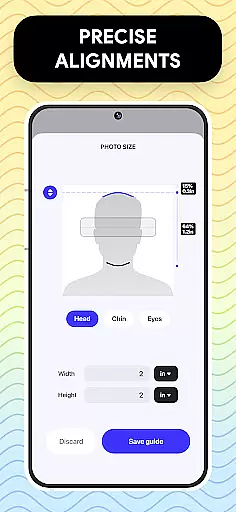
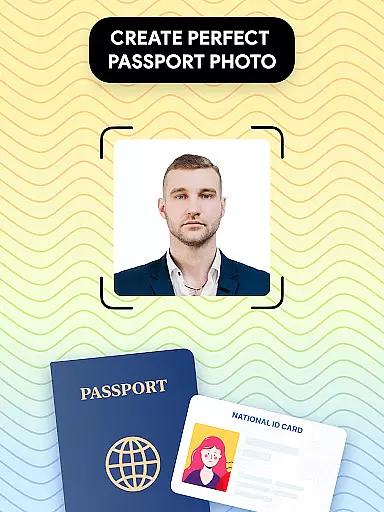
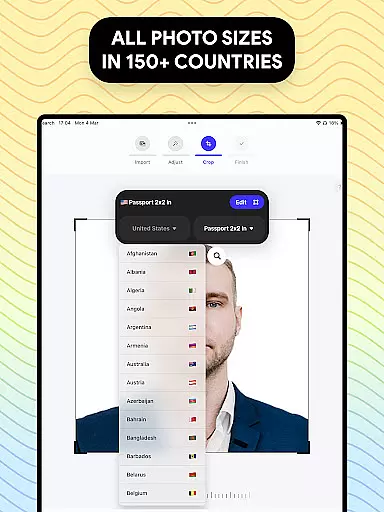
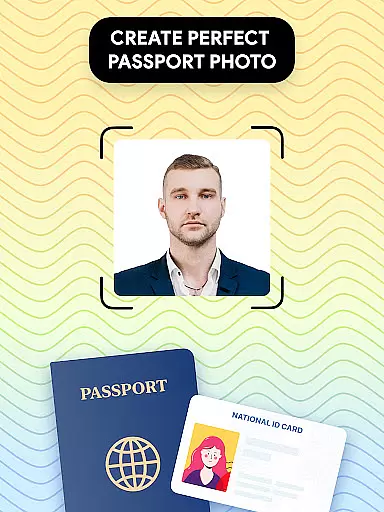
Passport Photo - ID Photo Print is a professional passport photo editor designed to help users create government-compliant ID photos conveniently from their mobile devices. The app provides precise photo size adjustments for various document types, including passports, visas, and ID cards.
With its advanced editing tools, users can easily customize their photos by adjusting brightness, contrast, and background colors. The app supports multiple photo sizes such as 3x4, 4x6, and 2x2 inches, meeting the requirements of different countries. Its intuitive interface and comprehensive feature set make it an ideal solution for creating high-quality passport photos at home.
This app is particularly useful for individuals who need to frequently update their official documents or require photos for visa applications. By providing a complete suite of editing tools and regulatory guidelines, Passport Photo ensures that users can produce professional-grade photos without leaving their homes.
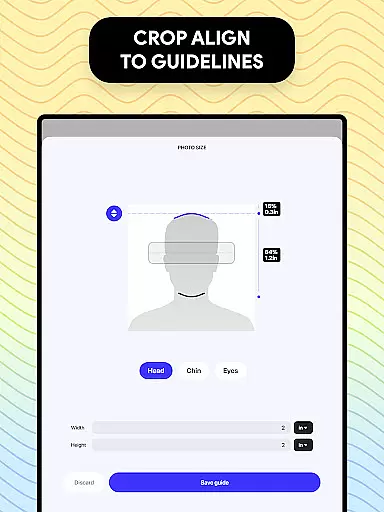
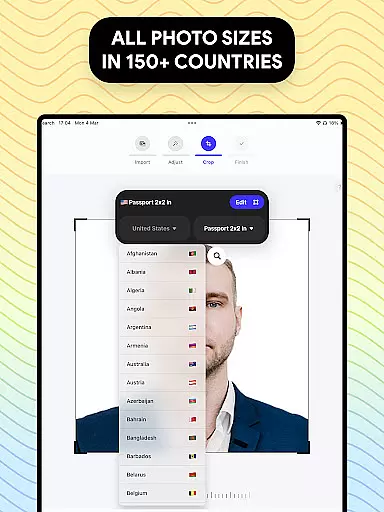
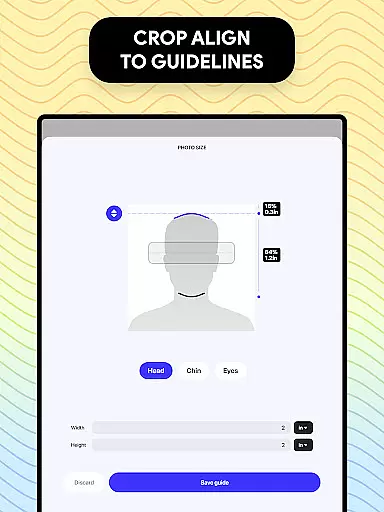
Passport Photo - ID Photo Print offers a robust set of features tailored for creating compliant passport and visa photos. One of its standout capabilities is the automatic photo size adjustment tool, which allows users to resize images to specific dimensions like 3x4, 4x6, or 2x2 inches with precision.
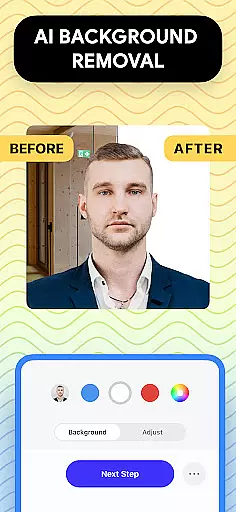
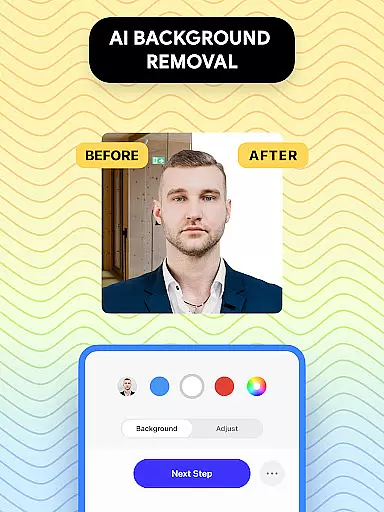
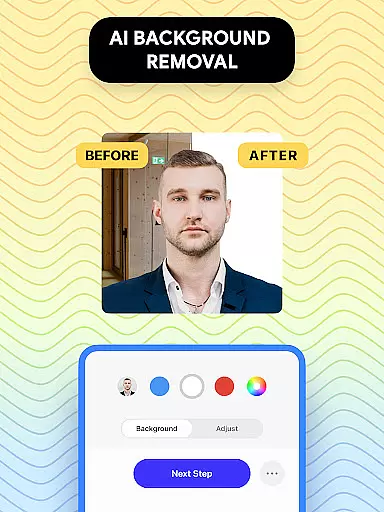
The app includes advanced photo editing tools such as background removal, brightness adjustment, and color correction. These features ensure that users can meet strict government requirements while maintaining professional-quality results. Additionally, the built-in database of international passport photo regulations helps users customize their photos according to specific country standards.
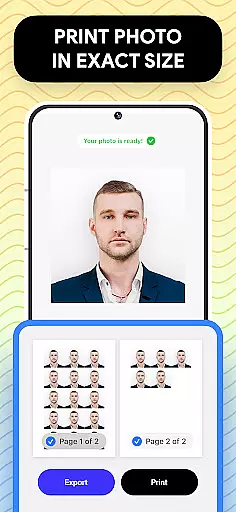
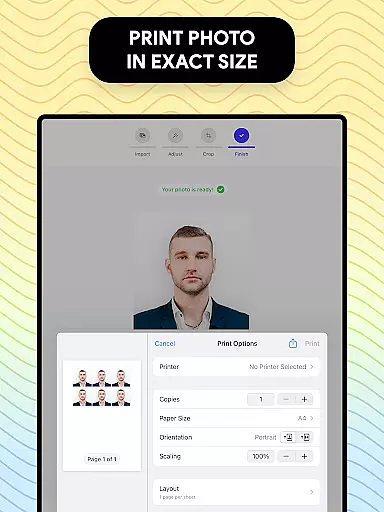
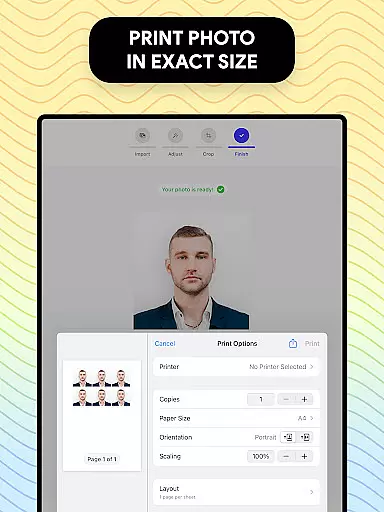
Another key feature is the ability to export and print photos directly from mobile devices. This functionality streamlines the entire process, enabling users to produce ready-to-use photos quickly and efficiently. With its user-friendly interface and comprehensive toolset, Passport Photo stands out as a versatile solution for all ID photo needs.
When it comes to creating and editing passport photos, having access to a comprehensive set of creative tools is essential. Passport Photo - ID Photo Print offers an extensive suite of features that cater to all your photo editing needs.
This app provides users with the ability to adjust brightness, temperature, and sharpness, ensuring that each passport photo meets the highest quality standards. The inclusion of these editing tools allows for fine-tuning of images, which is crucial when adhering to strict government regulations.
Moreover, the app's background remover feature adds another layer of convenience, enabling users to create a white or colored background for their photos effortlessly. This ensures that regardless of the initial photo conditions, the final image will comply with specific requirements.
The availability of such a complete set of creative tools within Passport Photo - ID Photo Print not only simplifies the process but also enhances the overall user experience by providing everything needed to produce professional-grade passport photos from the comfort of home.
Flexibility in canvas and format options is vital for adapting photos to meet various official document requirements. Passport Photo - ID Photo Print excels in this area by offering versatile resizing and formatting capabilities.
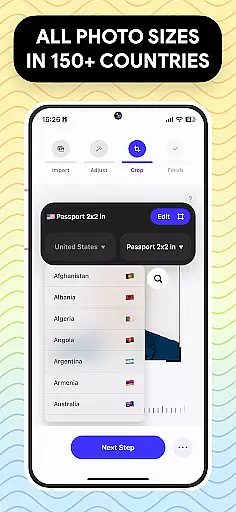
Users can easily change aspect ratios and crop their photos to exact dimensions, accommodating different specifications like 3x4, 4x4, 4x6, 5x7, or 2x2 inches. This adaptability ensures that whether you need a photo for an ID, visa, or passport, the app can handle it.
In addition to resizing, the app supports exporting and printing photos directly from a smartphone. This means users can quickly obtain physical copies of their documents in the correct format without needing to visit a professional print service.
By providing such robust canvas and format flexibility, Passport Photo - ID Photo Print empowers users to prepare their photos with confidence, knowing they can meet diverse international standards efficiently and effectively.
User-friendly interface
Comprehensive editing tools
Wide range of size options
International regulation support
Quick photo export feature
Limited free features
Occasional processing delays
Subscription required for advanced tools
In-app purchases can add up
Learning curve for beginners

Art of Combination Wear OS Watch faces (for Wear OS 5+ devices)
 3.00
3.00
Create trending AI photos & videos with powerful effects and 3D styles.
3.20
Easy 3D drawing design maker & creator. Model designing, Sculpting. Create&paint
4.00
Convert image to JPG PNG HEIC PDF, support almost all kinds of image formats
4.70
Draw Trace image sketch by, AR art projector app, Easy to trace any image.
4.50
Experience next-gen icons with a modern liquid glass look.
3.60
Everything you need to create hand drawn animation, anywhere you go!
4.40
How to draw anime step by step for beginner easily by AR drawing sketch & paint.
3.60
Multiplayer Drawing game, Coloring, Painting・Sketch, Handwriting・Paint, draw
4.30
Minecraft & Roblox Clothes
4.70
Digital, Abstract, Classic - all types of color wheels in one app!
4.60
Get an overview over all your embroidery threads, projects and more.
4.60
Digital illustration drawing & painting pad app to paint Anime and Manga art
4.50
Your homescreen as an elegant glass with customized blur, lighting, and visuals.
3.70
Apply cartoon, caricature, and portrait effects to make your photos stand out!
3.60
Meet the magic aı 3d photo generator and smart AI video generator app.
3.20
Pose and morph realistic male and female models! 3D poser app
3.00
Transform photos into amazing monochrome dither art with professional algorithms
4.2
Art of Combination Wear OS Watch faces
4.2


User Reviews