
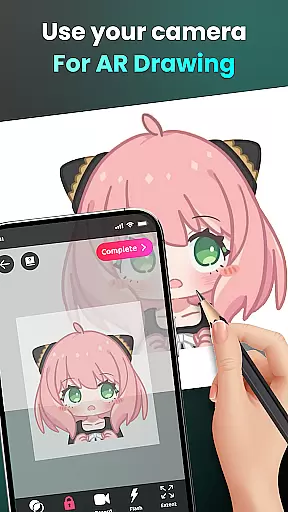
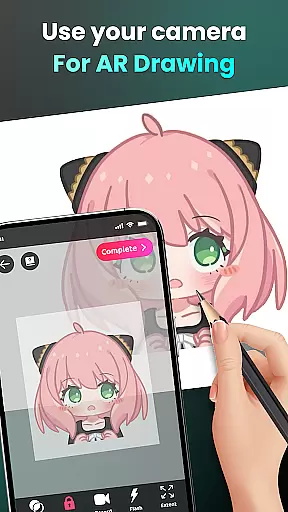
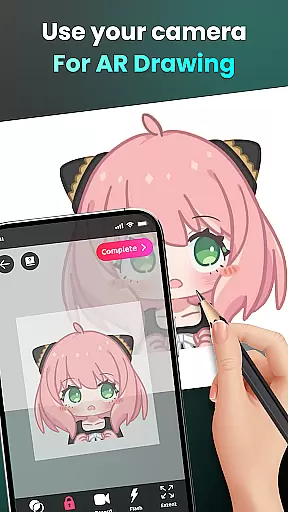
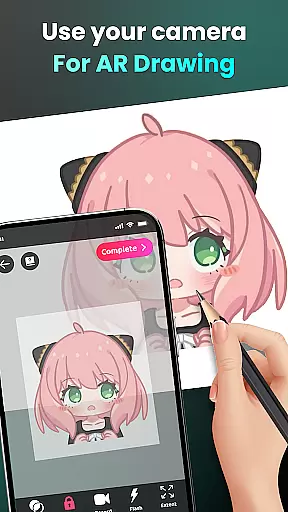
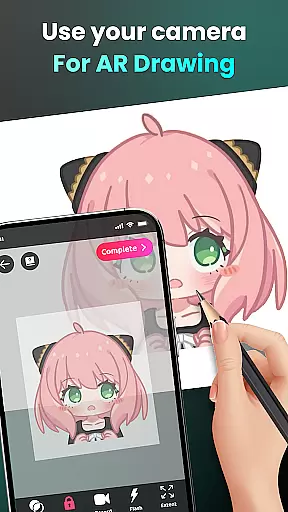
AR Drawing - Sketchar App is an innovative tool that combines augmented reality with artistic expression, allowing users to create unique artwork by transforming their real-world environment into a creative canvas. The app utilizes advanced AR technology to enable drawing through the device's camera, making it possible to sketch everything from sample photos to entire scenes in the real world.
The application offers diverse features for artists of all levels, including easy-to-follow lessons, customizable drawing options, and the ability to trace anything. With a vast library of samples and the option to import personal photos, users can explore unlimited creativity while improving their skills. The app also provides detailed video tutorials for beginners and personalized content based on individual progress.
Whether you're a beginner looking to learn how to draw or a seasoned artist wanting to experiment with AR, this app serves as the perfect creative companion. By tracking your improvement journey and offering tailored content, AR Drawing ensures a valuable and engaging experience for anyone interested in digital art.
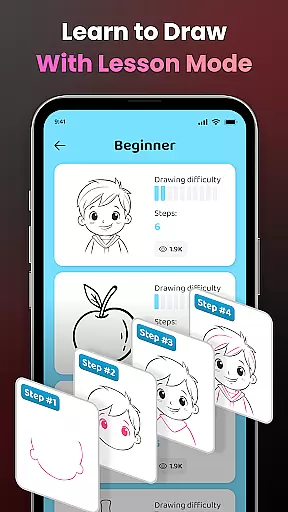
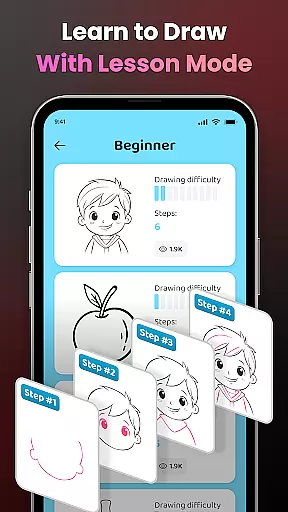
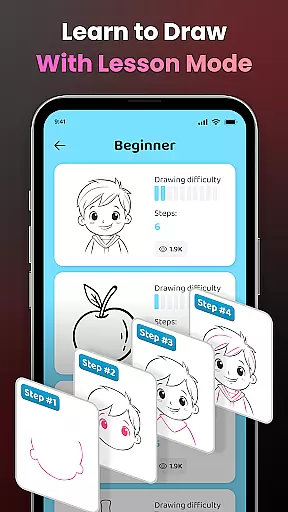
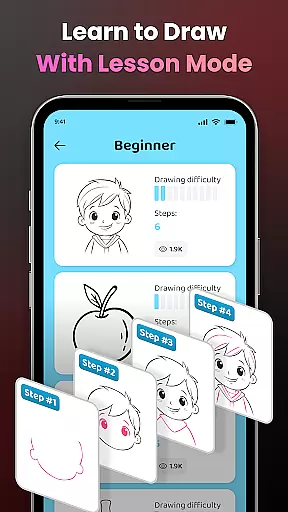
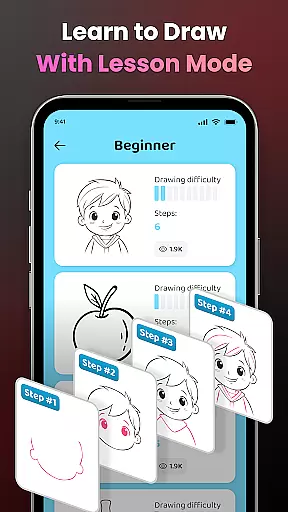
One of the standout features of AR Drawing - Sketchar App is its ability to transform complex photos into simple outlines for tracing, which is ideal for practicing drawing skills. This feature caters to artists of all levels, providing three difficulty levels with progressively challenging exercises to help users refine their abilities.
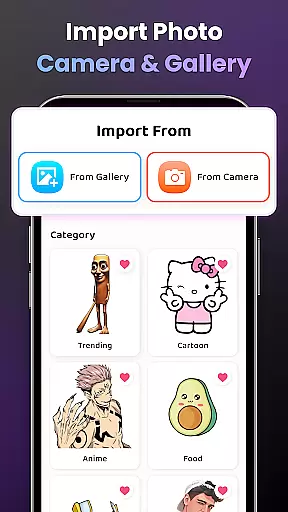
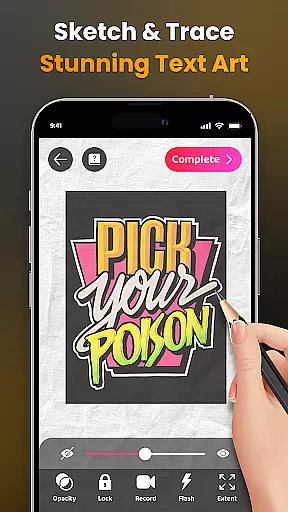
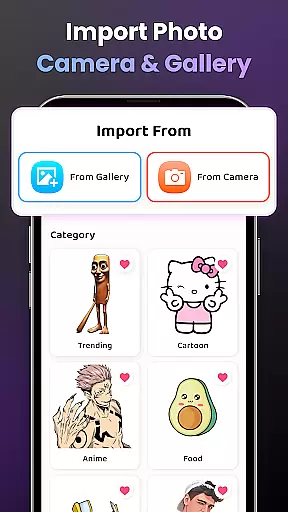
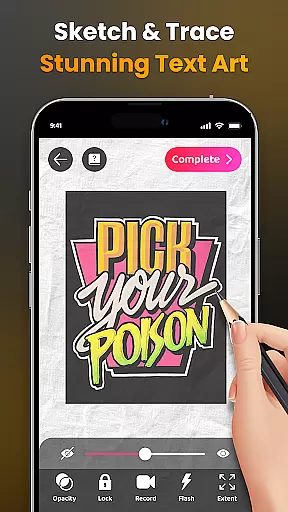
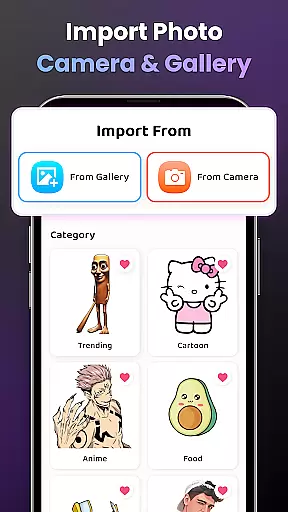
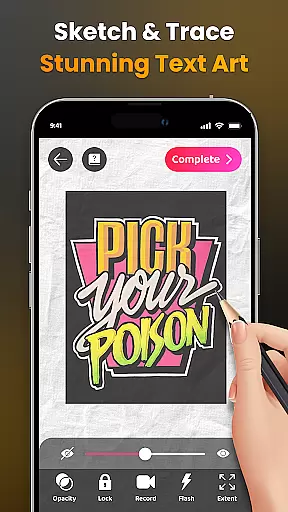
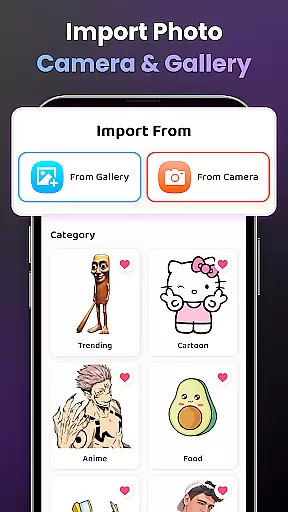
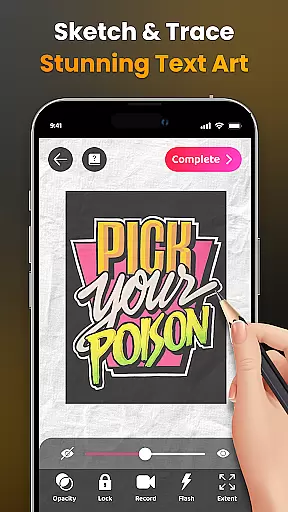
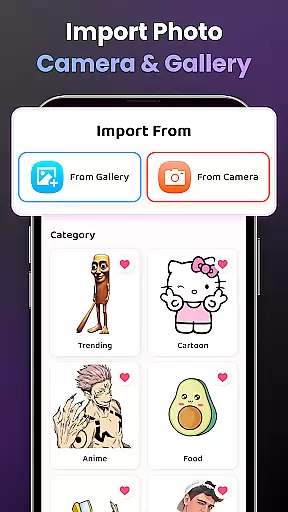
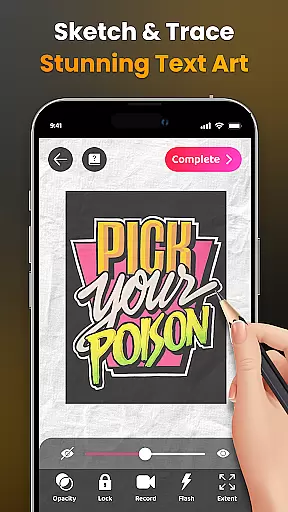
The app also includes advanced drawing options such as adjusting opacity, recording videos of the drawing process, zooming in and out, and controlling the flash. These tools enhance the overall user experience and provide greater flexibility when creating artwork. Additionally, the app supports importing images from the user's gallery, expanding creative possibilities beyond the built-in sample library.
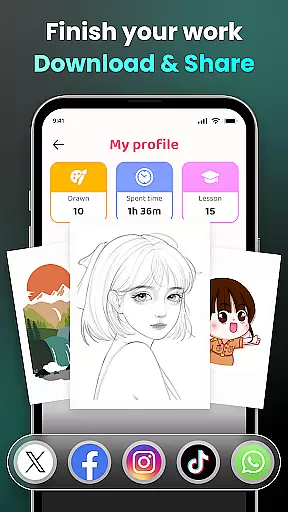
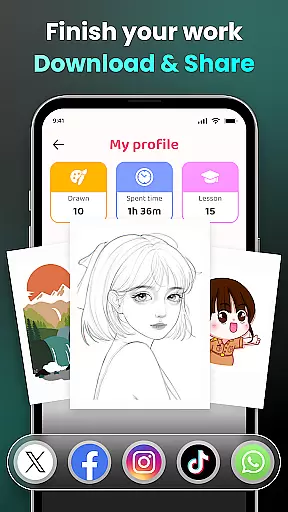
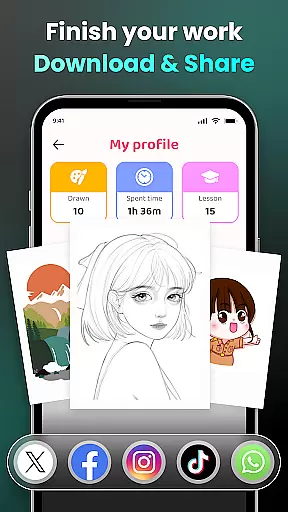
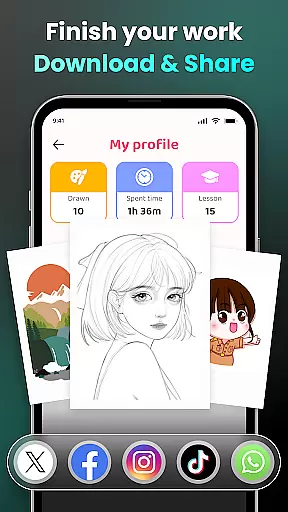
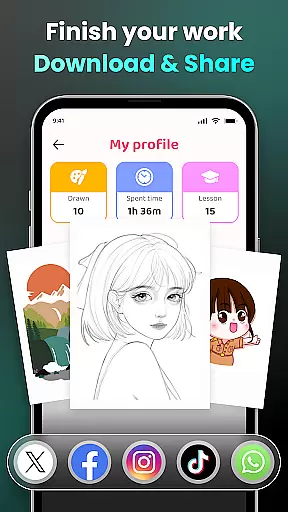
Another key aspect is the community sharing feature, which allows users to effortlessly share their finished artwork with others. This social component fosters a sense of connection among users and encourages collaboration and feedback. With these comprehensive features, AR Drawing - Sketchar App delivers a robust platform for both learning and showcasing artistic talent.
In the realm of digital art, having access to comprehensive creative tools is essential for unleashing an artist's full potential. AR Drawing - Sketchar App positions itself as a versatile platform that offers a wide array of features designed to cater to artists of all levels.
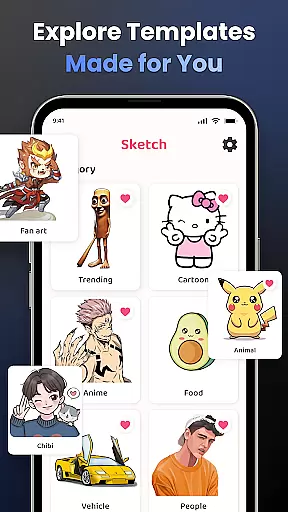
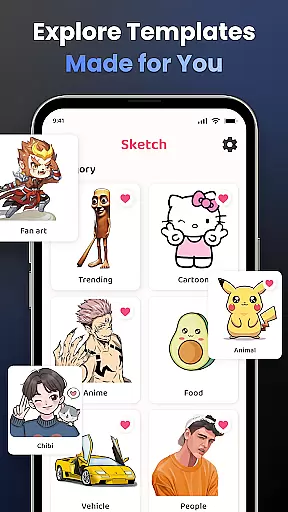
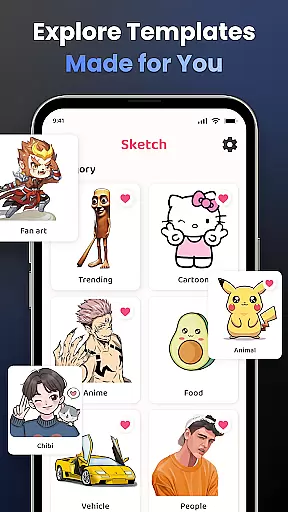
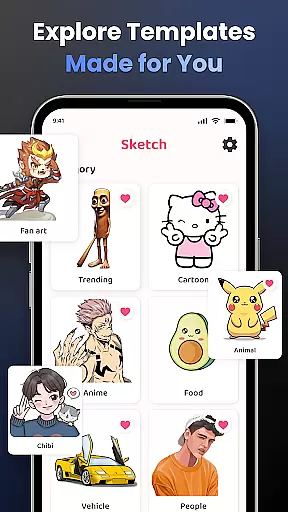
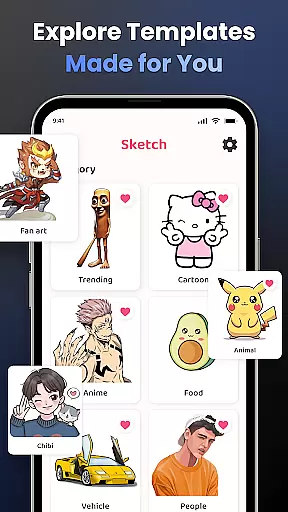
From transforming complex photos into simple outlines for tracing, to providing an extensive library of samples across various categories such as Anime, Cartoon, and Nature, this app ensures that users have everything they need at their fingertips. The ability to adjust opacity, record drawing processes, zoom in and out, toggle flash on or off, and extend images adds layers of functionality that enhance the creative process.
For beginners, detailed video tutorials guide them through specific drawings, while advanced users can appreciate options like importing personal photos and exploring diverse lessons with three difficulty levels. This blend of accessibility and depth makes AR Drawing not just about creating art but also about learning and growing as an artist.
The flexibility of canvas and format options is crucial for artists who wish to express their creativity without limitations. AR Drawing - Sketchar App understands this need and provides a dynamic platform where users can draw on any surface using augmented reality technology.
By placing their phone on a stand and looking through the screen, artists can sketch anything from sample photos to entire scenes around them. Whether itu2019s beloved characters like Hello Kitty or Pikachu, or intricate landscapes, the world becomes a canvas waiting to be transformed.
Moreover, the app supports importing images from one's gallery, allowing for personalized content creation. With adjustable settings for optimal display and the capability to record videos of the drawing process, users enjoy unprecedented freedom in how they create and share their artwork. Such versatility ensures that whether you're drawing for fun or professional purposes, AR Drawing adapts to your unique style and preferences.
User-friendly interface
Advanced AR technology
Vast sample library
Customizable drawing options
Active community support
Limited free content
Requires stable internet
Premium subscription needed
Occasional bugs reported
Steep learning curve

Vidu is an AI video generator made for creators and aspiring makers.
 3.30
3.30
The ultimate tool for creating animations
4.60
Sketch, trace and master AR drawing with awesome anime art!
3.30
Easy 3D drawing design maker & creator. Model designing, Sculpting. Create&paint
4.00
Text to Image, Image to Video & AI Chat
4.20
Passport size photo maker, create ID photo and visa photo in seconds
4.80
Draw glowing spinners, relax, and spin your creative art
4.60
Bring One UI 8.5 Icons to life -elegant dark icons with a modern, premium touch.
4.30
All-in-One art, logo & collage maker. Design photos and edit video backgrounds
4.80
Your AI soulmate — meaningful chats, and unique emotional moments
4.70
Convert image to JPG PNG HEIC PDF, support almost all kinds of image formats
4.70
Draw beautiful mandala's very easily
4.60
OneUI 8.5 icons ✨ Smooth, modern & based on the latest Play Store design ??
4.10
Floor Plan Creator lets you create, edit and share floor plans.
4.00
Design unique, funny and adorable cat stickers that reflect your own style!
3.80
Draw anime easily with AR guidance, sketch templates & trace tools!
3.10
Premium version of Shimeji-ee app with no ads & no limit active shimeji
4.1
Download now for a stylish and functional timepiece
4.3
Art of Combination Wear OS Watch faces
4.0


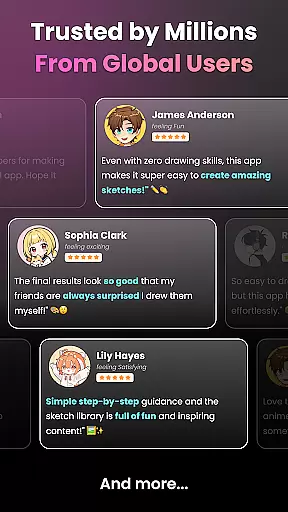
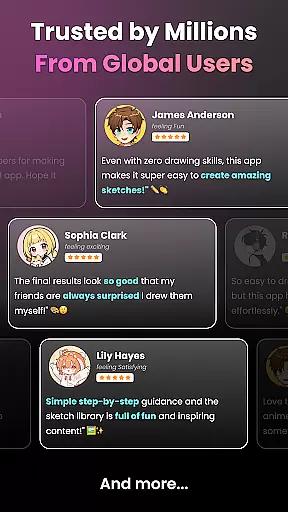
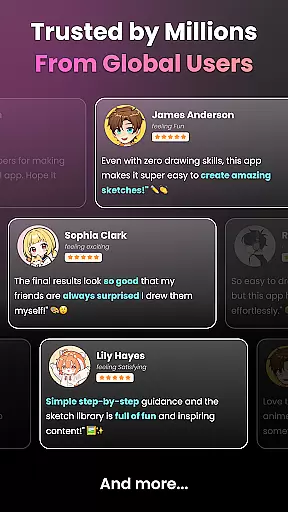
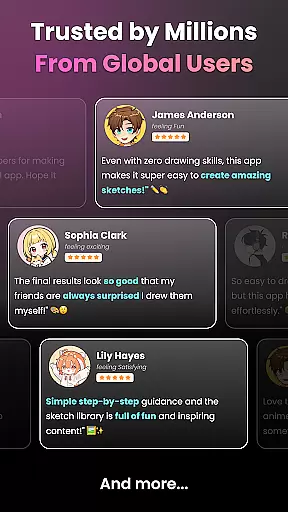
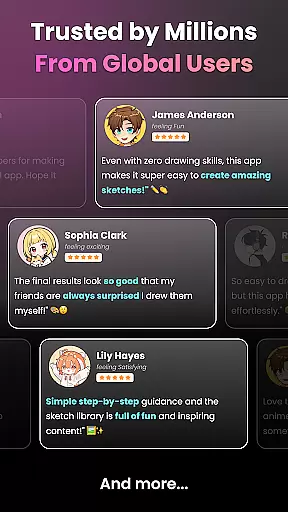
User Reviews