
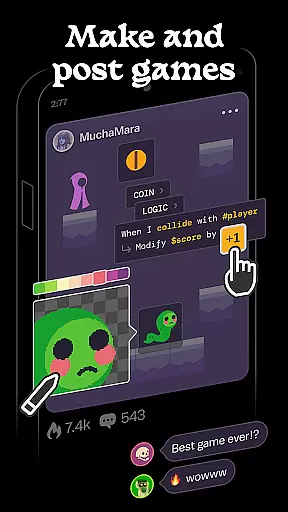
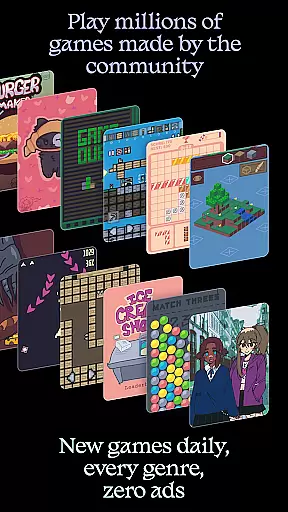
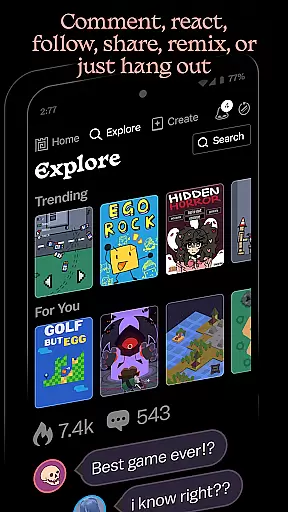
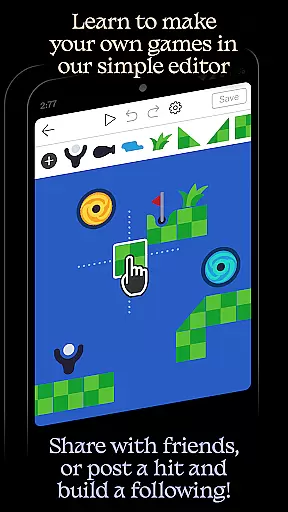
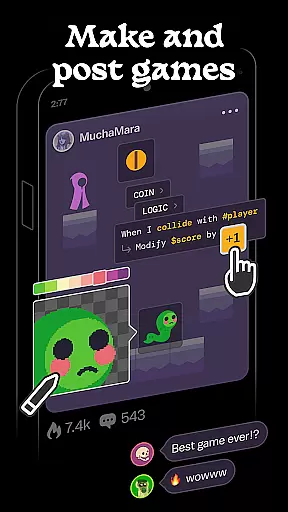
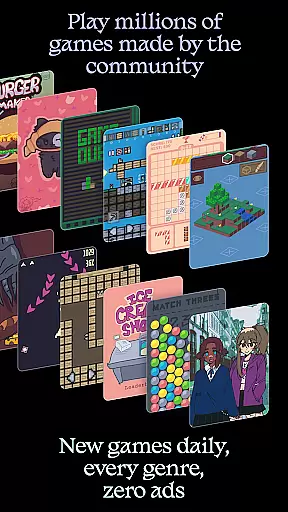
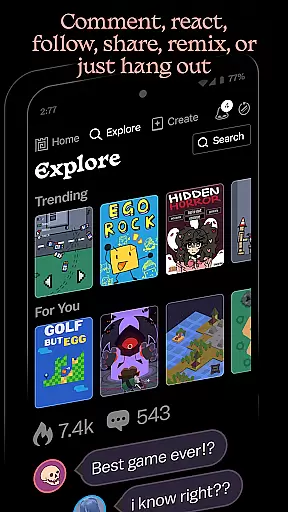
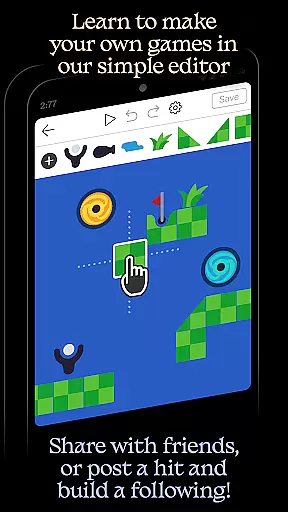
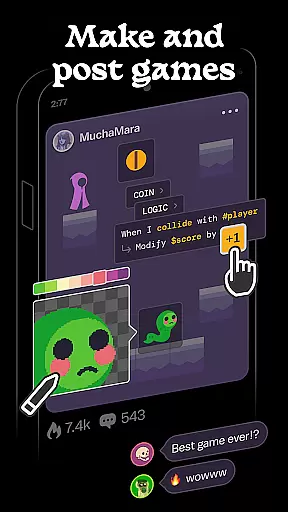
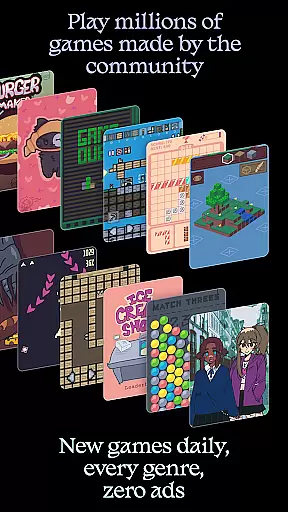
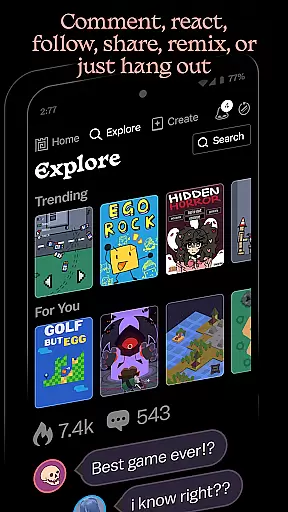
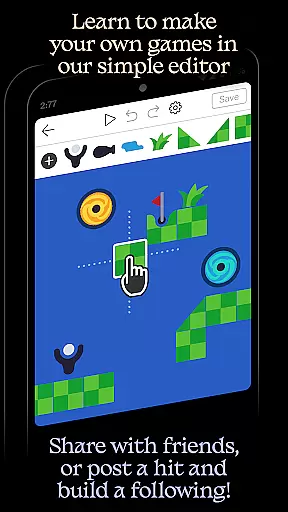
Castle is a dynamic social media platform designed specifically for game creation and interactive entertainment. This innovative app empowers users to design their own games using an intuitive editor, share creations with the community, and explore a vast library of user-generated content. With features supporting art, physics, logic, music, and sound design, Castle offers a comprehensive toolkit for creative expression.
The platform stands out through its vibrant community where creators can build followings, compete for high scores, and engage in meaningful interactions. Whether you're a beginner using pre-made templates or an experienced creator remixing existing games, Castle provides the tools to bring your ideas to life while fostering valuable creative skills.
While some promotional features require in-app purchases, core functionalities like game creation and sharing remain completely free, making it an accessible platform for all aspiring game developers.
Castle distinguishes itself through its robust game creation tools and active social ecosystem. The app's simple yet powerful editor allows users to create complete games without any coding knowledge, while advanced features cater to more experienced designers. Its unique remixing system lets users modify and improve upon existing games, promoting collaborative creativity.
The platform supports multiple creative disciplines including visual art, interactive logic design, and audio production. Users can access a vast library of millions of game objects, animations, and sound effects to enhance their projects. Additionally, Castle fosters community engagement through features like commenting, following favorite creators, and achievement systems that encourage friendly competition.
Unlike traditional game development platforms, Castle combines creation tools with instant publishing capabilities and social networking features, creating a seamless experience from concept to community sharing.
Castle offers a comprehensive suite of creative tools that cater to various aspects of game design and development. The platform includes functionalities for art creation, physics simulation, logic programming, music composition, and sound design.
Users can leverage these tools to bring their imaginative ideas to life. Whether it's designing unique characters, crafting intricate game mechanics, or composing original soundtracks, Castle provides the necessary resources to support diverse creative endeavors.
The availability of such a wide array of tools not only enhances the creative process but also encourages users to deepen their skills in game development. This fosters an environment where creativity thrives and lasting expertise is cultivated.
With Castle, creators enjoy remarkable flexibility in terms of canvas and format options. The platform allows users to customize dimensions and layouts according to their specific project requirements.
This adaptability ensures that developers can create games and animations that perfectly match their envisioned designs without being constrained by predefined settings. Such freedom empowers creators to experiment with different formats and resolutions.
Moreover, this flexibility extends to the integration of external assets as well. Users can pull from a vast library of game objects, enabling them to incorporate existing elements into their projects seamlessly while still maintaining creative control over the final output.
User-friendly interface
Vibrant creator community
Comprehensive creation tools
Free core functionality
Regular content updates
Limited advanced features
Occasional bugs reported
Steep learning curve
Premium upgrade costs
Device compatibility issues

The ultimate tool for creating animations
 4.60
4.60
Art of Combination Wear OS Watch faces (for Wear OS 5+ devices)
3.00
Meet the magic aı 3d photo generator and smart AI video generator app.
3.20
AI Art Generator transforms your words into AI generated art & paintings.
3.70
800+ Drawing, Painting Lessons App to Practice, Sketch & Paint Art.
4.30
Novices can also easily complete diamond painting masters
4.70
Art of Combination Wear OS Watch faces (for Wear OS 5+ devices)
3.90
Everything you need to create hand drawn animation, anywhere you go!
4.40
Multiplayer Drawing game, Coloring, Painting・Sketch, Handwriting・Paint, draw
4.30
Digital, Abstract, Classic - all types of color wheels in one app!
4.60
Turn your drawings into flipbook-style animations with simple creative tools
4.60
The perfect place to start sketching! Use Sketchbook to draw and paint sketches.
4.50
Draw Trace image sketch by, AR art projector app, Easy to trace any image.
4.50
Stylish letters, Stylish Keyboard, Symbols, Emojis, Cool nickname
4.40
Customizable Outlined Fonts. Watch Face Format. Battery friendly Digital Clock.
4.20
AR Anime Drawing: How to draw anime with AR drawing & sketching apps!
4.00
Design unique, funny and adorable cat stickers that reflect your own style!
3.80
Art of Combination Wear OS Watch Faces
3.30
Retouch photos. Create or edit images. Endless capabilities.
2.70


User Reviews