
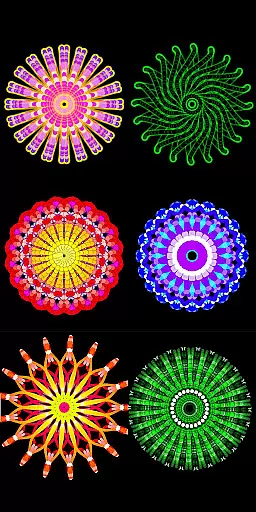
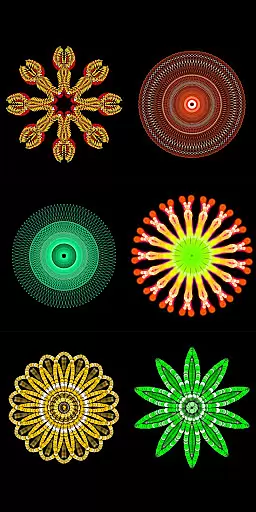
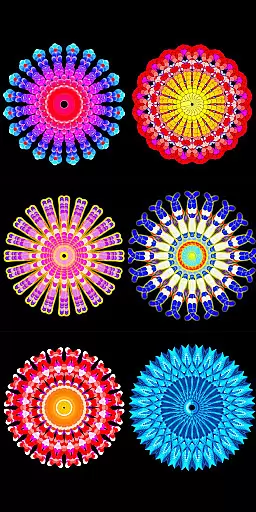
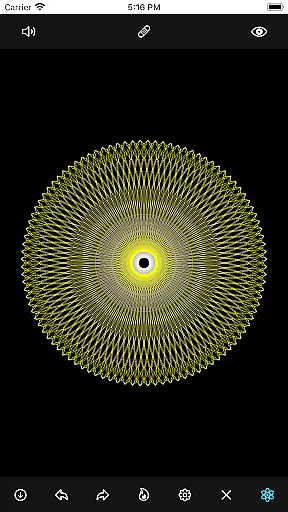
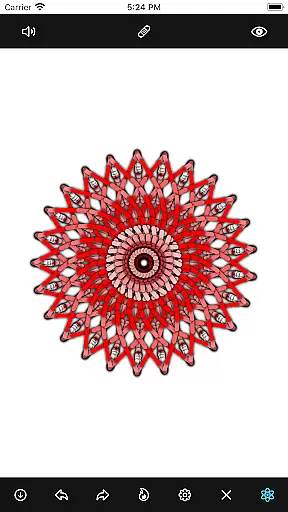
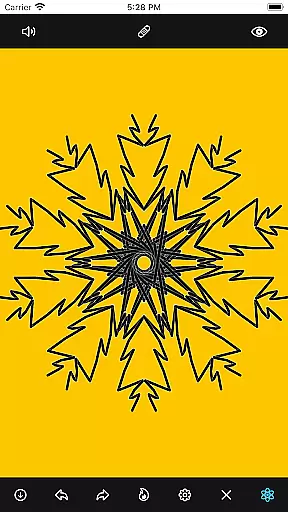
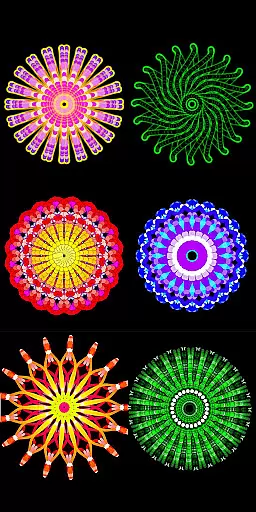
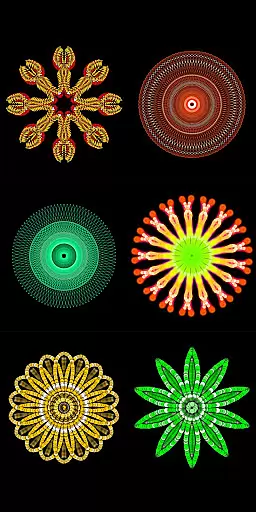
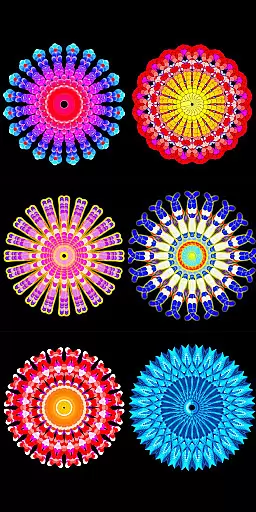
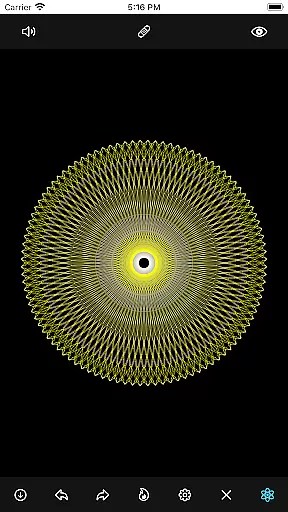
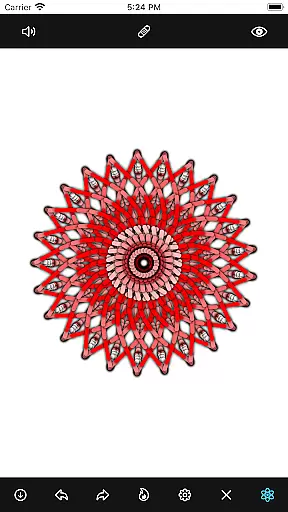
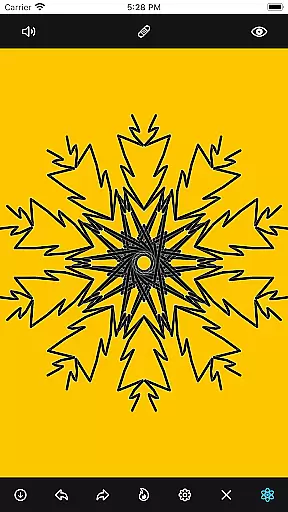
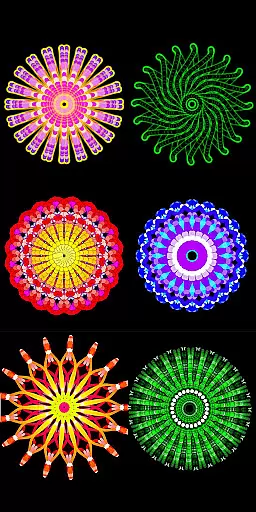
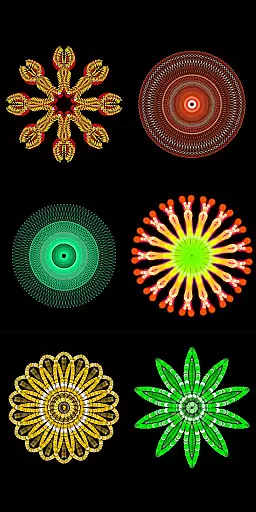
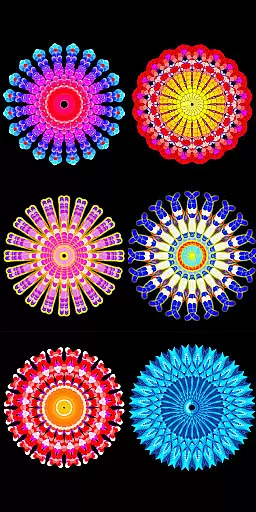
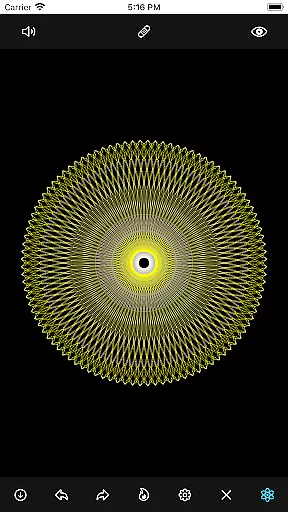
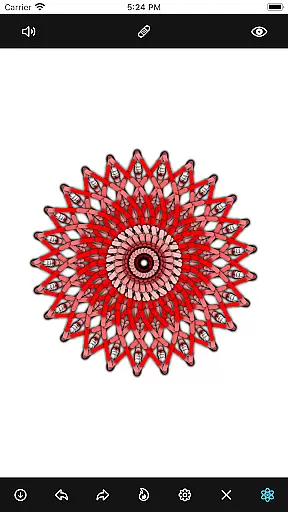
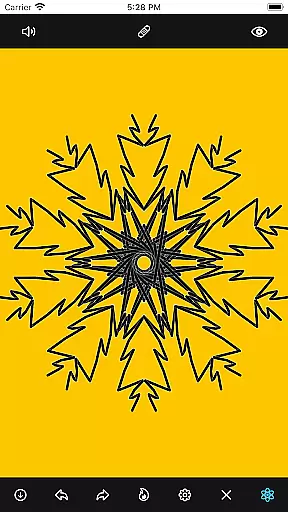
Mandala Maker 360 is a creative tool designed for both beginners and experienced artists to create stunning mandala drawings with ease. The app offers an intuitive interface that allows users to generate intricate designs in just a few steps.
With extensive customization options, users can modify canvas symmetry, background color, brush settings, and even apply shadows. The inclusion of predefined patterns and over 50 images provides additional creative freedom, making it a versatile choice for anyone interested in digital art.
Whether you're looking to create professional artwork or simply enjoy a relaxing creative session, Mandala Maker 360 delivers the tools you need to bring your artistic vision to life.
The app boasts a comprehensive set of features that cater to every aspect of mandala creation. Canvas Customization allows users to change the background color, adjust the canvas center, enable touch-based centering, and utilize canvas mirroring for symmetrical designs.
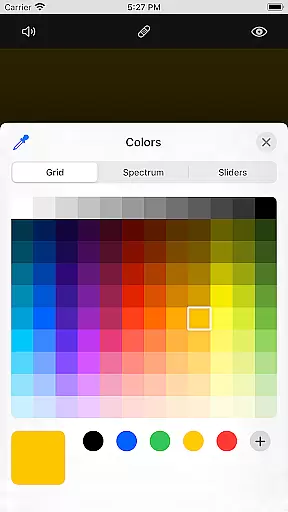
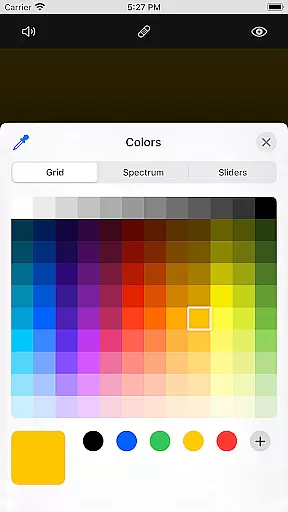
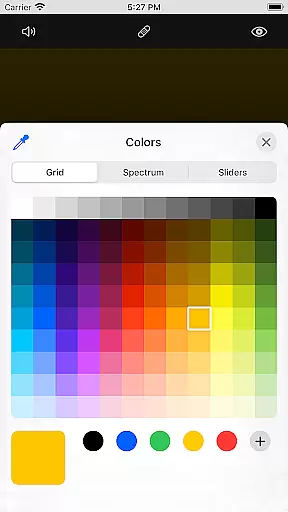
Brush Customization offers multiple brush styles, diverse color options including random selection, and adjustable brush sizes and types. This ensures each stroke can be tailored to the artist's preference.
Image Customization includes over 50 images that can be resized and dimensioned to fit your design. Shadow Properties let users apply randomized shadows with adjustable sizes and colors, adding depth to their creations.
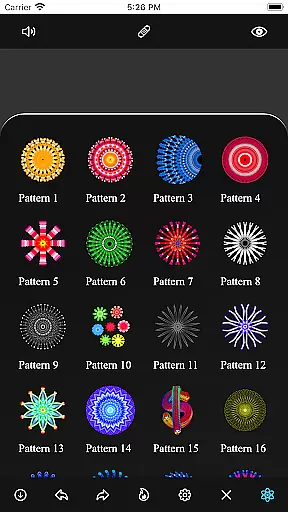
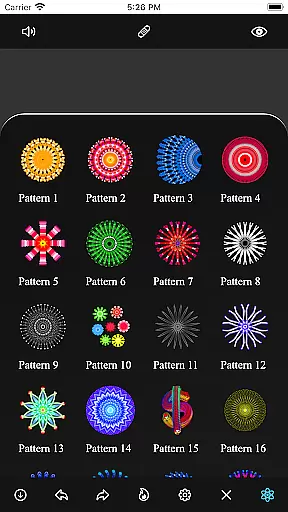
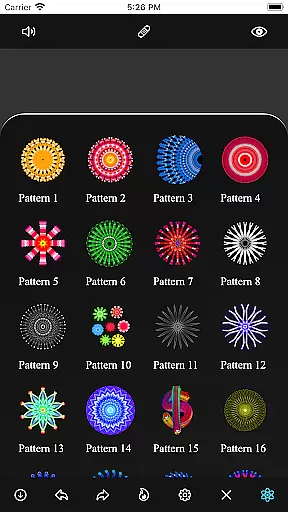
Additionally, the Patterns feature provides a selection of predefined patterns, offering multiple drawing options to inspire creativity and enhance design possibilities.
Mandala Maker 360 offers an extensive suite of creative tools that cater to both beginners and advanced artists. The application provides a rich set of features including canvas customization, where users can modify the background color, adjust the canvas center, and apply mirroring effects.
Brush customization is another highlight, allowing users to choose from multiple brush styles, select different color types, and adjust brush sizes and types. This flexibility ensures that each mandala drawing can be as unique and intricate as the user desires.
In addition to brush and canvas options, the app includes shadow properties for adding depth to your artwork. Users can apply random shadows and select from various shadow sizes and colors, enhancing the visual appeal of their mandalas.
The app excels in canvas and format flexibility, providing users with the ability to change the canvas symmetry and center at the touch. This feature allows for dynamic and precise control over the mandala creation process.
Users can also import images to incorporate into their mandala drawings, with over 50 images available for selection. Each image's size and dimensions are adjustable, offering further personalization options.
Moreover, Mandala Maker 360 includes predefined patterns which serve as excellent starting points or additions to custom designs. With multiple patterns to choose from, users can quickly begin creating complex and beautiful mandalas.
User-friendly interface
Extensive customization
Variety of brushes
Predefined patterns
Shadow effects
Limited free features
In-app purchases
Occasional bugs
Ads present
Learning curve

The ultimate tool for creating animations
 4.60
4.60
Sketch, trace and master AR drawing with awesome anime art!
3.30
Custom Character Creator & PFP Maker!
4.20
Convert image to JPG PNG HEIC PDF, support almost all kinds of image formats
4.70
Make your phone cooler and have a fantastic experience
4.80
Turn your drawings into flipbook-style animations with simple creative tools
4.60
Create amazing pictures and unleash your creative genius with AR Drawing Sketch
4.40
How to draw anime step by step for beginner easily by AR drawing sketch & paint.
3.60
Multiplayer Drawing game, Coloring, Painting・Sketch, Handwriting・Paint, draw
4.30
Create stunning art with AI.
4.80
Mobile pixel art editor. Simple. Fast. Portable.
4.80
Create neon drawing with magic doodle and fun doodle art effects!
4.50
Everything you need to create hand drawn animation, anywhere you go!
4.40
OneUI 8.5 icons ✨ Smooth, modern & based on the latest Play Store design ??
4.10
Floor Plan Creator lets you create, edit and share floor plans.
4.00
Create trending AI photos & videos with powerful effects and 3D styles.
3.20
Art of Combination Wear OS Watch faces (for Wear OS 5+ devices)
3.00
Transform photos into amazing monochrome dither art with professional algorithms
4.4
Art of Combination Wear OS Watch faces
4.4


User Reviews