
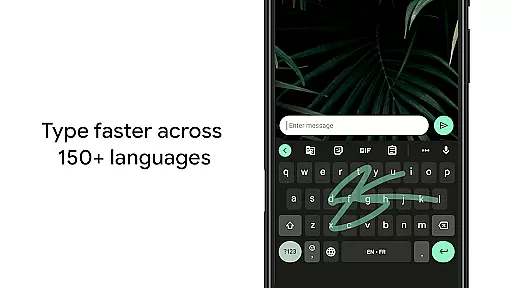
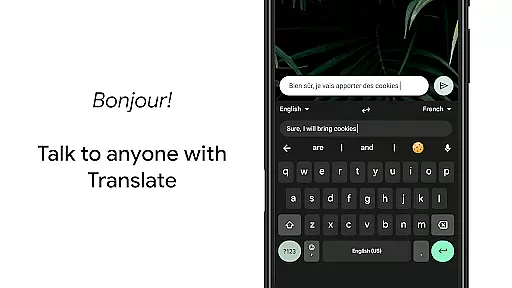
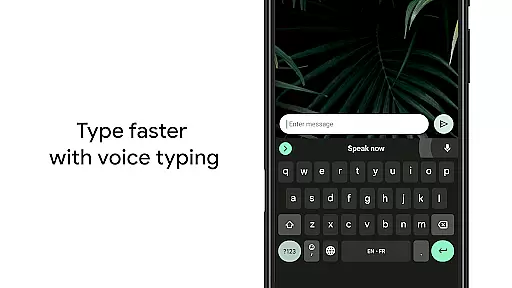
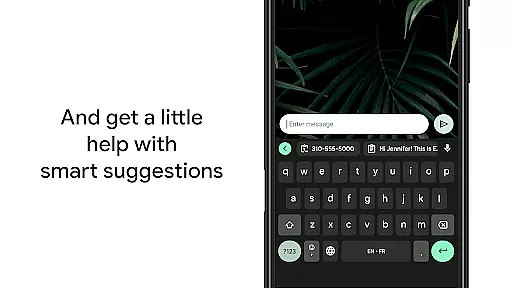
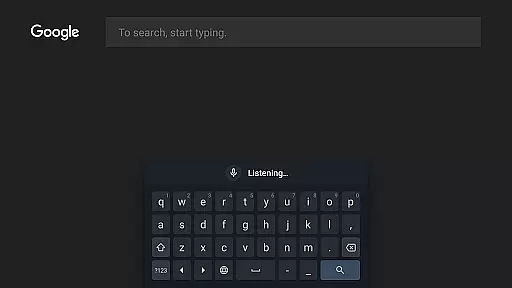
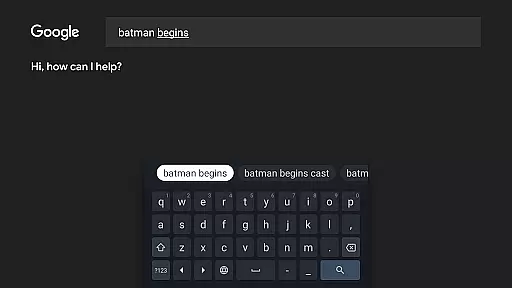
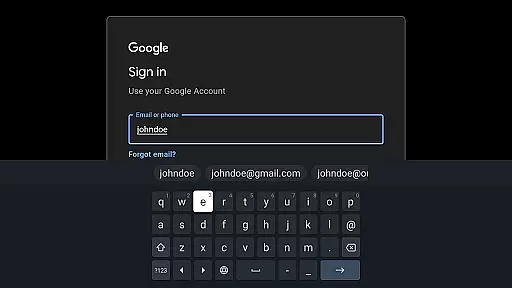
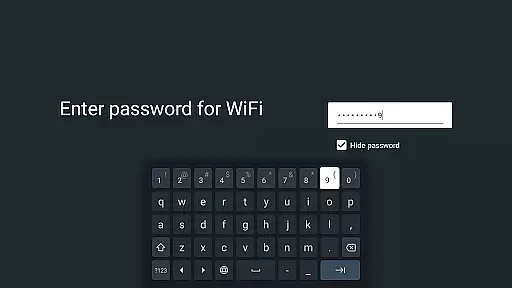
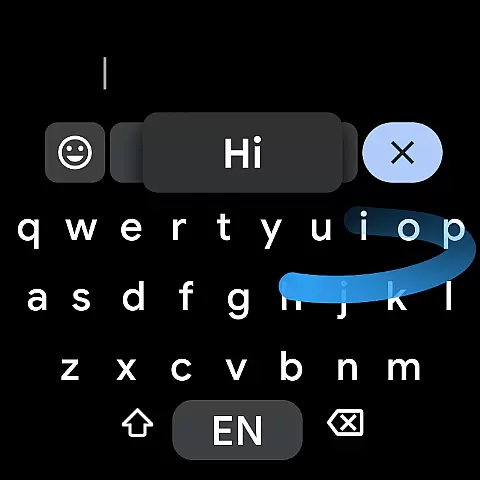
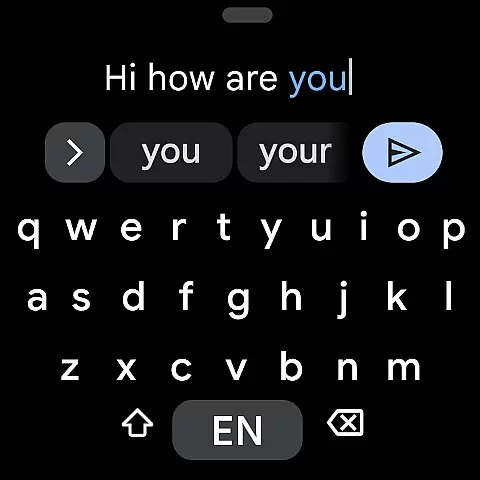
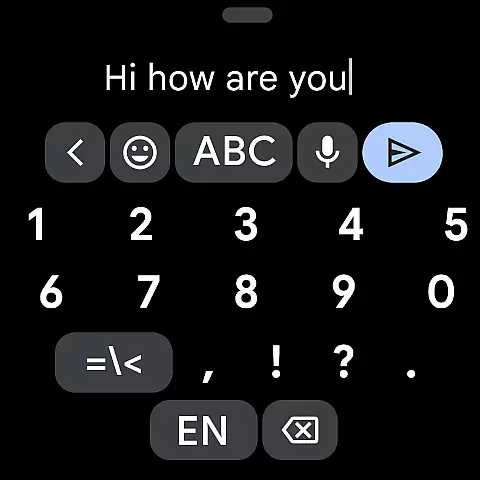
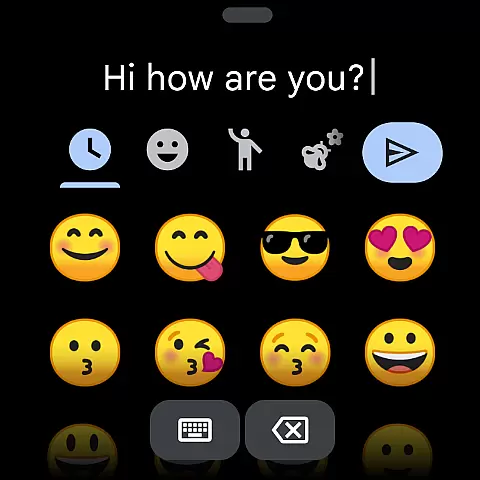
Gboard is a versatile keyboard application designed specifically for Android devices, including Wear OS. It combines speed and reliability with innovative typing features that enhance user experience. The app supports Glide Typing, allowing users to type faster by sliding their finger across the keyboard, as well as voice typing for hands-free text input. Additionally, Gboard offers handwriting recognition, multilingual typing, and built-in Google Translate functionality.
One of the standout features of Gboard is its extensive language support, covering hundreds of language varieties from Afrikaans to Zulu. This makes it an ideal choice for users who communicate in multiple languages or need specialized language options. Whether you're typing on a smartphone or smartwatch, Gboard provides a seamless and efficient typing experience that adapts to various contexts and preferences.
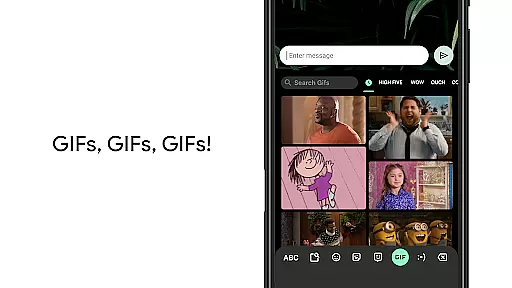
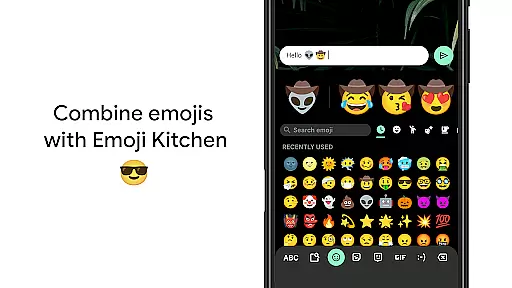
Gboard stands out with its comprehensive feature set tailored for both productivity and convenience. The Glide Typing feature lets users type quickly by swiping across letters, while voice typing enables effortless dictation. Handwriting recognition supports cursive and printed text, catering to users who prefer this input method. The app also includes advanced functionalities like emoji search, GIF sharing, and built-in Google Translate, which allows real-time translation as you type.
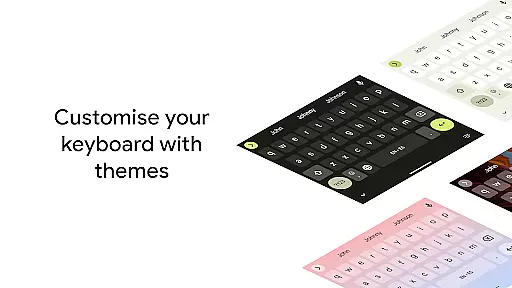
For multilingual users, Gboard's autocorrect and suggestion engine works across multiple enabled languages without requiring manual switching. The app supports a wide range of languages, including less common ones, making it highly inclusive. Additional usability features include gesture-based cursor control, quick deletion, one-handed mode for larger screens, customizable themes, and optional number rows. These thoughtful design elements ensure that Gboard remains adaptable to different user needs and device types.
Gboard offers seamless companion app integration, ensuring that your typing experience is consistent across all devices. By syncing with the main Google Keyboard application, users can access their personalized settings, language preferences, and typing history on their Wear OS devices.
The synchronization process is automatic and real-time, allowing users to start typing on one device and continue on another without missing a beat. This feature is particularly useful for individuals who frequently switch between their smartphones, tablets, and smartwatches throughout the day.
With Gboard's companion app integration, users benefit from a unified typing experience that enhances productivity and convenience. Whether you're responding to messages on your watch or drafting emails on your phone, Gboard ensures that your input method remains intuitive and efficient.
Gboard is meticulously designed to ensure maximum compatibility with Wear OS devices and other Android platforms. The keyboard layout adapts dynamically to fit various screen sizes and resolutions, providing an optimal typing experience regardless of the device being used.
In addition to supporting standard touch input, Gboard also incorporates innovative features like gesture cursor control and one-handed mode, which are especially beneficial for smartwatch users. These functionalities allow for precise text editing and comfortable typing even on smaller screens.
By prioritizing Wear OS and device compatibility, Gboard guarantees that users can enjoy a smooth and responsive typing experience across all their devices. This commitment to cross-device functionality makes Gboard an indispensable tool for anyone relying on multiple gadgets in their daily routine.
Fast and reliable typing experience
Extensive multilingual support
Innovative Glide Typing feature
Built-in Google Translate functionality
Customizable interface options
Limited features on Android Go devices
Some advanced options require configuration
Occasional voice recognition errors
Handwriting recognition may need improvement
Feature overload for basic users

Christmas - Festive - Christmas Village - Winter - Christmas lights
 5.00
5.00
Christmas and New Year - Themed Watchface
4.4
Embrace the festive spirit with our Christmas Countdown watchface for Wear OS
4.10
Connect to your Bluelink equipped Hyundai vehicle from your smartphone.
4.50
Bold weather Digital watchface with forecast & optional animated background
4.40
Minimalistic design modern digital watch face.
4.2
Start and succeed with PAP
4.10
From periods to pregnancy & perimenopause, Flo helps you track it all. Try now.
4.70
Toyota app currently supports 2010 or newer vehicles (2018 or newer for Hawaii).
4.50
The most customizable minimal watch face. For Wear OS 5.0, API 34+ and later
4.70
Retro digital watch face with customizable colors and a unique lighting effect
4.60
A realistic hybrid watch face with many customization options.
4.60
Premium hybrid watch face with many customizations for Wear OS devices.
4.40
Watch face for Wear OS.
4.20
Animated video-game inspired “secret agent” simulation, right on your wrist!
4.20
Wear Os Watch Face - Animated Snow Effect & Magic Spark - 6 Scenes
4.10
Analog watch face with 8 complications and expedition styling
4.0
A watch face that fuses motorsport precision with contemporary smartwatch design
4.4
Hybrid Vibrant Health Watch Face for Wear OS
4.2


User Reviews