
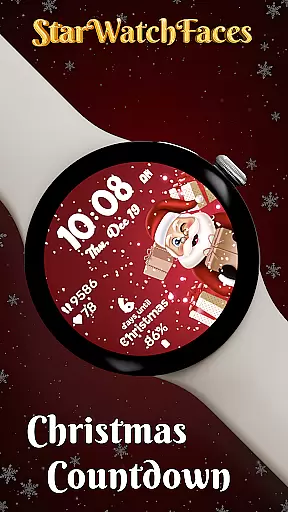
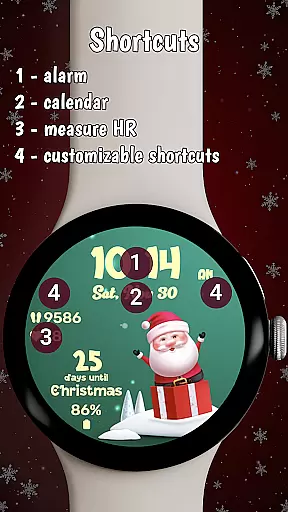


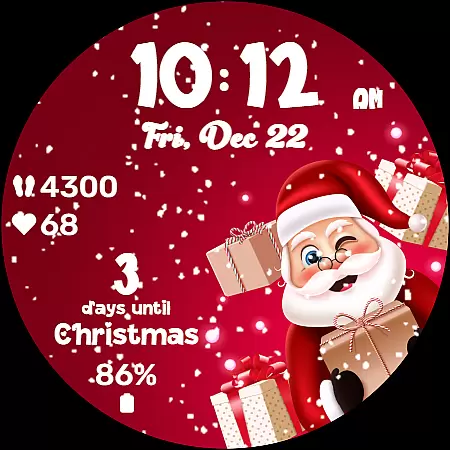
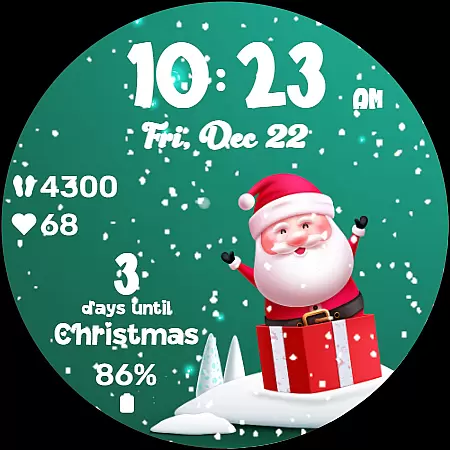
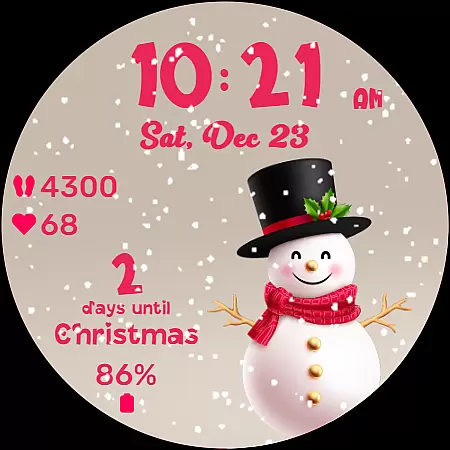
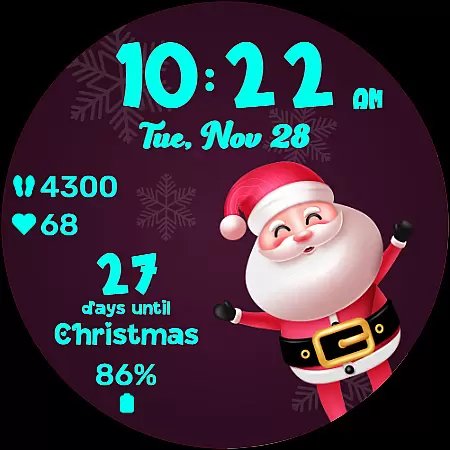
Christmas Countdown is a festive watchface for Wear OS, designed to bring holiday cheer directly to your wrist. This unique app combines the excitement of the Christmas season with advanced customization options, making it much more than just a timepiece. Users can enjoy a delightful countdown to Christmas Day while personalizing their watchface with enchanting background images and color themes.
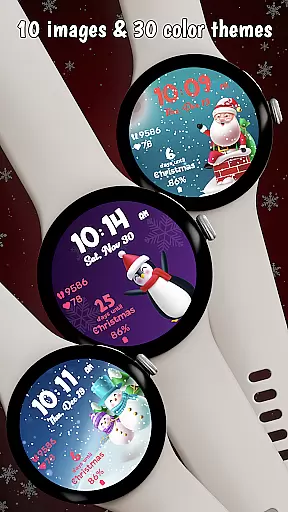
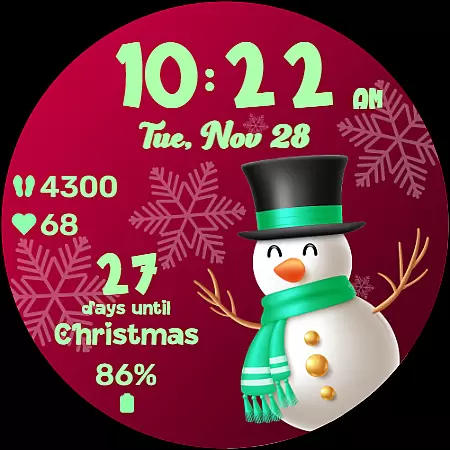
The watchface features a collection of 10 charming background images, each showcasing a cute holiday character like Santa or a snowman. Additionally, users can choose from 30 different color themes to match their holiday mood. The centerpiece of the app is the Christmas Countdown feature, which provides a daily reminder of the approaching festivities, ensuring that the holiday spirit remains alive with every glance at your wrist.
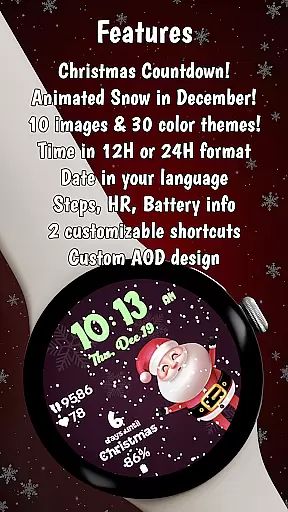
Beyond its seasonal charm, Christmas Countdown also offers practical utility by displaying key statistics such as heart rate, steps taken, and battery life. With two customizable shortcuts, users have immediate access to their most-used apps without disrupting the festive facade. Whether you're tracking wellness or simply soaking in the holiday atmosphere, this watchface ensures that convenience and festivity go hand-in-hand throughout the season.
Christmas Countdown stands out with its rich array of features tailored for the holiday season. One of the main attractions is the ability to customize nearly every aspect of the watchface. Users can select from 10 enchanting background images featuring beloved holiday characters, creating a miniature gallery of festive cheer on their wrists. Each image adds a layer of warmth and charm, setting the perfect scene for a joyous countdown to Christmas.
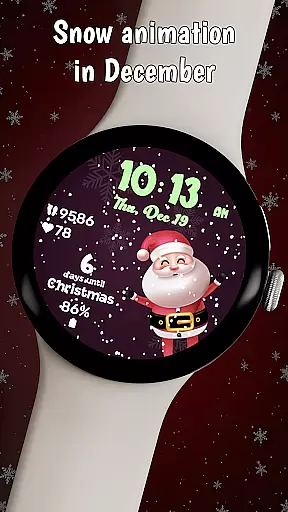
In addition to the captivating backgrounds, the app offers 30 different color themes, allowing users to tailor the clock, date, stats, and countdown to their preferred holiday palette. Whether you're in the mood for snowy whites or vibrant holly reds, the customization options ensure that your watchface reflects your unique holiday spirit. The magical snow animation further enhances the experience, gently blanketing the screen to create a winter wonderland effect, but only during December to heighten the anticipation.
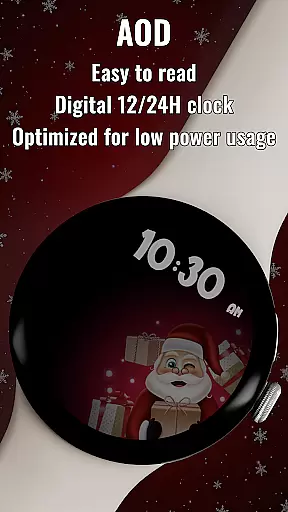
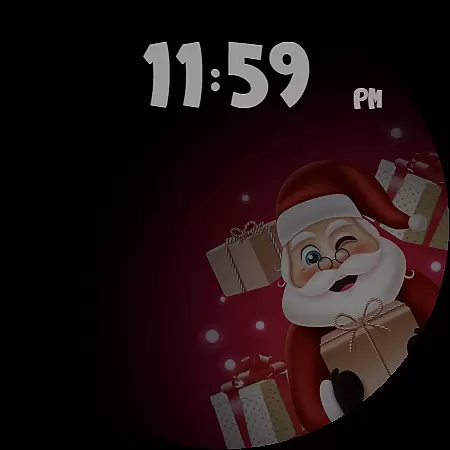
Practicality meets festivity with the inclusion of essential statistics such as heart rate, step count, and battery life, keeping users informed about their wellness even amidst the holiday hustle. The always-on display (AOD) mode is optimized for low power consumption, ensuring that the time and selected color theme persist without draining the battery. These thoughtful features combine to deliver an engaging, personalized experience that keeps the merry momentum going day after day.
Companion app integration is crucial for wearable devices as it enhances functionality and user experience. The Christmas Countdown watchface demonstrates excellent companion app integration by allowing users to customize various aspects of the watchface through their smartphones.
This seamless connection between the watchface and its companion app enables users to explore a wide range of customization options. From changing background images to selecting color themes, the app provides an intuitive interface that makes personalization effortless and enjoyable.
By leveraging the companion app, users can also discover additional watchfaces crafted by the same developers. This not only expands the user's choice but also ensures a consistent quality and style across different watchfaces, enhancing the overall aesthetic and utility of their wearable device.
The integration extends beyond mere aesthetics; it includes practical features like customizable shortcuts. Users can set up quick access to frequently used apps directly from the watchface, streamlining daily tasks and improving efficiency. This level of integration significantly boosts the usability and appeal of the Christmas Countdown watchface.
Ensuring compatibility with Wear OS and various devices is essential for any wearable application. The Christmas Countdown watchface excels in this area by providing a seamless experience across multiple devices running on Wear OS.
This compatibility allows users to enjoy a consistent and high-quality experience regardless of their specific device model. Whether using a smartwatch from a leading brand or a lesser-known manufacturer, the watchface maintains its functionality and visual appeal.
Beyond basic compatibility, the watchface is optimized for always-on display (AOD) mode. This feature ensures that even when the device is in power-saving mode, essential information such as time and selected color themes remain visible, maintaining both utility and aesthetics without draining the battery excessively.
Furthermore, the watchface supports key statistics like heart rate, steps taken, and battery life, which are displayed in the user's preferred language. This attention to detail in device compatibility ensures that users receive a comprehensive and localized experience, making the Christmas Countdown watchface a reliable and engaging choice for the holiday season.
Festive design
Customizable themes
Engaging countdown
Useful health stats
Optimized AOD mode
Limited to Wear OS
Snow animation in Dec
Premium purchase req
Complex setup process
High battery usage

Wear Os Watch Face - Animated Snow Effect & Christmas Lights
 4.1
4.1
Contemporary digital watch face with five complications
4.2
Nutrition, Macro tracker: Food, fitness & healthy diet tracking for weight loss
4.60
Locate your family members by GPS phone location tracker everywhere and anytime
4.30
The #1 source of faces for your smartwatch!
4.00
The Chevron App allows you to pay for fuel from the comfort of your car!
4.80
Real-time weather radar with temperatures, warnings, hurricanes, and widgets
4.80
Stylish, Energizing and Modern Watch Face crafted by Dominus Mathias.
4.50
Back up your contacts & access them anywhere
4.30
Digital, flexibly customizable watch face. For Wear OS 5.0, API 34+ and later.
5.00
Rose gold watch face with festive lights & customizable features.
4.60
Current temperature, weather hourly, weather radar by the weather forecast app
4.40
Digital watch face. For Wear OS devices.
4.40
Bold weather Digital watchface with forecast & optional animated background
4.40
A white realistic classic analog watch face with many customization options.
4.40
Find EV charging stations
4.30
A customizable Christmas watch face for Wear OS with a countdown.
4.20
Let's celebrate Thanksgiving - Wear Os watch face
4.20
Simple Analog-Digital Watchface For Wear OS 3.0 and Up Smartwatches
4.2


User Reviews