
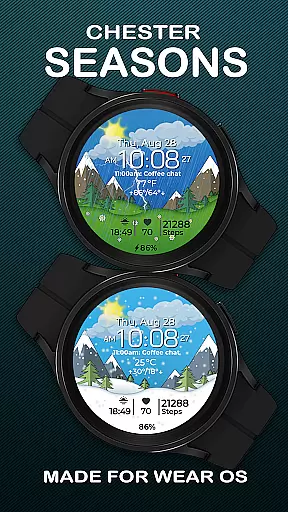
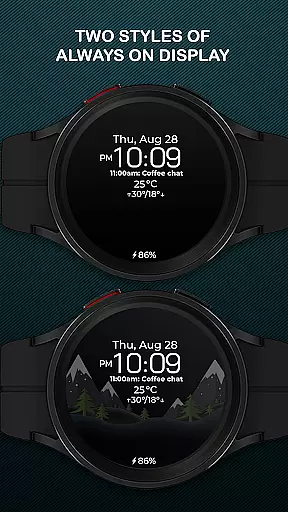
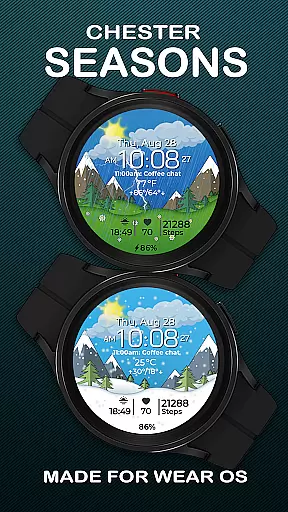
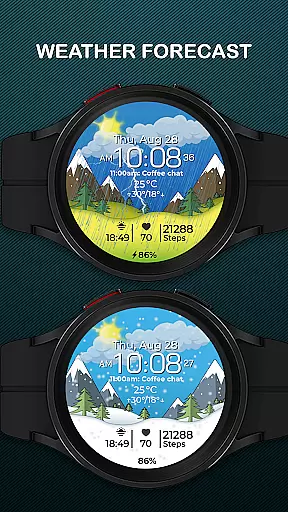
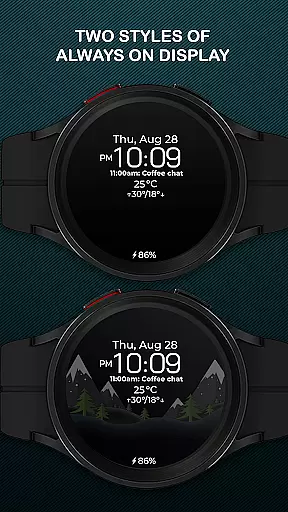
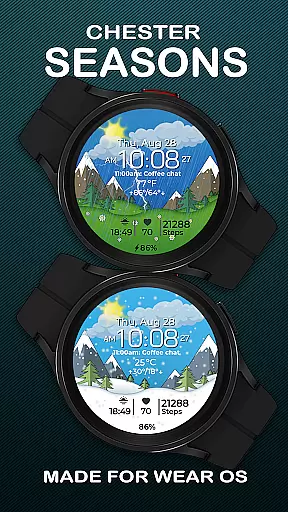
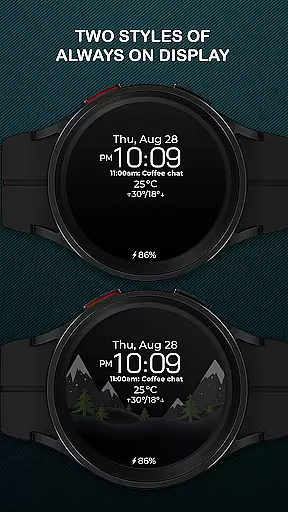
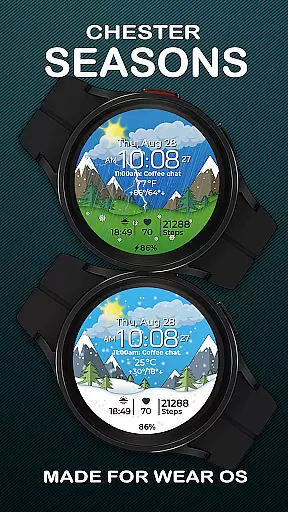
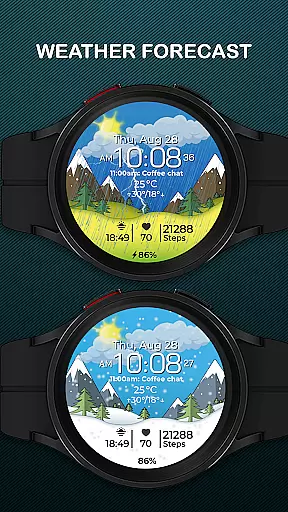
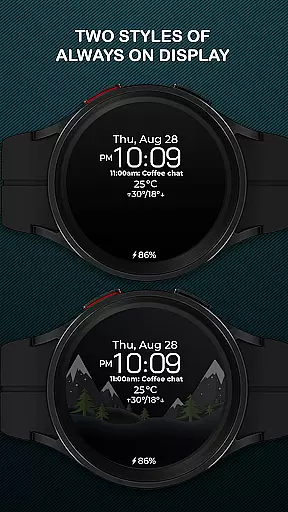
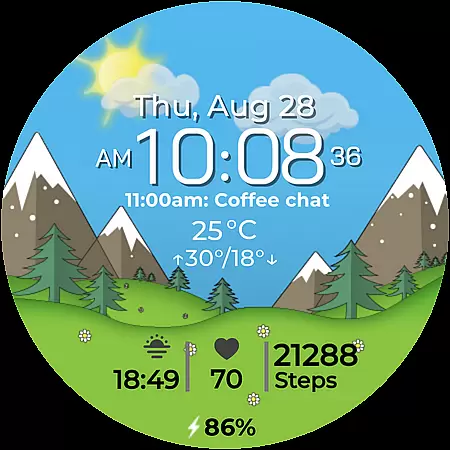
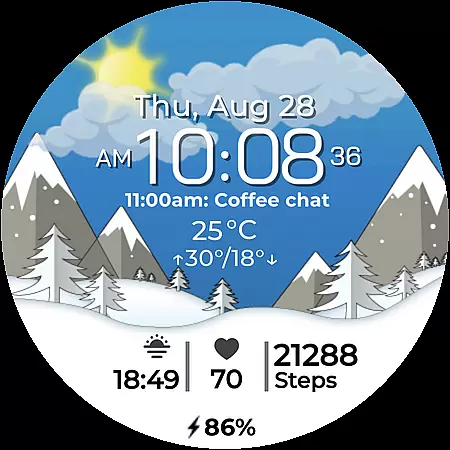
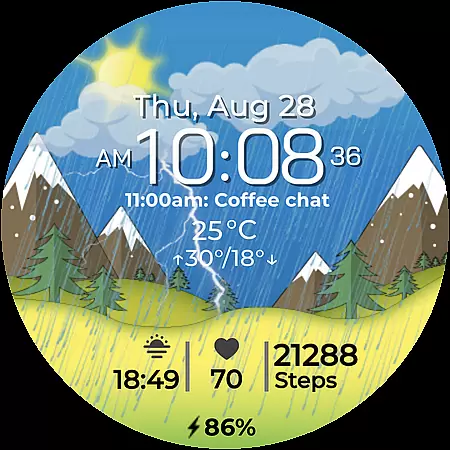
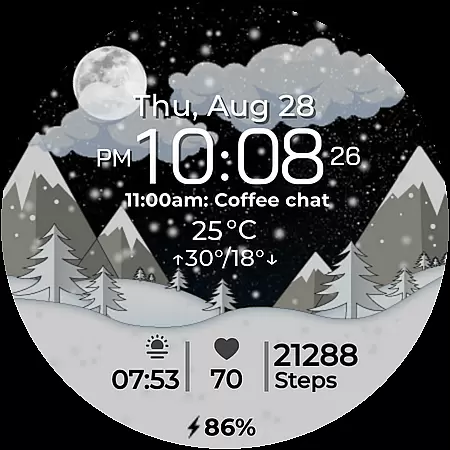
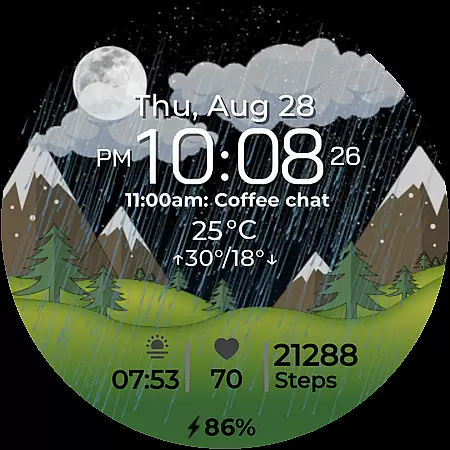
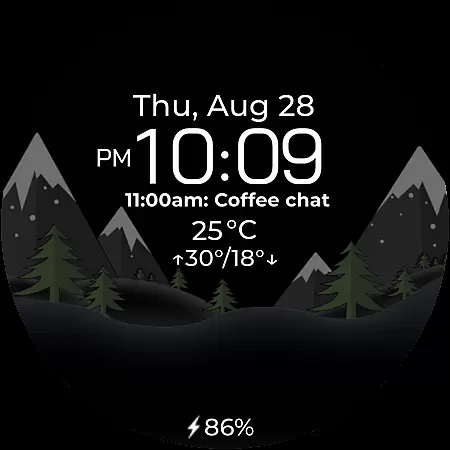
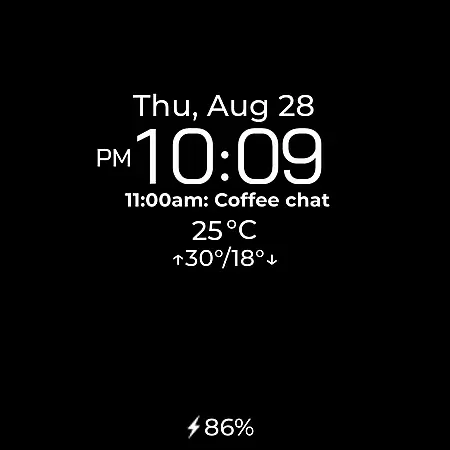
Chester Seasons is a sophisticated watch face for Wear OS devices, offering both aesthetic appeal and practical functionality. Designed for users who value more than just timekeeping, this app provides rich customization options, complications, and dynamic seasonal animations that bring your smartwatch to life.
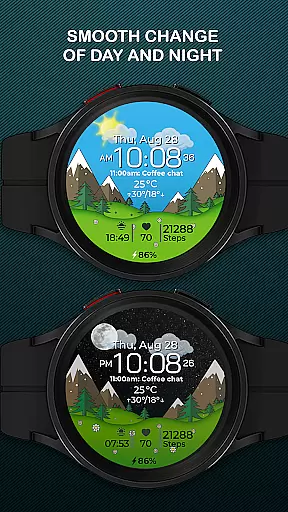
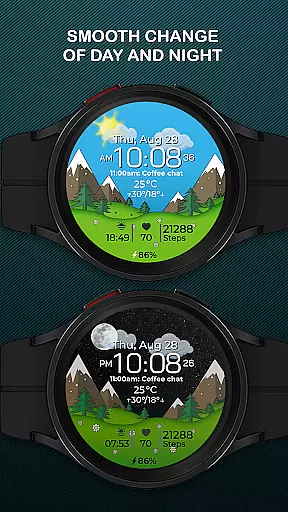
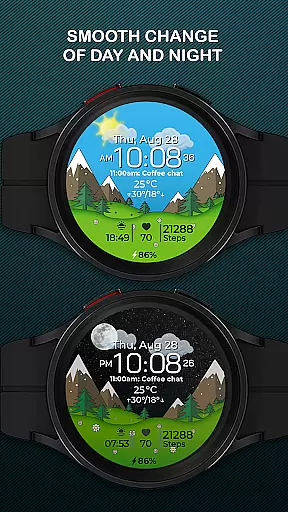
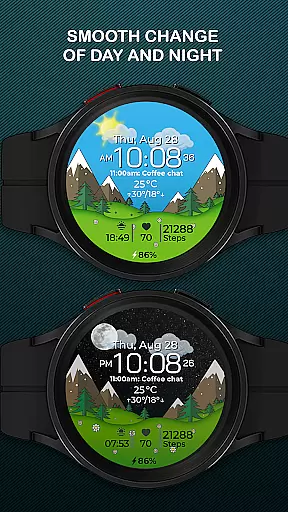
With features like battery level indicators, weather display, and interactive tap zones, Chester Seasons ensures you have all the essential information at your fingertips. The smooth day & night transitions, along with automatic seasonal changes, make it a truly adaptive accessory for your lifestyle.
This app is particularly suited for those using Wear OS API 30+ devices such as Google Pixel Watch and Samsung Galaxy Watch series. Whether you're an athlete tracking workouts or a professional needing quick access to apps, Chester Seasons enhances your smartwatch experience.
Chester Seasons stands out with its comprehensive feature set tailored for Wear OS users. The app offers a time, date, and weather display alongside battery level indicators, ensuring you're always informed. Its four customizable complications allow you to choose what information is most relevant to you.
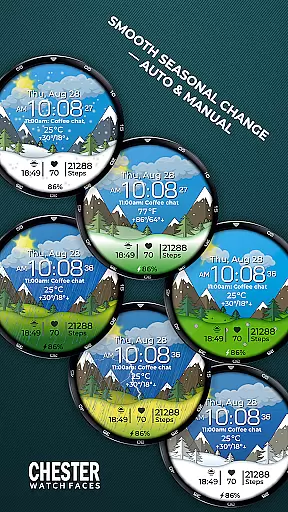
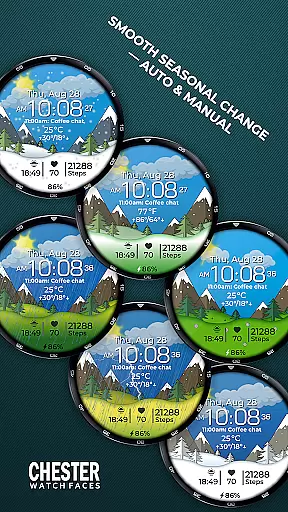
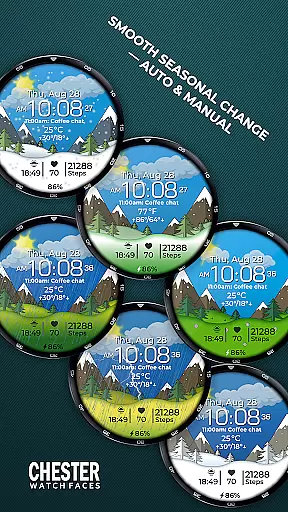
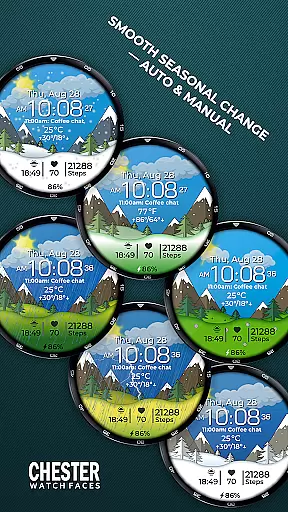
One of the key highlights is the smooth seasonal and day & night transitions, providing a visually pleasing experience that evolves with your environment. Users can also manually adjust seasonal settings, giving them control over the watch face's appearance.
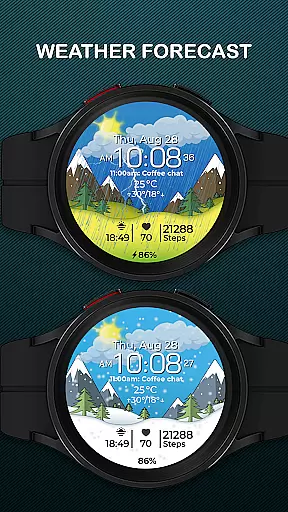
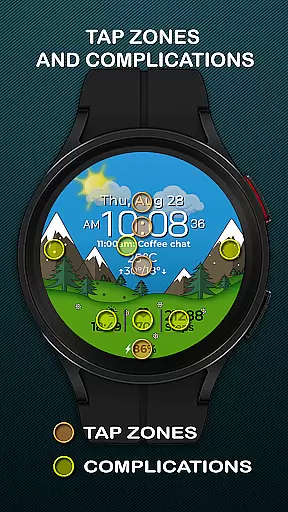
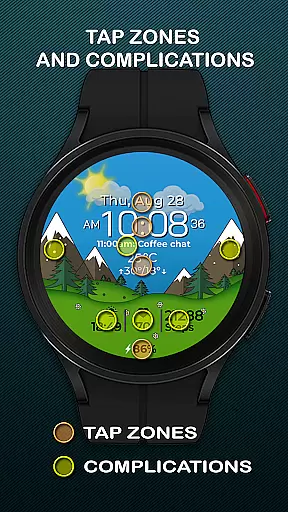
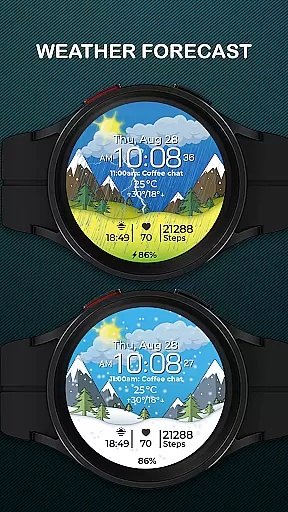
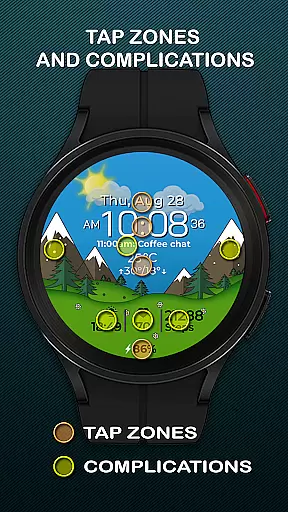
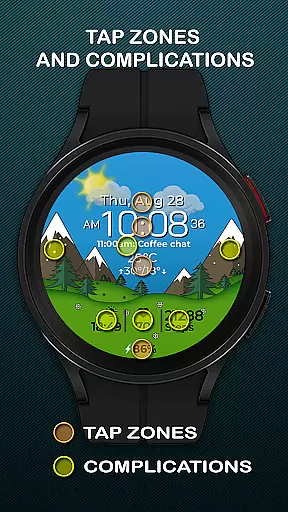
The app supports both Celsius and Fahrenheit temperature displays and includes max & min temperature indicators. With three quick access zones for apps and workouts, it caters to both fitness enthusiasts and everyday users looking for convenience and style on their wrist.
Companion app integration is essential for a seamless wearable experience. Chester Seasons watch face offers robust companion app support, ensuring that your Wear OS device works in harmony with your smartphone.
The watch face provides real-time synchronization of important data such as weather updates, battery levels, and calendar events through its companion app. This ensures that users always have access to the latest information directly on their wrist.
With interactive tap zones and quick access to apps and workouts, the integration extends beyond mere data syncing. Users can interact with their smartwatch in a meaningful way, launching frequently used apps or starting workouts without needing to reach for their phone.
This level of integration enhances the overall utility of the smartwatch, making it an indispensable tool for those who value both style and functionality in their wearable devices.
Device compatibility is crucial when selecting a watch face, and Chester Seasons excels in this area. Designed specifically for Wear OS API 30+ devices, this watch face supports popular models like Google Pixel Watch and Samsung Galaxy Watch series.
One key aspect of its compatibility is the ability to adapt to different screen shapes and sizes while maintaining optimal performance. However, it's worth noting that rectangular watches are not supported to preserve the intended visual experience.
The watch face takes full advantage of Wear OS features, including smooth day and night transitions, seasonal changes, and interactive elements. For devices running Wear OS API 34 and above, additional features like weather display and manual background changes become available.
This thoughtful approach to compatibility ensures that users across various Wear OS devices can enjoy a consistent and high-quality experience, making Chester Seasons a versatile choice for smartwatch enthusiasts.
Stylish design
Rich customization
Dynamic animations
Interactive features
Seasonal transitions
No rectangular support
Limited Wear OS API
Weather needs API 34
Manual season setting
Complication limit

A customizable Christmas watch face for Wear OS with a countdown.
 4.20
4.20
Watch the sharpness of the sky on your wrist..
3.70
Snowflake Rose Gold Watch Face - Digital, modern, & sleek with GYRO effect.
4.10
Christmas is near, let's count together the days left until Santa comes
4.1
Beautiful artistic animated digital watch face, with a customizable layout!
4.40
Simple Analog-Digital Watchface For Wear OS 3.0 and Up Smartwatches
4.3
Kia Access makes getting your vehicle information easier than ever
4.60
Real-time weather radar with temperatures, warnings, hurricanes, and widgets
4.80
Daily Weather forecast with 15 weather images for Day & Night plus Big Bold time
4.10
Digital, flexibly customizable watch face. For Wear OS 5.0, API 34+ and later.
5.00
The Chevron App allows you to pay for fuel from the comfort of your car!
4.80
Be an elegant and classy secret agent, with this carefully detailed watch face
4.70
A realistic hybrid watch face with many customization options.
4.60
Find EV charging stations
4.30
"PER27 Galaxy Digital" is a digital Wear OS watch face designed by PERSONA
4.10
sleep, alarm, snoring, stress, healing, focus, sound therapy, circadian rhythm
4.10
Wear Os Watch Face - Animated Snow Effect & Christmas Lights
4.5
Artistic Digital Watchface
4.5
Stylish digital watch face for Wear OS devices with customizable features
4.1


User Reviews