

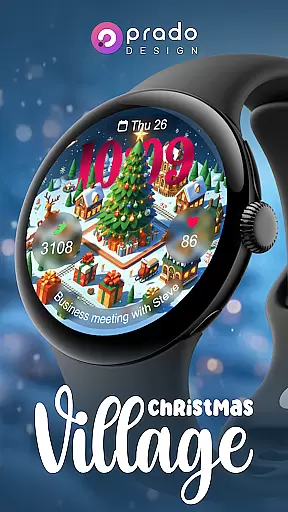
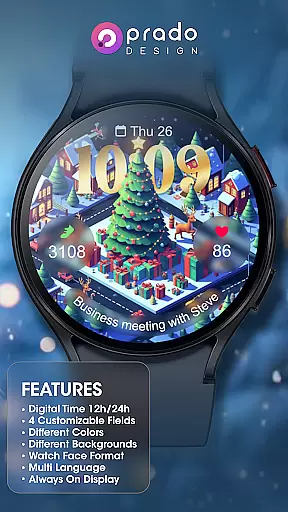
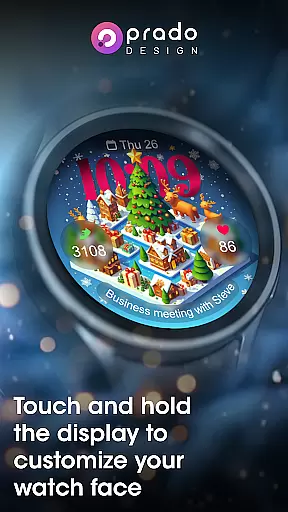
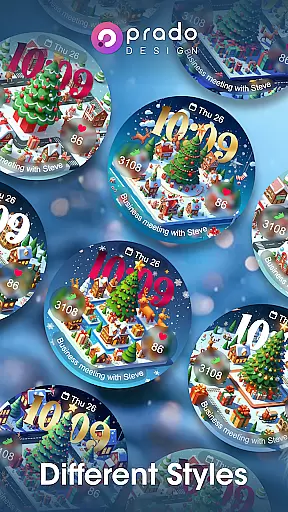

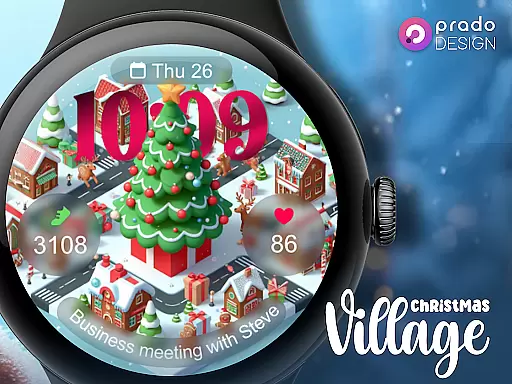
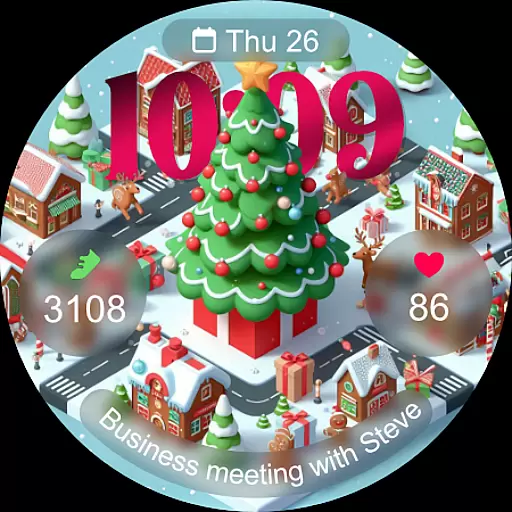
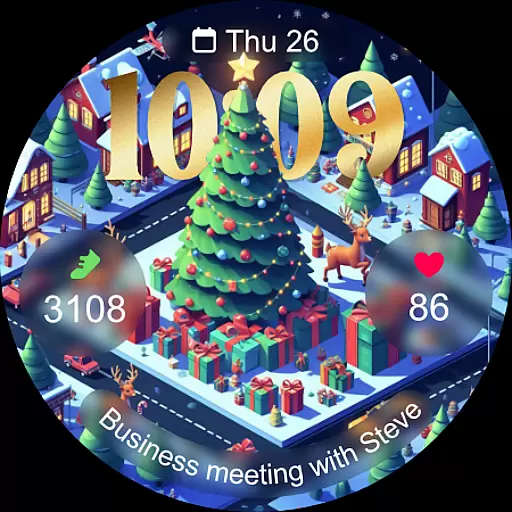
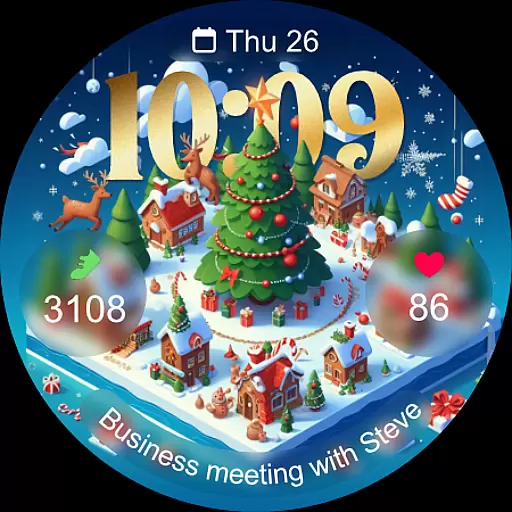
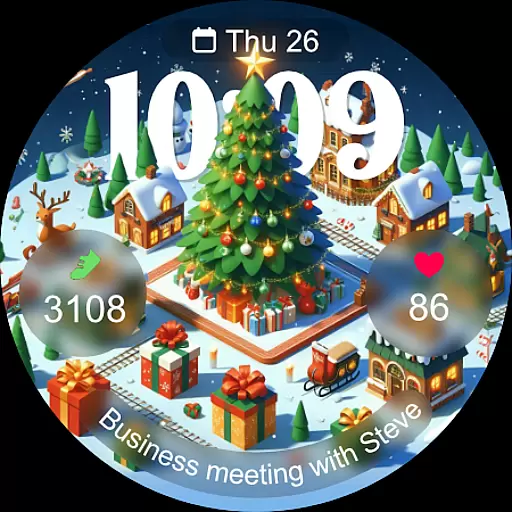
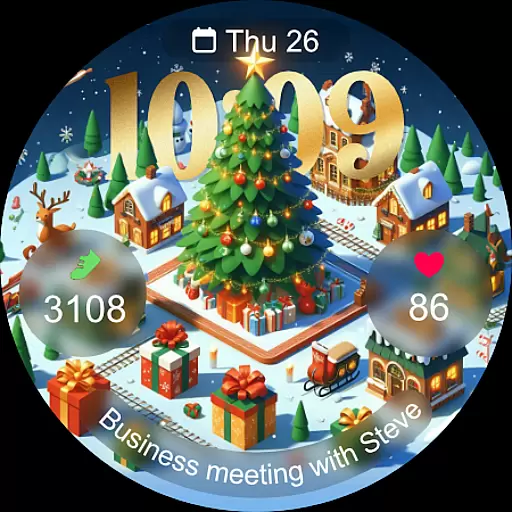
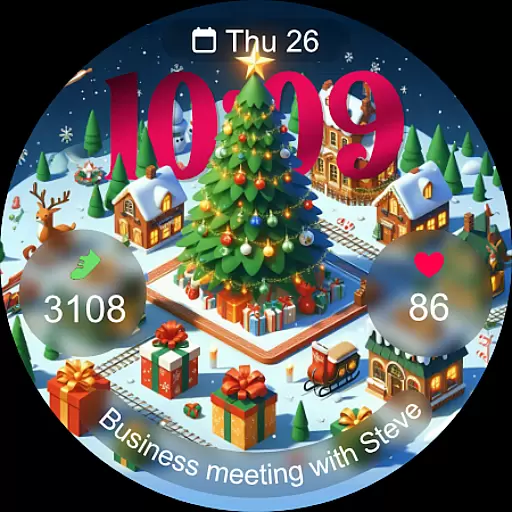
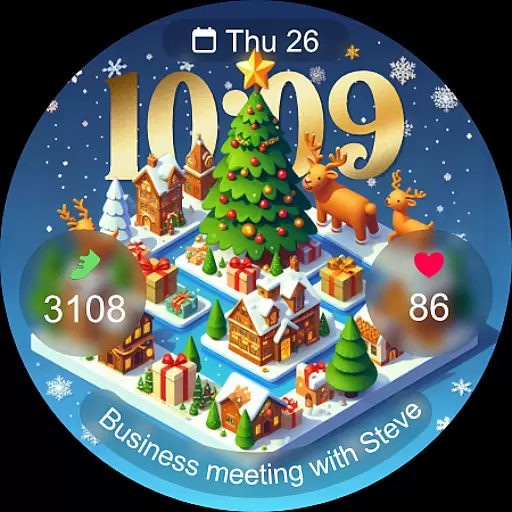
Christmas Village is a festive watch face app designed specifically for Wear OS devices, offering users a perfect way to celebrate the holiday season right on their smartwatch. The app provides a delightful Christmas-themed interface with customizable features that adapt to individual preferences.
Key functionalities include time display based on 12h/24h settings, four customizable fields, and support for different languages. Users can enjoy various color options, characters, and an always-on display feature. To ensure optimal performance, users are encouraged to manually enable necessary permissions for sensors and data complications.
This app is ideal for those looking to add a touch of holiday spirit to their wearable technology while maintaining practical utility through its customizable and functional features.
Christmas Village offers a rich set of features tailored for Wear OS users seeking a personalized and festive watch face experience. One notable aspect is its adaptability to user preferences through customizable fields and multiple language support, ensuring global accessibility.
The app supports both 12-hour and 24-hour time formats based on phone settings, providing flexibility in time display. With options for different colors and characters, users can tailor the appearance to match their style. Additionally, the always-on display feature ensures that the watch face remains visible at all times without excessive battery consumption.
To enhance functionality, users can integrate weather complications by setting up a preferred weather app. This requires enabling specific permissions for sensor access and complication data, allowing for a comprehensive and interactive watch face experience during the holiday season.
For Christmas Village, companion app integration is essential for maximizing the smartwatch experience. This feature ensures that your Wear OS device works seamlessly with your smartphone, allowing for real-time data synchronization.
The watch face relies on your phone's settings for features like time format (12h/24h) and weather complications. By connecting with recommended apps such as Weather Complications or SimpleWeather, you can enjoy accurate weather updates directly on your watch face.
Users benefit from this integration by having all their necessary information in one place. Whether it's customizing fields or setting up weather complications, the process becomes intuitive and efficient when managed through the companion app.
This seamless connection between devices not only enhances functionality but also simplifies user interaction, making it easier to stay updated with new watch faces and promotions via the newsletter.
Compatibility with Wear OS devices is a cornerstone of Christmas Village's design. This feature guarantees that the watch face operates smoothly across various devices running on Wear OS, ensuring broad accessibility during the holiday season.
To address potential compatibility issues, users are advised to visit the Play Store via a browser if they encounter any device-related messages. This step helps verify device specifications and confirms whether the watch face will function correctly.
By focusing on Wear OS compatibility, Christmas Village offers an optimized experience tailored specifically for these devices. Users can take advantage of customizable fields, different colors, and characters without worrying about technical limitations.
Ultimately, this focus on compatibility ensures that everyone can enjoy a festive touch on their smartwatches, regardless of which Wear OS device they own, enhancing both aesthetics and functionality during the Christmas season.
Perfect for holidays
Fully customizable
Always-on display
Multi-language support
Vibrant design options
Wear OS only
Weather setup needed
Limited compatibility
No iOS support
Manual permissions

Walking app for weight loss: walk & step tracker, pedometer, indoor treadmill
 4.60
4.60
Christmas and New Year - Themed Watchface
4.5
MyNISSAN® lets you remotely control your car from your phone.*
4.50
A watch face that fuses motorsport precision with contemporary smartwatch design
4.0
Stylish digital watch face for Wear OS devices with customizable features
4.2
sleep, alarm, snoring, stress, healing, focus, sound therapy, circadian rhythm
4.10
Get helpful reminders, take progress photos and find answers to your questions.
3.90
Animated video-game inspired “secret agent” simulation, right on your wrist!
4.20
Your music, your playlists, and more—offline and unlimited.
4.20
Gym Log & Workout Tracker | Fitness Journal, Training & Weight Lifting Planner
4.90
Hyperlocal rain alerts by MyRadar using patent-pending technology, radar & more
4.80
Be an elegant and classy secret agent, with this carefully detailed watch face
4.70
Rose gold watch face with festive lights & customizable features.
4.60
Premium hybrid watch face with many customizations for Wear OS devices.
4.40
The #1 source of faces for your smartwatch!
4.00
Hyper-Realistic Airplane Dashboard Watch Face With 10 Skins and Custom AOD
4.00
Animated Watch Face and Customizable with 24 Backgrounds. Perfect for Christmas!
3.90
Your local weather forecast, storm tracker, radar maps & live weather news
3.40
Analog watch face with 8 complications and expedition styling
4.2


User Reviews