
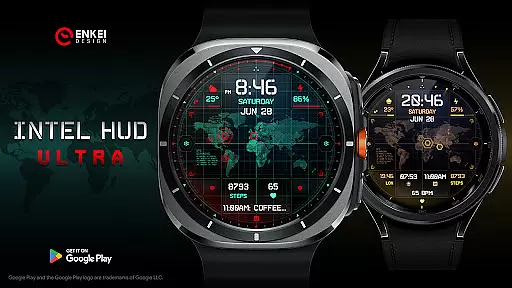
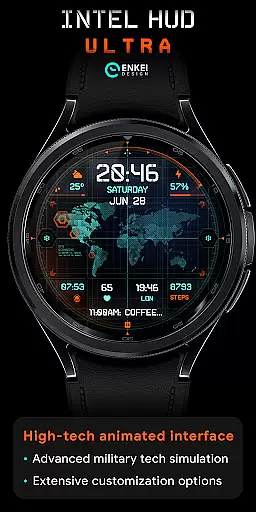
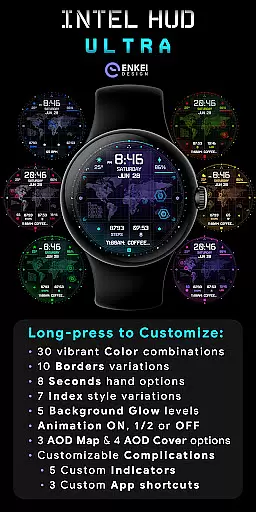
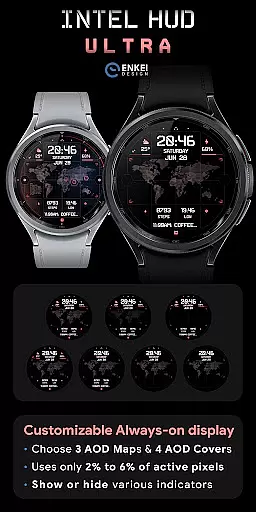
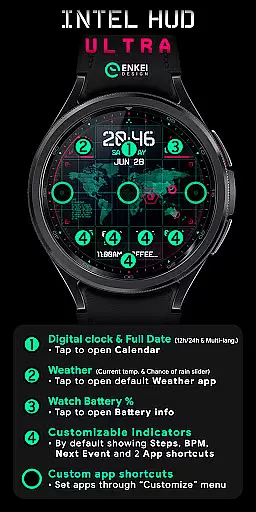
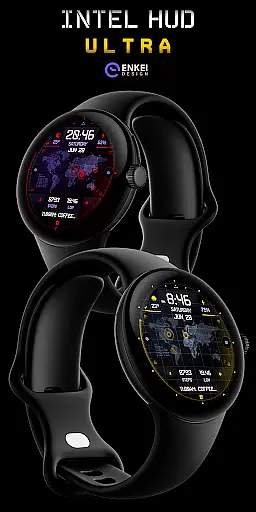
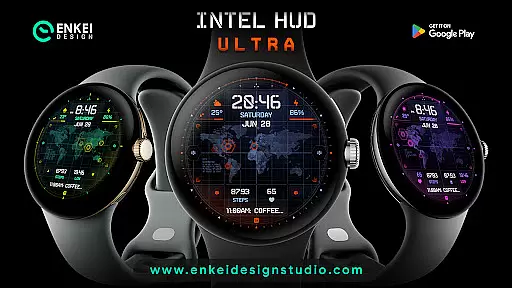
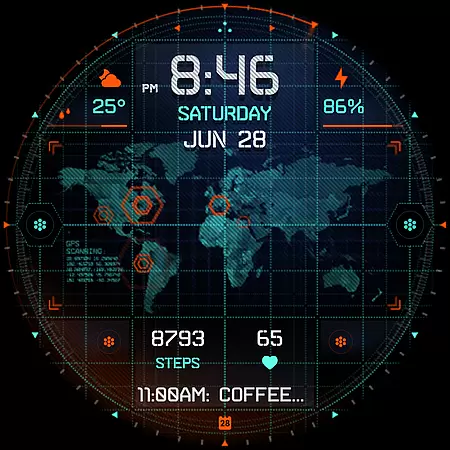
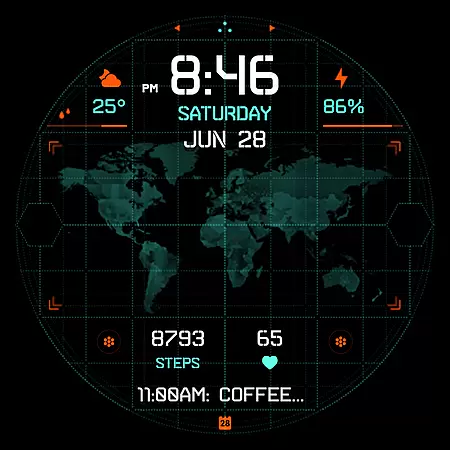
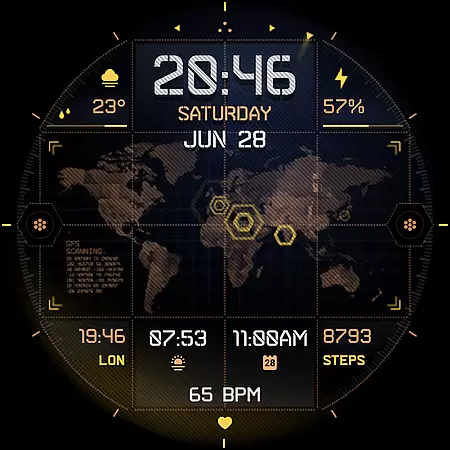
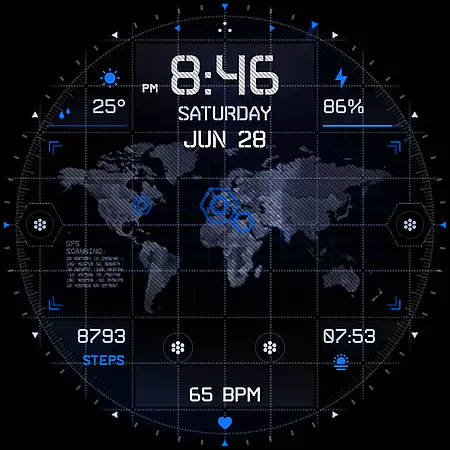
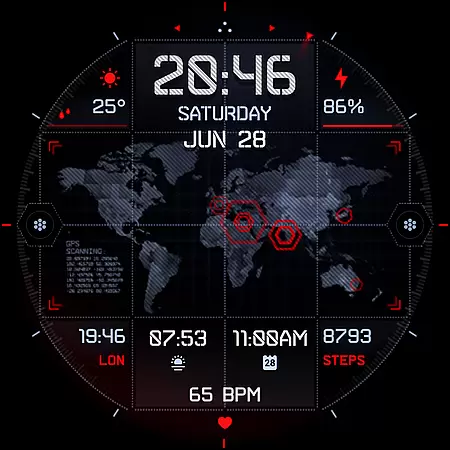
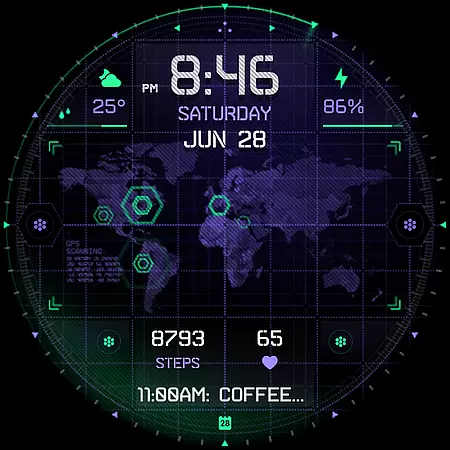
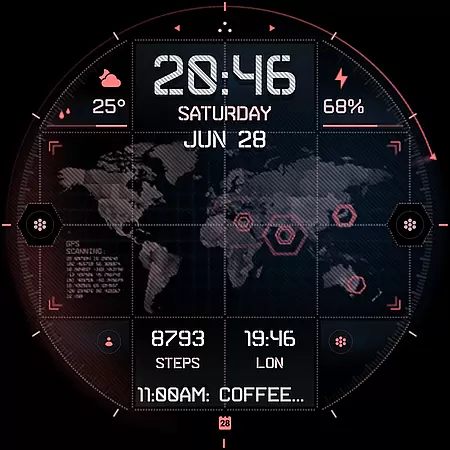
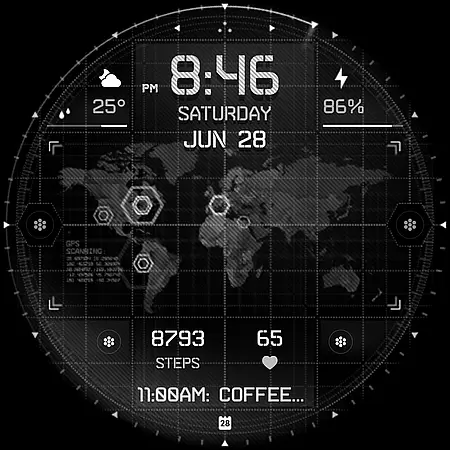
INTEL HUD Ultra represents the pinnacle of digital watch face technology, featuring a sleek animated interface optimized for Wear OS devices. Designed for users who value both aesthetics and functionality, this app provides a highly customizable experience
The watch face supports numerous practical features including weather updates, fitness tracking, and app shortcuts. Its intuitive design allows seamless interaction with core smartwatch functions while minimizing battery consumption
Perfect for professionals and tech enthusiasts, INTEL HUD Ultra transforms your smartwatch into a personalized productivity tool that adapts to your lifestyle needs
INTEL HUD Ultra offers an advanced digital watch face experience designed for tech-savvy users. The interface combines military-inspired design with modern functionality
Key features include customizable animations, extensive personalization options, and integration with essential apps like Calendar and Weather. The smart layout allows users to track time, monitor health metrics, and receive notifications efficiently
This watch face stands out through its optimization for battery efficiency while maintaining high performance. Users can tailor every visual element to match their preferences, making it ideal for those seeking both style and utility on their smartwatch
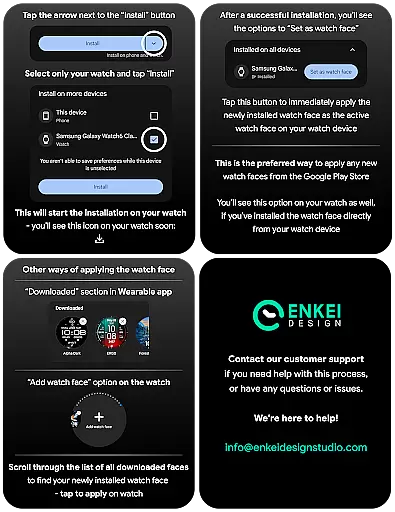
Companion app integration is essential for ensuring seamless functionality between wearable devices and smartphones. INTEL HUD Ultra offers a dedicated phone companion app that simplifies the installation process directly to your watch device.
This feature ensures that users can easily manage their watch face settings, access customization options, and receive updates without hassle. The companion app serves as a bridge, allowing for direct installation and management of the high-tech digital watch face.
By using the companion app, users can conveniently access the extensive customization options available in INTEL HUD Ultra. This includes adjusting visual elements, setting up app shortcuts, and configuring animations to suit personal preferences.
The integration also supports customer satisfaction by providing a reliable channel for feedback and support. Users can reach out via email for any issues or inquiries, ensuring a responsive and helpful user experience.
Device compatibility is crucial for maximizing the potential of smartwatch applications. INTEL HUD Ultra is specifically optimized for devices running Wear OS 5.0 and newer versions (API 34+), ensuring top performance and access to advanced features.
This compatibility allows users to take full advantage of the high-tech animated interface and extensive customization options. By supporting the latest operating systems, INTEL HUD Ultra guarantees an efficient use of battery resources while delivering a smooth and visually appealing experience.
Users benefit from a refined layout inspired by advanced military tech, with features such as weather updates, heart rate monitoring, and customizable app shortcuts. These functionalities are designed to work seamlessly on compatible devices, enhancing usability and convenience.
Ensuring compatibility with modern Wear OS devices also means access to expanded customization options and useful features powered by Watch Face Format. This results in a versatile and adaptable user experience tailored to individual needs.
Highly customizable
Battery efficient
Modern design
Useful integrations
Performance optimized
Wear OS 5.0+
Limited sharing
Battery use
Complex setup
Premium cost

Calming & relaxing sounds for sleeping and stress relief. Stay focused all day!
 4.20
4.20
Walking app for weight loss: walk & step tracker, pedometer, indoor treadmill
4.60
A customizable Christmas watch face for Wear OS with a countdown.
4.20
Easy Voice Recorder is your everyday companion to record important moments.
4.70
A modern premium sporty hybrid watch face for Wear OS by Ballozi
4.70
Watch face for Wear OS.
4.20
Professional weather radar and more
3.90
Hybrid watch face for Wear OS with customizable complications by Matteo Dini MD
4.70
Track your active life in one place and share the journey with friends.
4.40
A modern hybrid informative watch face for Wear OS designed by BALLOZI
4.80
Embrace the holiday spirit with this magical animated watch face!
4.40
Digital watch face with big numbers and many customization for Wear OS devices
4.40
Bold weather Digital watchface with forecast & optional animated background
4.40
Christmas watch face. For Wear OS devices.
4.30
Locate your family members by GPS phone location tracker everywhere and anytime
4.30
Let's celebrate Thanksgiving - Wear Os watch face
4.20
A digital watch face that celebrates Christmas.
4.00
Artistic Digital Watchface
4.1
Sleek, highly customizable watch face inspired by Galaxy Watch Circle Dashboard.
4.1


User Reviews