
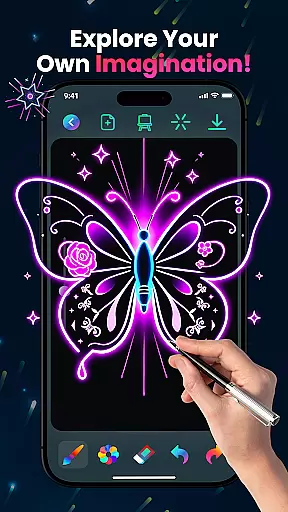
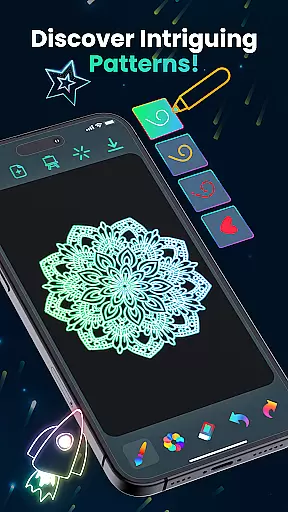
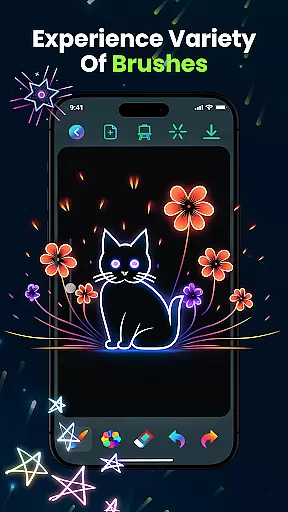
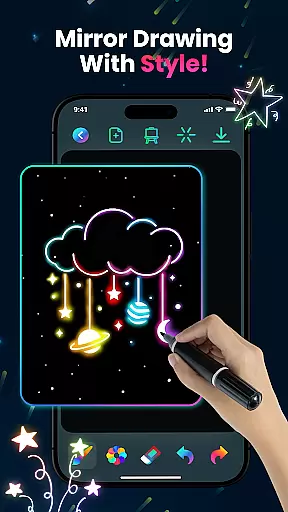
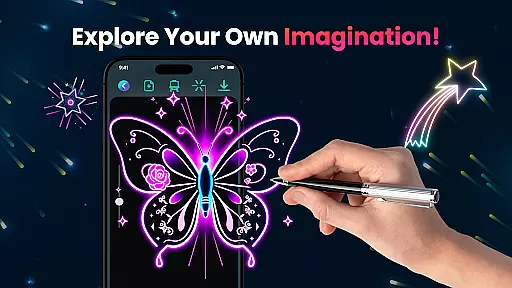
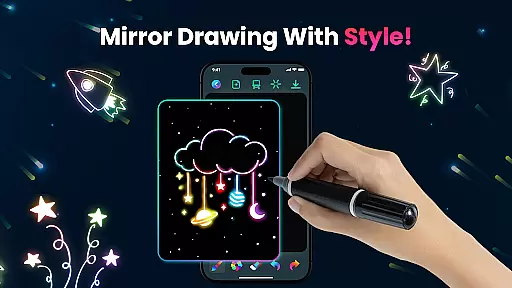
Magic Doodle is an innovative art and design application that allows users to create stunning neon artworks with ease. The app offers a wide range of vibrant colors and glowing brushes, providing an immersive drawing experience on a spacious canvas. Whether you are a beginner or a professional artist, Magic Doodle caters to all skill levels with its intuitive interface and versatile sketch tools.
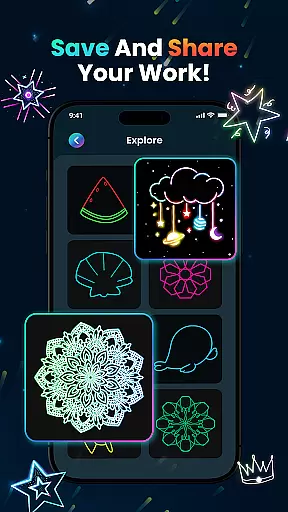
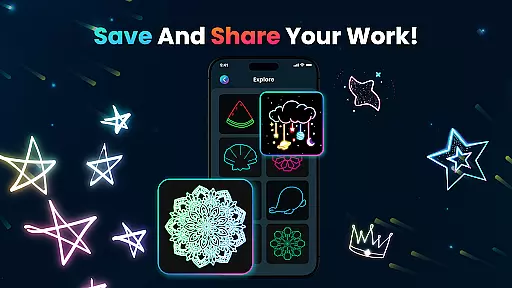
One of the standout features of Magic Doodle is its ability to transform simple ideas into glowing masterpieces. Users can express their creativity freely, thanks to the app's easy-to-use design and kid-friendly functionality. With options to save and share artwork directly on social media, this app not only enhances artistic expression but also facilitates sharing your creations with friends and family.
Magic Doodle stands out in the Art & Design category due to its rich feature set tailored for creative expression. The app provides mesmerizing neon hues and glowing brushes that bring any artwork to life. These features ensure that every stroke and doodle exudes a magical glow, making the creative process both engaging and enjoyable.
In addition to its vibrant color palette, Magic Doodle includes essential tools such as undo and redo functions, which allow users to correct mistakes effortlessly. The app also supports saving and sharing your masterpieces, ensuring that your best works can be showcased on social media platforms. This combination of intuitive design and practical functionality makes Magic Doodle a top choice for artists seeking a seamless digital painting experience.
In the realm of digital art, having a comprehensive set of creative tools is essential for artists to fully express their visions. Magic Doodle offers an impressive array of features that cater to both budding and experienced artists.
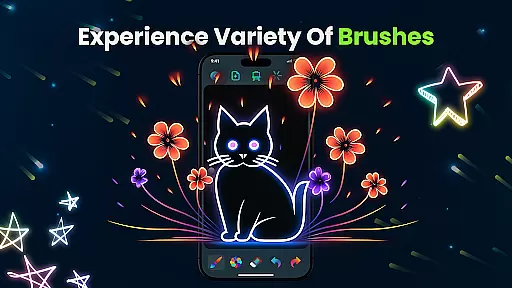
With its vibrant neon glow colors and glowing brushes, users can explore a wide spectrum of mesmerizing hues and sketching options. The app provides intuitive tools that mimic real-world brush strokes, allowing for magical doodles and complex artworks alike.
The inclusion of undo and redo functions ensures that artists can experiment without fear of making irreversible mistakes. This encourages creative freedom and exploration within the app.
Ultimately, Magic Doodle empowers users by providing them with all the necessary tools to transform their ideas into glowing artworks, making it a versatile companion for artistic expression.
A flexible canvas is crucial for accommodating different artistic styles and project requirements. Magic Doodle stands out by offering a wide drawing canvas that enhances the creative process.
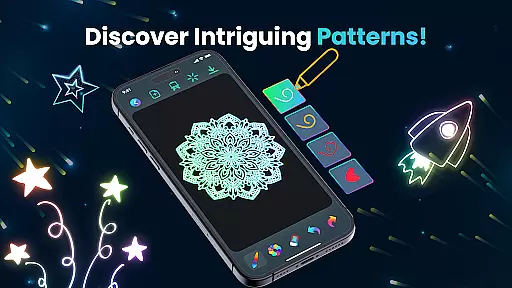
Artists can choose from unlimited color options and various predefined images, which makes it suitable for creating everything from glowing mandalas to neon sketches. This versatility supports diverse artistic endeavors.
The app's easy-to-use interface is designed to adapt to all skill levels, ensuring that whether you're a beginner or a professional, you'll find the flexibility you need to execute your vision.
By providing a kid-friendly environment that also appeals to adults, Magic Doodle ensures that users of all ages can enjoy stress-free doodling on a format that works best for them.
User-friendly interface
Vibrant neon colors
Undo and redo functionality
Save and share options
Kid-friendly design
Limited advanced tools
No offline mode
Ads may interrupt
Few customization settings
Requires constant updates

Create sweet, cool and unique couple avatars easily, in just a few steps!
 3.40
3.40
Stylish letters, Stylish Keyboard, Symbols, Emojis, Cool nickname
4.40
Image/ Text to Video Generator
4.40
Custom Character Creator & PFP Maker!
4.20
AI Face Swap, Video Effects Editor, Realtime Morph, Funny Video FX,AI Filters
3.70
Your Essential Color Theory Guide: Red, Yellow, Blue (RYB)
4.1
Unleash Your Creativity with Draw Cartoon - AR Drawing App
4.10
AR Anime Drawing: How to draw anime with AR drawing & sketching apps!
4.00
All-in-One art, logo & collage maker. Design photos and edit video backgrounds
4.80
See Color, Paint Color
4.90
Create stunning art with AI.
4.80
Turn your drawings into flipbook-style animations with simple creative tools
4.60
Unleash your drawing and painting potential
4.50
Video AI: Revolutionize Your Content Creation with Advanced Video Generation
4.50
Sketch and paint on your device with the feel and freedom of drawing on paper
4.00
Powerful home decoration & house design that allows you to design dream home.
3.80
Your homescreen as an elegant glass with customized blur, lighting, and visuals.
3.70
Experience next-gen icons with a modern liquid glass look.
3.60
Art of Combination Wear OS Watch Faces
3.30


User Reviews