
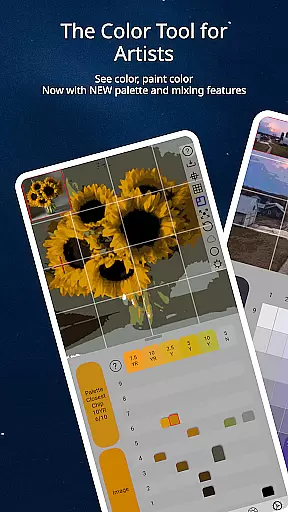
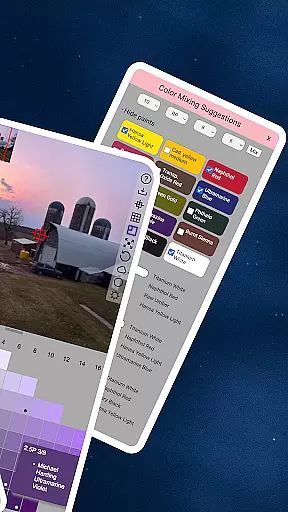
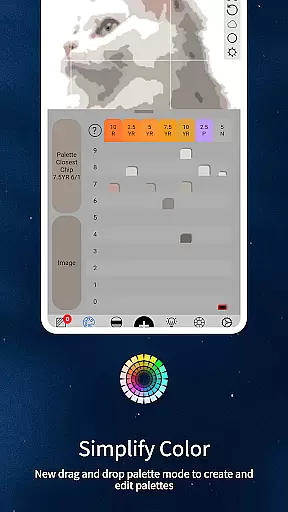
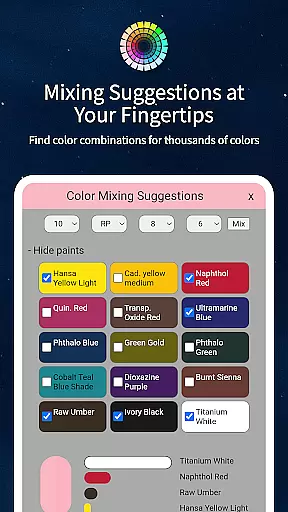
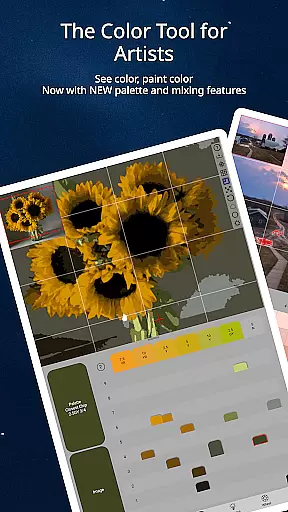
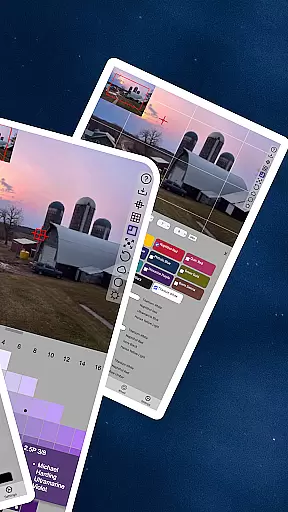
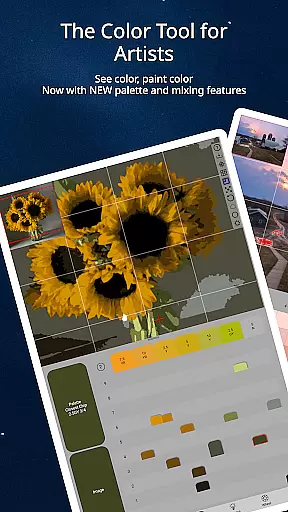
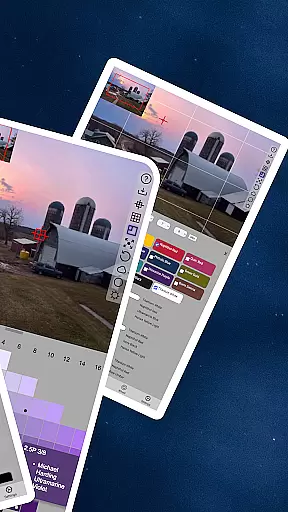
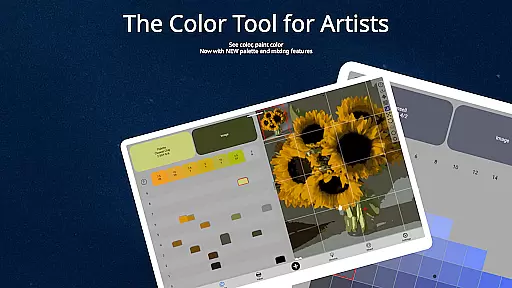
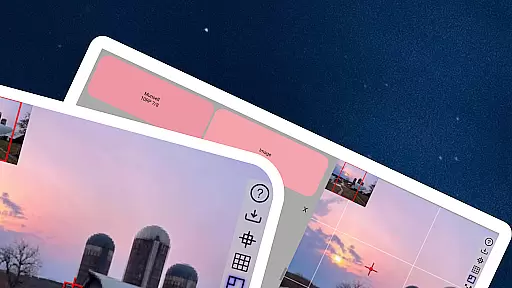
ChromaMagic is an innovative color analysis tool designed specifically for artists. This app revolutionizes the way artists perceive and utilize color in their work by providing precise color identification and analysis features.
The core functionality of ChromaMagic lies in its ability to break down any color into its essential components - hue, value, and chroma. Artists can load reference images and instantly understand the exact color properties they're working with. The app goes beyond basic color picking by offering multiple viewing modes that help artists see value structures, saturation levels, and color relationships.
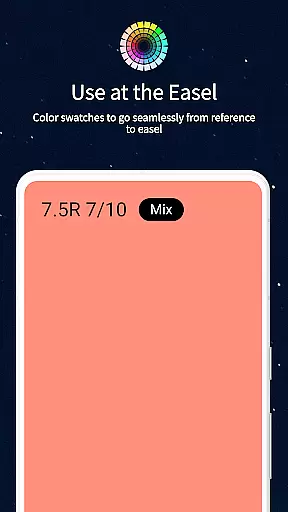
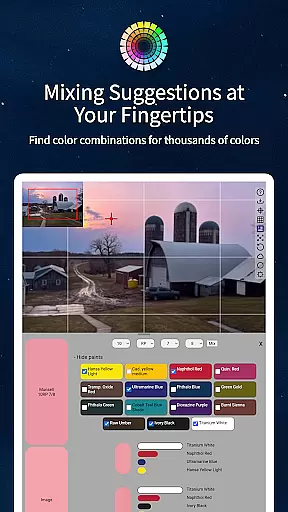
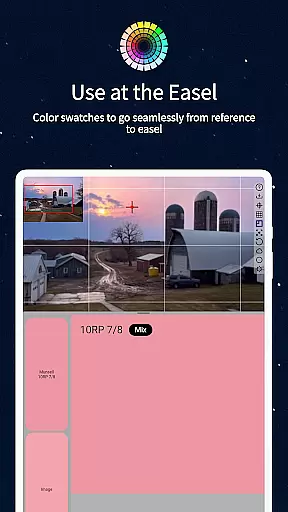
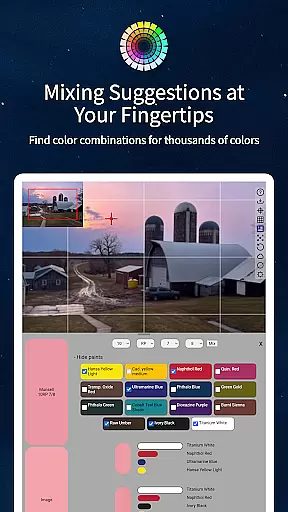
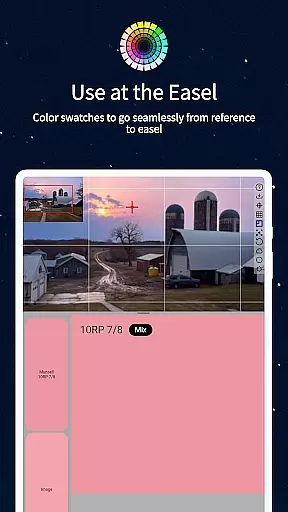
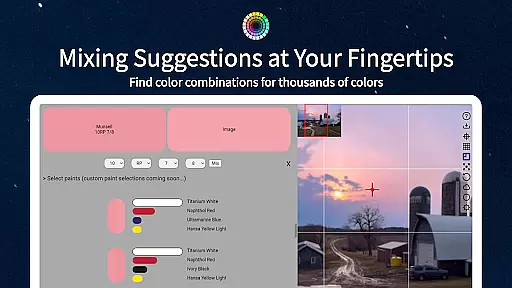
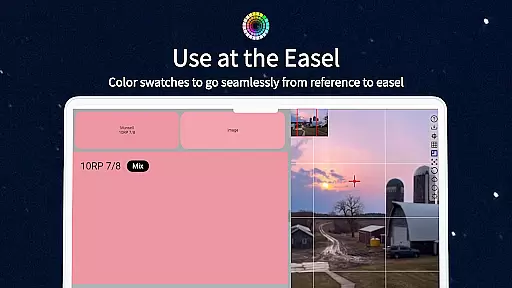
This application proves particularly valuable when working at the easel, where artists can use it as a reference tool for mixing paints. With support for hundreds of oil paint references and advanced features like color averaging and calibration values, ChromaMagic serves as an indispensable digital assistant for both traditional and digital artists.
ChromaMagic distinguishes itself through several remarkable features that cater to the specific needs of artists. The app's most notable capability is its implementation of the Munsell color system, which provides a more natural and accurate way for artists to understand color properties.
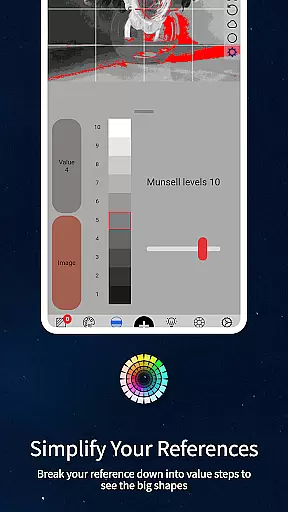
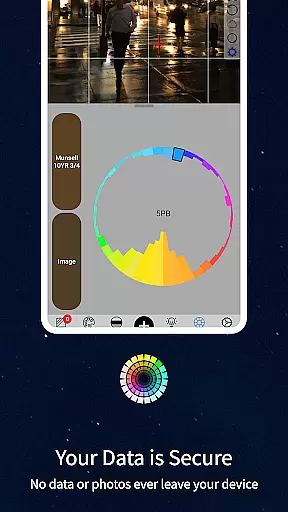
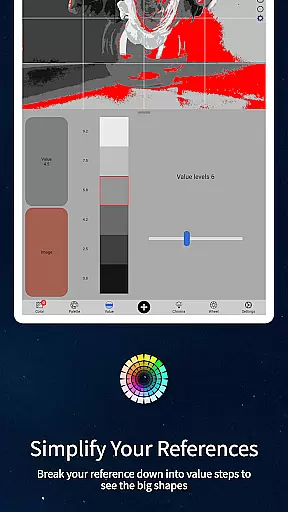
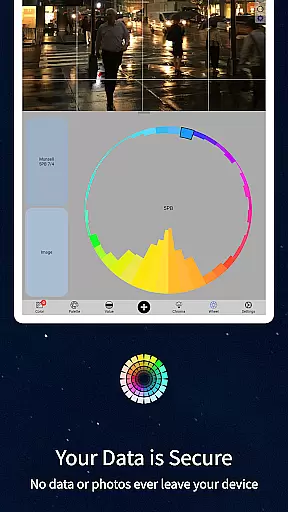
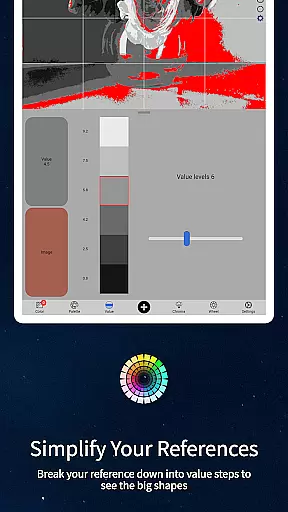
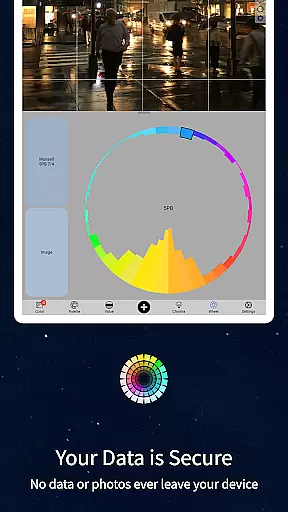
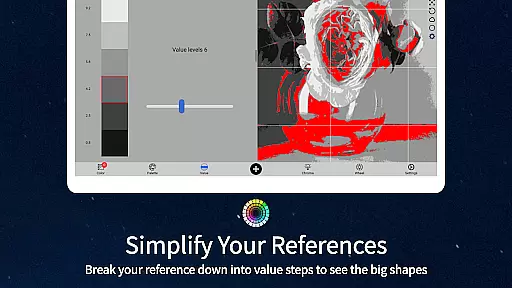
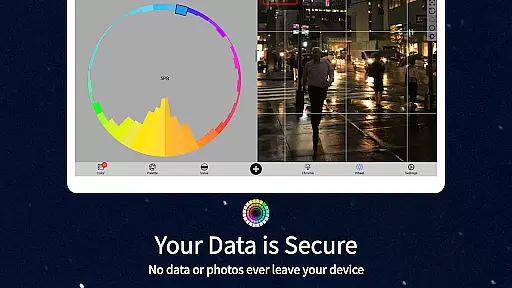
Beyond color analysis, the app offers five distinct viewing modes that serve different artistic purposes. Value mode helps organize compositions into major shapes, while grayscale mode reveals subtle value differences. The chroma visualization mode shows saturation levels, and the color wheel distribution provides insights into color relationships. Each mode can be adjusted with intuitive controls, allowing artists to customize their analysis.
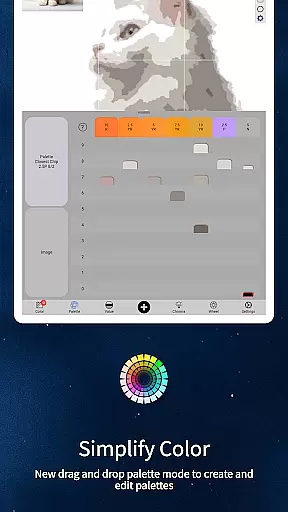
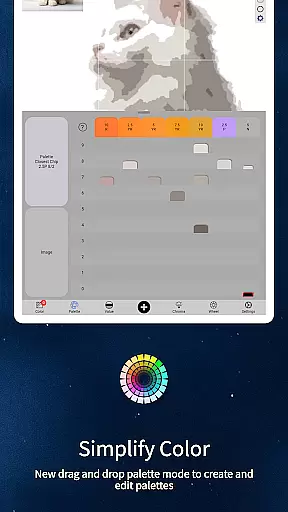
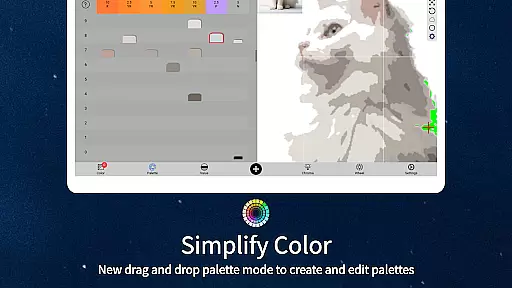
The app's technical features are equally impressive. It supports buttery-smooth zooming and panning, works offline for field work, and can average colors across multiple pixels. Additional professional features include drag-and-drop functionality, paint brand references, and calibration tools that eliminate the need for expensive physical color chips.
ChromaMagic offers a comprehensive suite of creative tools tailored for artists seeking precision and depth in their work. The application provides functionalities that extend beyond basic color picking, offering insights into hue, value, and chroma through the Munsell color system.
This app allows users to load any photo or reference image to instantly analyze and understand any color's properties. With additional modes such as Value mode, Grayscale, Saturation view, and Color Wheel distribution, artists can break down complex visuals into manageable components.
The interface is designed for ease of use with buttery smooth zoomable and pannable images, making navigation seamless. This ensures that artists can focus on their work without being hindered by technological constraints.
Flexibility in canvas and format options is crucial for artists who need to adapt their work across different mediums and sizes. ChromaMagic addresses this by providing versatile solutions that cater to various artistic needs.
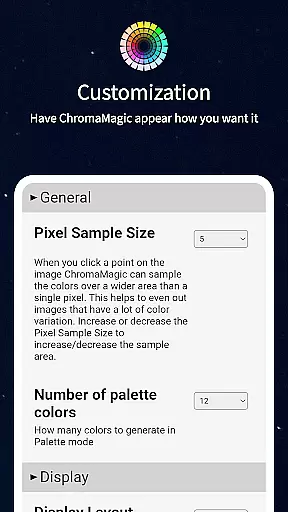
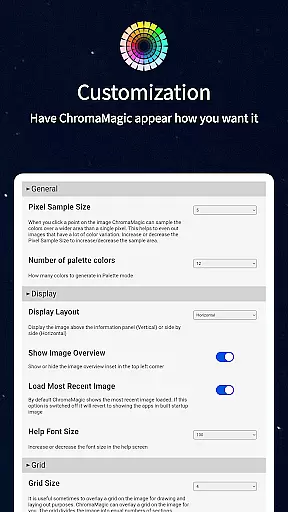
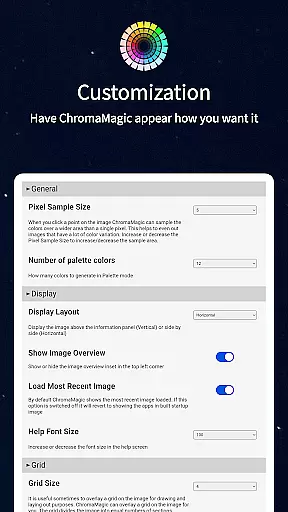
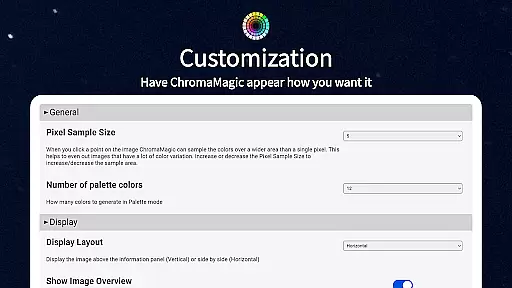
Artists can average colors over multiple pixels, up to 2500 if needed, allowing for broad stroke analysis rather than getting lost in minute details. This feature helps in simplifying complex images while retaining essential color information.
Moreover, ChromaMagic supports drag-and-drop functionality for file loading, enhancing the user experience whether on desktop or mobile devices. This versatility ensures that artists can utilize the app in diverse environments, from studio easels to outdoor landscapes.
Accurate color analysis
Multiple viewing modes
Offline functionality
Paint brand integration
User-friendly interface
Steep learning curve
Advanced features only
No beginner tutorials
Premium price point
Artists niche only

Custom Character Creator & PFP Maker!
 4.20
4.20
Unleash your drawing and painting potential
4.50
Create color palette from Image, RGB & RYB Color wheel harmonies, Color Scheme
4.50
Passport size photo maker, create ID photo and visa photo in seconds
4.80
Unleash Your Creativity with Draw Cartoon - AR Drawing App
4.10
Create stunning video, photo & magic from text with FlixAI GPT video generator.
3.10
Your AI soulmate — meaningful chats, and unique emotional moments
4.70
Get creative and make art with your Sesame Friends!
4.00
Draw, make movies & animate cartoons easily with our 2D animation maker app
4.40
Logo Generator powered by AI: Create stunning logos effortlessly!
4.70
Discover Cartoon Dream : Unleash Your Creativity with CuttingEdge AI
4.50
Draw anime & manga drawing, art with templates to create stunning picture!
4.50
Draw Trace image sketch by, AR art projector app, Easy to trace any image.
4.50
Everything you need to create hand drawn animation, anywhere you go!
4.40
Sketch, plan, take notes and illustrate on an infinite canvas.
4.20
OneUI 8.5 icons ✨ Smooth, modern & based on the latest Play Store design ??
4.10
Sketch and paint on your device with the feel and freedom of drawing on paper
4.00
Your homescreen as an elegant glass with customized blur, lighting, and visuals.
3.70
Draw anime easily with AR guidance, sketch templates & trace tools!
3.10


User Reviews