
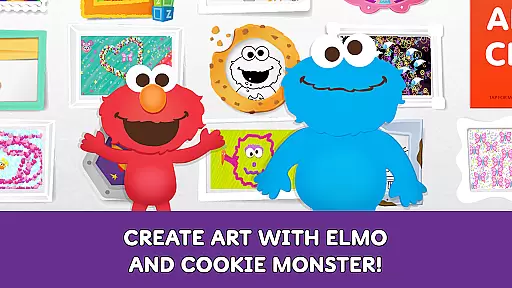
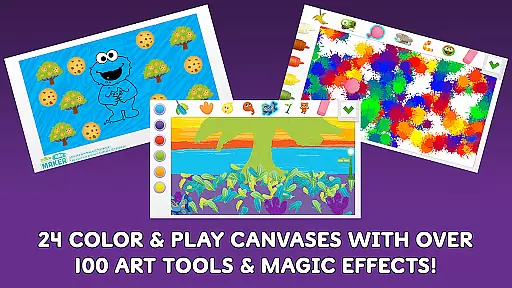
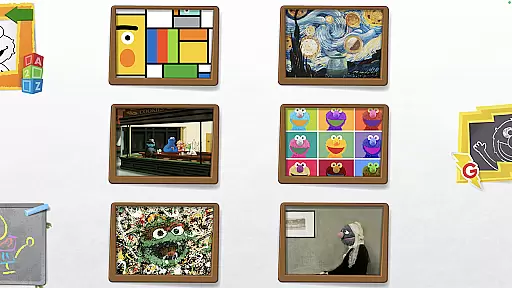
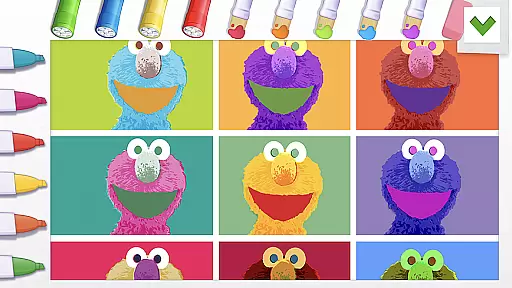
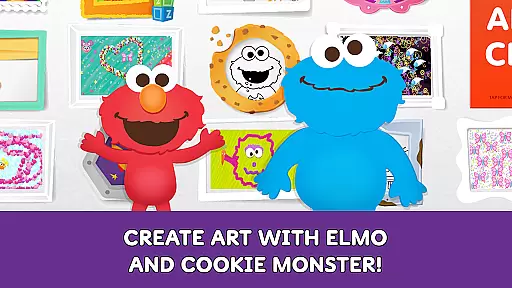
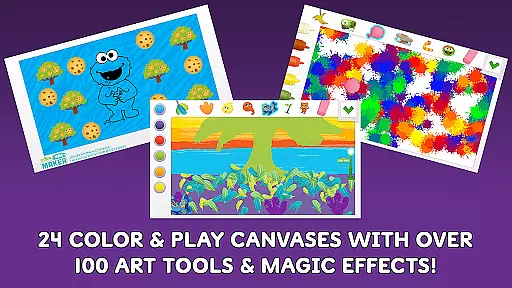
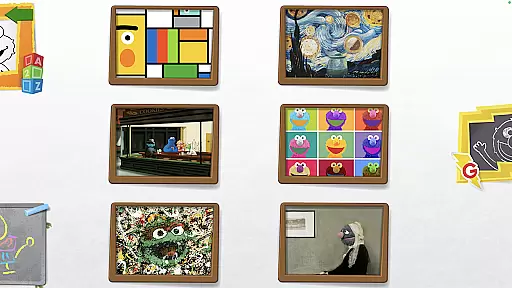
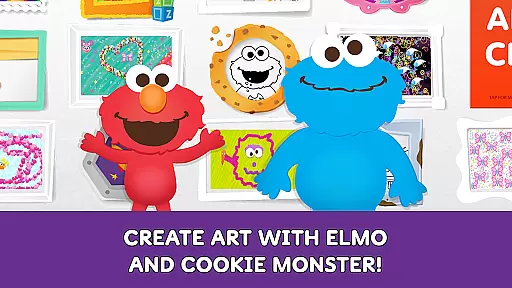
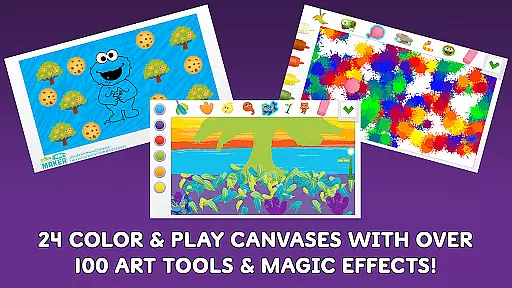
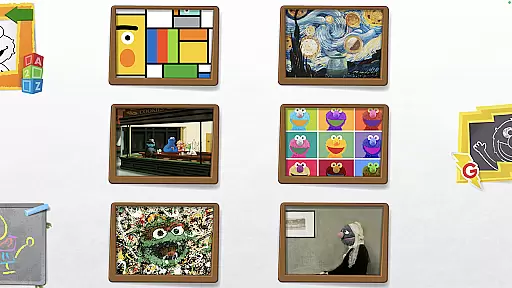
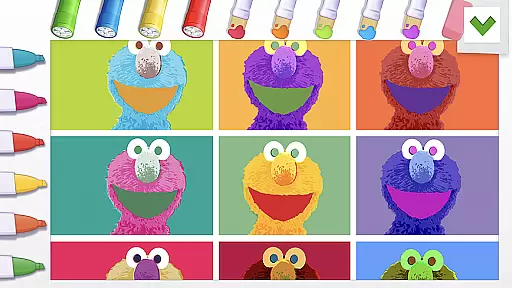
Sesame Street Art Maker is an innovative creativity app designed to inspire young artists through interactive digital experiences. The app offers a rich selection of 24 unique canvases featuring beloved Sesame Street characters, providing children with diverse starting points for their artistic explorations.
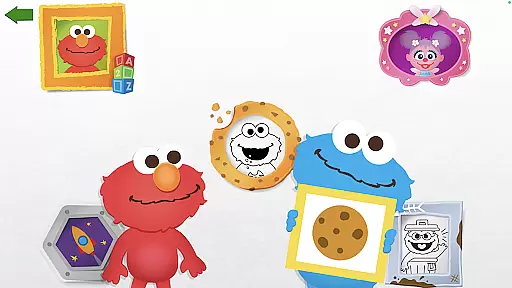
With over 100 realistic art tools including finger paints, fur textures, and Abby's magic wand, the app enables endless creative possibilities. Children can also engage with animated stickers of Elmo and Cookie Monster that not only decorate but also comment on their artwork, creating an interactive experience that bridges traditional art with digital innovation.
The app's feature set is specifically crafted to nurture children's artistic development while maintaining engagement through playful elements. Its standout characteristic is the vast array of professional-grade digital art tools that mimic real-world materials, allowing kids to experiment with different textures and effects.
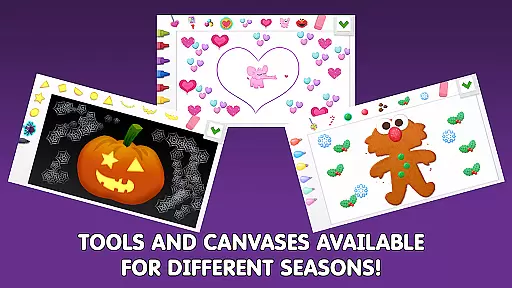
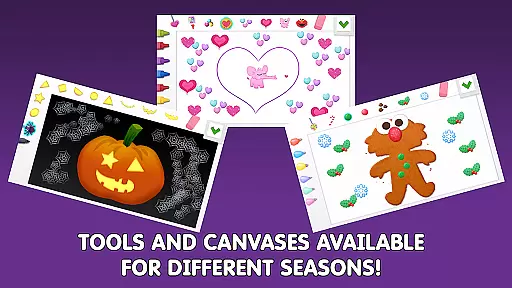
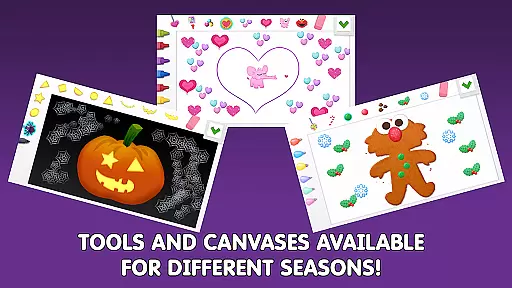
Seasonal canvas updates keep the content fresh throughout the year, while themed Expansion Kits provide additional creative opportunities. The integration of character interactions through talking stickers adds an educational dimension, helping children learn while they create. Furthermore, the Photo Canvas feature lets users personalize their artwork with silly stickers, making it both entertaining and emotionally engaging.
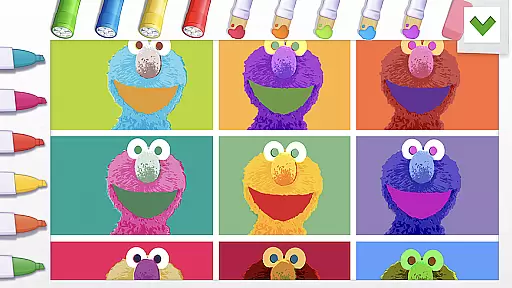
In the realm of digital creativity, having a comprehensive set of tools is paramount. Sesame Street Art Maker offers an impressive array of over 100 art tools that cater to the imaginative minds of children. These include realistic finger paints, textured fur, and even Abbyu2019s magic wand, each designed to unlock new levels of artistic expression.
The application goes beyond traditional brushes and colors by incorporating unique elements such as sequins and stickers. This diverse toolkit empowers young artists to experiment with different textures and effects, mirroring the tactile experience of physical art supplies while leveraging the advantages of digital media.
Moreover, the app's regular updates ensure that the creative options remain fresh and engaging. Seasonal changes bring new canvases and themes, encouraging continuous exploration and learning. For those seeking even more variety, additional Expansion Kits offer themed sets that expand the creative possibilities even further.
A versatile canvas is essential for unleashing creativity, and Sesame Street Art Maker excels in providing flexible formats for artistic endeavors. With 24 unique canvases inspired by beloved Sesame Street characters, children can choose backgrounds that resonate with their favorite stories or characters, setting the stage for personalized creations.
Beyond static images, the app includes interactive features like the Photo Canvas, where users can add silly stickers to their own photos. This feature not only enhances engagement but also allows for a blend of reality and imagination, making each piece uniquely personal. Additionally, animated and talking character stickers bring artwork to life, adding another layer of interactivity and fun.
The inclusion of coloring pages and seasonal updates ensures that there is always something new to explore. Whether it's experimenting with different formats or enjoying consistent content refreshes, Sesame Street Art Maker provides a dynamic platform that adapts to the evolving interests of its young users.
User-friendly interface
Extensive art tools
Interactive features
Regular updates
Educational value
Premium expansion packs
Limited free content
Young audience focus
Occasional bugs
Device compatibility

Digital illustration drawing & painting pad app to paint Anime and Manga art
 4.50
4.50
Draw on screen: FP sDraw is a simple and lightweight drawing app
4.70
Your Essential Color Theory Guide: Red, Yellow, Blue (RYB)
4.2
Art of Combination Wear OS Watch Faces
4.3
Convert image to JPG PNG HEIC PDF, support almost all kinds of image formats
4.70
Castle is social media for creating and playing games!
4.60
Create stunning art with AI.
4.80
Draw glowing spinners, relax, and spin your creative art
4.60
Get an overview over all your embroidery threads, projects and more.
4.60
See Color, Paint Color
4.90
Minecraft & Roblox Clothes
4.70
Video AI: Revolutionize Your Content Creation with Advanced Video Generation
4.50
Trace, draw, and create art with AR - from memes to masterpieces!
4.30
Sketch, plan, take notes and illustrate on an infinite canvas.
4.20
Text to Image, Image to Video & AI Chat
4.20
Unleash the artist in you with our AR drawing and tracing tool for photo drawing
4.10
Floor Plan Creator lets you create, edit and share floor plans.
4.00
Paint with oils and sketch with natural tools on a realistic virtual canvas.
3.80
Android 14 style widgets and wallpapers app.
4.5


User Reviews