
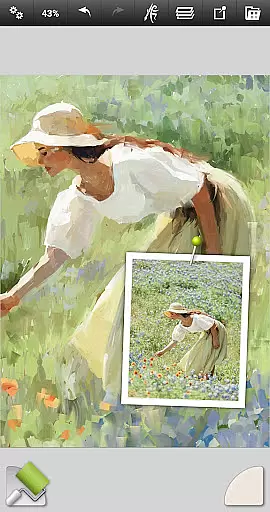
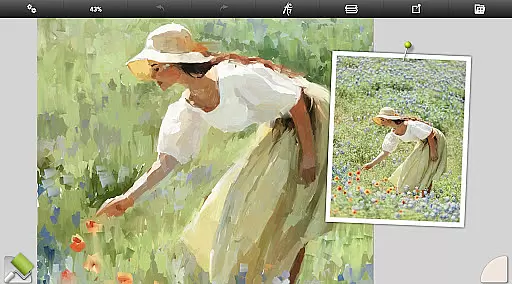
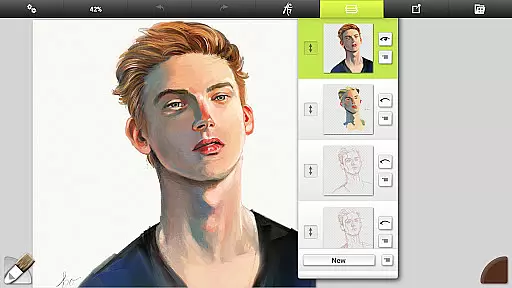
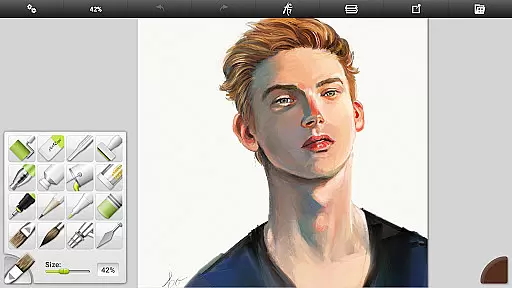
ArtRage Vitae Mobile Painting is a premium natural painting application designed for artists who want to create realistic artwork on mobile devices. The app offers an impressive range of professional-grade tools that mimic real-world art supplies, including oil brushes, watercolors, and pastels. With support for layers, blend modes, and customizable canvas textures, it provides a complete digital art studio experience.
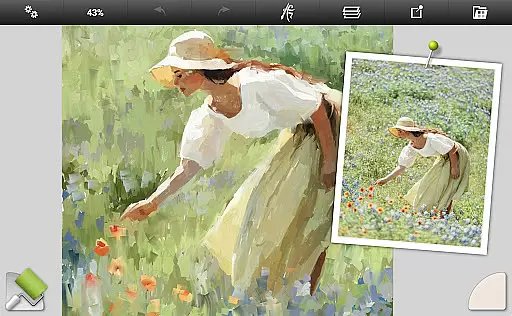
The application stands out with its advanced features such as real color blending, tool size up to 500%, and maximum canvas size of 4096px x 4096px. Whether you're a hobbyist or a professional artist, ArtRage Vitae allows you to unlock your creativity while offering powerful utilities like tracing images, reference guides, and tool presets. Its intuitive interface ensures ease of use without compromising functionality.
ArtRage Vitae is ideal for creating detailed artwork on the go. By supporting Android sharing systems, users can easily showcase their creations with friends or export files to continue working on desktop versions of ArtRage. This makes it a versatile choice for both casual sketches and complex projects requiring precision and control.
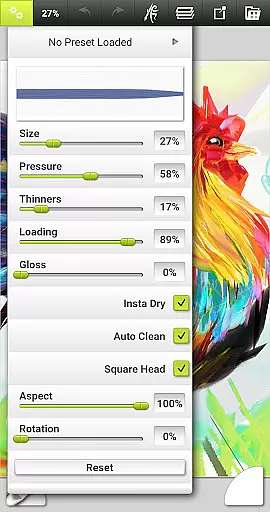
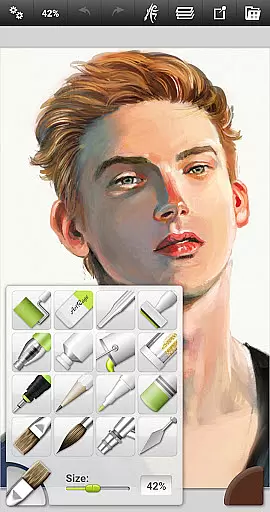
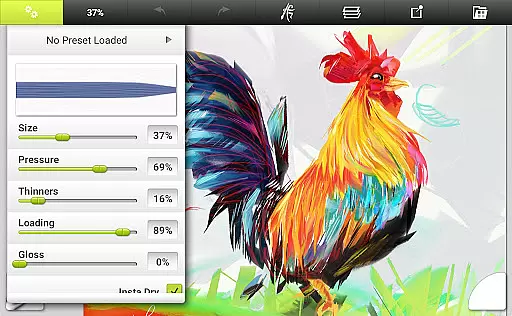
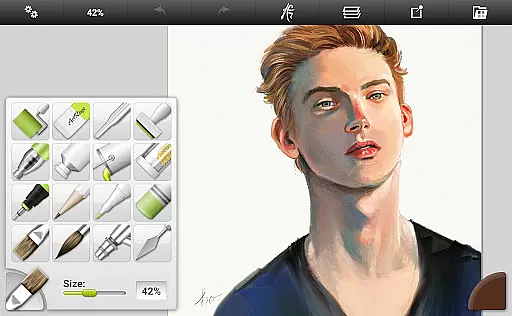
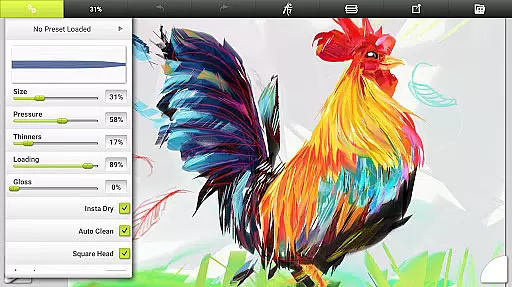
ArtRage Vitae boasts an extensive set of features tailored for digital artists seeking authenticity in their work. The app includes 16 tools with countless variations through presets and settings, ranging from natural painting tools like oil brushes and watercolors to sketching tools such as pencils and pastels. Each tool reflects natural properties, allowing users to adjust parameters like paint thickness or pencil softness.
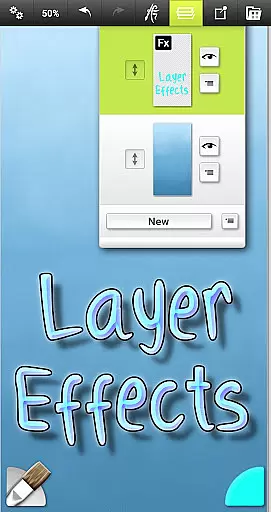
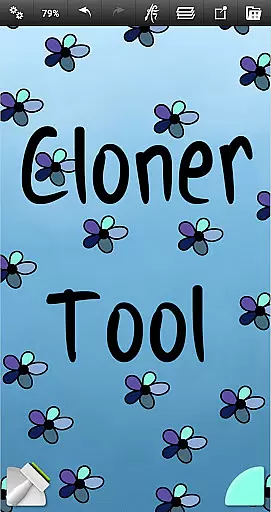
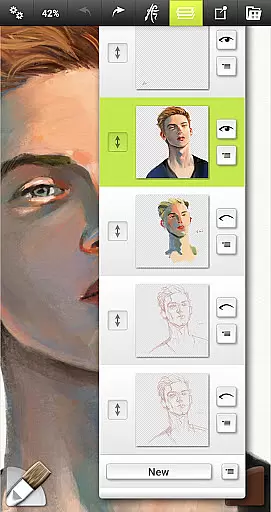
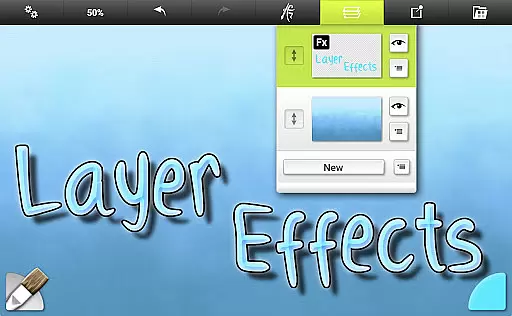
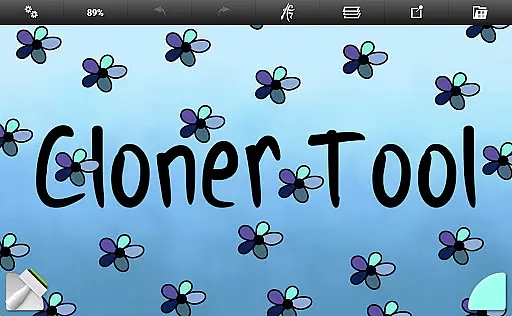
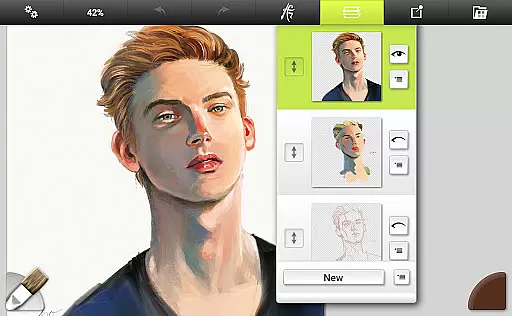
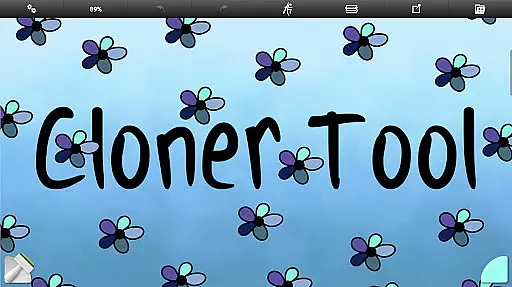
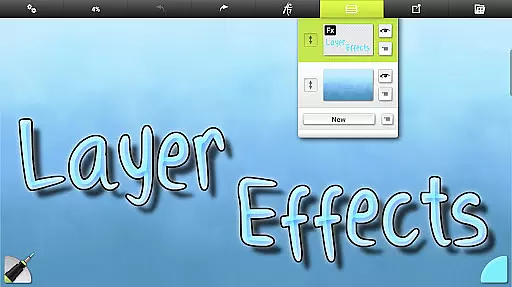
Beyond traditional art tools, the app also offers utility and special effect tools. Users can apply flood fills, sample colors, clone sections of their artwork, or experiment with glitter effects using the Gloop Pen. Advanced layer options enable transparency controls, blend modes, and layer effects such as highlights and shadows, enhancing creative possibilities.
One of the standout aspects of ArtRage Vitae is its user-friendly interface. Designed to maximize creative space, the layout minimizes distractions while keeping essential functions accessible. Multi-touch canvas manipulation, stylus-only mode, and keyboard shortcut support further enhance usability. Additionally, compatibility with desktop versions ensures seamless integration across devices, making this app indispensable for serious artists.
In the realm of digital art, having a comprehensive set of creative tools is paramount. ArtRage Vitae Mobile Painting excels in this area by offering 16 diverse tools with countless variations through presets and settings.
These include natural painting tools like the Oil Brush, Watercolor, Palette Knife, Paint Roller, and Paint Tube, which mimic real-world counterparts. For those inclined towards sketching and drawing, options such as Airbrush, Ink Pen, Felt Pen, Pencil, Wax/Chalk Pastel, and Eraser are available.
Utility tools like Flood Fill and Color Sampler, along with special effect tools including Cloner, Glitter Tube, and Gloop Pen, further enhance the creative process. Each tool can be customized to reflect natural properties, such as paint thickness or pencil softness, allowing for an unparalleled level of personalization.
This extensive toolkit empowers artists to explore various techniques and styles, making ArtRage Vitae a versatile companion for both hobbyists and professionals alike.
The ability to adjust canvas settings and formats plays a crucial role in digital art creation. ArtRage Vitae offers remarkable flexibility in this regard, enabling users to tailor their workspace according to specific needs.
Artists can modify canvas texture to simulate coarse surfaces, smooth papers, and everything in between. This feature adds depth and authenticity to digital paintings, closely resembling traditional media experiences.
Moreover, the app supports maximum canvas sizes up to 4096px x 4096px across all devices, providing ample space for detailed work. Coupled with real color blending options and layer effects that add highlights, shadows, and 3D effects, creators have full control over their artistic vision.
Such versatility ensures that whether you're working on intricate designs or expansive landscapes, ArtRage Vitae adapts seamlessly to your requirements.
Realistic painting simulation
Extensive tool variety
Layer and blend mode support
User-friendly interface
Cross-device compatibility
Higher cost than alternatives
Steep learning curve
Requires high device specs
Limited free resources
No offline tutorials

Discover Cartoon Dream : Unleash Your Creativity with CuttingEdge AI
 4.50
4.50
See Color, Paint Color
4.90
Create color palette from Image, RGB & RYB Color wheel harmonies, Color Scheme
4.50
AI Art Generator transforms your words into AI generated art & paintings.
3.70
Android 14 style widgets and wallpapers app.
4.2
Inky runs Inkscape on Android devices and Chromebooks
2.90
Create and Design Custom Logos in Seconds with AI-Powered Tools!
4.40
Sketch and paint on your device with the feel and freedom of drawing on paper
4.00
Create amazing pictures and unleash your creative genius with AR Drawing Sketch
4.40
Passport size photo maker, create ID photo and visa photo in seconds
4.80
Castle is social media for creating and playing games!
4.60
Draw glowing spinners, relax, and spin your creative art
4.60
Photo blender app to create overlay photos & double exposure.
4.40
Just trace a projected picture on paper and color! Draw & Paint with AR drawing
4.40
Create Logos, Tattoos, AI Art & more with our AI Photo Generator & Design Editor
4.20
Vidu is an AI video generator made for creators and aspiring makers.
3.30
Retouch photos. Create or edit images. Endless capabilities.
2.70
Art of Combination Wear OS Watch faces
4.2
A luxurious gold watch face for an elegant and refined look.
4.2


User Reviews