
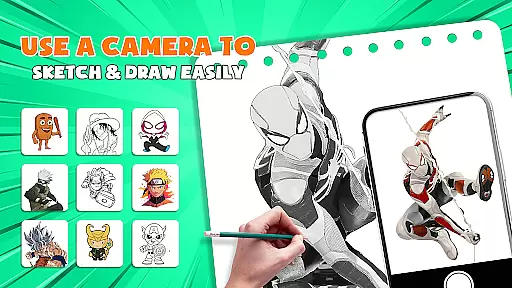
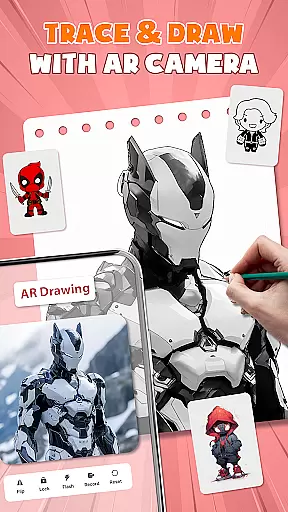
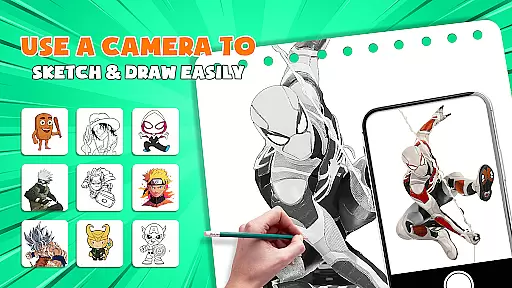
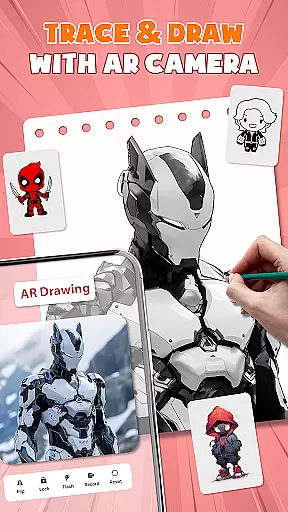
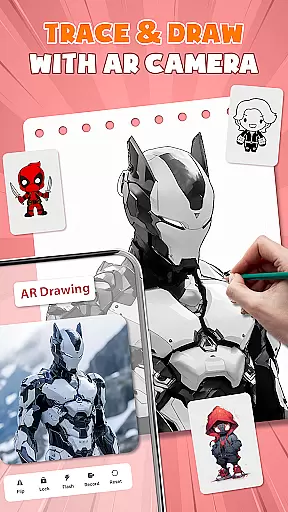
AR Drawing - Paint & Sketch is an innovative art application that combines augmented reality technology with traditional drawing techniques. This app allows users to create stunning anime-style artwork using advanced AR tracing and sketching tools. With features like AR projection, precise tracing overlays, and a vast library of free templates, the app caters to both beginners and professional artists.
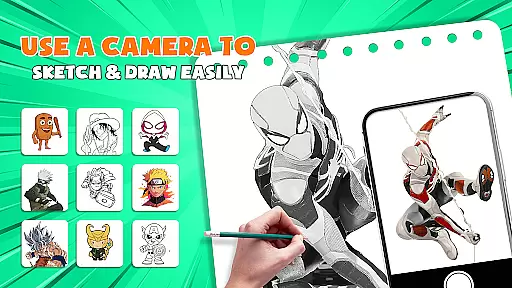
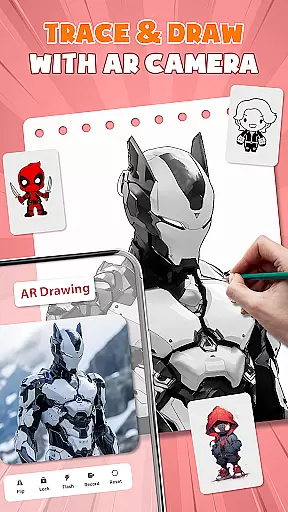
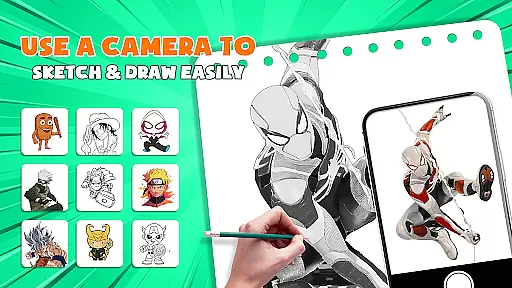
The application's standout feature is its ability to transform your device into a mobile projector for accurate tracing. Users can import images, adjust transparency, and trace directly onto paper or canvas. The app also includes comprehensive drawing tutorials, vibrant coloring tools, and specialized modes for pencil sketches and tattoo designs. Whether you're learning to draw or looking to enhance your artistic skills, AR Drawing provides all the necessary tools in one intuitive package.
Perfect for modern artists, this app enables creative expression through its community-sharing features and competitive drawing games. Users can participate in art contests, follow other creators, and receive valuable feedback on their work. AR Drawing - Paint & Sketch revolutionizes the digital art experience by making professional-quality tools accessible to everyone, anytime, anywhere.
AR Drawing - Paint & Sketch distinguishes itself through its comprehensive suite of artistic tools and innovative features. At its core, the app offers advanced AR projection capabilities that turn any smartphone into a precision tracing device. This functionality allows users to project images directly onto their drawing surface, ensuring accurate reproductions and enabling detailed artwork creation.
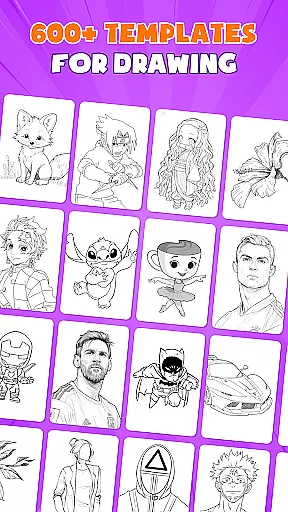
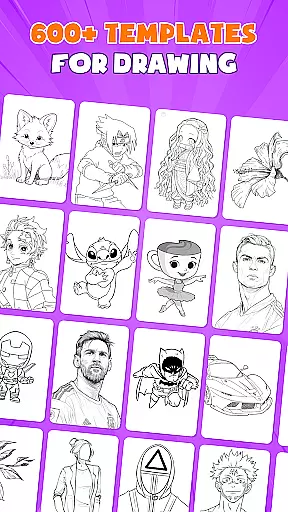
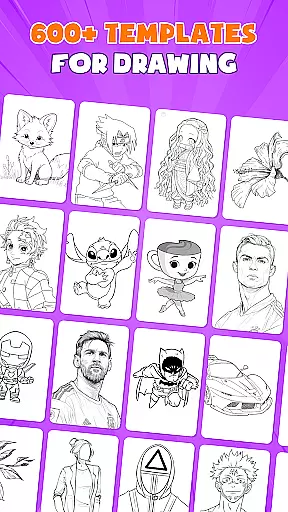
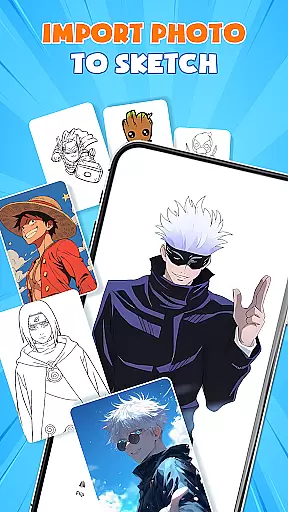
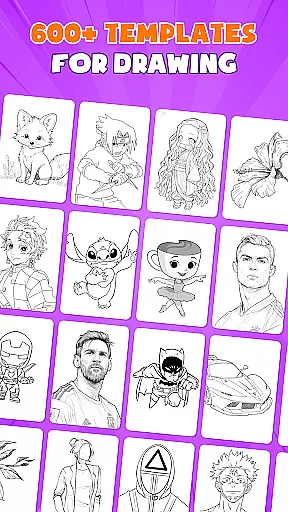
The app's feature set extends beyond basic tracing, incorporating professional-grade painting tools and anime-specific drawing modes. Users can access over 1000 free sketch templates, utilize specialized anime drawing tutorials, and experiment with various art styles through customizable brush settings. The inclusion of picture importing and opacity adjustment features enables artists to transform photographs into artwork effortlessly. Additionally, the app's unique drawing game mode adds a competitive element to artistic development, while its community features foster collaboration and growth among artists.
What truly sets AR Drawing apart is its versatility across different artistic disciplines. From traditional sketching to digital painting, from pencil drawings to tattoo design, the app provides specialized tools for each technique. The intuitive interface ensures accessibility for beginners while offering advanced features that satisfy professional artists' needs. This combination of comprehensive tools, innovative AR technology, and community engagement creates a complete artistic ecosystem within a single application.
AR Drawing - Paint & Sketch offers an extensive suite of creative tools that cater to both amateur and professional artists. The app includes AR projection and tracing features, allowing users to turn their devices into mobile projectors for precise tracing. This functionality is complemented by a full suite of painting app features, including vibrant brushes and shading options using the AR pencil drawing mode.
In addition to traditional sketching and coloring, the app provides specialized modes such as Anime Studio and Tattoo Art. Users can explore AR drawing anime tutorials, draw anime presets, and sketch overlays. These features ensure that whether you're creating anime art or realistic tattoos, the app delivers the necessary tools with precision.
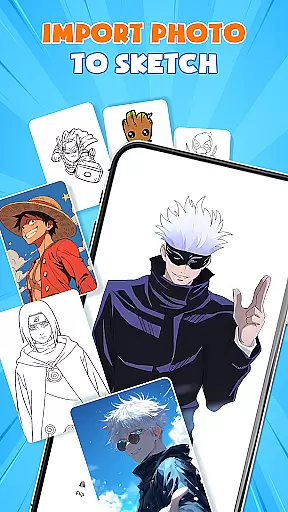
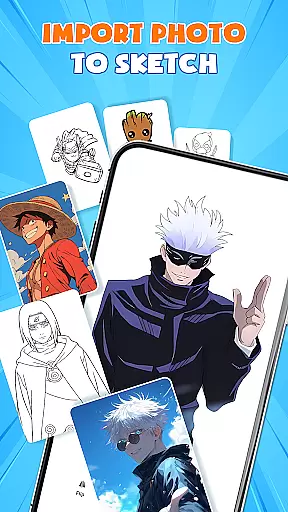
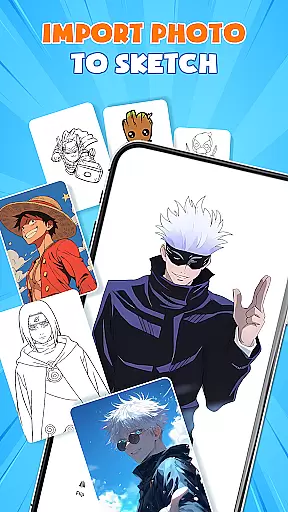
The application also supports importing pictures from a gallery, enabling users to adjust opacity and trace directly over images. With over 1000+ free sketch samples and templates, finding inspiration and getting started on your next project has never been easier. This vast library ensures that artists have access to various patterns and outlines to refine their skills.
One of the standout features of AR Drawing - Paint & Sketch is its canvas and format flexibility, which allows artists to create on any surface using just their phone and paper. The app's easy-to-use interface provides shortcuts for beginners, making it simple to start sketching without the need for bulky tools. Whether you're drawing on paper, canvas, or even planning a digital piece, this app adapts to your needs.
Users can import images directly from their gallery, adjusting size, position, and transparency within the AR view. This feature enables seamless integration between physical and digital art forms, enhancing the creative process. Once an image is traced or sketched, users can switch to paint mode to add color and finalize their masterpiece, ensuring a smooth transition from line work to full color.
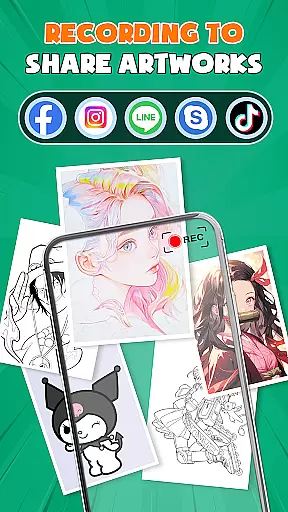
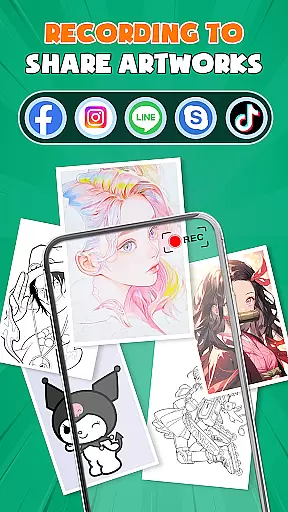
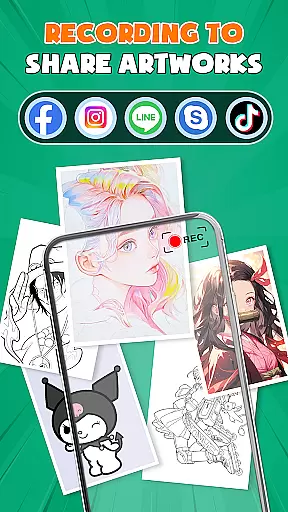
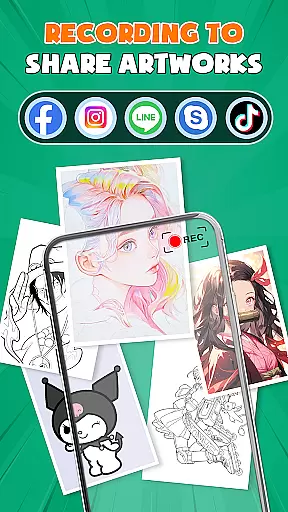
Furthermore, the app supports saving, exporting, and sharing artwork directly. Artists can easily share their creations with a community of like-minded individuals, receive feedback, and expand their creativity together. This interconnected ecosystem not only enhances individual projects but also fosters a collaborative environment where artists can grow and learn from one another.
User-friendly interface
Extensive template library
Precise AR tracing
Vibrant color options
Active artist community
Requires stable internet
Some features are premium
Device compatibility issues
Steep learning curve
Battery consumption

Vidu is an AI video generator made for creators and aspiring makers.
 3.30
3.30
Customizable Outlined Fonts. Watch Face Format. Battery friendly Digital Clock.
4.20
AI Assistant, powered by ChatGPT GPT-4 & GPT-4o. Your intelligent companion.
3.50
Art of Combination Wear OS Watch faces
4.3
AI Art Generator transforms your words into AI generated art & paintings.
3.70
Image resizer to resize, crop, rotate, flip, change dpi photo or picture in bulk
4.60
Get creative and make art with your Sesame Friends!
4.00
Unleash the artist in you with our AR drawing and tracing tool for photo drawing
4.10
Unleash your inner artist! Sketchar: AR Drawing for Limitless Creativity
4.40
Draw on screen: FP sDraw is a simple and lightweight drawing app
4.70
Learn how to draw with step-by-step tutorials, fun lessons & multiplayer drawing
4.70
Draw anime & manga drawing, art with templates to create stunning picture!
4.50
Image/ Text to Video Generator
4.40
Trace, draw, and create art with AR - from memes to masterpieces!
4.30
Beauty Camera - Selfie Camera is the ultimate beauty camera and selfie app
4.30
Pose and morph realistic male and female models! 3D poser app
3.00
Retouch photos. Create or edit images. Endless capabilities.
2.70
Premium version of Shimeji-ee app with no ads & no limit active shimeji
4.0
A luxurious gold watch face for an elegant and refined look.
4.2


User Reviews