
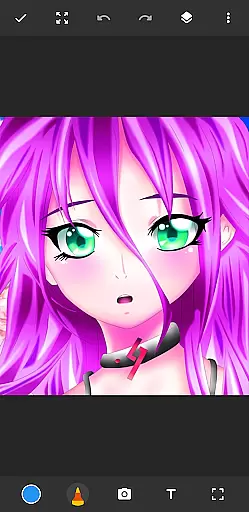
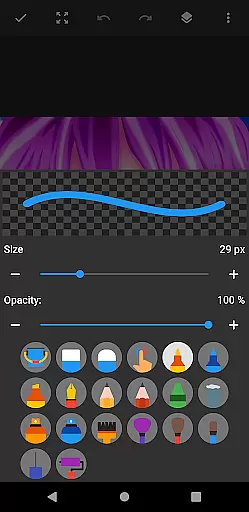
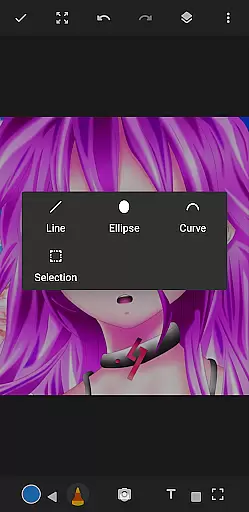
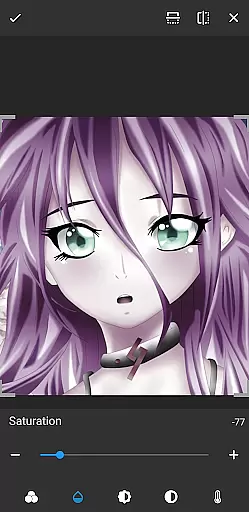
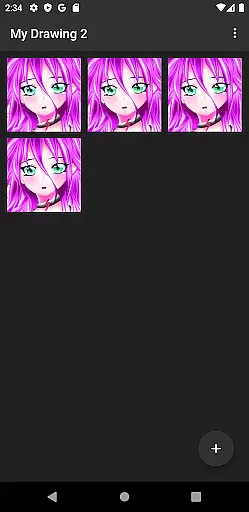
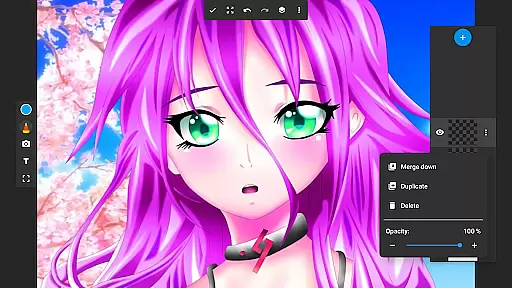
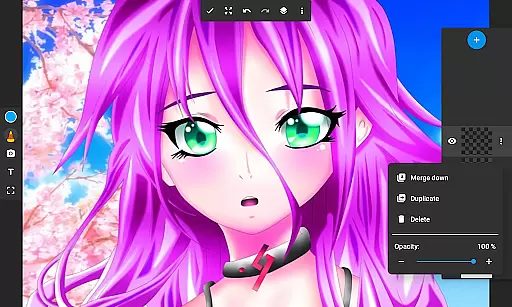
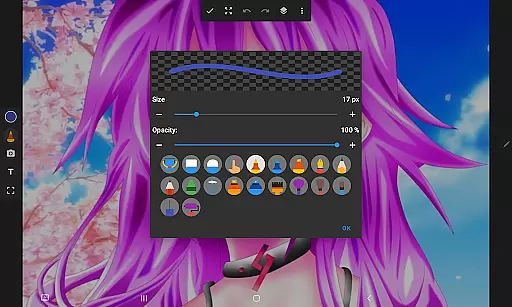
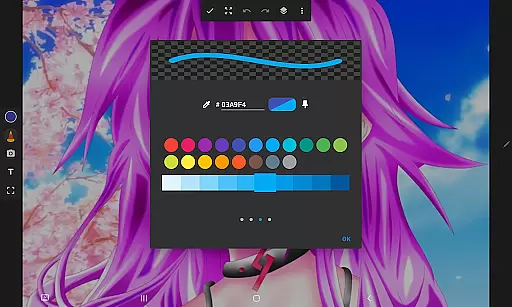
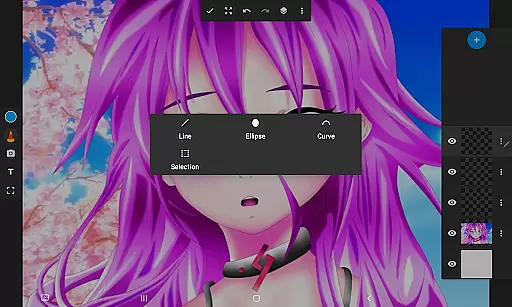
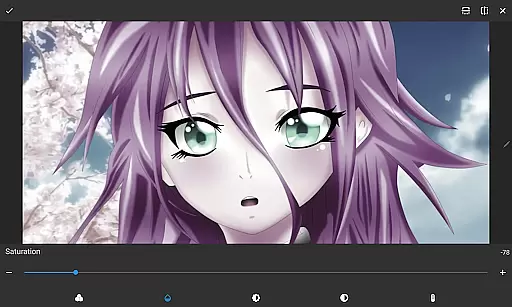
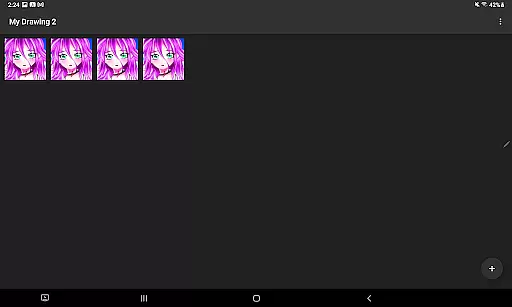
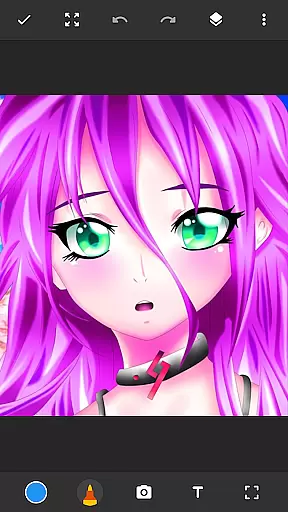
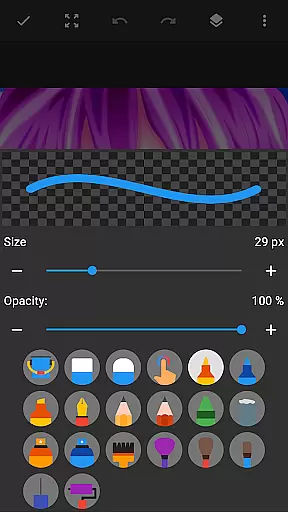
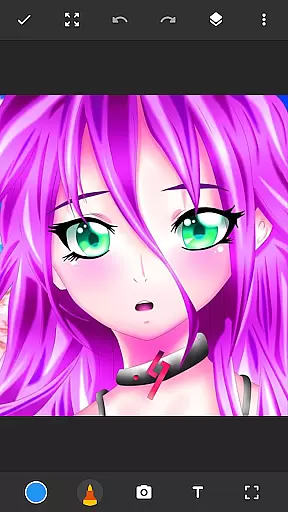
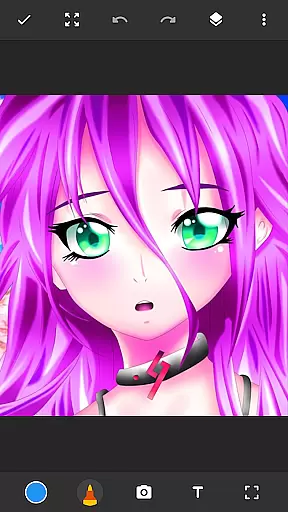
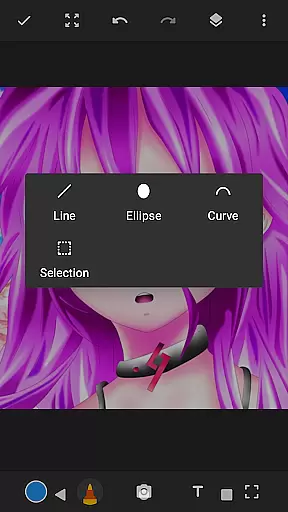
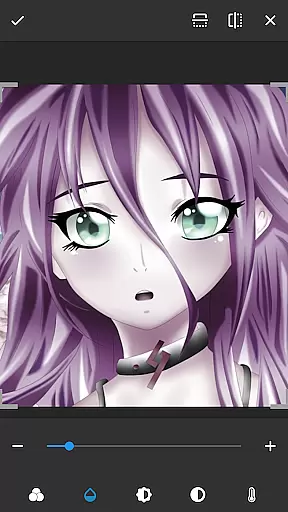
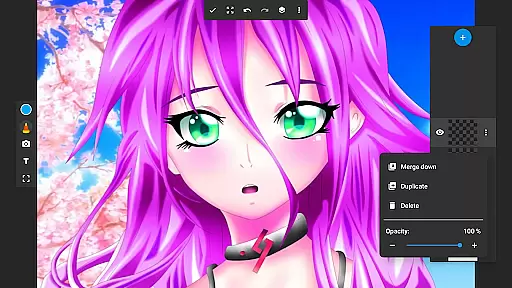
Drawing Pad Lite is a premier digital art application tailored for both amateur and professional artists. This versatile drawing tool offers an intuitive interface that makes digital sketching accessible to users of all skill levels. With its comprehensive set of brushstrokes, pencil tools, and layering options, the app allows you to create detailed artwork with precision.
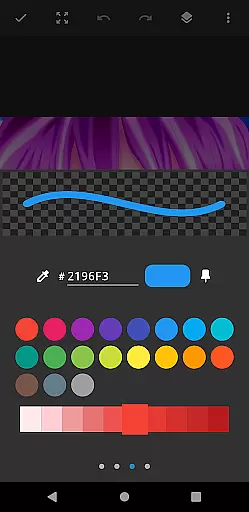
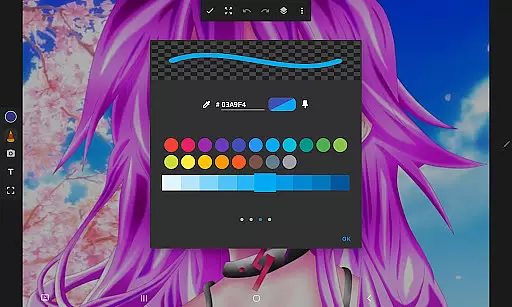
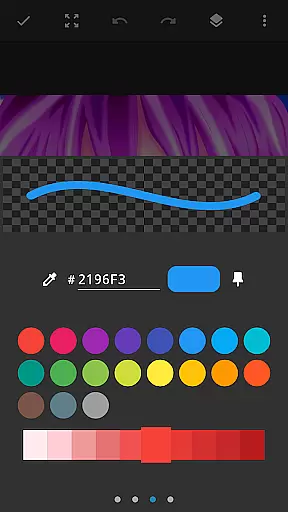
One of the standout features of Drawing Pad Lite is its robust customization capabilities. Users can experiment with vibrant colors and various brush types, mimicking traditional art mediums. The layer functionality enables complex artwork organization, letting artists save their work in multiple layers. Whether you're into anime coloring, manga, or photo illustrations, this app provides the tools necessary to express your creativity fully.
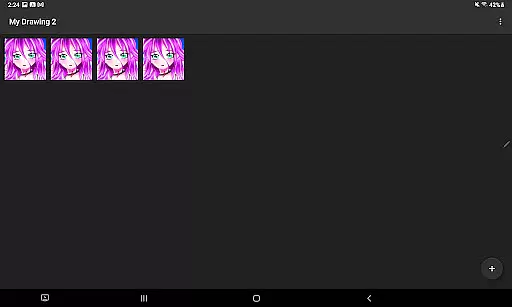
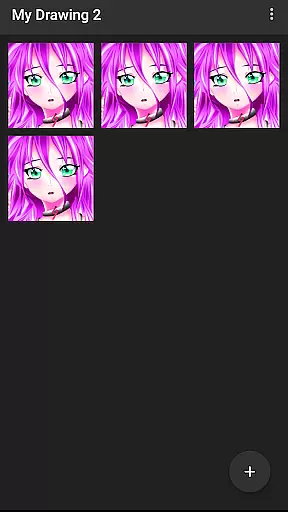
The app's value extends beyond simple drawing; it serves as a portable artbook where users can store their creations systematically. Its user-friendly design ensures that even beginners can start creating art immediately, while advanced features like opacity adjustment cater to seasoned artists. Drawing Pad Lite bridges traditional and digital art forms, making it an essential tool for anyone passionate about visual arts.
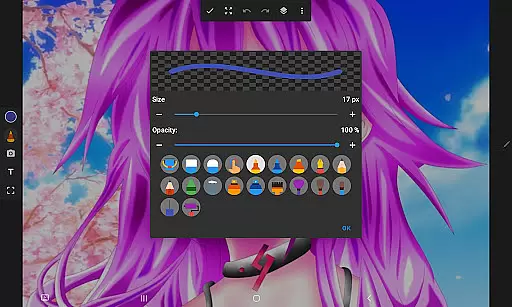
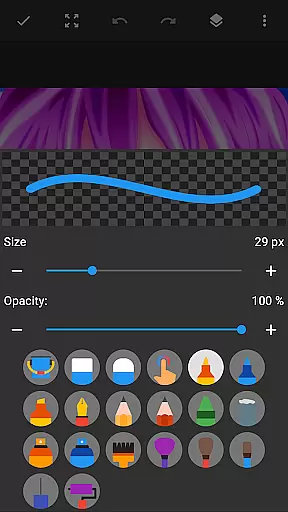
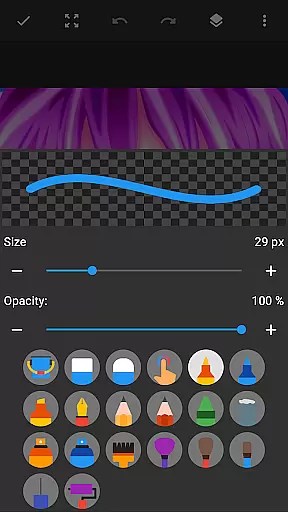
Drawing Pad Lite distinguishes itself through a rich array of features designed to enhance the digital art experience. At its core, the app provides diverse brushstroke options, including pencils, pens, and markers, each with adjustable sizes and styles. These tools give artists complete control over their creations, allowing them to replicate traditional drawing techniques digitally.
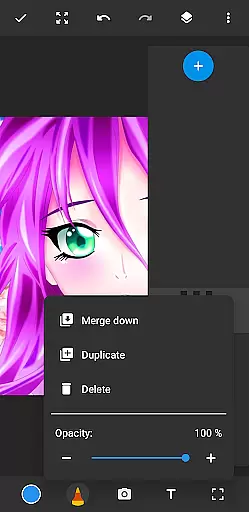
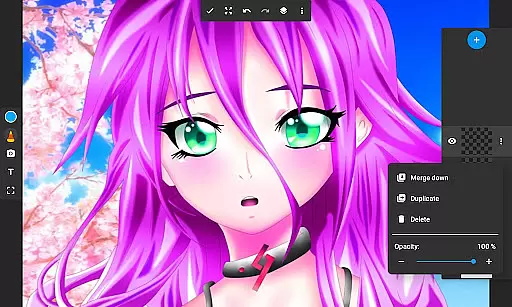
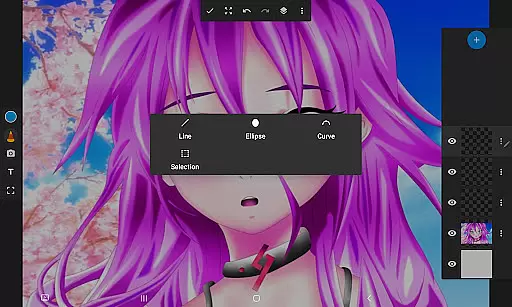
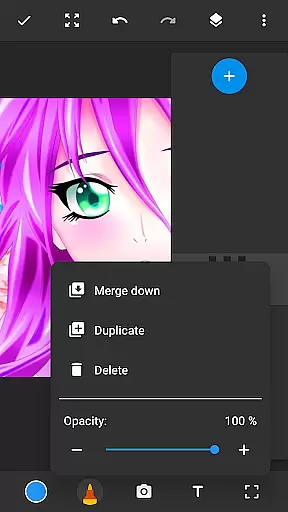
A significant advantage of Drawing Pad Lite is its layering system. This feature lets users organize their artwork efficiently by separating elements into different layers. Artists can adjust layer opacity, rearrange them, or experiment with new ideas without affecting the entire composition. Such flexibility is crucial for developing complex pieces and refining artistic concepts.
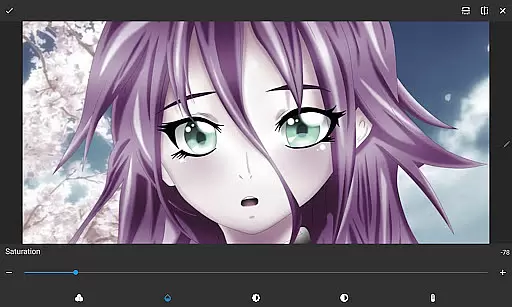
Beyond basic drawing, the app supports drawing on photos, adding another dimension to creative expression. Users can import images and transform them using the app's editing tools. This combination of powerful drawing instruments, layer management, and photo integration establishes Drawing Pad Lite as a comprehensive platform for digital artists seeking to expand their creative horizons.
In the realm of digital art, having a comprehensive set of creative tools is paramount. Sketchbook Lite - Artbook rises to the occasion by offering an extensive array of brushstrokes, pencil types, pens, and markers. This diverse selection empowers artists to experiment with different styles and techniques, from fine line work to bold, sweeping strokes.
The app's powerful brush and pencil tools provide complete control over drawings and paintings, allowing users to adjust sizes and styles to fit their artistic vision. Whether sketching intricate details or coloring large areas with vibrant hues, Sketchbook Lite ensures that every stroke on the drawing pad translates into a masterpiece in the making.
Additionally, the inclusion of layers revolutionizes the way artists manage complex artworks. By saving digital art in layers, users can organize their sketches efficiently, experiment with new ideas without fear of ruining the original work, and adjust opacity to create depth and texture. This feature-packed toolkit makes Sketchbook Lite an indispensable companion for both budding and experienced artists.
A hallmark of any great drawing application is its canvas and format flexibility, and Sketchbook Lite - Artbook excels in this area. The app allows users to draw on photos, effectively merging traditional photography with digital artistry. This unique feature enables creators to add personal touches to their favorite images or enhance photographs with artistic flair.
Moreover, Sketchbook Lite supports various formats, ensuring that artists can export their creations in file types suitable for sharing or printing. Regardless of whether the artwork is destined for social media, professional portfolios, or personal keepsakes, the app provides options that cater to all needs.
The ability to customize canvas sizes further enhances the user experience. Artists can choose dimensions that best suit their projects, from small doodles to expansive digital paintings. With such adaptable canvas settings, Sketchbook Lite - Artbook stands out as a versatile platform where creativity knows no bounds.
User-friendly interface
Extensive brush options
Layer management system
Vibrant color palette
Cross-platform compatibility
Limited free features
Occasional lag
Advanced tools locked
In-app purchases
Steep learning curve

Pose and morph realistic male and female models! 3D poser app
 3.00
3.00
Sketch, trace and master AR drawing with awesome anime art!
3.30
Draw anime & manga drawing, art with templates to create stunning picture!
4.50
Photo blender app to create overlay photos & double exposure.
4.40
Convert image to JPG PNG HEIC PDF, support almost all kinds of image formats
4.70
Photo editor for art, avatars, filters & fun transformations.
4.60
Draw Trace image sketch by, AR art projector app, Easy to trace any image.
4.50
Art of Combination Wear OS Watch faces (for Wear OS 5+ devices)
3.90
Draw, fidget, and spin glow art! Relax and express your creativity with a finger
4.60
Create stunning art with AI.
4.80
Draw glowing spinners, relax, and spin your creative art
4.60
Turning simple sketches into captivating tales filled with life and motion
3.90
Design unique, funny and adorable cat stickers that reflect your own style!
3.80
AI Face Swap, Video Effects Editor, Realtime Morph, Funny Video FX,AI Filters
3.70
AI Art Generator transforms your words into AI generated art & paintings.
3.70
AI Assistant, powered by ChatGPT GPT-4 & GPT-4o. Your intelligent companion.
3.50
Create trending AI photos & videos with powerful effects and 3D styles.
3.20
Create stunning video, photo & magic from text with FlixAI GPT video generator.
3.10
Transform photos into amazing monochrome dither art with professional algorithms
4.5


User Reviews