
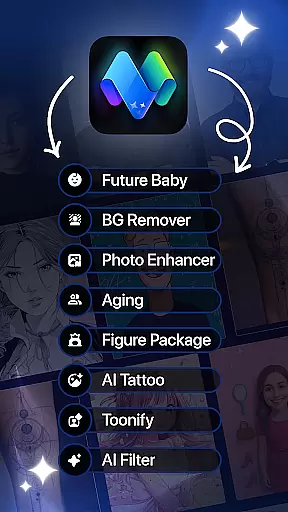
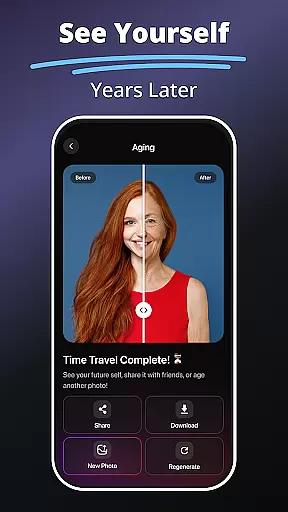
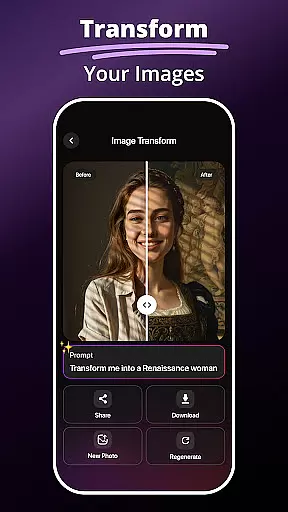
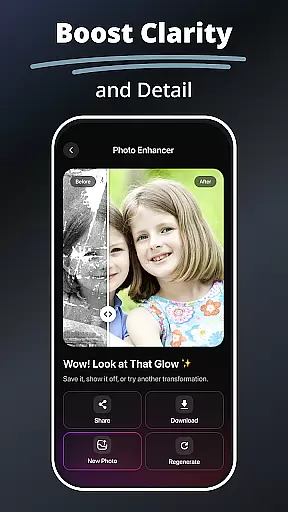
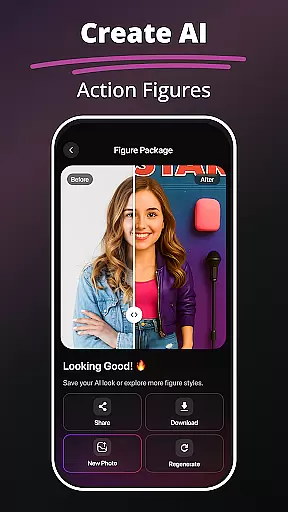
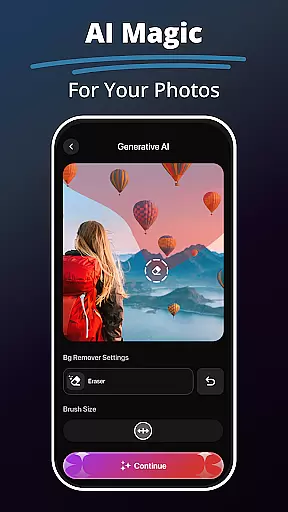
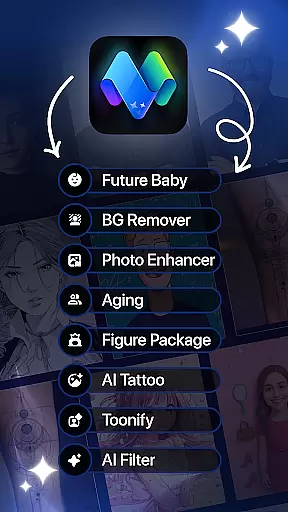
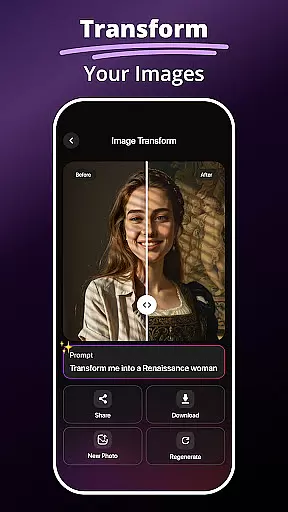
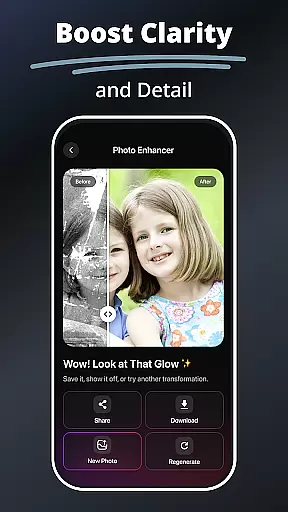
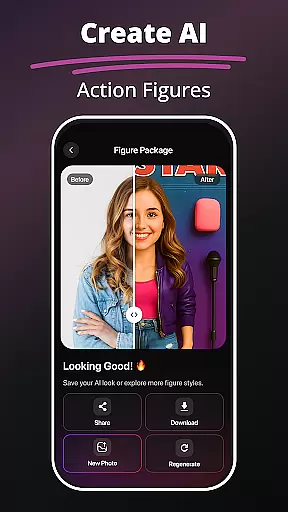
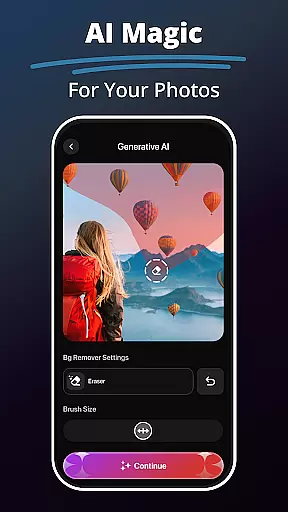
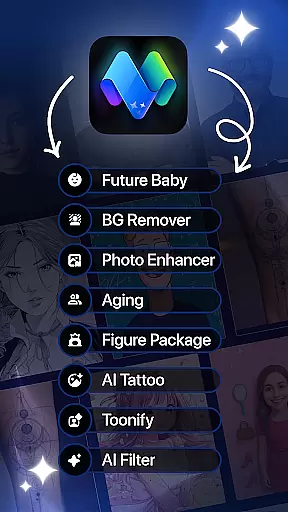
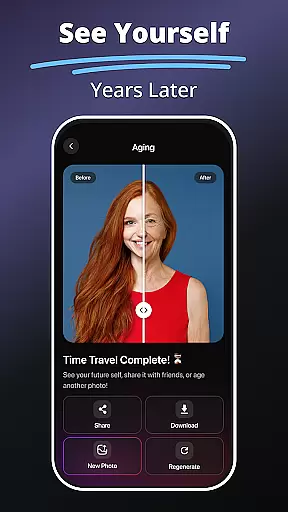
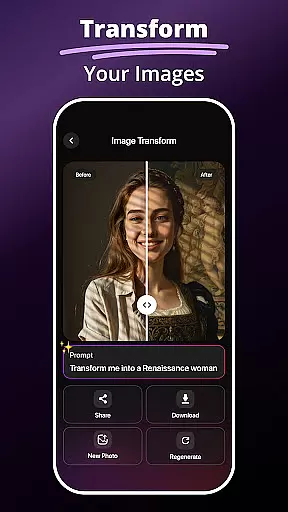
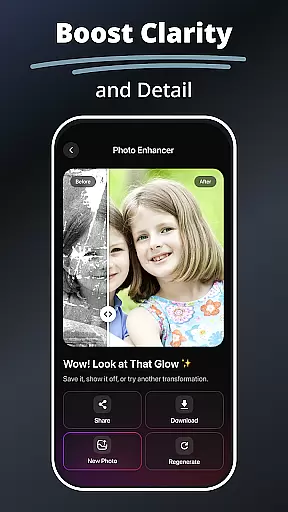
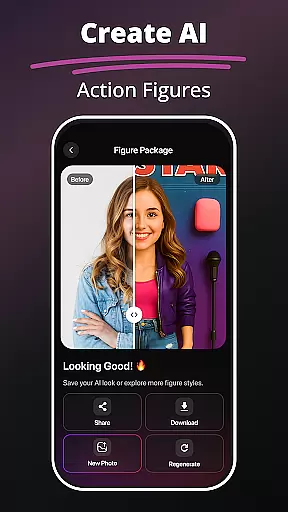
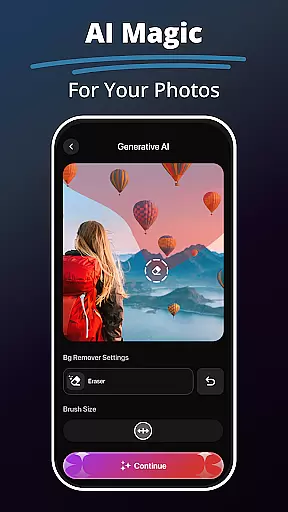
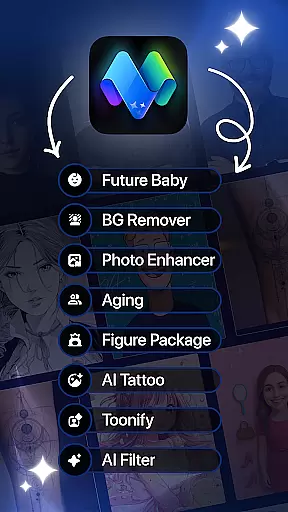
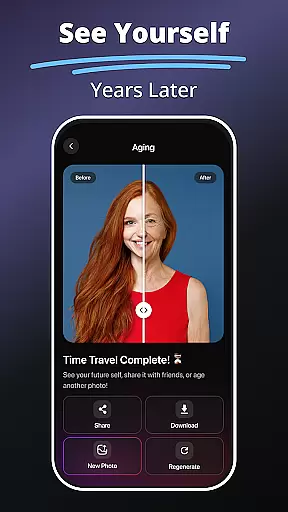
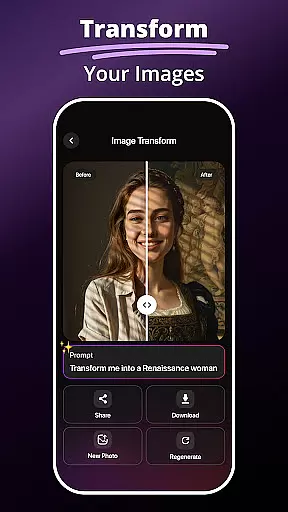
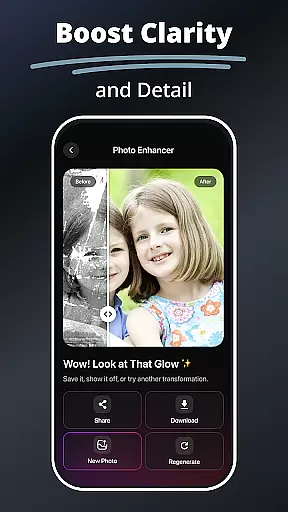
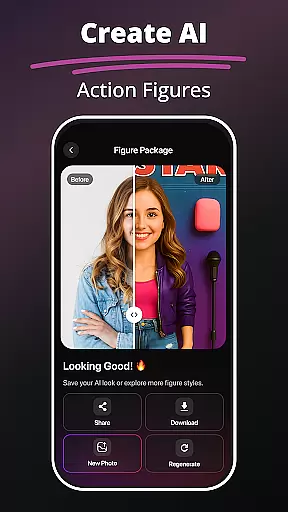
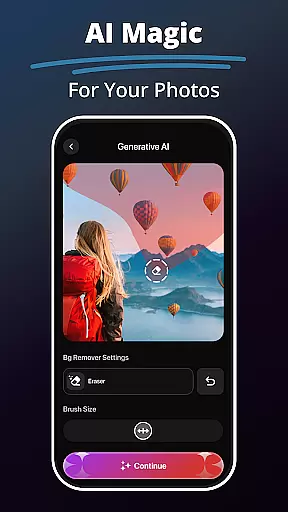
MePic is an innovative AI-powered photo editor designed for creative professionals and casual users alike. This all-in-one application allows you to transform ordinary photos into stunning digital artworks with minimal effort. The app's core features include advanced AI filters, realistic hair and beard styling tools, and a powerful background remover that simplifies complex editing tasks.
What sets MePic apart is its unique combination of practical tools and imaginative features. Users can generate future baby predictions, create personalized avatars in various artistic styles, and even produce custom images from text descriptions. Whether you're enhancing professional portraits or experimenting with fun visual effects, MePic delivers professional-grade results through an intuitive interface.
The application particularly shines in social media content creation and personal branding scenarios. Its ability to quickly produce high-quality, customized visuals makes it an invaluable tool for influencers, marketers, and artists who need to maintain a consistent visual presence across digital platforms.
MePic distinguishes itself through its comprehensive suite of AI-powered editing tools. The Text to Image feature utilizes sophisticated natural language processing to interpret user descriptions and generate corresponding visual representations, making it an exceptional tool for concept artists and designers seeking rapid prototyping capabilities.
The application's AI Photo Editor goes beyond basic adjustments by offering specialized tools like the Hair & Beard Changer, which employs advanced facial recognition algorithms to accurately map and modify facial features. The Background Remover implements edge-detection technology to precisely isolate subjects, while the Photo Enhancer Tools use machine learning to optimize image quality parameters automatically.
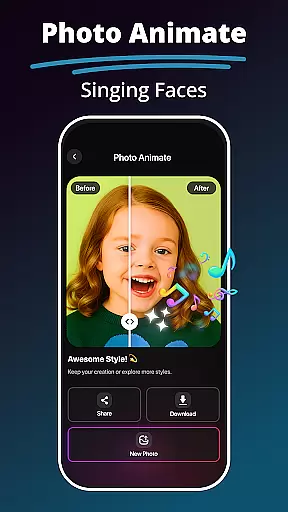
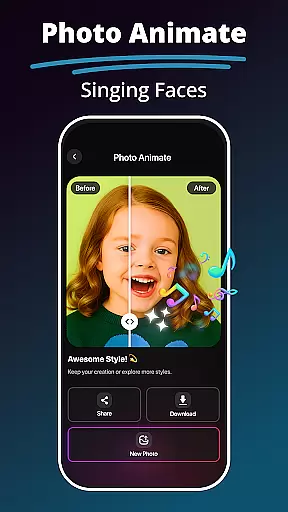
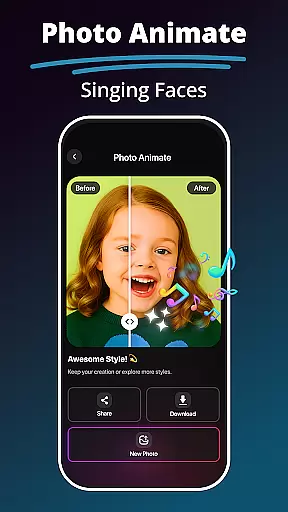
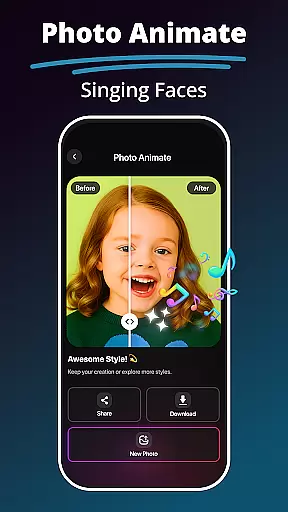
Particularly noteworthy is MePic's Avatar Creator, which combines customizable elements with style transfer technology to produce diverse artistic interpretations of user portraits. The Photo Animate feature adds another dimension by applying motion effects that bring static images to life, creating engaging content suitable for modern digital platforms.
In the realm of digital artistry, having a comprehensive suite of creative tools is essential for unleashing one's imagination. MePic stands out as an all-encompassing AI-powered photo editor that transforms selfies into digital masterpieces. With features ranging from Text to Image generation, which brings your descriptions to life in high-quality visuals, to an Avatar Creator that allows personalization in diverse styles, MePic provides an extensive toolkit for creativity.
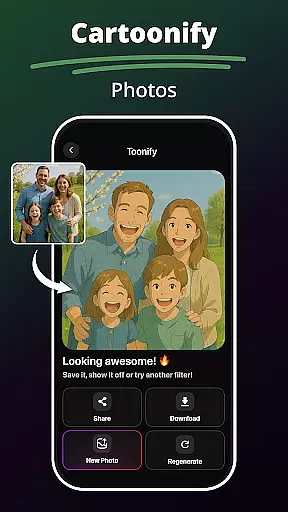
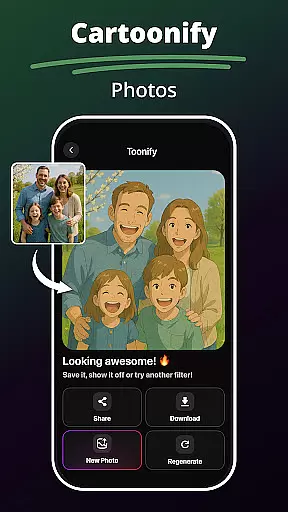
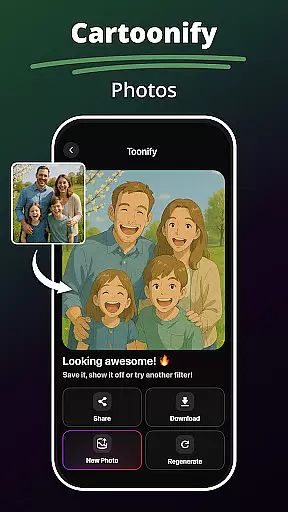
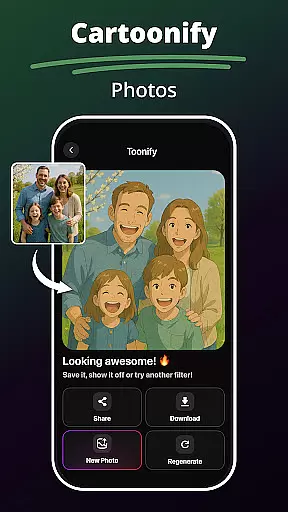
Moreover, the application offers advanced editing capabilities such as skin smoothing, color adjustment, object removal, and a plethora of AI filters. These filters cater to various artistic expressions, including cartoonish transformations and digital painting styles. The inclusion of a Hair & Beard Changer adds another layer of customization, enabling users to experiment with new looks without any commitment.
The true value of MePic lies in its ability to cater to both hobbyists and professionals by providing sophisticated yet accessible tools. Whether it's enhancing portraits or designing imaginative visuals, users can achieve their desired outcomes effortlessly. This versatility ensures that every user can explore their creative potential fully, making MePic an indispensable companion in the journey of artistic expression.
Flexibility in canvas and format options is crucial for artists who wish to express their creativity without constraints. MePic addresses this need by offering adaptable solutions for photo editing and creation. Users can enjoy the freedom of altering image dimensions and styles, experimenting with everything from standard photo edits to more avant-garde visual effects, thanks to the app's robust set of features like the Background Remover and Object Editing tools.
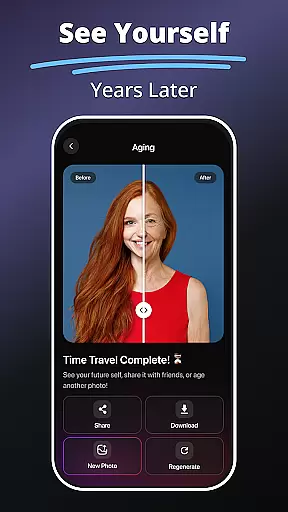
Additionally, MePic includes innovative functionalities such as Photo Animate, which introduces motion effects to static images, allowing creators to craft captivating visual stories. The Future Baby Generator presents a playful approach to predictive imagery, while the Photo Enhancer Tools ensure every picture achieves professional-grade quality through smart enhancements tailored to improve clarity and detail.
By merging powerful AI technology with user-centric design, MePic delivers a dynamic platform where flexibility meets functionality. Artists and enthusiasts alike can seamlessly transition between different formats and styles, confident in the knowledge that their creative vision will be realized with precision and flair. This adaptability not only enhances the user experience but also broadens the scope of projects that can be undertaken within the app.
User-friendly interface
Advanced AI capabilities
Versatile editing tools
Realistic style previews
Creative avatar options
Premium features locked
Occasional processing delays
Steep learning curve
Limited free exports
Subscription pricing

Sketch, plan, take notes and illustrate on an infinite canvas.
 4.20
4.20
Meet the magic aı 3d photo generator and smart AI video generator app.
3.20
Logo Generator powered by AI: Create stunning logos effortlessly!
4.70
Paint with oils and sketch with natural tools on a realistic virtual canvas.
3.80
Mobile pixel art editor. Simple. Fast. Portable.
4.80
Your homescreen as an elegant glass with customized blur, lighting, and visuals.
3.70
OneUI 8.5 icons ✨ Smooth, modern & based on the latest Play Store design ??
4.10
Create cute cat emojis & PFPs! Fun, custom avatars for cat lovers.
3.70
How to draw anime step by step for beginner easily by AR drawing sketch & paint.
3.60
Photo stitcher for automatically screenshot stitching into a long screenshot
4.70
Draw beautiful mandala's very easily
4.60
Share the joy of painting with ibis Paint! Drawing anime and manga art.
4.50
Everything you need to create hand drawn animation, anywhere you go!
4.40
Unleash the artist in you with our AR drawing and tracing tool for photo drawing
4.10
AR Anime Drawing: How to draw anime with AR drawing & sketching apps!
4.00
AI Face Swap, Video Effects Editor, Realtime Morph, Funny Video FX,AI Filters
3.70
Art of Combination Wear OS Watch faces
4.3
Android 14 style widgets and wallpapers app.
4.3
A luxurious gold watch face for an elegant and refined look.
4.5


User Reviews