
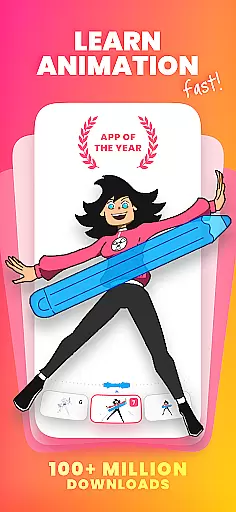
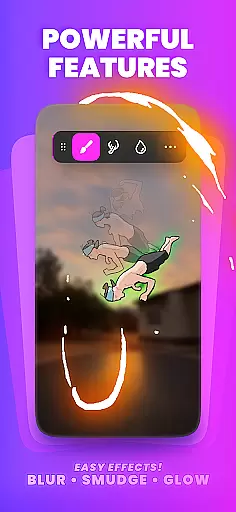
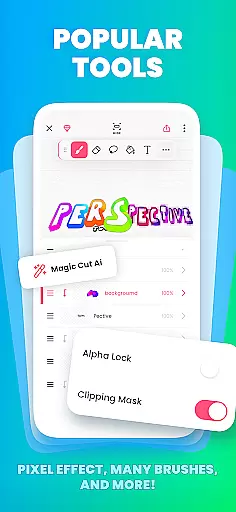
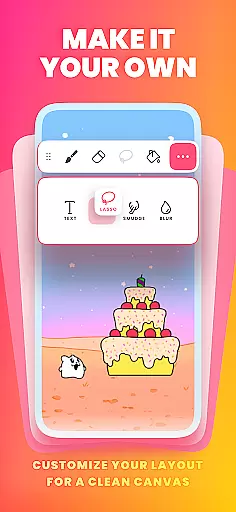
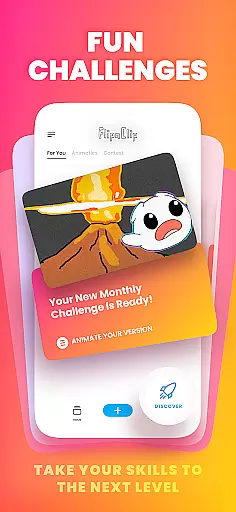
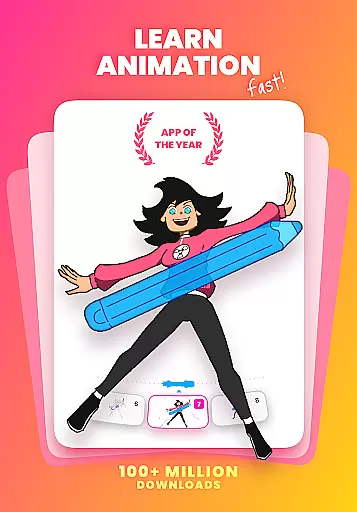
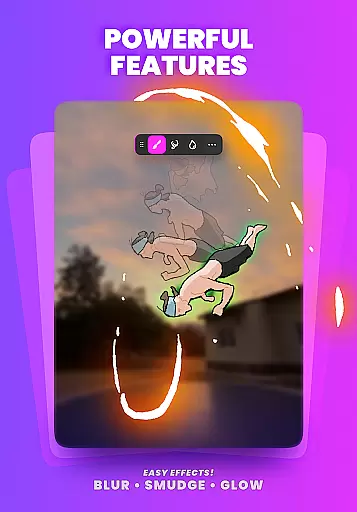
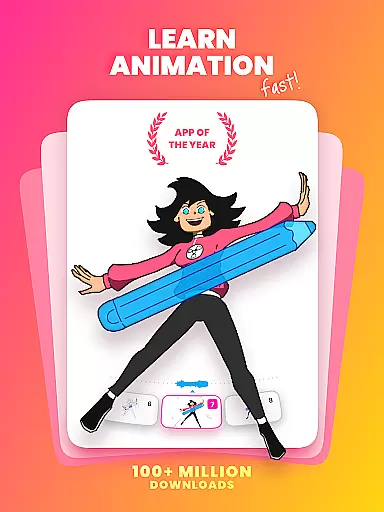
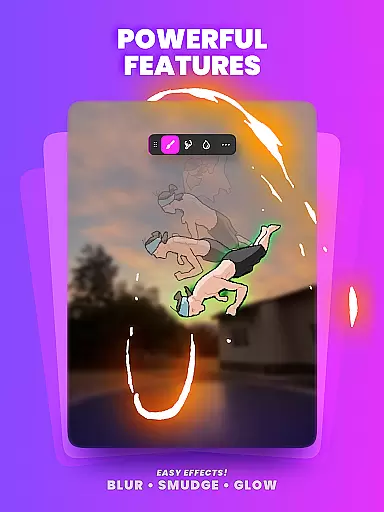
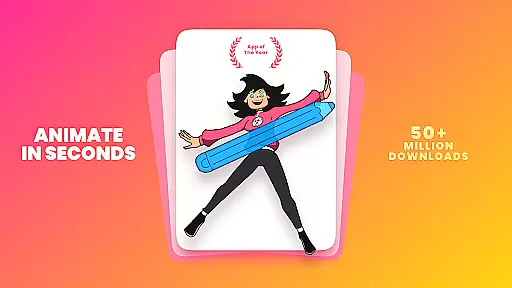
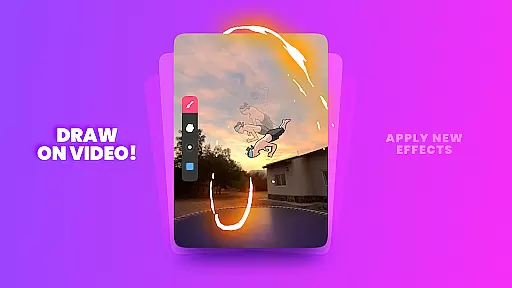
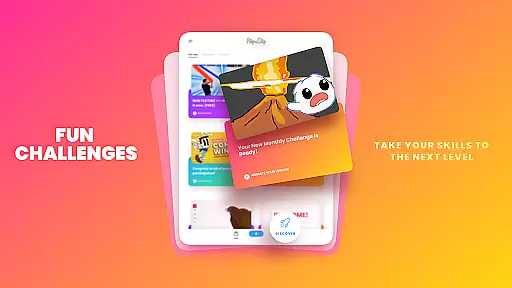
FlipaClip is a premier 2D animation app designed for artists and creators who want to bring their drawings to life. This ultimate cartoon drawing tool allows users to draw, animate, and create short animated movies and flipbooks with ease. Whether you're an aspiring animator or a professional storyboard artist, FlipaClip offers the perfect platform to explore your creativity.
The app combines the simplicity of traditional flipbook animation with advanced digital tools, making it suitable for both beginners and experts. With features like frame-by-frame animation, onion skinning, and multi-layer support, users can create complex animations and export them as MP4 videos or GIFs. Its intuitive interface and powerful capabilities have earned it millions of users worldwide.
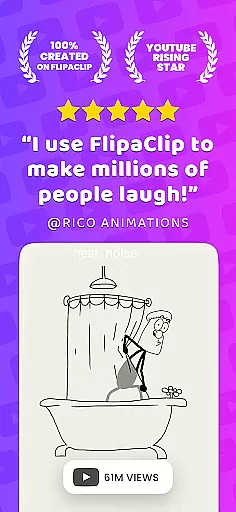
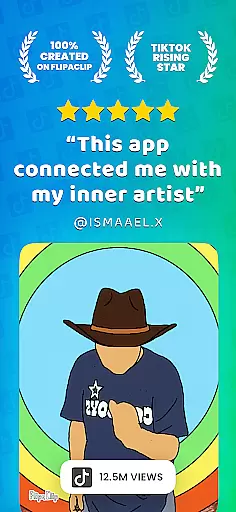
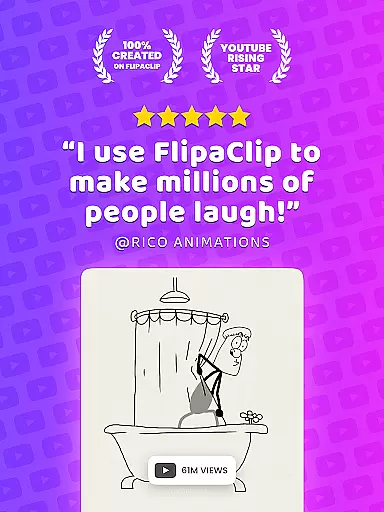
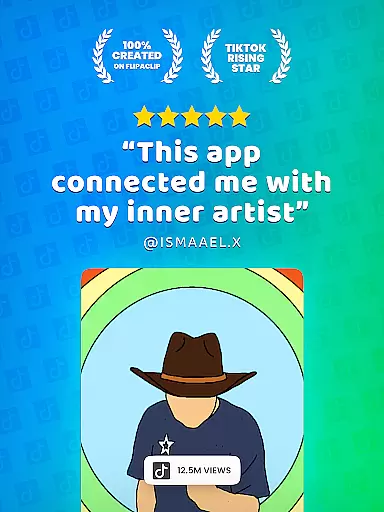
Perfect for creating cartoons, anime, memes, and more, FlipaClip stands out as an essential tool for anyone interested in animation. The app's versatility extends to social media content creation, allowing influencers and creators to produce engaging animated content for platforms like TikTok, YouTube, and Instagram.
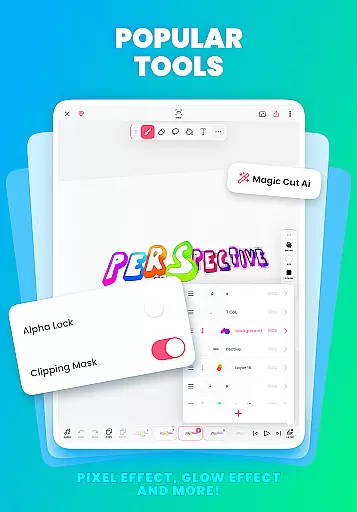
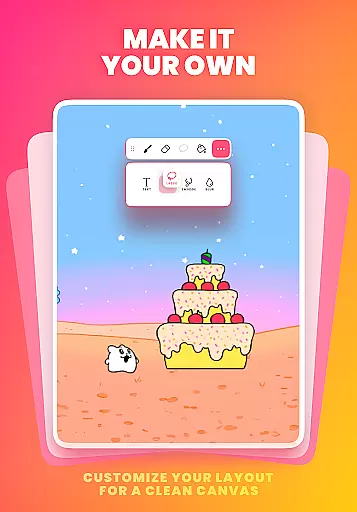
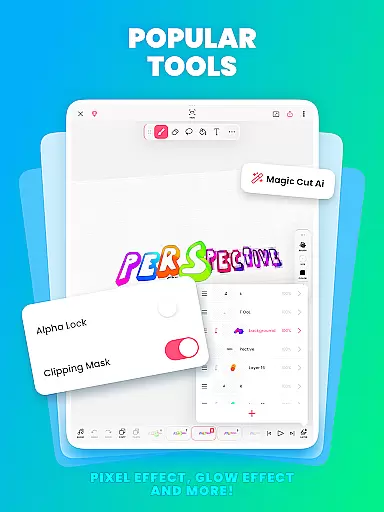
FlipaClip boasts an impressive array of features that cater to various animation needs. At its core, the app provides a complete suite of drawing tools including brushes, fill options, lasso, eraser, ruler, text, and shape tools. These enable artists to sketch and paint on custom canvas sizes, bringing their ideas to life through frame-by-frame animation.
One of the standout features is the frame-by-frame animation timeline, which gives animators total control over their creations. The onion skin tool ensures smooth transitions between frames, while support for up to 10 layers (with 3 free) allows for intricate and detailed artwork. Additionally, FlipaClip incorporates AI-powered tools like Magic Cut, which simplifies object removal from frames.
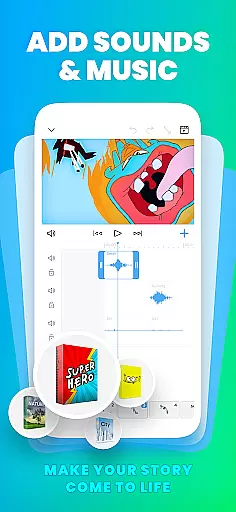
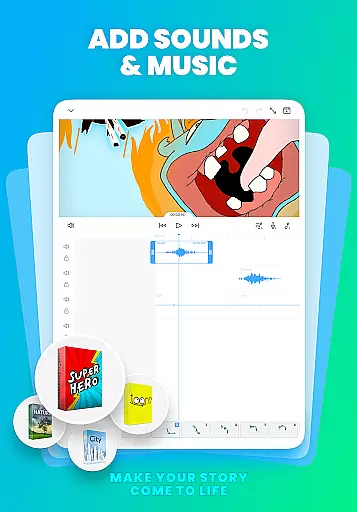
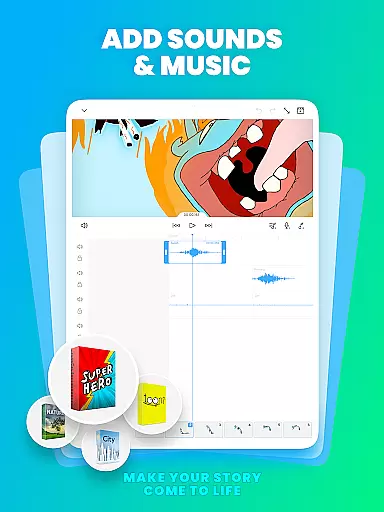
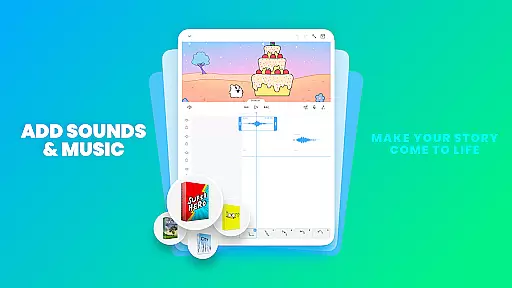
Audio integration is another key aspect, letting users add music, voiceovers, and sound effects across multiple tracks. Syncing these elements with the visual timeline enhances storytelling capabilities. Export options are versatile too, supporting MP4, GIF, and PNG sequences with transparency, ensuring high-quality output for diverse platforms.
FlipaClip stands out as a comprehensive creative suite for both budding and professional animators. The app offers a complete set of drawing tools including brushes, fill, lasso, eraser, ruler, text, and shape tools that cater to a wide range of artistic expressions.
With support for up to 10 layers (3 free), onion skinning for smooth transitions, and frame-by-frame animation timelines, users have total control over their creations. These features ensure that every detail can be meticulously crafted, making it an ideal choice for complex animations.
The inclusion of innovative features like Magic Cut, which uses AI to slice images and objects from frames, adds another dimension to the creative process. This positions FlipaClip not just as an animation app but as a powerful ally in bringing artistic visions to life.
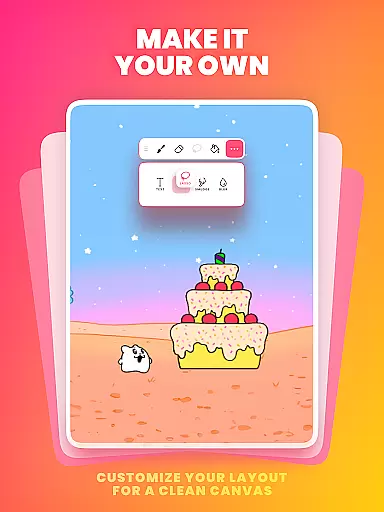
Flexibility is at the core of FlipaClip's design, allowing artists to work on custom canvas sizes tailored to their specific project needs. Whether creating simple doodles or detailed professional scenes, the app adapts seamlessly to various drawing styles and requirements.
Export options further enhance this flexibility by enabling animations to be saved in multiple formats such as MP4, GIF, or PNG sequences with transparency. This versatility ensures that creators can produce content optimized for different platforms like YouTube, TikTok, Instagram, and more.
Additionally, pressure-sensitive stylus support, compatibility with devices like Samsung S Pen and SonarPen, makes drawing precise and natural. Such adaptive functionalities empower users to maintain creative freedom without being constrained by format limitations.
User-friendly interface
Powerful drawing tools
AI-powered features
Versatile export options
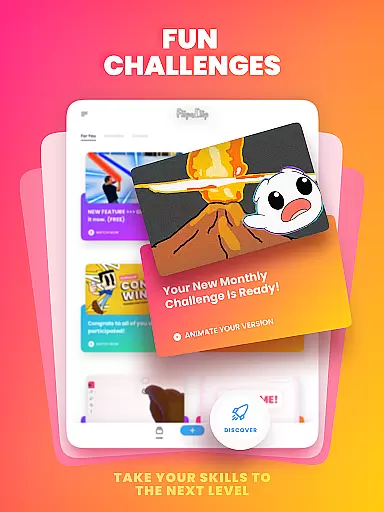
Active community support
Limited free layers
Premium features locked
Occasional bugs
Steep learning curve
Subscription costs

Create sweet, cool and unique couple avatars easily, in just a few steps!
 3.40
3.40
Sketch, plan, take notes and illustrate on an infinite canvas.
4.20
Custom Character Creator & PFP Maker!
4.20
Art of Combination Wear OS Watch Faces
4.1
Create stunning art with AI.
4.80
A luxurious gold watch face for an elegant and refined look.
4.4
Photo stitcher for automatically screenshot stitching into a long screenshot
4.70
Turning simple sketches into captivating tales filled with life and motion
3.90
Multiplayer Drawing game, Coloring, Painting・Sketch, Handwriting・Paint, draw
4.30
Draw anime & manga drawing, art with templates to create stunning picture!
4.50
Unleash your drawing and painting potential
4.50
Photo blender app to create overlay photos & double exposure.
4.40
Create stylish invitation cards using templates for weddings, birthdays & RSVP.
4.20
Digital Drawing: Draw & Paint
4.10
OneUI 8.5 icons ✨ Smooth, modern & based on the latest Play Store design ??
4.10
Unleash the artist in you with our AR drawing and tracing tool for photo drawing
4.10
Your homescreen as an elegant glass with customized blur, lighting, and visuals.
3.70
Transform photos into amazing monochrome dither art with professional algorithms
4.0
Art of Combination Wear OS Watch faces
4.5


User Reviews