
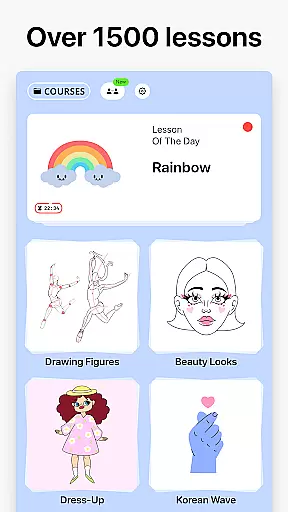

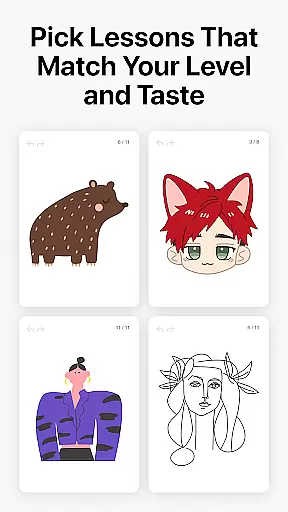
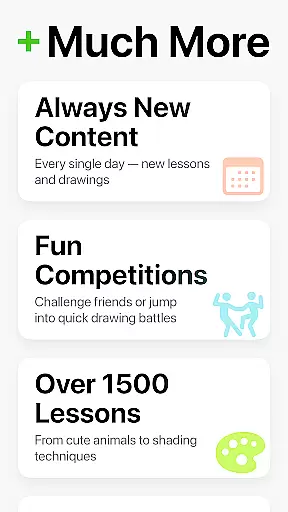
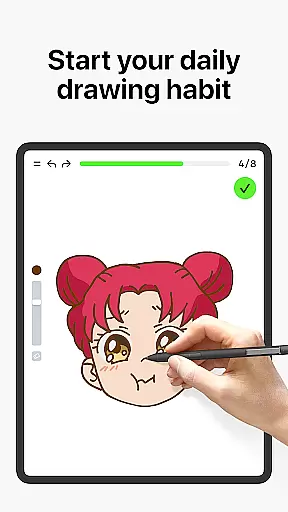
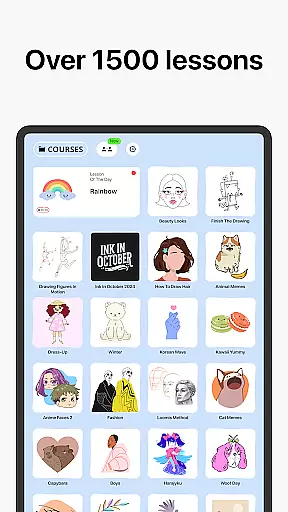

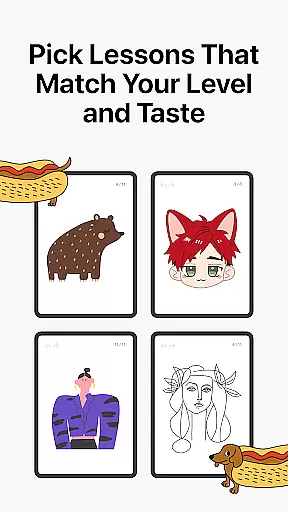
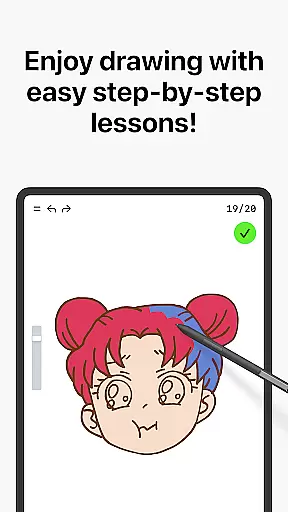
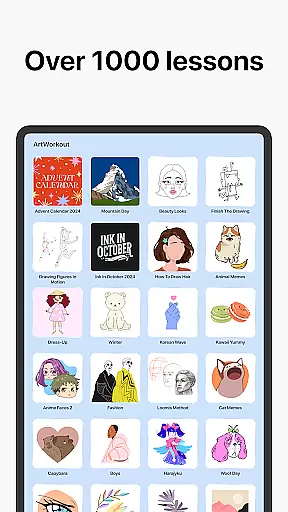

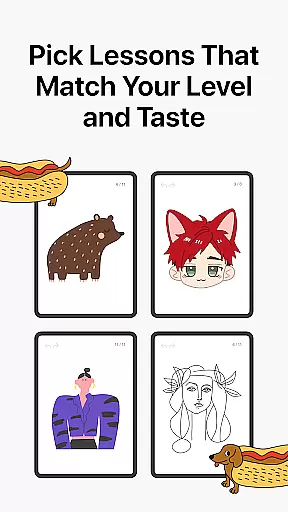
Learn how to draw is an innovative drawing and painting trainer app designed for art enthusiasts of all skill levels. The app offers over 1000 step-by-step tutorials that cater to both beginners and experienced artists, making it a comprehensive tool for learning and improving artistic skills. With its unique multiplayer mode, users can now engage in live drawing sessions with friends or other artists worldwide, creating a collaborative and competitive environment.
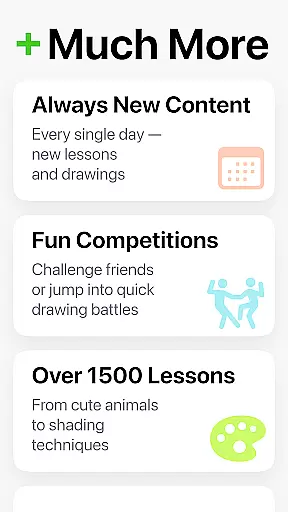
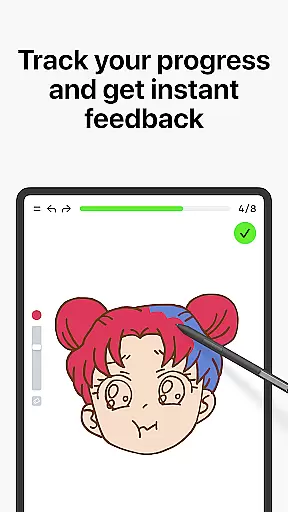
Beyond just tutorials, the app incorporates a scoring system that tracks user progress and provides measurable feedback on drawing accuracy and stroke quality. This feature-rich platform also includes interactive courses covering various art forms like doodling, sketching, and painting, while offering specialized content through themed lessons. The regular addition of new courses, often tied to cultural or holiday events, ensures continuous engagement and learning opportunities.
This app stands out by combining education with gamification elements, making the learning process both enjoyable and effective. Whether you're looking to master basic techniques or refine advanced skills, Learn how to draw creates an engaging space where users can develop their abilities while having fun.
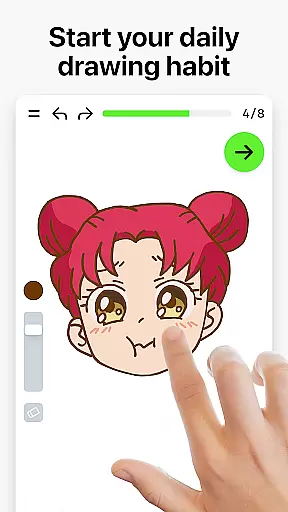
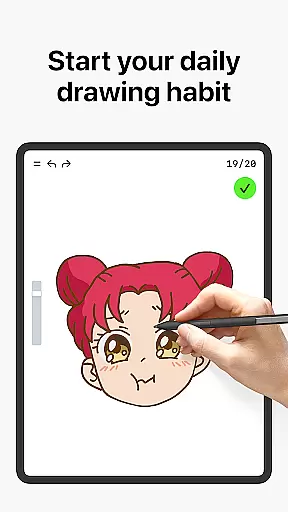
Learn how to draw distinguishes itself through several standout features that enhance the overall user experience. One of its most notable aspects is the Dynamic Tutorials system, which breaks down each lesson into 10-30 simple steps. This approach allows users to follow along easily, mastering techniques at their own pace while receiving clear guidance throughout the process.
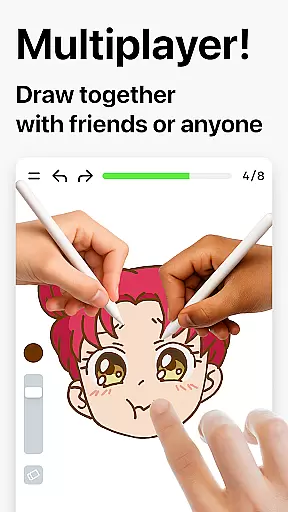
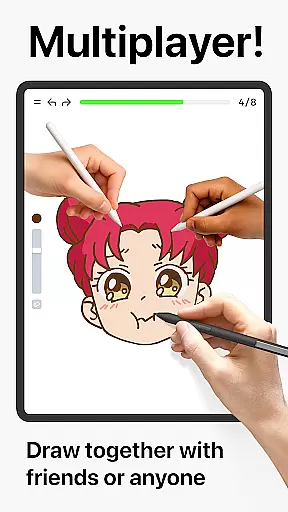
The introduction of Multiplayer Mode adds a social dimension to the app, enabling real-time collaboration and friendly competition. Users can work on the same artwork simultaneously, compare progress, and participate in joint creative challenges. This feature fosters a sense of community among artists while providing motivation through shared experiences.
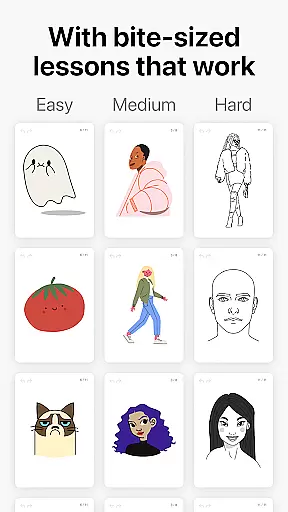
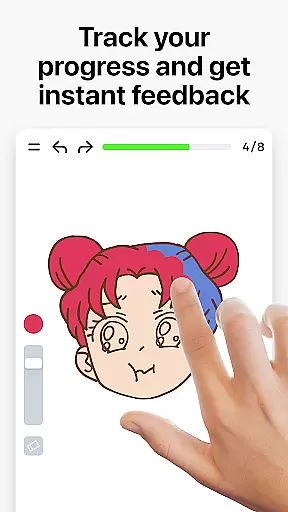
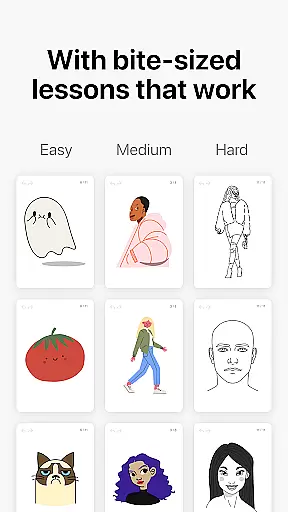
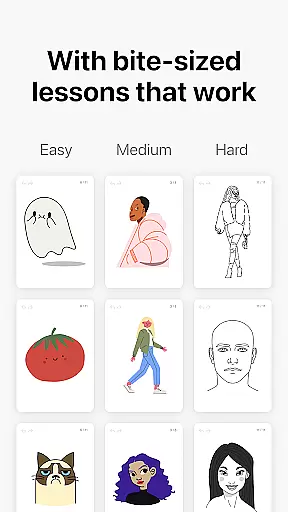
Another key highlight is the app's Scoring System, which evaluates both accuracy and stroke quality. By analyzing these metrics, the app delivers personalized feedback that helps users identify areas for improvement. Additionally, the inclusion of bite-sized, stress-free lessons makes it easier for users to integrate practice into their daily routines, ensuring steady progress without feeling overwhelmed.
ArtWorkout provides an extensive suite of creative tools designed to cater to artists of all skill levels. With over 1000 step-by-step tutorials, users can explore various techniques in drawing, painting, and tracing.
The app's unique algorithm tracks user progress, offering clear evidence of improvement over time. This feature-rich platform ensures that whether you're a beginner learning the basics or a professional seeking daily warm-up exercises, ArtWorkout has the tools necessary for artistic growth.
In addition to individual practice, the brand-new multiplayer mode allows users to draw and trace together with friends or other app users in real time. This collaborative space fosters a sense of community while providing a platform for friendly challenges and co-learning experiences.
ArtWorkout offers remarkable canvas and format flexibility, accommodating different styles and preferences. Users can choose from a wide array of interactive courses covering doodling, sketching, drawing, painting, and even handwriting.
Each lesson is broken down into 10-30 simple steps, making it easy for users to follow along and master techniques at their own pace. The bite-sized lessons ensure a stress-free learning experience suitable for both kids and adults.
Moreover, ArtWorkout stands out by measuring accuracy and evaluating stroke quality. This analytical approach helps users refine their skills by providing immediate feedback on steadiness, cleanliness, and expressiveness of lines u2013 essential aspects often overlooked by typical drawing apps.
User-friendly interface
Comprehensive tutorials
Real-time multiplayer
Progress tracking system
Regular content updates
Limited advanced tools
Occasional bugs
Premium subscription cost
Internet required
Steep learning curve

Text to Image, Image to Video & AI Chat
 4.20
4.20
Remove Background, Magic Eraser, Photo Enhancer, Story Templates, Collage Maker
4.30
Art of Combination Wear OS Watch faces
4.1
A luxurious gold watch face for an elegant and refined look.
4.4
2D animation studio for Android tablets - unlimited layers, infinite timeline
4.70
Your homescreen as an elegant glass with customized blur, lighting, and visuals.
3.70
Unleash the artist in you with our AR drawing and tracing tool for photo drawing
4.10
AI Tattoo Generator: Create Tattoo Designs & Get Ideas! Ink & Stencil Maker
4.50
Draw, fidget, and spin glow art! Relax and express your creativity with a finger
4.60
Convert image to JPG PNG HEIC PDF, support almost all kinds of image formats
4.70
Castle is social media for creating and playing games!
4.60
Turn your drawings into flipbook-style animations with simple creative tools
4.60
Create neon drawing with magic doodle and fun doodle art effects!
4.50
Customizable Outlined Fonts. Watch Face Format. Battery friendly Digital Clock.
4.20
Paint with oils and sketch with natural tools on a realistic virtual canvas.
3.80
AI Face Swap, Video Effects Editor, Realtime Morph, Funny Video FX,AI Filters
3.70
Create trending AI photos & videos with powerful effects and 3D styles.
3.20
Pose and morph realistic male and female models! 3D poser app
3.00
Premium version of Shimeji-ee app with no ads & no limit active shimeji
4.0


User Reviews