
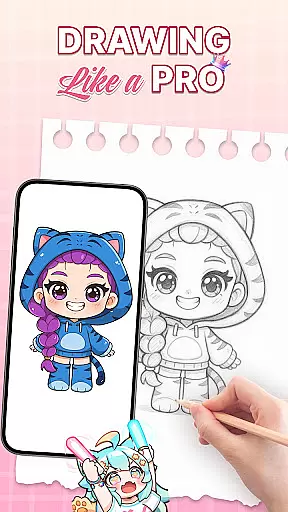
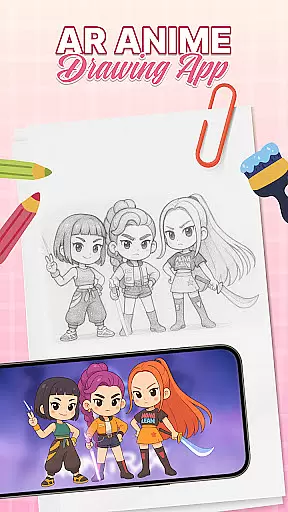
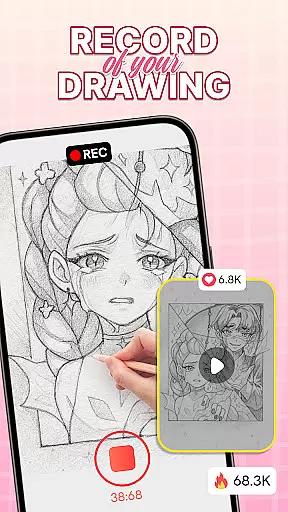
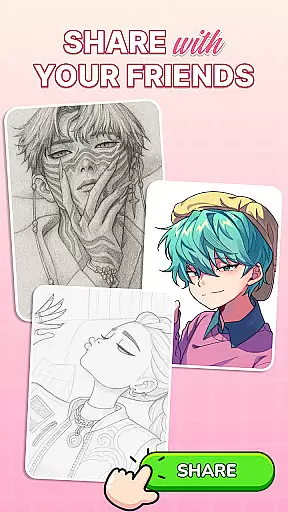
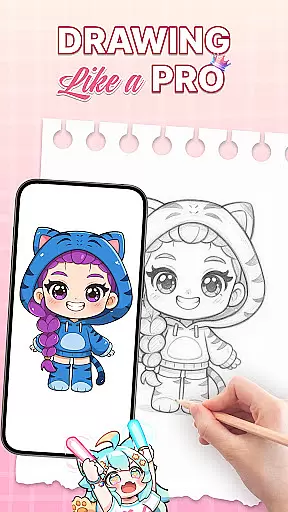
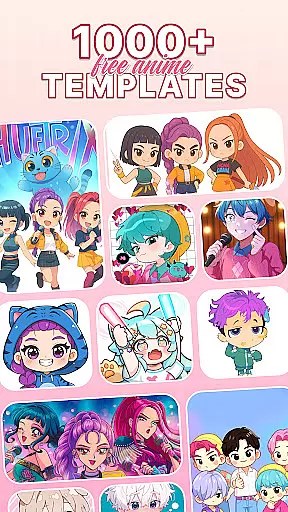
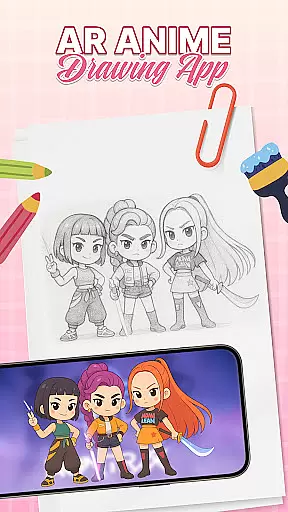
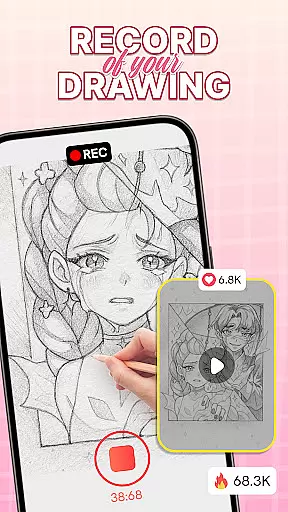
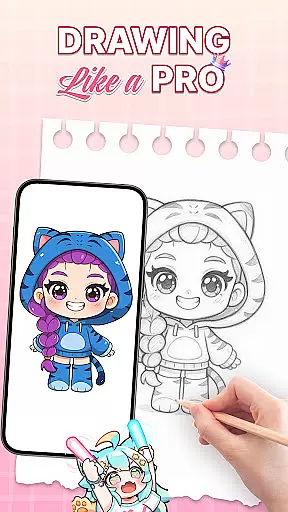
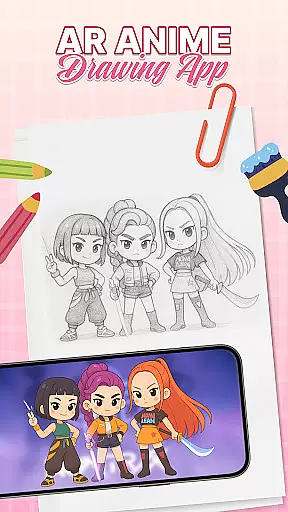
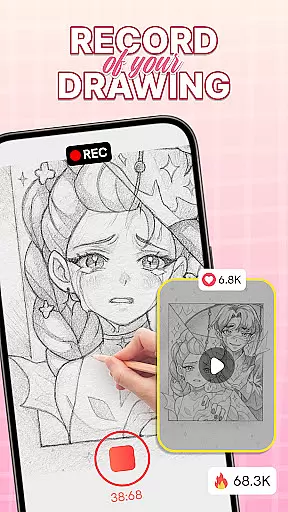
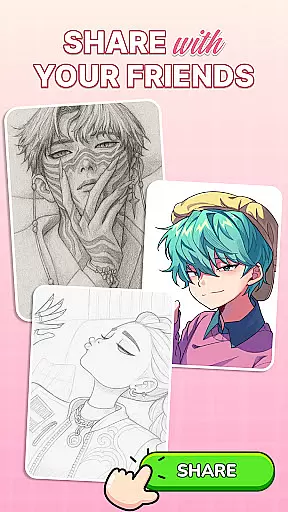
AR Drawing: Sketch & Trace is an innovative mobile application that merges augmented reality with artistic expression, allowing users to project any image onto paper for effortless tracing. The app's core functionality lies in its ability to transform ordinary images into traceable guides through AR technology, making it an ideal tool for both aspiring and professional artists.
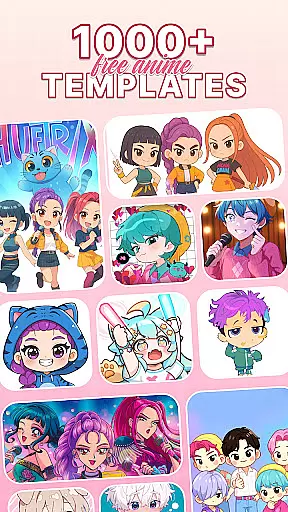
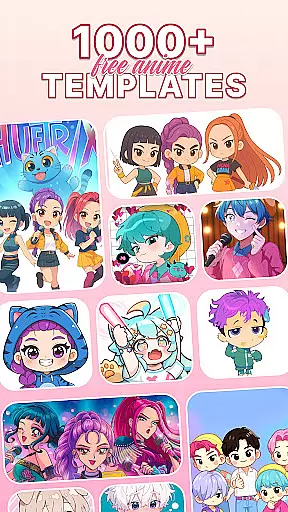
The application offers a diverse range of drawing templates covering popular categories such as anime, animals, and nature. These templates serve as excellent starting points for users looking to develop their sketching skills. Additionally, the app provides comprehensive sketch and paint tools, giving users the ability to add vibrant colors and intricate details to their artwork.
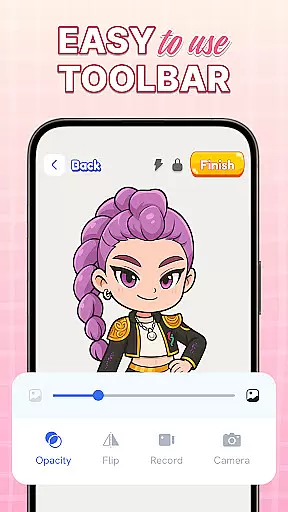
Whether you're an anime enthusiast wanting to master character drawings or a parent looking for creative activities to do with your children, AR Drawing: Sketch & Trace creates an interactive learning environment. Its user-friendly interface ensures accessibility for all skill levels while fostering creativity and artistic growth.
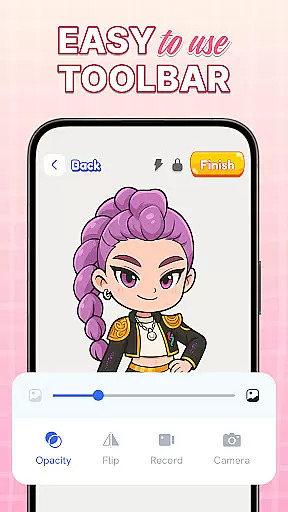
One of the standout features of AR Drawing: Sketch & Trace is its advanced AR tracing capability. By projecting inverted images directly onto a drawing surface, the app allows users to trace sketches with remarkable precision. This functionality is supported by the device's camera and flash, which ensure optimal visibility even in low-light conditions.
The app also boasts an extensive library of artistic tools designed to enhance the creative process. Users can access a wide array of paint and color options, enabling them to customize their artwork with vibrant hues and subtle shades. Furthermore, the diverse template collection - featuring everything from food illustrations to natural landscapes - provides endless inspiration for artistic exploration.
Regular updates and an intuitive user interface make this app suitable for both educational purposes and casual use. Whether you're a beginner learning basic drawing techniques or a professional artist seeking new ways to create, these features work together to provide a comprehensive and engaging artistic experience.
AR Drawing: Sketch & Trace offers a comprehensive suite of creative tools that cater to both amateur and professional artists. The app includes augmented reality (AR) drawing and tracing features, allowing users to project any image onto paper for effortless replication.
In addition to AR capabilities, the app provides diverse drawing templates covering various categories such as anime, animals, food, and nature. These templates serve as valuable guides for users looking to explore different artistic styles or refine their skills in specific areas.
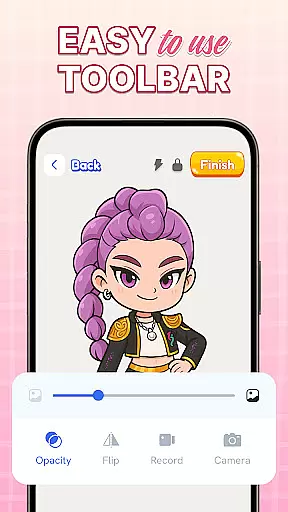
The Sketch & Paint functionalities within the app enable users to bring their sketches to life with vibrant colors and intricate details. This feature set is designed to enhance the overall drawing experience by offering powerful tools that mimic traditional art supplies while leveraging digital advantages.
With regular updates and new features continuously being added, AR Drawing ensures that its creative toolkit remains cutting-edge and relevant. This commitment to improvement helps maintain user engagement and supports ongoing artistic development.
One of the standout features of AR Drawing: Sketch & Trace is its canvas and format flexibility, which allows artists to work on various surfaces without limitations. By utilizing the phone's camera and AR technology, users can draw directly onto any stable surface, effectively turning the world into their canvas.
The app also integrates seamlessly with different paper sizes and orientations, providing users with the freedom to choose their preferred working format. Whether it's standard letter-sized paper or larger drawing pads, the application adapts to accommodate these variations.
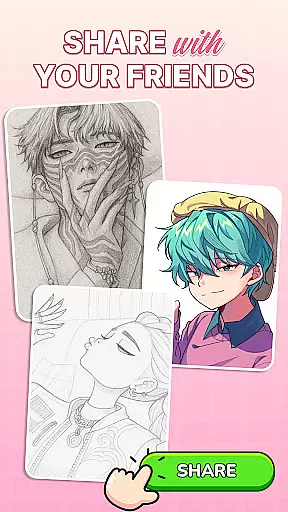
For those who prefer digital formats, the app offers extensive compatibility with various file types and resolutions. This ensures that artwork created within the app maintains its quality when exported or shared across different platforms and devices.
Furthermore, the inclusion of a built-in flashlight enhances low-light drawing conditions, making it possible to create art anytime, anywhere. This combination of physical and digital flexibility truly sets AR Drawing apart in the realm of mobile art applications.
User-friendly interface
Wide template variety
Advanced AR tools
Vibrant color options
Family-friendly design
Requires stable setup
Limited free content
Device compatibility issues
Occasional glitches
Premium feature costs

Discover Cartoon Dream : Unleash Your Creativity with CuttingEdge AI
 4.50
4.50
Download now for a stylish and functional timepiece
4.2
Text to Image, Image to Video & AI Chat
4.20
Photo blender app to create overlay photos & double exposure.
4.40
Create color palette from Image, RGB & RYB Color wheel harmonies, Color Scheme
4.50
Create stunning video, photo & magic from text with FlixAI GPT video generator.
3.10
Your AI soulmate — meaningful chats, and unique emotional moments
4.70
Art of Combination Wear OS Watch Faces
3.30
Create Logos, Tattoos, AI Art & more with our AI Photo Generator & Design Editor
4.20
See Color, Paint Color
4.90
Photo stitcher for automatically screenshot stitching into a long screenshot
4.70
Image/ Text to Video Generator
4.40
Nano Banana AI Image Generator, Anime Filter, AI Portrait, AI Photo Generator
4.30
800+ Drawing, Painting Lessons App to Practice, Sketch & Paint Art.
4.30
Customizable Outlined Fonts. Watch Face Format. Battery friendly Digital Clock.
4.20
Digital Drawing: Draw & Paint
4.10
Art of Combination Wear OS Watch faces (for Wear OS 5+ devices)
3.90
Draw anime easily with AR guidance, sketch templates & trace tools!
3.10
Art of Combination Wear OS Watch faces (for Wear OS 5+ devices)
3.00


User Reviews