
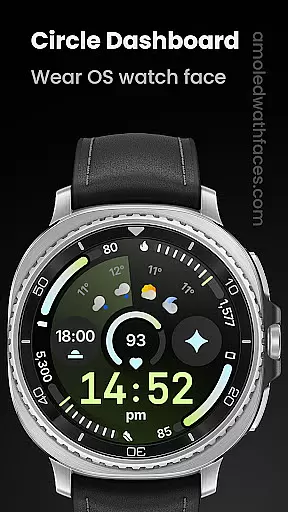
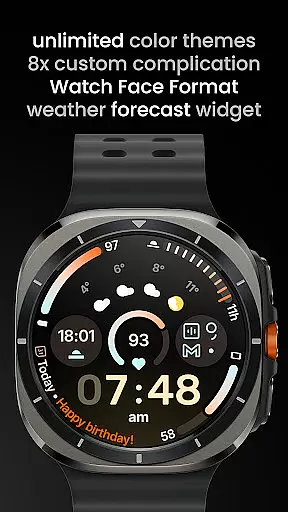
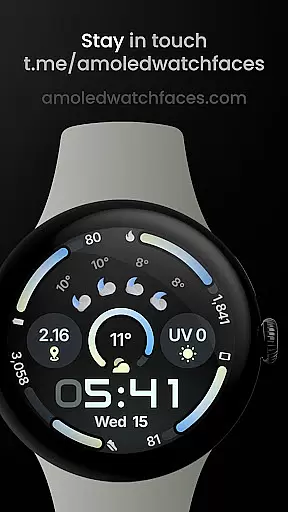
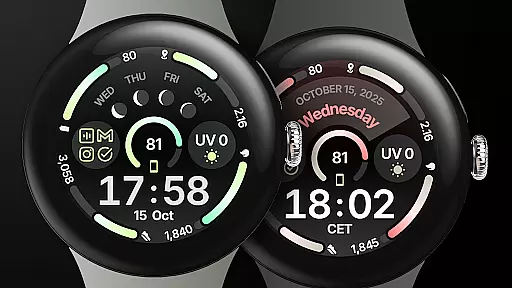
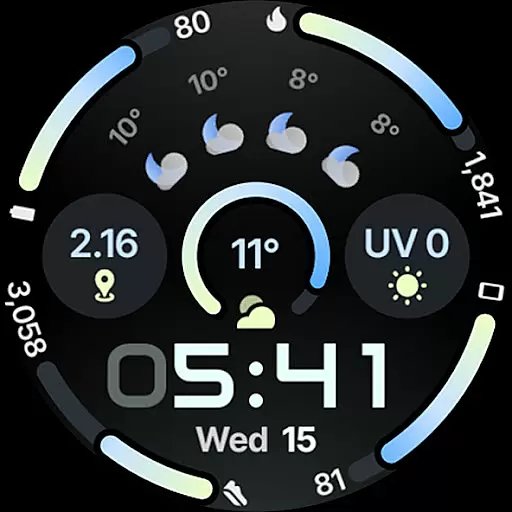
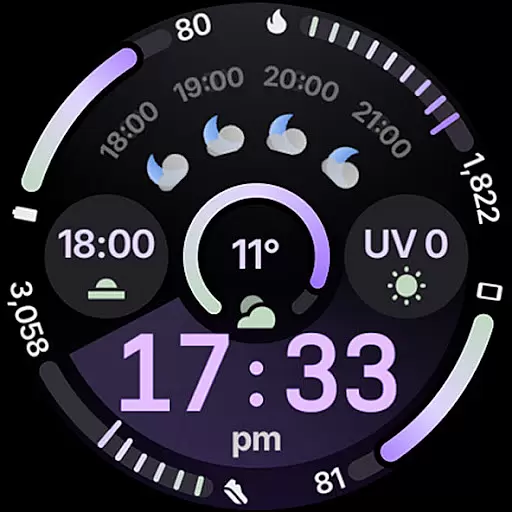
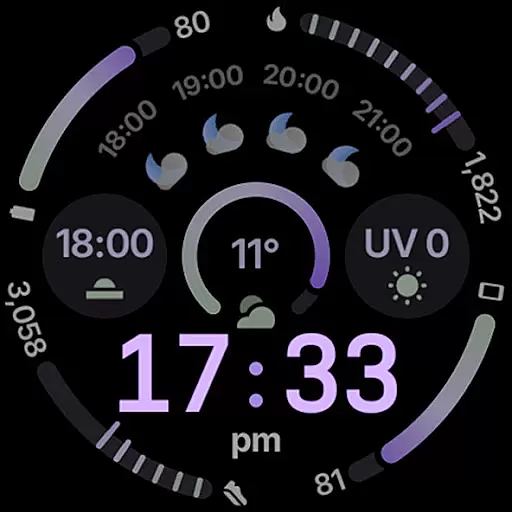
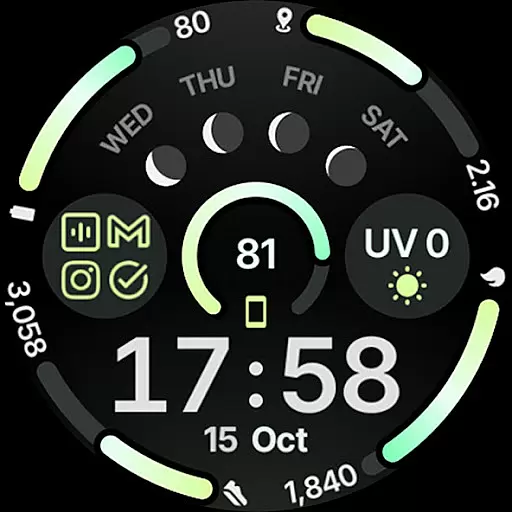
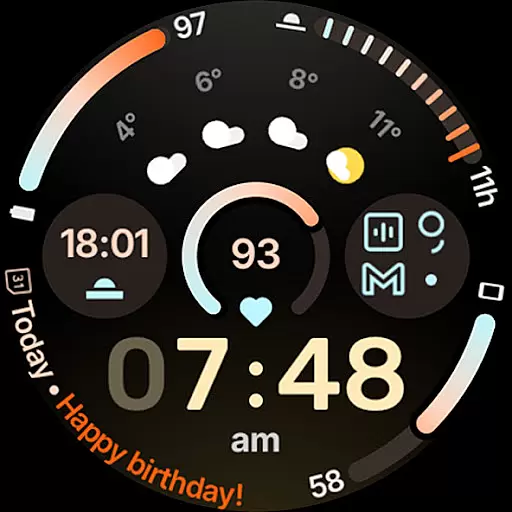
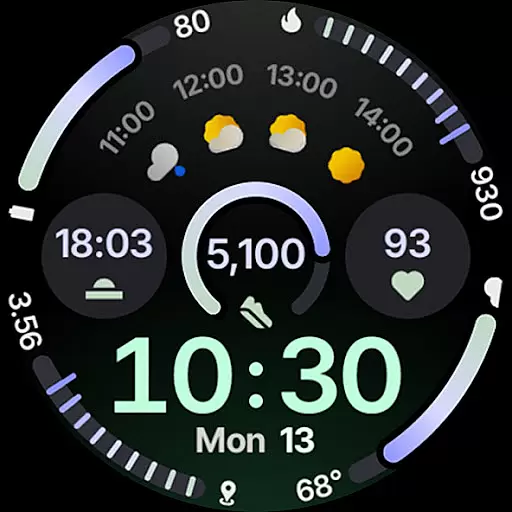
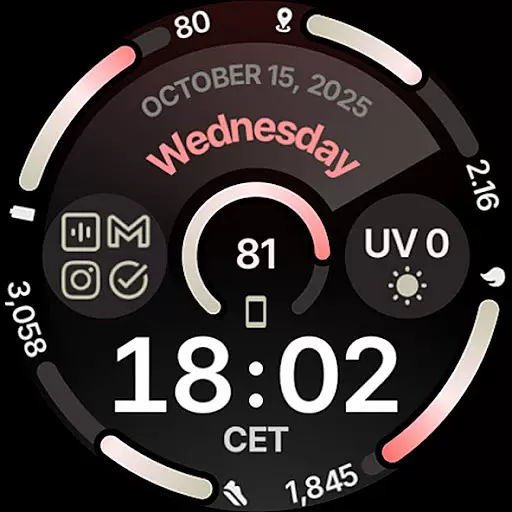
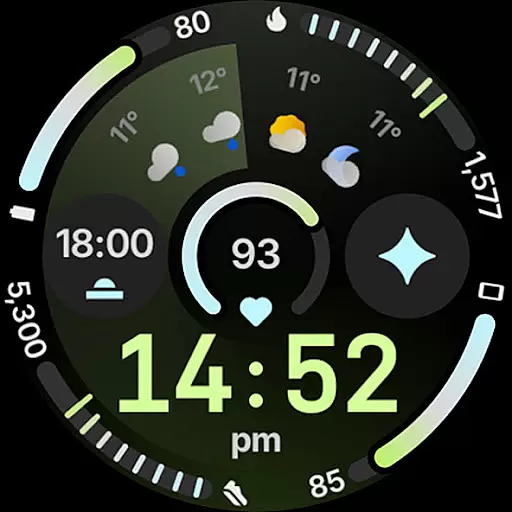
Circle Dashboard Watch Face is a feature-rich watch face designed exclusively for Wear OS 4+ devices. Inspired by the Galaxy Watch 8 series, it offers advanced customization options and supports multiple complications. The watch face provides users with an intuitive dashboard experience, featuring adaptive progress bars, customizable themes, and battery-friendly operation.
With support for various complication types and unique features like animated AOD entering, this application caters to users seeking both functionality and personalization in their smartwatch interface. Its true black background and unlimited color combinations make it particularly suitable for AMOLED displays.
The Circle Dashboard Watch Face stands out with its comprehensive feature set tailored for power users. It utilizes Watch Face Format 4 and offers 8 custom complication slots supporting multiple data types including SHORT_TEXT and RANGED_VALUE. The implementation of Material 3 design principles brings expressive progress bars and adaptive complication text sizing.
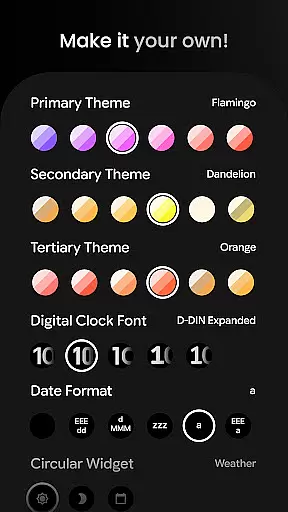
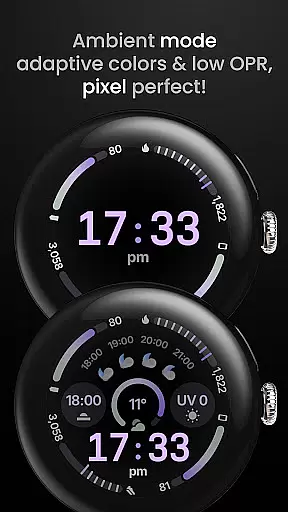
Advanced customization options include 60+ theme choices, multiple date formats, and three always-on display styles. Notably, the application features weather forecast widgets, digital clock effects, and requires minimal device resources while maintaining high performance standards across Wear OS versions.
Companion app integration is essential for wearable devices to synchronize data and settings with a smartphone. Circle Dashboard Watch Face ensures seamless connectivity between the watch face and its companion app, enhancing user experience by providing real-time updates and control.
This application supports custom complications that can be managed through the companion app. Users can configure up to eight custom complication slots, each supporting various types such as SHORT_TEXT, LONG_TEXT, and more. This flexibility allows users to personalize their watch faces according to their preferences and needs.
Additionally, the companion app offers extensive customization options including over 60 theme choices, multiple date formats, and toggles for features like seconds indicators and vivid digital clocks. These capabilities ensure that users have comprehensive control over the appearance and functionality of their watch faces.
By integrating advanced features such as animated always-on display entering and adaptive complication text size, Circle Dashboard Watch Face provides an enhanced visual experience while maintaining usability and battery efficiency. The companion app serves as a central hub for managing these sophisticated settings effortlessly.
Ensuring broad device compatibility is crucial for any Wear OS application. Circle Dashboard Watch Face is designed specifically for Wear OS 4+ devices, guaranteeing optimal performance and feature availability on supported platforms. This focus on compatibility ensures that users can enjoy the latest advancements in wearable technology without concerns about device limitations.
The watch face leverages Watch Face Format 4, which introduces new expressive progress bars and improved battery efficiency. By adhering to this format, Circle Dashboard Watch Face delivers a modern and responsive user interface that takes full advantage of Wear OS capabilities. Users benefit from enhanced visuals and streamlined interactions tailored to their smartwatches.
Furthermore, the application includes forward-thinking features such as animated AOD entering and adaptive complication text size, which will be available on future versions of Wear OS. This strategic development approach ensures long-term relevance and continued user satisfaction as wearable technology evolves.
With support for unlimited color theme combinations and three always-on display styles, Circle Dashboard Watch Face caters to diverse aesthetic preferences while maintaining high standards of performance and reliability across compatible devices. This commitment to quality enhances the overall user experience and satisfaction.
Highly customizable
Battery efficient
Modern design
Rich complication support
AMOLED friendly
Wear OS 4+ only
Weather widget limited
Some features restricted
Requires companion app
Complex setup

Christmas - Festive - Christmas Village - Winter - Christmas lights
 5.00
5.00
Embrace the festive spirit with our Christmas Countdown watchface for Wear OS
4.10
Easy Voice Recorder is your everyday companion to record important moments.
4.70
Artistic Digital Watchface
4.3
Beautiful, colorful and practical watch face. For Wear OS devices.
5.00
Ideal for surviving in the wasteland left after nuclear fallout
4.50
Your second brain for organizing your life: to-do, calendar, reminder.
4.70
Funny animated watch face for Thanksgiving
4.1
The most customizable hybrid watch face. For Wear OS 5.0, API 34+ and later
4.70
Hyperlocal rain alerts by MyRadar using patent-pending technology, radar & more
4.80
A modern premium sporty hybrid watch face for Wear OS by Ballozi
4.70
Highly customizable hybrid watch face for Wear OS, perfect for everyday use.
4.60
Bold weather Digital watchface with forecast & optional animated background
4.40
Your music, your playlists, and more—offline and unlimited.
4.20
Professional weather radar and more
3.90
Watch the sharpness of the sky on your wrist..
3.70
Christmas is near, let's count together the days left until Santa comes
4.5
A Wintery Snow Globe on Your Wrist; now celebrating Christmas!
4.4
Stylish digital watch face for Wear OS devices with customizable features
4.5


User Reviews