
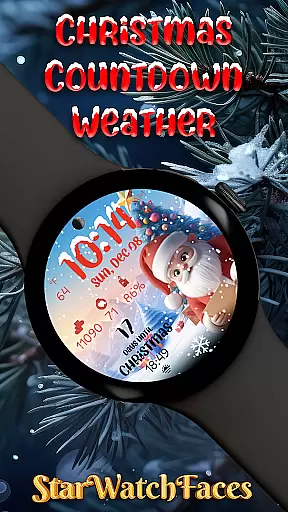
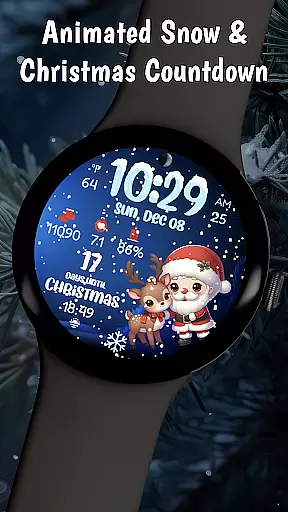
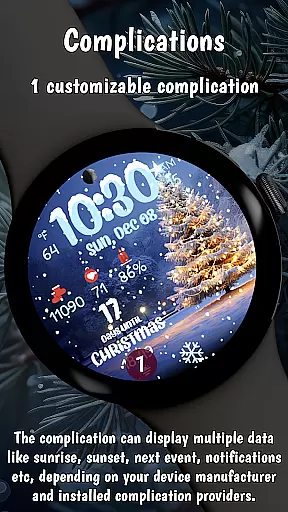
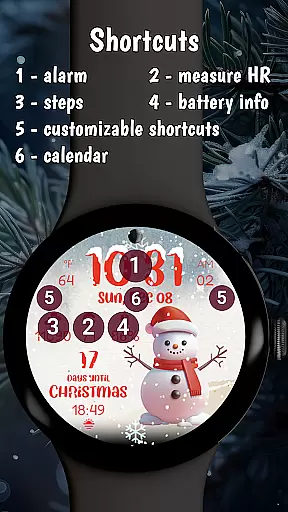

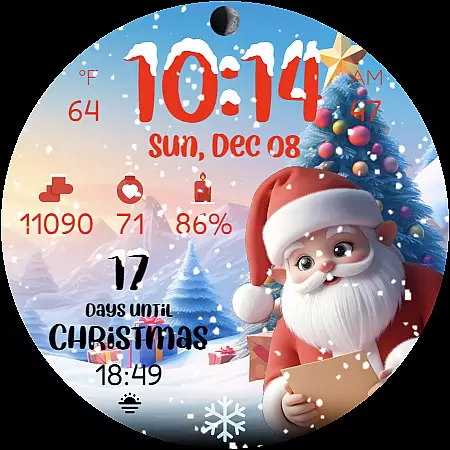
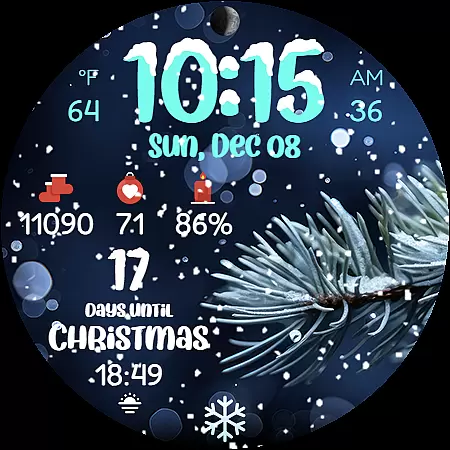
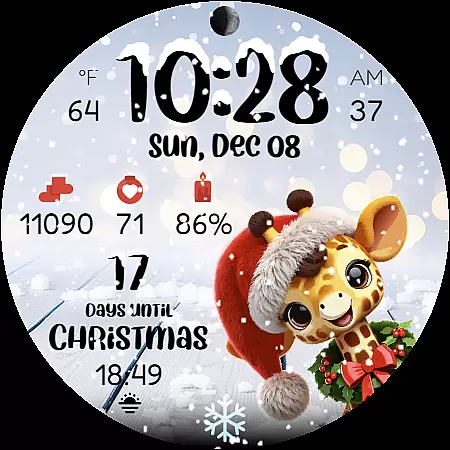
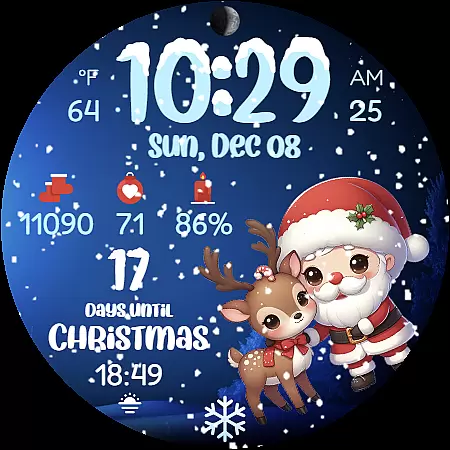
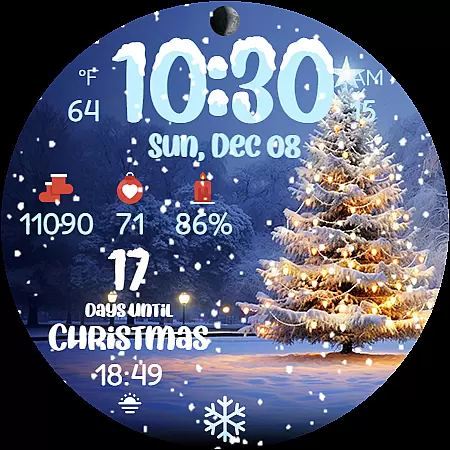
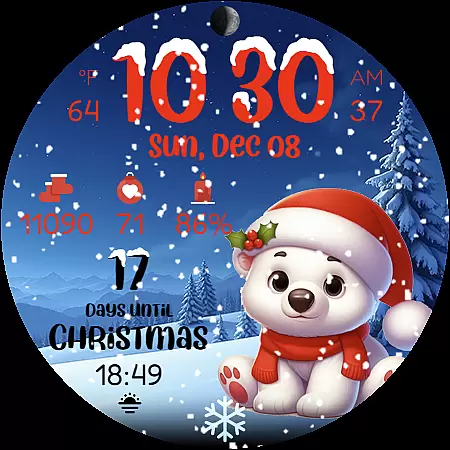
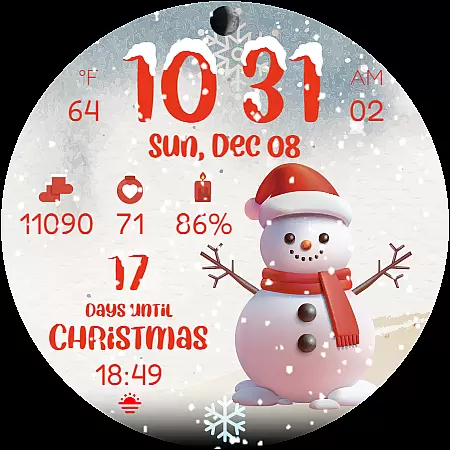
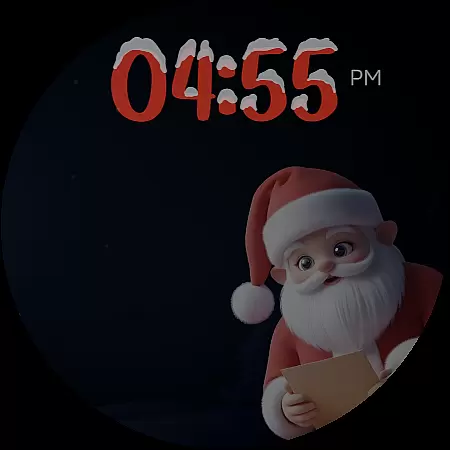
Christmas Countdown Weather is a feature-rich holiday watch face designed specifically for Wear OS smartwatches. This application transforms your wearable device into a magical Christmas companion, bringing festive cheer right to your wrist. The watch face displays an enchanting Christmas countdown timer alongside beautiful winter scenes and animated snowfall effects.
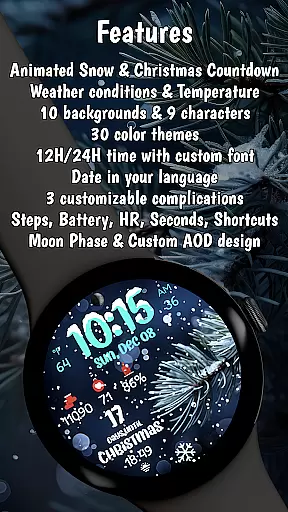
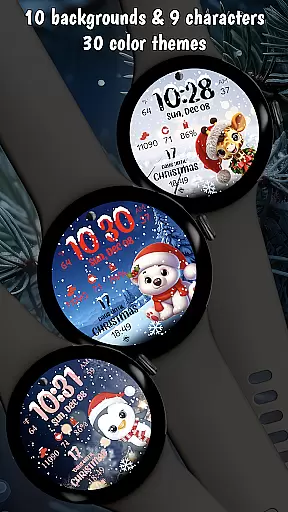
The app offers practical functionality with its digital clock, weather display, and health tracking features like step counting and heart rate monitoring. Users can customize their experience by choosing from 10 Christmas-themed backgrounds and 9 adorable holiday characters. Whether you're a Christmas enthusiast or simply looking to add seasonal flair to your smartwatch, this application provides both style and utility during the holiday season.
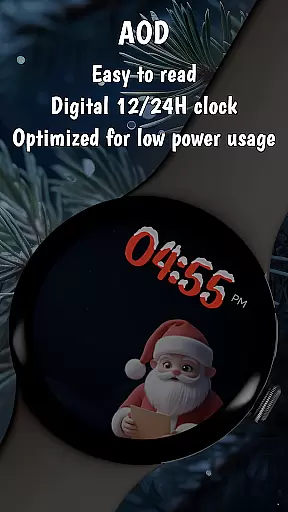
Christmas Countdown Weather stands out with its comprehensive set of holiday-themed features. The app's signature element is its Christmas countdown timer that builds excitement as Santa's arrival approaches. It incorporates optimized animations showing realistic snowfall while maintaining excellent battery efficiency through its Always-On Display mode.
Users can personalize their watch face with multiple color themes, background images featuring decorated Christmas trees, and charming holiday characters including Santa Claus himself. The smart features include weather condition displays, temperature readings, moon phase indicators, and health tracking metrics - all presented in a festive visual format. These combinations of aesthetic appeal and practical functionality make it an ideal choice for those wanting to celebrate Christmas on their smartwatch.
Companion app integration is essential for wearable devices as it enhances the overall user experience by enabling seamless synchronization between the watch and smartphone. Christmas Countdown Weather excels in this area by providing a dedicated companion app that allows users to customize their watch face effortlessly.
The companion app serves as a control center where users can modify various elements of the watch face. With just a few taps, you can change background images, select festive characters, adjust color themes, and configure complications according to your preferences. This level of customization ensures that each user's watch face is unique and perfectly matches their holiday spirit.
Moreover, the companion app provides access to additional features and content. Users can explore other amazing watch faces created by the developers, ensuring they always have fresh and exciting options to choose from. The app also facilitates easy updates, ensuring that users receive the latest enhancements and festive designs throughout the holiday season.
By leveraging the companion app, Christmas Countdown Weather not only offers extensive customization but also keeps users engaged with regular updates and new content, making every moment until Christmas special and personalized.
Ensuring compatibility with Wear OS and various devices is crucial for any wearable application. Christmas Countdown Weather is optimized for the latest Wear OS versions, guaranteeing a smooth and efficient performance on compatible smartwatches. This optimization includes an energy-efficient design that helps extend battery life, which is particularly important during the busy holiday season.
The application supports a wide range of devices, ensuring that users with different models can enjoy the magical Christmas experience it offers. Whether your smartwatch is a newer model or slightly older, Christmas Countdown Weather is designed to deliver consistent performance and visual appeal across all supported devices.
Additionally, the app incorporates advanced features like battery-saving Always-On Display (AOD) mode, allowing users to enjoy their festive watch face without unnecessary battery drain. The AOD mode displays essential information at a glance while conserving power, striking a perfect balance between functionality and efficiency.
With its broad device compatibility and focus on performance optimization, Christmas Countdown Weather ensures that every user can bring the magic of Christmas to their wrist, regardless of their specific Wear OS device. This commitment to compatibility and optimization highlights the app's dedication to providing a superior user experience during the holiday season.
Beautiful Christmas designs
Optimized battery usage
Customizable backgrounds
Real-time weather updates
Holiday countdown feature
Limited to Wear OS
Some features require specific hardware
Premium version costs money
May not work on older devices
Character options could be broader

Watch the sharpness of the sky on your wrist..
 3.70
3.70
Embrace the holiday spirit with this magical animated watch face!
4.40
Deck out your Wear OS Watch face with a beautifully decorated pine wreath!
4.50
Contemporary digital watch face with five complications
4.4
Beautiful, colorful and practical watch face. For Wear OS devices.
5.00
To-Do List: daily schedule planner, task organizer, to do reminder app, calendar
4.60
Stay in touch with your friends and family using LINE!
3.40
Viewer for Wyze/Yi/Eufy/Arlo/ONVIF/RTSP/P2P IP cams w/ adv. features & DIY DVR
4.00
Spam call blocker and caller ID for automatic call protection!
4.40
Gym Log & Workout Tracker | Fitness Journal, Training & Weight Lifting Planner
4.90
Be an elegant and classy secret agent, with this carefully detailed watch face
4.70
Nutrition, Macro tracker: Food, fitness & healthy diet tracking for weight loss
4.60
Connect to your Bluelink equipped Hyundai vehicle from your smartphone.
4.50
Watch face for Wear OS.
4.20
Hyper-Realistic Airplane Dashboard Watch Face With 10 Skins and Custom AOD
4.00
Professional weather radar and more
3.90
A full-featured Amazon Alexa voice assistant that can show you things.
3.70
Watch face designed for Thanksgiving Day. 7 Background Styles included.
3.20
Wear Os Watch Face - Animated Snow Effect & Christmas Lights
4.3


User Reviews